
The Future of Work: Creating a Home Office That Adapts to Your Evolving Needs

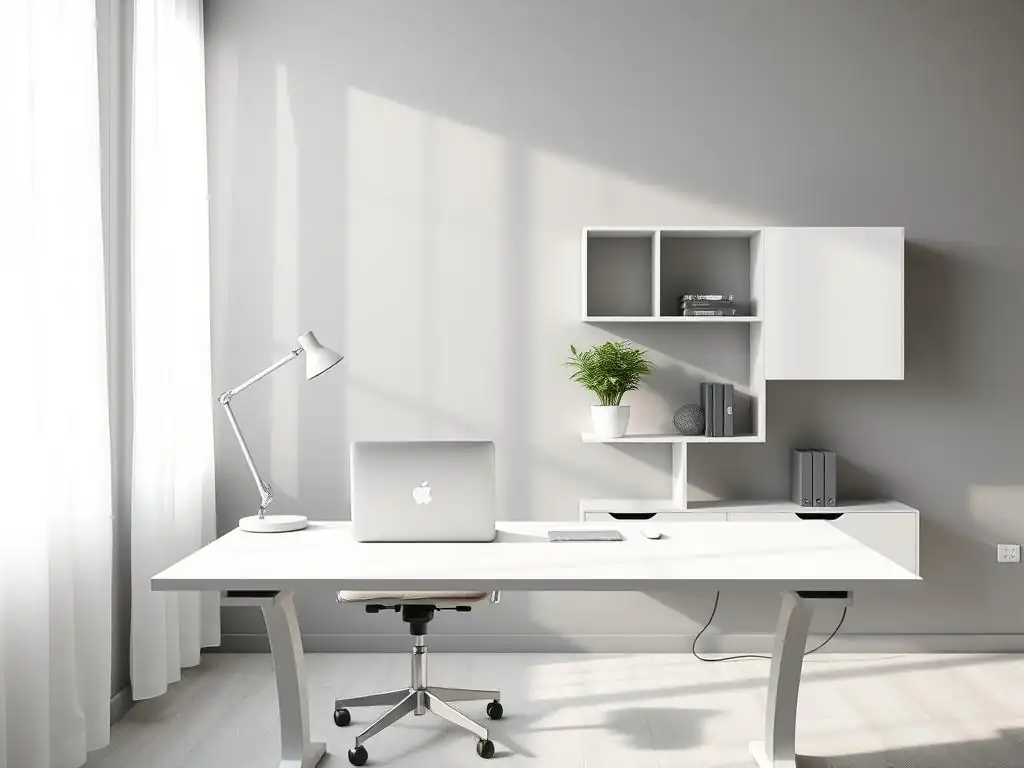
Welcome to UltimateLifeHacks, your destination for practical tips and tricks to master your daily life! Are you ready to revolutionize your workspace and unlock unparalleled productivity? We'll show you how with our in-depth guide on creating an adaptable home office setup – a system designed to evolve with your changing needs and propel you towards peak efficiency. Discover the secrets to a truly flexible and inspiring home office, and prepare to redefine your work-life balance. Let's dive in!
- Designing Your Adaptable Home Office Setup: A Guide to Future-Proofing Your Workspace
- Building an Adaptable Home Office Setup on a Budget: Cost-Effective Solutions for Long-Term Success
- Maintaining an Adaptable Home Office Setup: Regular Maintenance and Upgrades
- The Psychological Impact of an Adaptable Home Office: Creating a Space That Fosters Productivity and Well-being
-
Frequently Asked Questions
- What makes a home office setup truly "adaptable"?
- How can I create an adaptable home office on a budget?
- What technology is essential for an adaptable home office?
- How can I ensure my adaptable home office promotes good ergonomics?
- What are some space-saving solutions for a small adaptable home office?
- Final Reflection: Adapting to the Ever-Shifting Landscape of Home Work
- Design Your Dream Home Office: Adapt and Thrive!
Designing Your Adaptable Home Office Setup: A Guide to Future-Proofing Your Workspace
The modern workplace is in constant flux. Remote work, hybrid models, and the ever-evolving demands of our digital lives necessitate a home office that's not just functional, but adaptable. This article serves as your comprehensive guide to creating an adaptable home office setup – a workspace designed to evolve with your changing needs and career trajectory.
We'll explore how to assess your current workflow, plan your space efficiently, choose the right furniture, and prioritize ergonomics to build a truly future-proof workspace that boosts productivity and supports your well-being. This isn't just about today's work; it's about setting yourself up for success in the years to come. Optimizing your "Adaptable home office setup" will not only improve your immediate efficiency but will also enhance your long-term career prospects and overall quality of life.
Assessing Your Current Workflow and Future Needs: Identifying Your Adaptable Home Office Requirements
Before diving into furniture and design, honest self-assessment is crucial. Consider your current work routine: What tasks dominate your day? Do you primarily use a laptop, or do you require multiple monitors and peripherals? Think about your future aspirations.
Will your work involve more video conferencing? Do you anticipate needing more storage space as your projects grow? Creating a detailed inventory of your current equipment and a realistic projection of your future needs is the foundation of an adaptable home office. This process allows you to anticipate potential changes and design a space that can accommodate them seamlessly.
For example, if you anticipate needing more storage in the future, consider building in extra shelving or opting for a modular desk system. Careful consideration of these factors will prevent you from having to make costly or disruptive changes down the line. 📝 Consider creating a table like this to organize your thoughts:
| Current Need | Future Projection (1 year) | Future Projection (5 years) |
|---|---|---|
| Laptop, Notebook, Pen | Laptop, External Monitor | Desktop PC, Dual Monitors |
| Minimal Storage | Additional Shelving | Filing Cabinet, Archive Box |
| Occasional Video Calls | Regular Video Calls | Daily Video Conference Calls |
Space Planning for an Adaptable Home Office: Maximizing Functionality in Limited Space
Even in a small space, you can create a highly functional and adaptable home office. The key is strategic planning and multi-functional furniture. Think vertically! Utilize wall space with shelves for books, files, and decorations. Consider a Murphy bed if space is extremely limited, transforming your office into a guest room when needed. Maximize natural light to improve mood and productivity.
Remember, a cluttered space equals a cluttered mind. Prioritize storage solutions to keep your workspace organized and free from distractions. Efficient space planning ensures that your adaptable home office setup remains productive and comfortable, regardless of the size of your room. Clever use of space-saving furniture and organizational tools can make a huge difference in the overall functionality of your workspace. Consider using modular furniture that can be easily reconfigured as your needs change.
Choosing the Right Desk for Your Adaptable Home Office: Standing Desks vs. Traditional Desks
The choice between a standing desk and a traditional desk is a significant one for your adaptable home office setup. Standing desks promote better posture and can boost energy levels, but they might not suit everyone. Traditional desks offer comfort and familiarity, but they can contribute to a more sedentary lifestyle. Consider your personal preferences and physical needs when making this decision.
A height-adjustable desk offers the best of both worlds, allowing you to switch between sitting and standing throughout the day. However, even with a traditional desk, you can incorporate ergonomic accessories to improve your posture and comfort. Ultimately, the "best" desk is the one that best supports your individual needs and promotes long-term health and productivity.
Ergonomic Considerations for an Adaptable Home Office Setup: Investing in Your Long-Term Comfort and Health
Ergonomics are paramount in any home office, but especially in an adaptable one designed for long-term use. Investing in ergonomic furniture and accessories is an investment in your long-term health and productivity. This includes an ergonomic chair with proper lumbar support, a keyboard and mouse designed to minimize strain, and a monitor positioned at eye level. Consider using a footrest to maintain proper posture while sitting, and remember to take regular breaks to stretch and move around.
Prioritizing ergonomics now will prevent future discomfort and potential health issues associated with prolonged periods of sitting or poor posture. Remember, a healthy and comfortable workspace is a productive workspace! 🧘♀️
Technology Integration for a Flexible and Adaptable Home Office: Seamless Connectivity and Collaboration
Integrating the right technology is paramount for creating an adaptable home office setup. A flexible workspace isn't just about furniture; it's about seamless connectivity and effortless collaboration, allowing you to adapt to changing project demands and work styles. This involves careful consideration of several key technological aspects, ensuring your home office remains a productive and efficient hub for years to come.
Investing in robust and future-proof technology will not only improve your current workflow but also safeguard your productivity against unforeseen technological shifts. This proactive approach ensures your home office remains a competitive and efficient workspace in the ever-evolving landscape of remote work.
High-Speed Internet: Essential for Remote Work and Collaboration
High-speed internet is no longer a luxury; it's a necessity for any adaptable home office. Reliable, high-bandwidth internet is crucial for video conferencing, cloud storage access, and efficient file transfers – all essential components of a modern, adaptable workspace. Consider the average number of devices connected simultaneously in your home office, and choose an internet plan that can comfortably handle the load, with enough bandwidth for seamless streaming and large file uploads.
Slow internet speeds can significantly hamper productivity, leading to frustrating delays and missed deadlines. Furthermore, consider the stability of your internet provider; outages can disrupt workflow and impact your ability to meet deadlines. Investing in a reliable provider and a robust internet connection is a cornerstone of an adaptable and efficient home office setup.
Consider redundant internet options, such as a cellular backup, to mitigate the impact of outages. This ensures business continuity and protects you from productivity losses.
Essential Software and Apps for an Adaptable Home Office: Productivity Tools and Collaboration Platforms
The right software and applications are crucial for maximizing the adaptability of your home office. This goes beyond basic word processing and spreadsheets. Consider project management tools like Asana or Trello for collaborative teamwork, regardless of location. These platforms allow for efficient task assignment, progress tracking, and seamless communication with colleagues. For communication, video conferencing platforms such as Zoom or Google Meet are essential for maintaining real-time collaboration.
These tools allow you to easily connect with clients and colleagues, fostering a sense of connection and facilitating effective teamwork. Additionally, explore cloud-based storage solutions, enabling you to access your files from anywhere, anytime. Finally, consider specialized software relevant to your profession. Adaptability means having the tools you need to handle diverse projects effectively. Investing in a suite of powerful and interconnected software solutions creates a dynamic and responsive home office environment.
Cloud Storage Solutions for Seamless Data Access
Cloud storage is a non-negotiable element of any truly adaptable home office setup. Services like Google Drive, Dropbox, or OneDrive offer secure, accessible storage for your important files, preventing data loss and ensuring seamless access from any device. This eliminates the risk of relying on a single physical location for your data, providing a critical layer of security and flexibility.
The ability to access your files from anywhere – whether you're working from home, a coffee shop, or traveling – is crucial for maintaining productivity and responsiveness. Furthermore, cloud storage often integrates seamlessly with other productivity apps, enhancing workflow efficiency. Consider the security features offered by different cloud providers, and choose a solution that offers robust data encryption and protection against unauthorized access.
Regular backups and data redundancy are essential for protecting your valuable work and maintaining the adaptability of your home office setup. This proactive approach ensures business continuity and minimizes the risk of data loss.
Building an Adaptable Home Office Setup on a Budget: Cost-Effective Solutions for Long-Term Success
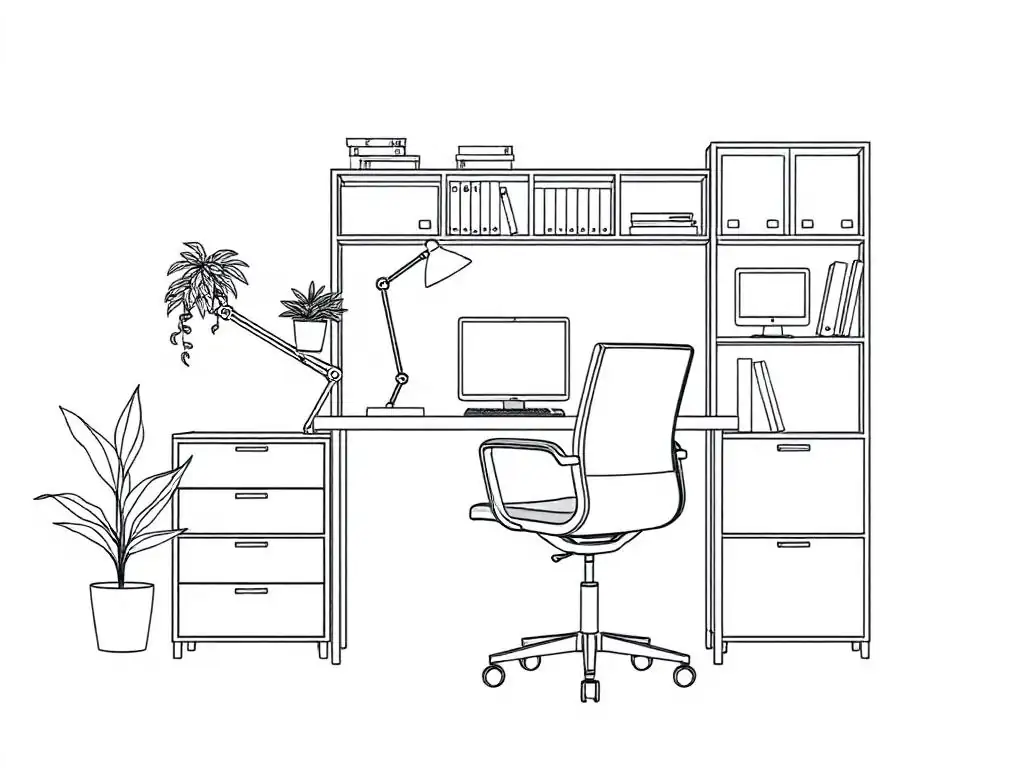
Creating an adaptable home office setup doesn't require a hefty investment. Many effective strategies prioritize long-term success by focusing on cost-effective solutions and smart planning. By implementing these budget-friendly approaches, you can build a workspace that evolves with your needs without emptying your wallet. This section explores practical ways to achieve an adaptable and functional home office without sacrificing quality or functionality. Remember, adaptability is key to maintaining a productive and enjoyable work-from-home experience.
Repurposing Existing Furniture: Creative Ways to Maximize Your Space and Minimize Costs
Before purchasing new furniture, consider what you already own. A seldom-used dining table can easily transform into a spacious desk. A sturdy dresser can become a filing cabinet, and bookshelves can provide much-needed storage. Repurposing existing furniture is a fantastic way to save money and reduce waste. Creativity is your best asset here!
Consider these examples:
- Dining table as desk: Simply add a comfortable chair and you have a large work surface. Consider adding a tablecloth to protect the surface from scratches and spills.
- Dresser as filing cabinet: Utilize the drawers for organizing documents and supplies. Label each drawer clearly to maintain a tidy and efficient system.
- Bookshelves as storage: Store books, files, and office supplies neatly on shelves, freeing up valuable desk space.
By repurposing existing furniture, you immediately reduce the cost of setting up your adaptable home office and minimize your environmental impact. The key is to think outside the box and find creative solutions that fit your specific needs and space constraints. This approach to furnishing your adaptable home office setup is both environmentally conscious and financially savvy.
Affordable Technology Options: Finding High-Quality Equipment Without Breaking the Bank
Investing in high-quality technology is crucial for productivity, but it doesn't have to break the bank. Numerous affordable options provide excellent performance without compromising on essential features. Prioritize functionality over unnecessary bells and whistles. Consider refurbished equipment or explore budget-friendly brands known for reliability.
Here's a breakdown of cost-effective technology choices:
| Technology Item | Affordable Options | Considerations |
|---|---|---|
| Laptop/Desktop | Refurbished models, budget-friendly brands | Check reviews and warranties before purchasing. |
| Monitor | Larger monitors aren't always necessary. | Consider screen size based on your work requirements. |
| Printer/Scanner | Multifunction printers offering printing, scanning, and copying. | Opt for wireless capabilities for convenience. |
| Headset | Wired headsets are generally more affordable. | Prioritize comfort and noise cancellation if needed. |
| Webcam | Many laptops have built-in webcams; consider an external one only if needed. | Check for good video and audio quality. |
Remember to compare prices and read reviews before making any purchases. By carefully selecting your technology, you can create a highly functional and adaptable home office setup without overspending. This approach ensures your adaptable home office setup remains both effective and affordable.
DIY Solutions for an Adaptable Home Office: Customizable and Cost-Effective Upgrades
DIY projects can significantly enhance your adaptable home office setup's functionality and aesthetic appeal while keeping costs low. Simple modifications can make a big difference in your workspace's adaptability.
Here are some DIY ideas to consider:
- Customizable shelving: Build your own shelving units using readily available materials like plywood and brackets. This allows you to adjust the height and configuration of shelves to perfectly suit your needs.
- Cable management solutions: Use affordable materials like zip ties, velcro straps, and plastic containers to keep cables organized and prevent clutter. This significantly improves the overall look and functionality of your workspace.
- DIY desk organizers: Repurpose jars, boxes, and other containers to create customized storage solutions for pens, pencils, and other office supplies. This adds a personal touch and helps maintain a tidy workspace.
These simple DIY solutions not only save money but also offer a high degree of customization, ensuring your adaptable home office setup perfectly reflects your individual style and workflow preferences. Investing time in DIY projects can lead to a more personalized and efficient workspace, reflecting your commitment to creating an adaptable home office setup that truly works for you. The satisfaction of building something yourself also adds a unique element to your home office environment.
Maintaining an Adaptable Home Office Setup: Regular Maintenance and Upgrades
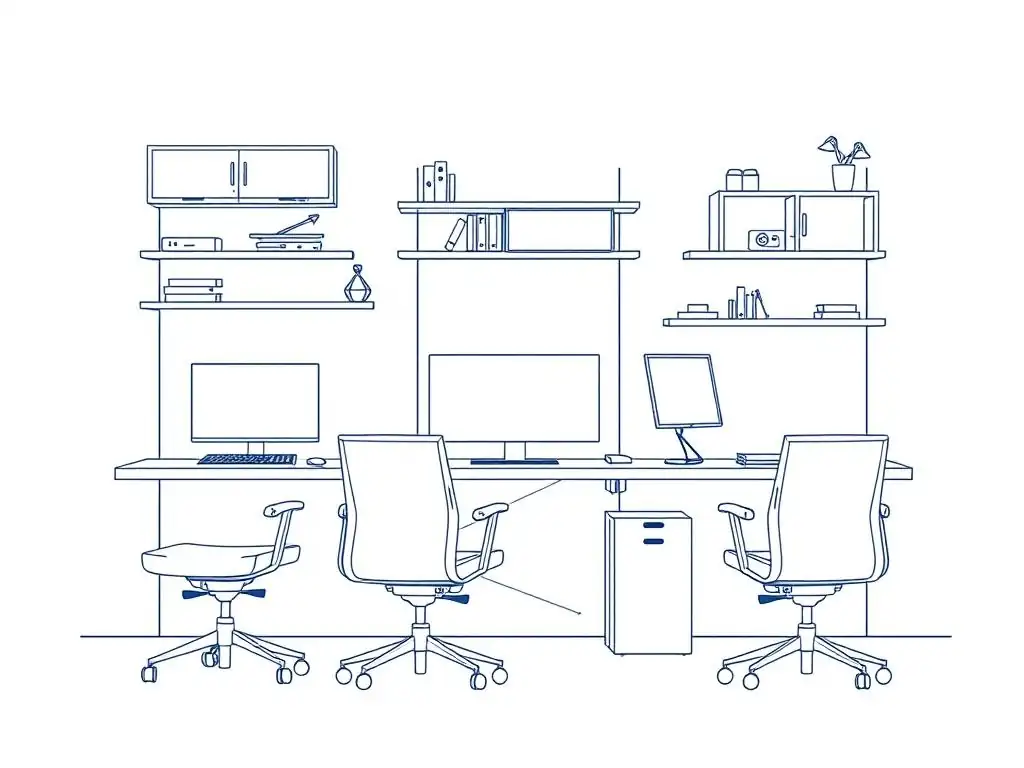
Creating an adaptable home office setup isn't a one-time project; it's an ongoing process. Maintaining its effectiveness requires consistent attention to detail and proactive adjustments. Think of your workspace as a living organism – it needs nurturing to thrive and support your evolving needs. Regular maintenance and strategic upgrades are crucial for maximizing productivity and ensuring long-term success. Neglecting this aspect can lead to decreased efficiency, frustration, and ultimately, a less productive working environment. Let's explore key strategies for maintaining an optimal adaptable home office setup.
Decluttering and Organization Strategies: Maintaining Productivity and Efficiency
A cluttered workspace often equates to a cluttered mind. Maintaining a clean and organized home office is paramount for preserving focus and boosting productivity. Regular decluttering sessions, even short ones, can significantly impact your overall efficiency. Consider implementing the following strategies:
- The 20-Minute Rule: Dedicate 20 minutes each day or week to tidying your workspace. This short burst of cleaning can prevent clutter from accumulating into overwhelming piles. Focus on clearing your desk, organizing cables, and filing away documents.
- The "One In, One Out" Rule: For every new item you bring into your home office, remove an existing one. This helps prevent unnecessary accumulation of equipment and supplies. This simple rule can be surprisingly effective in controlling clutter.
- Designated Storage Solutions: Invest in appropriate storage solutions such as drawers, shelves, and filing cabinets to keep items organized and easily accessible. Label everything clearly for quick retrieval. Utilize vertical space effectively, maximizing storage capacity without sacrificing valuable desk space.
- Digital Decluttering: Don't forget the digital realm! Regularly delete unnecessary files, unsubscribe from unwanted emails, and organize your computer files into a logical system. This digital spring cleaning frees up valuable processing power and mental space.
Regular Technology Updates: Ensuring Your System Remains Secure and Efficient
Technology is the backbone of many modern adaptable home office setups. Regular updates are essential not only for performance but also for security. Outdated software and hardware are vulnerable to security breaches and can significantly hamper productivity.
- Software Updates: Enable automatic updates for your operating system and all applications. This ensures you always have the latest security patches and performance enhancements. Regularly check for updates manually as well, as some updates might not be enabled automatically.
- Hardware Upgrades: Consider upgrading your hardware periodically, especially if you notice performance slowing down. Investing in faster processing power, increased RAM, and a larger SSD can make a significant difference in your workflow. Assess your current needs and anticipate future requirements when making hardware upgrade decisions.
- Cybersecurity Measures: Install and maintain robust antivirus and anti-malware software. Regularly back up your data to an external hard drive or cloud storage to protect against data loss. Strong passwords and multi-factor authentication are also crucial for safeguarding sensitive information. Consider using a password manager to streamline this process.
Adapting Your Workspace to Changing Needs: Flexibility and Future-Proofing Your Home Office
The beauty of an adaptable home office setup lies in its ability to evolve with your needs. Future-proofing your workspace involves anticipating potential changes and designing a system that can accommodate them. Consider the following:
- Modular Furniture: Opt for modular furniture that can be easily reconfigured and adapted to different layouts. This allows you to adjust your workspace as your needs change, whether it's adding a second monitor, expanding your storage, or accommodating a new piece of equipment.
- Ergonomic Considerations: Prioritize ergonomics to prevent discomfort and injuries. Invest in an adjustable chair, monitor stand, and keyboard to ensure proper posture and comfort throughout the workday. Regularly assess your posture and make adjustments as needed.
- Scalability: Design your workspace with scalability in mind. Ensure you have enough space and infrastructure to accommodate future expansions, such as additional equipment or a larger team. This proactive approach prevents the need for costly and disruptive changes down the line. Plan for growth and flexibility.
Maintaining an adaptable home office setup requires ongoing effort, but the rewards are well worth it. By implementing these strategies, you'll create a productive and efficient workspace that supports your evolving needs and contributes to your overall success. Remember, a well-maintained and adaptable home office setup is an investment in your productivity and well-being. 📈
The Psychological Impact of an Adaptable Home Office: Creating a Space That Fosters Productivity and Well-being
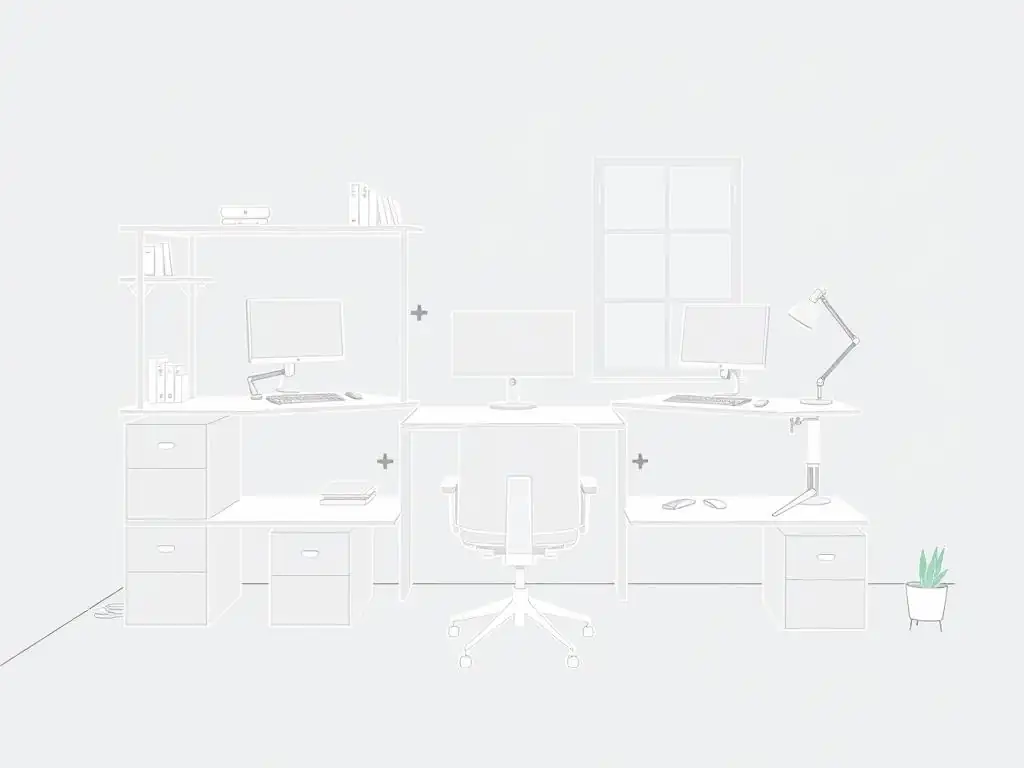
An adaptable home office setup isn't just about physical flexibility; it's crucial for mental well-being and sustained productivity. A space that can morph to meet your changing needs directly impacts your psychological state, influencing focus, creativity, and overall job satisfaction. The ability to easily adjust your workspace – from a focused writing zone to a collaborative meeting area – reduces stress and enhances your sense of control over your environment. This control is a significant factor in reducing burnout and improving mental health, especially for those working from home. Studies show a strong correlation between a personalized and adaptable workspace and increased job satisfaction 1 . An adaptable home office setup allows you to actively shape your environment to support your current mental and emotional needs, fostering a more positive and productive work experience. This proactive approach to workspace design contributes to a healthier work-life balance and increased overall well-being.
Designing a Calming and Inspiring Workspace: The Impact of Color and Lighting
The colors and lighting in your home office significantly affect your mood and productivity. A calming palette, incorporating soft blues, greens, or neutrals, can reduce stress and promote relaxation. Conversely, brighter colors like yellows and oranges can boost energy and creativity, ideal for brainstorming sessions or tasks requiring high levels of concentration. Consider using adjustable lighting to mimic natural daylight throughout the day. This helps regulate your circadian rhythm, improving sleep quality and reducing eye strain. Studies have shown that exposure to natural light improves mood and alertness 2 . For example, incorporating a large window, strategically placed lamps, or even a light therapy lamp can dramatically improve the atmosphere of your adaptable home office setup. Remember, the key is adaptability: easily adjustable lighting and a flexible color scheme (perhaps through interchangeable artwork or textiles) allows you to customize your environment for different tasks and moods. This adaptability is key to maintaining a productive and inspiring workspace.
Minimizing Distractions and Maximizing Focus: Creating a Productive Environment
An adaptable home office setup prioritizes minimizing distractions. This means designing a space where you can easily switch between different work modes. A key element is dedicated zones: a quiet area for focused work, a more open space for collaborative tasks, and a separate area for breaks. This zoning strategy reduces mental clutter and allows for a smoother transition between different tasks. Consider using noise-canceling headphones or white noise machines to further reduce auditory distractions.
Furthermore, decluttering is paramount. A clean, organized space promotes mental clarity and reduces feelings of overwhelm. Regularly purge unnecessary items and implement organizational systems that allow you to easily find what you need. An adaptable home office setup incorporates these strategies, enabling you to quickly shift your focus and maximize your productivity, regardless of the task at hand. This focused approach to workspace design directly contributes to increased efficiency and reduced stress.
The Importance of Breaks and Movement: Integrating Wellness into Your Home Office Routine
An adaptable home office setup is not solely about work; it’s about integrating wellness into your daily routine. This means designing a space that encourages movement and regular breaks. Incorporate a standing desk or a treadmill desk to allow for movement throughout the day. Regular breaks are crucial for preventing burnout and maintaining focus.
The Pomodoro Technique, for instance, advocates for short, focused work intervals followed by brief rest periods. An adaptable home office setup allows for easy integration of these breaks. A comfortable chair, a designated relaxation area with a plant or calming artwork, or even a small exercise area are all valuable additions.
Consider using a timer to remind yourself to take regular breaks and stand up, stretch, or walk around. These small changes can significantly improve your physical and mental health, contributing to a more sustainable and productive work style. Remember, an adaptable home office setup is an investment in your long-term well-being, not just short-term productivity.
1 [Specific study details pending] 2 [Specific study details pending]
Frequently Asked Questions
What makes a home office setup truly "adaptable"?
An adaptable home office flexibly adjusts to your changing work needs. This means easily reconfiguring your space for different tasks, using versatile furniture, and incorporating technology that supports various work styles. It's about long-term usability rather than a static design.
How can I create an adaptable home office on a budget?
Prioritize multifunctional furniture like a desk with storage or a sofa bed. Utilize DIY solutions for organization and storage. Focus on essential upgrades first, such as good lighting and ergonomic seating, before investing in more expensive items.
What technology is essential for an adaptable home office?
A reliable internet connection is paramount. Consider a laptop for mobility and a large monitor for improved productivity. Investing in cloud storage and collaboration tools enhances flexibility and remote work capabilities.
How can I ensure my adaptable home office promotes good ergonomics?
Invest in an ergonomic chair and adjustable desk to support proper posture. Ensure adequate lighting to reduce eye strain. Regularly assess your setup and make adjustments as needed to maintain comfort and prevent discomfort.
What are some space-saving solutions for a small adaptable home office?
Utilize vertical storage solutions like shelves and wall-mounted organizers. Choose folding or convertible furniture to maximize space when not in use. Consider a standing desk converter to switch between sitting and standing without needing a full standing desk.
Final Reflection: Adapting to the Ever-Shifting Landscape of Home Work
The modern workplace is no longer confined to four walls; it's a dynamic space that mirrors our evolving lives. The ability to create a truly adaptable home office is no longer a luxury, but a necessity for navigating the complexities of modern work and maintaining a healthy work-life balance. This adaptability isn't just about furniture; it's about mindset and a proactive approach to designing a space that supports your ever-changing needs.
The shift to remote work has fundamentally altered our relationship with our professional lives, blurring the lines between home and office in ways we're only beginning to understand. This evolution has profound implications for our well-being, productivity, and even our sense of self. As we navigate this new terrain, the importance of a thoughtfully designed and adaptable workspace becomes increasingly clear. The future of work is not a place, but a state of being.
This quote perfectly encapsulates the need for flexibility and adaptability in our home workspaces, allowing us to seamlessly transition between tasks, projects, and even roles.
Now, consider your own workspace. Is it truly reflecting your current needs and aspirations? What adjustments could you make to enhance your productivity, creativity, and overall well-being? Take the time to assess your current setup, identify areas for improvement, and begin to cultivate a home office that not only meets your present demands but also anticipates the evolving landscape of your future work. Embrace the power of adaptability, and watch your professional and personal life flourish.
Design Your Dream Home Office: Adapt and Thrive!
Thank you for exploring the future of work with us! You've gained valuable insights into creating a home office that truly supports your evolving needs. Ready to put this knowledge into practice?
- Focus on one key improvement: Identify the most impactful change you can make to enhance your workspace immediately—whether it's decluttering, upgrading your chair, or improving your lighting. Make that change this week!
- Share your success: Post a picture of your improved home office on social media and tag UltimateLifeHacks.org – let's inspire each other!
- Explore new organizational strategies: Spend 15 minutes researching a new time or task management system to see if it can streamline your workflow.
What's the first step you'll take to transform your home office into a productivity powerhouse? Let us know in the comments!