
Tame the Tab Monster: Expert Tips for Efficient Browser Management

Feeling overwhelmed by a sea of browser tabs? You're not alone. UltimateLifeHacks is your guide to conquering digital chaos and reclaiming your productivity. Discover proven strategies to manage browser tabs efficiently, transforming your chaotic online experience into a streamlined workflow. Learn how to tame the "tab monster" and unlock a more focused and efficient you – read on to discover the secrets!
- Understanding the Browser Tab Overload Problem
- Effective Strategies to Manage Browser Tabs Efficiently
- Advanced Techniques for Efficient Tab Management
- Best Practices for Maintaining a Tidy Digital Workspace
- Tools and Resources for Optimized Tab Management
-
Frequently Asked Questions
- How can I quickly find a specific tab amongst many open ones?
- What are some strategies for reducing the number of open browser tabs?
- Are there browser extensions that can help me manage my tabs more efficiently?
- How can I prevent myself from opening too many tabs in the first place?
- What's the best way to organize my saved tabs for later use?
- Final Reflection: Mastering the Digital Chaos: Your Browser, Your Sanctuary
- Ready to Conquer Your Tab Chaos?
Understanding the Browser Tab Overload Problem
We've all been there: that moment you glance at your browser window and are confronted by a chaotic landscape of dozens, perhaps even hundreds, of open tabs. This digital clutter, often referred to as the "tab monster," isn't just an aesthetic issue; it significantly impacts productivity, system performance, and even your mental well-being.
This article delves into the multifaceted problem of browser tab overload, exploring its hidden costs and offering expert strategies to tame the beast and manage browser tabs efficiently. We'll cover practical techniques to regain control of your digital workspace and boost your overall efficiency, focusing on strategies that help you achieve a more streamlined and productive workflow.
Mastering browser tab management is a crucial skill in today's digitally driven world, allowing you to reclaim valuable time and mental energy otherwise lost in the digital debris. Learning to effectively manage browser tabs efficiently is a key component of digital organization and overall productivity enhancement, directly impacting both your professional and personal life.
The seemingly innocuous act of opening a new tab often goes unnoticed, but the cumulative effect of numerous open tabs can be surprisingly detrimental. Beyond the visual chaos, excessive tabs lead to a significant drain on system resources, impacting performance and battery life (more on that in the next section). Furthermore, the sheer volume of open tabs can contribute to procrastination and decision fatigue.
Imagine trying to locate a specific article amongst a sea of unrelated tabs – it's a time-consuming and frustrating experience that can easily derail your workflow. Studies have shown a correlation between digital clutter and increased stress levels. This is because an overwhelming digital environment can trigger a feeling of being overwhelmed and out of control, impacting focus and potentially leading to decreased productivity and increased anxiety.
Effectively managing your browser tabs can, therefore, be seen as a form of self-care, promoting a more focused and less stressful work environment. The cost of poorly managed tabs isn't just measured in time; it’s also measured in your mental energy and overall well-being.
Impact of Open Tabs on System Performance and Battery Life
The sheer number of open tabs directly impacts your computer's performance. Each tab consumes system resources such as RAM and processing power. As the number of tabs increases, your computer slows down, leading to sluggish performance, freezing, and increased loading times.
This is especially true for older or less powerful machines. 💻 Furthermore, the continuous background activity of numerous tabs contributes to increased battery drain, especially on laptops. This means shorter battery life and a more frequent need to charge your device.
For example, leaving 50 tabs open overnight could consume a significant portion of your laptop's battery, rendering it unusable the next morning. The impact is not just noticeable in terms of speed; it also affects your overall digital experience, impacting the efficiency and smoothness of your daily tasks. Consider the cumulative effect: slow loading times, frequent freezes, and a constantly depleting battery can significantly reduce your productivity and overall satisfaction with your digital tools.
The Psychology of Open Tabs: Procrastination and Decision Fatigue
The accumulation of open tabs often reflects underlying procrastination and decision fatigue. Each tab represents an unfinished task, an article to read, or a website to explore. Keeping them open creates a sense of ongoing obligation, subtly preventing you from focusing on the task at hand. This constant visual reminder of unfinished business contributes to mental clutter and makes it harder to concentrate.
🤯 The act of choosing which tab to focus on next can also lead to decision fatigue, a phenomenon where making even small decisions becomes increasingly taxing. This constant mental juggling act drains cognitive resources, further hindering productivity. By actively managing your tabs and closing those you no longer need, you can eliminate this source of mental clutter and decision fatigue, freeing up mental space for more focused work. This strategic approach allows you to approach tasks with renewed clarity and focus.
Effective Strategies to Manage Browser Tabs Efficiently
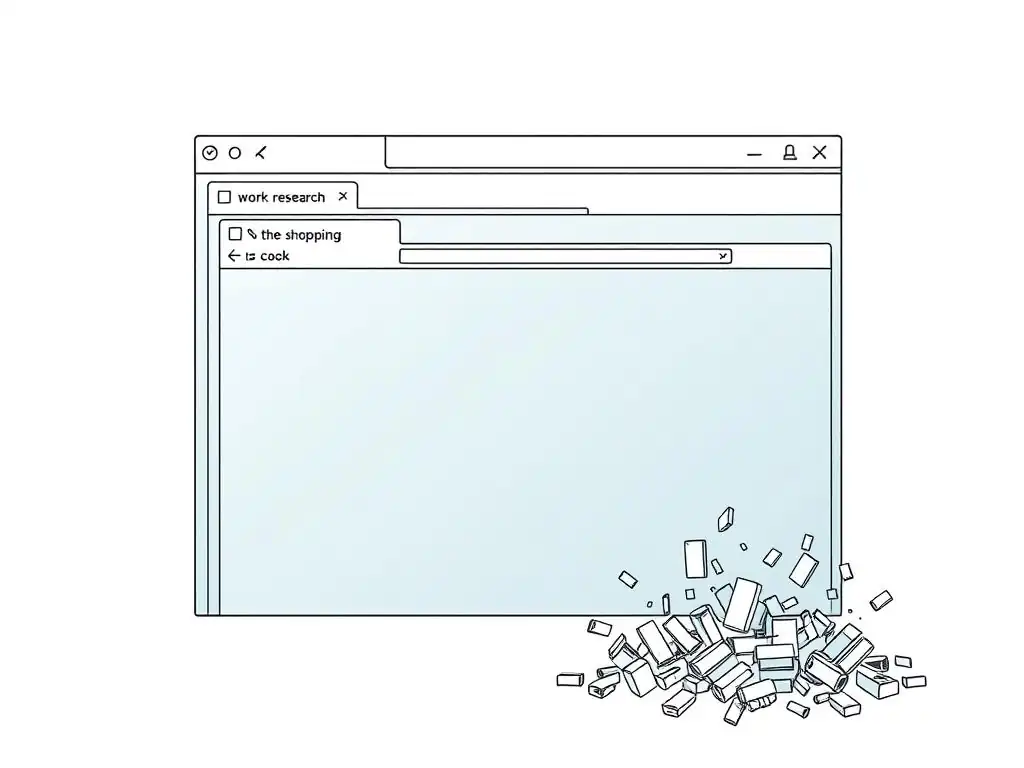
This section dives deep into practical, actionable strategies to conquer the dreaded "tab overload" and achieve efficient browser management. We'll explore techniques to regain control of your digital workspace and significantly boost your productivity. Mastering these strategies will help you effectively manage browser tabs efficiently.
Prioritize and Close Unnecessary Tabs Regularly
The most fundamental aspect of efficient tab management is proactive closure. Think of your open tabs as a to-do list; some items are crucial, others can wait or be discarded entirely. Regularly auditing your open tabs – ideally, several times a day – is key. Don't let the number creep into the dozens or even hundreds!
Here's a simple, yet effective, method:
- The 5-Minute Rule: Every 5 minutes (or any interval you find suitable), take a quick look at your open tabs. Ask yourself: "Is this tab still relevant? Do I need this information right now?" If the answer is no, close it without hesitation. This prevents tab bloat from becoming overwhelming.
- The "One In, One Out" Rule: For every new tab you open, close an older, less important one. This maintains a relatively consistent number of open tabs, preventing the accumulation of unnecessary clutter.
- Color-Coding (for visual learners): Some browsers allow tab color-coding. Assign colors to different project categories or types of work. This visual cue can aid in prioritization and rapid identification of relevant tabs. For instance, red for urgent tasks, blue for research, and green for leisure browsing.
- Scheduled Tab Purges: Set aside a specific time each day (e.g., end of workday) for a complete tab purge. This dedicated time ensures thorough cleaning and reduces the chance of overlooking unnecessary tabs.
Utilizing Tab Grouping for Improved Organization
Tab grouping is a powerful technique for managing multiple tabs related to the same project or task. Instead of a chaotic sprawl of tabs, you create organized groups, significantly improving clarity and efficiency. This is especially helpful when researching, comparing products, or working on complex projects requiring many resources.
Consider these advanced tab grouping strategies:
- Logical Grouping: Group tabs based on their function or topic. For example, "Research for Marketing Report," "Planning Next Week's Schedule," or "Shopping for New Laptop." Use descriptive names to easily identify each group.
- Hierarchical Grouping: For very complex tasks, consider creating nested groups. For instance, a main group "Website Redesign" might contain subgroups like "UI Design," "Content Strategy," and "Technical Specifications."
- Bookmarking Groups: If a group of tabs represents a project that will span several days or weeks, consider saving the entire group as a bookmark. This allows you to easily reopen the entire set of tabs later, without having to recreate the group.
Mastering Browser Extensions for Tab Management
Browser extensions offer powerful tools to streamline tab management beyond the built-in functionalities. Many extensions provide features like tab pinning, session management, and even automated tab closing.
Here are some categories of useful extensions:
| Extension Category | Description | Example Features |
|---|---|---|
| Tab Grouping & Management | Organizes and manages tabs more efficiently than built-in browser features. | Customizable groups, tab pinning, session saving, search |
| Tab Suspenders | Frees up system resources by suspending inactive tabs. | Automatic suspension after a set time, manual suspension |
| Tab Savers | Prevents accidental tab closures and allows easy restoration of closed tabs. | Undo closed tabs, session recovery |
Choosing the right extension depends on your specific needs and workflow. Experiment with different extensions to find the ones that best suit your preferences and significantly improve your manage browser tabs efficiently experience. Remember to carefully review the permissions requested by any extension before installing it.
Employing Bookmarking for Long-Term Storage of Information
Bookmarking is a cornerstone of efficient browser tab management. Instead of letting tabs pile up, consider bookmarking pages you intend to revisit later. This declutters your current browsing session, freeing up valuable screen real estate and improving performance. Think of bookmarks as your digital filing cabinet for frequently accessed websites or research materials. The key is to establish a well-organized bookmarking system. Avoid simply dumping everything into the default bookmarks bar; instead, create folders categorized by topic, project, or any other relevant scheme.
For instance, you might have folders for "Work Projects," "Personal Finance," "Recipes," and "Travel Planning." This structured approach makes finding specific bookmarks a breeze, unlike sifting through a chaotic list of hundreds of entries. Furthermore, consider using a bookmark manager extension if your browser's built-in system feels limiting. Many extensions offer advanced features like tagging, searching, and even syncing your bookmarks across multiple devices. This ensures consistent access to your saved information regardless of the computer or mobile device you're using.
A robust bookmarking strategy is crucial for managing browser tabs efficiently and avoiding the frustrating search for that one crucial website you visited weeks ago. Remember, a well-organized bookmark system is an investment in your productivity and digital sanity! Regularly review and reorganize your bookmarks to maintain their effectiveness. Delete outdated or irrelevant bookmarks to keep your system lean and responsive. This proactive approach to bookmark maintenance will significantly enhance your overall digital organization.
Advanced Techniques for Efficient Tab Management
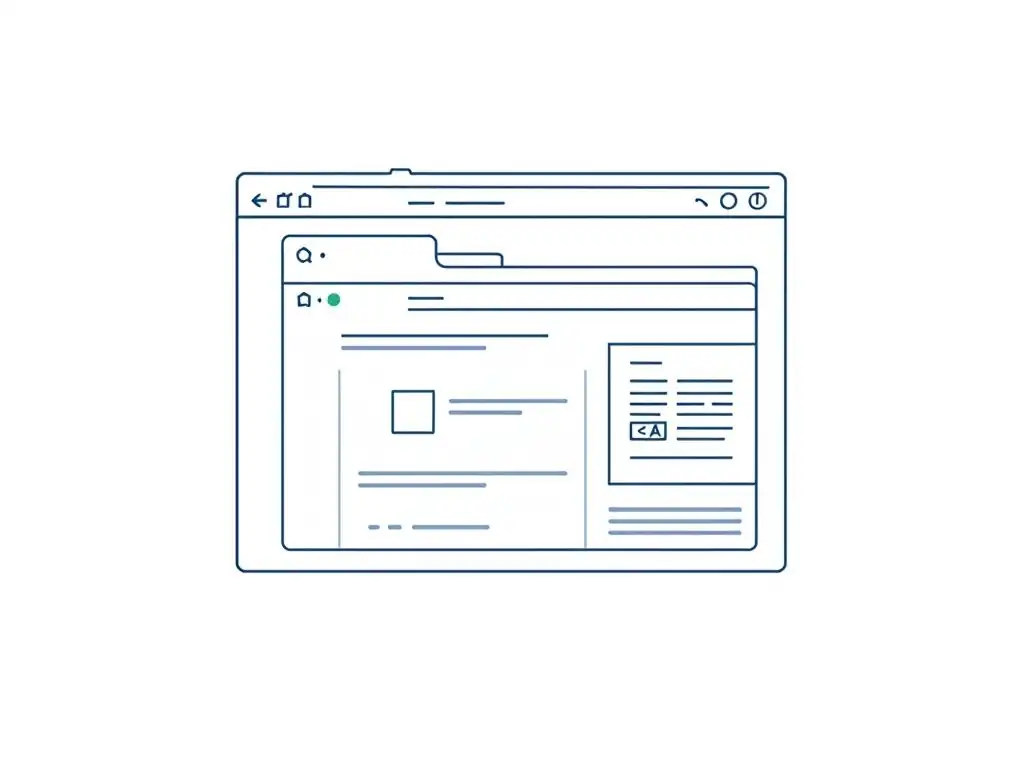
This section delves into more sophisticated strategies for managing your browser tabs, moving beyond basic techniques to truly master your digital workflow. We'll explore powerful built-in features and establish proactive habits to keep your browsing experience streamlined and productive. Efficiently managing browser tabs is key to maximizing your productivity and minimizing digital clutter. Let's dive in!
Utilizing Session Management Features in Your Browser
Most modern browsers offer session management features, a powerful tool often overlooked in the quest to manage browser tabs efficiently. These features allow you to save and restore groups of tabs at a later time. Imagine working on a complex project requiring numerous research tabs; instead of losing them all upon closing the browser, you can save the entire session. Later, with a single click, you're right back where you left off.
This functionality significantly boosts productivity. Consider the scenario of a writer researching an article. They might open dozens of tabs for source material, quotes, and image references. Saving this session as "Article Research - Project X" allows for seamless resumption of work, eliminating the time-consuming task of recreating the research environment.
Different browsers implement this slightly differently. For example, in some browsers, you might find a "Session" menu option allowing you to save and name your current tabs. Others might offer extensions that provide even more advanced session management capabilities, including features like automatic saving and cloud synchronization. Explore your browser's settings or extension store to discover these hidden gems. Mastering this feature is a significant step in effectively managing your browser tabs.
Leveraging Workspaces or Container Features for Tab Isolation
For those dealing with multiple projects or requiring strict separation of browsing contexts, workspaces or container features provide unparalleled organization. Workspaces allow you to group tabs into distinct projects or themes. Think of it as creating virtual desktops for your browser. Each workspace could represent a different client project, a personal task, or even a specific research area. This dramatically improves focus and reduces the mental load of juggling numerous tabs within a single window.
Container features, available through browser extensions or built-in functionality (depending on your browser), offer a different approach. They isolate tabs into separate containers, preventing cookies and browsing data from interfering between them. This is invaluable for maintaining privacy and security, especially when dealing with sensitive information across different accounts (e.g., personal banking and online shopping). This level of tab isolation is crucial for those seeking to manage browser tabs efficiently and securely.
Implementing a "Tab Cleaning" Routine for Daily Digital Detox
Regular tab cleaning isn't just about tidying up your browser; it's a crucial aspect of maintaining digital well-being and productivity. A consistent "tab cleaning" routine helps prevent cognitive overload and improves focus. Consider these strategies:
- Scheduled Purging: Set aside a specific time each day (e.g., end of workday) to review and close unnecessary tabs. This prevents the accumulation of irrelevant tabs that distract and clutter your workspace.
- The "One-In, One-Out" Rule: For each new tab you open, close one that is no longer needed. This simple rule maintains a manageable number of open tabs throughout the day.
- Bookmarking Essential Tabs: If a tab contains valuable information you may need later, bookmark it instead of keeping it open. This frees up screen real estate and prevents unnecessary clutter.
- Using Tab Groups (if available): If your browser supports tab groups, organize related tabs into logical groups. This makes it easier to find what you need and to close entire groups of tabs at once.
By integrating a daily "tab cleaning" routine into your workflow, you'll find yourself experiencing a marked improvement in focus and productivity, leading to a more efficient and enjoyable browsing experience. This proactive approach to tab management is essential for anyone serious about managing browser tabs efficiently. Remember, a clean browser is a productive browser!
Best Practices for Maintaining a Tidy Digital Workspace
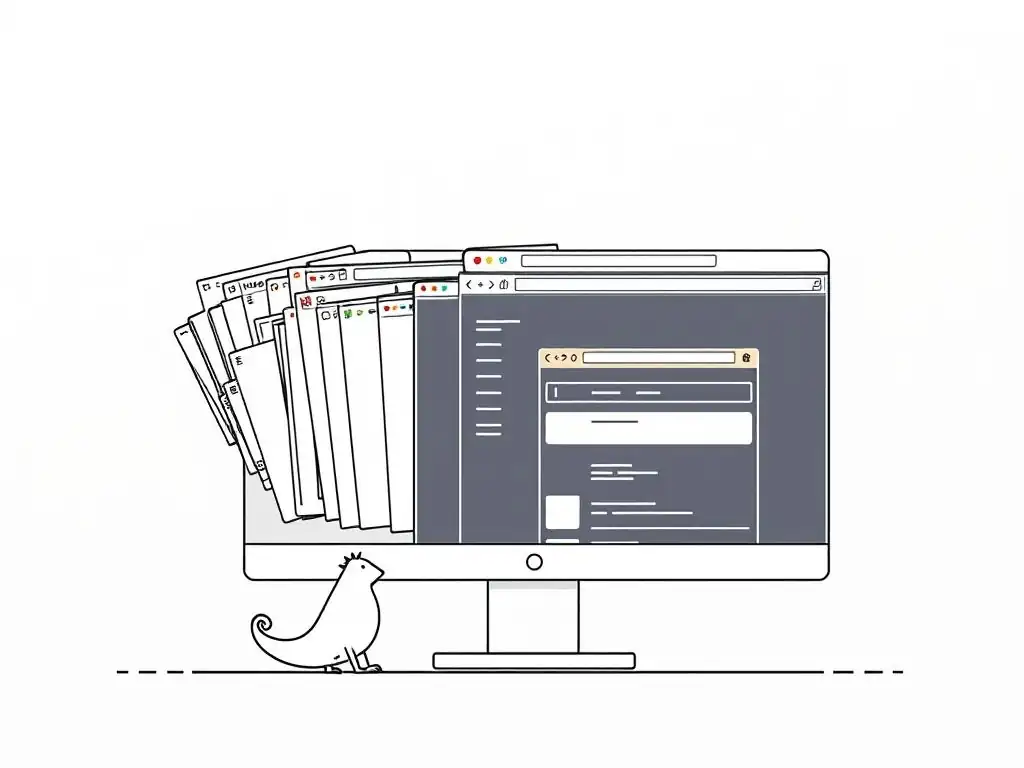
This section delves into practical strategies for managing your browser tabs effectively, directly impacting your productivity and reducing digital clutter. We'll explore techniques to limit open tabs, organize them strategically, and maintain a streamlined bookmark system. Mastering these techniques will significantly improve your ability to Manage browser tabs efficiently.
Setting Daily Limits on Open Tabs
The sheer number of open browser tabs can quickly become overwhelming. A simple yet highly effective strategy is to consciously limit the number of tabs you open each day. Instead of mindlessly clicking and opening new tabs, consider these approaches:
- The "Three-Tab Rule": Restrict yourself to a maximum of three tabs at any given time. Before opening a new tab, close one that's no longer needed. This forces you to prioritize your tasks and prevents tab overload. This method is surprisingly effective for maintaining focus.
- Time-Based Limits: Set a daily or hourly limit on the number of tabs you allow yourself. For example, aim for no more than 10 tabs open at any one time. Once you reach that limit, you must close a tab before opening a new one. This approach helps you become more mindful of your tab usage.
- Using a Tab Manager Extension: Several browser extensions help manage and group tabs. These tools often include features like tab hibernation or the ability to save tab sets for later. This offers a more sophisticated approach to managing numerous tabs.
Implementing these strategies cultivates a more mindful approach to browsing, preventing the chaotic accumulation of countless tabs. This directly contributes to a more efficient and less stressful digital workspace. Remember, less is often more when it comes to managing browser tabs efficiently.
Developing a System for Tab Organization and Prioritization
Simply limiting the number of tabs isn't enough; you also need a system for organizing the tabs you do open. This is crucial for efficient retrieval and prevents you from constantly searching through a sea of tabs. Here are a few effective approaches:
- Color-Coding: Assign colors to different project categories or types of tasks. For example, red for urgent tasks, blue for research, green for email. This instantly provides visual cues and helps you prioritize.
- Tab Groups (if your browser supports them): Group related tabs together. For example, group all tabs related to a specific project or client into a single group. This dramatically improves the organization of your tabs.
- Using Descriptive Tab Titles: Instead of relying on default titles, rename your tabs with clear, concise descriptions. For instance, instead of "Untitled," use "Drafting Project Proposal." This makes it much easier to find what you need quickly.
- Prioritization through Tab Ordering: Place the most important tabs to the left. Your eye naturally gravitates towards the left side of the screen, making it easier to access high-priority items.
By implementing these techniques, you'll create a more structured and intuitive system for navigating your open tabs, leading to a more efficient workflow. This proactive approach drastically improves your ability to manage browser tabs efficiently.
Regularly Reviewing and Archiving Bookmarks
Bookmarks are a crucial part of digital organization, but they can easily become cluttered and unwieldy. Regular review and archiving are essential for maintaining a streamlined and efficient bookmark system. Consider these steps:
- Monthly Review: Set aside time each month to review your bookmarks. Delete outdated or irrelevant bookmarks, and reorganize folders as needed. This prevents your bookmark bar from becoming an unwieldy mess.
- Folder Structure: Organize your bookmarks into logical folders and subfolders. This ensures easy navigation and quick access to the resources you need.
- Utilize Bookmark Management Tools: There are bookmark management tools available that can help you organize, tag, and search your bookmarks more effectively. These tools offer advanced features beyond standard browser bookmark management.
- Consider a Bookmarking Service: Specialized services offer cloud-based bookmark syncing and additional organizational features, allowing you to access your bookmarks from any device.
Regularly reviewing and archiving your bookmarks ensures that your saved resources remain easily accessible and prevents bookmark bloat. This is a vital component of managing browser tabs efficiently in the long run, preventing information overload and ensuring a streamlined digital experience. A well-organized bookmark system is a key element of efficient online work.
Tools and Resources for Optimized Tab Management
Efficiently managing browser tabs is crucial for productivity. The sheer number of tabs we often accumulate can quickly overwhelm our workflow, leading to lost time searching and a generally disorganized digital experience. This section explores various tools and resources designed to help you tame the tab monster and regain control of your browsing experience. We'll explore browser extensions, alternative browsers, and helpful resources to help you truly manage browser tabs efficiently.
Recommended Browser Extensions for Enhanced Tab Control
Several browser extensions offer powerful features to streamline tab management. These extensions go beyond basic tab grouping and provide advanced functionalities to boost your productivity. The right extension can significantly improve your ability to manage browser tabs efficiently.
One popular choice is a tab management extension that allows for session saving and restoring. This means you can save your current set of open tabs, close them all, and then reload them later at your convenience. This is particularly useful for research projects or when working on multiple tasks simultaneously. It eliminates the anxiety of accidentally closing a crucial tab. Another extension offers features like tab pinning, quick search within open tabs, and even the ability to automatically close inactive tabs after a set period, preventing unnecessary resource consumption.
This helps to declutter your browser and maintain a cleaner workspace. Finally, extensions that integrate with task management apps can dramatically enhance workflow. You can link open tabs to specific projects or tasks, ensuring a seamless transition between your to-do list and your research. Careful selection of these extensions is key to successfully managing browser tabs efficiently.
Consider the following features when choosing an extension: automatic tab grouping based on website domain, customizable hotkeys for quicker tab navigation, and the ability to easily suspend or hibernate tabs to free up system resources. Remember to always check reviews before installing any extension to ensure compatibility and security.
Top Browser Alternatives Focused on Tab Management
While browser extensions can significantly enhance tab management within your existing browser, some alternative browsers are built from the ground up with superior tab management as a core feature. These browsers often offer unique approaches to organizing and interacting with open tabs, making them ideal for users who struggle to manage browser tabs efficiently with traditional options.
One such browser prioritizes a vertical tab layout, making it easier to scan and access many tabs simultaneously. This unconventional design optimizes screen real estate and reduces the visual clutter associated with horizontal tab bars. Another browser excels at tab grouping and offers advanced features like tab stacking and customizable workspaces. This allows for a highly personalized and efficient tab management system.
The choice of browser ultimately depends on individual preferences and workflow. However, exploring these alternatives can unveil innovative solutions for managing browser tabs efficiently. Many of these browsers also offer features like built-in note-taking capabilities and integrated task managers, further enhancing productivity.
Helpful Resources and Articles on Digital Organization
Beyond specific tools, a wealth of resources exists to guide you in developing effective digital organization strategies that encompass efficient tab management. These resources provide broader context and practical advice to help you not only manage browser tabs efficiently, but to optimize your entire digital workflow.
Numerous articles and blog posts delve into the psychology of digital clutter and offer practical strategies for minimizing distractions and improving focus. These resources often include checklists, templates, and actionable steps to help you implement effective digital organization systems. Additionally, online courses and workshops dedicated to productivity and time management frequently incorporate sections on digital organization, offering in-depth guidance and personalized support.
By combining the use of specialized tools with a broader understanding of digital organization principles, you can develop a comprehensive and sustainable system to conquer digital clutter and manage browser tabs efficiently. Exploring these additional resources can provide invaluable insights and strategies to boost your overall productivity.
Frequently Asked Questions
How can I quickly find a specific tab amongst many open ones?
You can use your browser's built-in search function (often Ctrl+Shift+F or Cmd+Shift+F). Type keywords from the tab's title or URL to quickly locate it. Alternatively, use browser extensions designed for tab management.
What are some strategies for reducing the number of open browser tabs?
Employ a "one task, one tab" approach. Close tabs once you've finished with them, or use features like tab grouping to organize related tabs. Consider using a task management tool to track your progress.
Are there browser extensions that can help me manage my tabs more efficiently?
Yes! Many extensions offer features like tab pinning, grouping, and saving sessions. Research extensions like OneTab, Toby, or Session Buddy to find one that suits your needs and improves your workflow.
How can I prevent myself from opening too many tabs in the first place?
Practice mindful browsing. Before opening a new tab, ask yourself if it's truly necessary. If it's for later, bookmark it or add it to a reading list instead. Use a task manager to help prioritize tasks.
What's the best way to organize my saved tabs for later use?
Use your browser's built-in bookmarking features to categorize and organize your saved tabs. Consider using a dedicated bookmark manager extension for more advanced organization and features. Regularly review and clean your bookmarks to prevent clutter.
Final Reflection: Mastering the Digital Chaos: Your Browser, Your Sanctuary
The relentless proliferation of browser tabs mirrors the overwhelming influx of information in our digital age. Efficient tab management isn't just about tidiness; it's about reclaiming control over your online experience and fostering a more focused, productive mindset. The ability to navigate the digital landscape with intentionality is a crucial skill for success in today's hyper-connected world.
The impact of inefficient tab management extends far beyond simple frustration. It directly affects our concentration, productivity, and even our mental well-being. The constant visual clutter of countless open tabs can lead to cognitive overload and a feeling of being perpetually overwhelmed. As the saying goes, A cluttered desk is a cluttered mind.
This applies equally, if not more so, to our digital spaces. Learning to tame the "tab monster" is not just about improving workflow; it's about cultivating a healthier relationship with technology and prioritizing mental clarity.
You now possess the tools to transform your browsing experience. Consider the strategies discussed—from utilizing extensions and keyboard shortcuts to adopting mindful tab-closing habits—and integrate them into your daily routine. Don't just manage your tabs; curate your digital environment. By consciously choosing how you interact with your browser, you are actively shaping your digital well-being and unlocking a more focused, productive, and ultimately, more fulfilling online journey.
Ready to Conquer Your Tab Chaos?
Thanks for learning expert strategies for managing your browser tabs! You now have the tools to reclaim your digital workspace. Let's put these tips into action:
- Master the art of tab grouping: This is your primary weapon against overwhelming numbers of tabs. Experiment with different grouping strategies—by project, by day, or even by topic—to find what works best for you.
- Share your best tab-management technique: Let's build a community of efficiency experts! Share your personal strategy in the comments below—you might inspire others.
- Challenge yourself to a "Tab Detox": For a day, work with only essential tabs. You'll likely find yourself significantly more focused and productive.
Ready to ditch the digital clutter and experience the joy of a streamlined browser? What's your biggest browser tab challenge, and how will you overcome it?