
Stop Wasting Time: The Essential Furniture Arrangement for Ultimate Focus

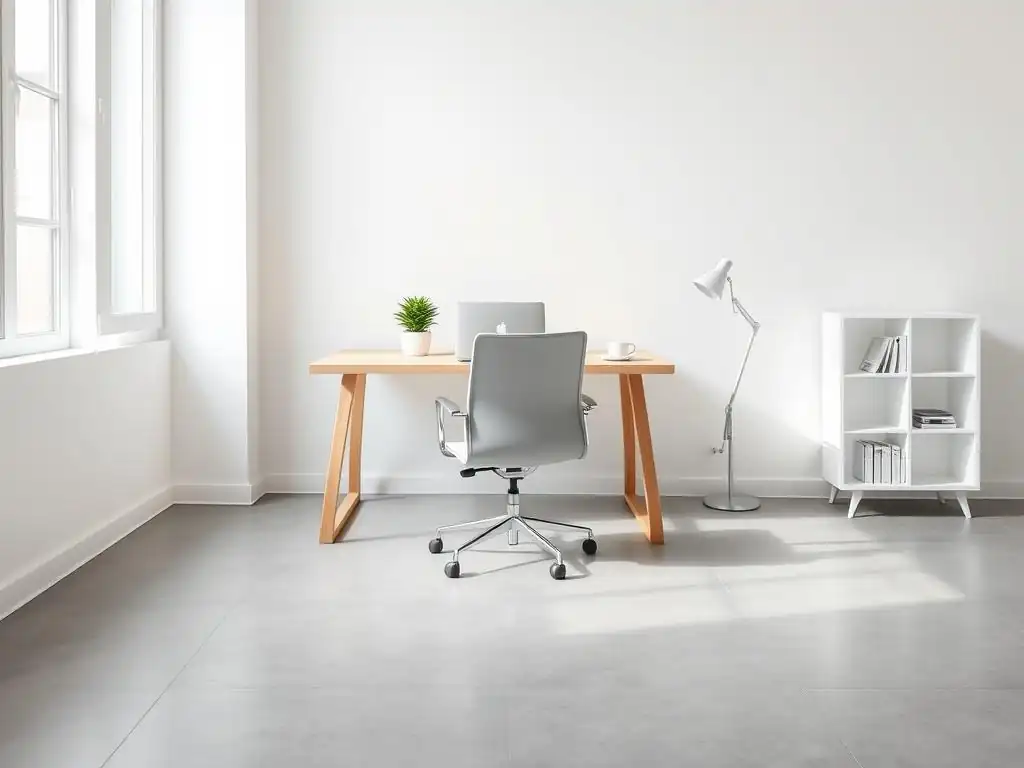
Tired of distractions derailing your day? At UltimateLifeHacks, we understand the struggle. Discover how strategic furniture placement can dramatically boost your focus and productivity. Learn the secrets behind the Best furniture layout for focus, unlocking a more efficient and fulfilling workday. Ready to transform your workspace into a haven of concentration? Let's dive in!
- Understanding the Psychology of Workspace Design for Maximum Focus
- Designing Your Ideal Focus-Boosting Furniture Layout: Best Furniture Layout for Focus
- Optimizing Your Furniture Layout for Different Work Styles: Best Furniture Layout for Focus
- Maintaining Your Optimized Workspace for Sustained Focus: Best Furniture Layout for Focus
-
Frequently Asked Questions
- What is the most important factor to consider when arranging furniture for focus?
- How can I arrange my furniture to improve concentration?
- What type of furniture is best for a focused workspace?
- Does the color of my furniture impact my focus?
- How can I adapt my furniture arrangement if I have a small space?
- Final Reflection: Designing Your Focus Sanctuary
- Unlock Your Focus: Design Your Ideal Workspace Now!
Understanding the Psychology of Workspace Design for Maximum Focus
Creating a truly productive home office isn't just about having the latest tech gadgets; it's about understanding the subtle yet powerful impact your environment has on your focus and overall well-being. This article delves into the often-overlooked aspect of furniture arrangement and its profound effect on your ability to concentrate and achieve peak productivity. We'll explore how strategic furniture placement can significantly reduce distractions, improve workflow, and ultimately, help you reclaim your time and boost your efficiency.
Optimizing your workspace isn't just about aesthetics; it's about harnessing the psychology of design to create a haven for focused work. Learning to arrange your furniture strategically is a key element in achieving the "best furniture layout for focus," transforming your home office from a source of frustration into a powerhouse of productivity.
We'll explore practical strategies and actionable tips that you can implement immediately to maximize your focus and minimize wasted time. Let's dive in and discover how a well-designed workspace can unlock your true potential.
The Impact of Furniture Placement on Concentration and Productivity
The way you arrange your furniture directly impacts your concentration and productivity. A poorly designed workspace can lead to distractions, inefficient workflows, and ultimately, decreased output. Consider these points:
- Proximity to Distractions: Placing your desk near windows with a captivating view or close to high-traffic areas can significantly reduce your ability to focus. Strategic placement away from these distractions is crucial.
- Workflow Optimization: Arrange your furniture to support your typical workflow. If you frequently print documents, ensure your printer is easily accessible. If you collaborate often, consider a layout that facilitates easy communication and collaboration.
- Visual Clutter: Even if your desk is clean, visual clutter from surrounding objects can negatively impact focus. Minimize visual distractions by strategically placing furniture and organizing items.
- Ergonomics and Posture: Poor posture leads to discomfort and reduced focus. Proper furniture arrangement, including desk height and chair positioning, is vital for maintaining good posture and maximizing productivity.
- Lighting and Ambient Noise: Consider the placement of your desk in relation to natural light sources and noise levels. Optimal lighting and a quiet environment contribute significantly to improved concentration.
Studies have shown a direct correlation between a well-organized and ergonomically sound workspace and increased productivity. By thoughtfully arranging your furniture, you can create a workspace that promotes focus, reduces stress, and ultimately, helps you achieve your goals more efficiently. Remember, the goal is to create an environment that supports your specific work style and needs.
How Clutter Affects Your Brain and Focus: Decluttering Strategies for a Productive Workspace
Clutter isn't just an aesthetic issue; it's a significant cognitive drain. A cluttered workspace leads to a cluttered mind, impacting your ability to focus and process information effectively. Our brains are constantly processing visual information, and a cluttered environment overwhelms this system, reducing cognitive resources available for focused tasks.
This effect is amplified by the fact that visual clutter triggers a release of cortisol, a stress hormone. Elevated cortisol levels impair cognitive function and make it harder to concentrate. Therefore, decluttering is not merely about tidiness; it's a crucial step in optimizing your workspace for maximum focus.
Here are some effective decluttering strategies:
- The "One-Minute Rule": If a task takes less than a minute, do it immediately. This prevents small tasks from accumulating into larger, overwhelming projects.
- Regular Purging: Schedule regular times to purge unnecessary items. Be ruthless in discarding anything you don't need or use regularly.
- Designated Storage: Utilize storage solutions like drawers, shelves, and cabinets to keep items organized and out of sight.
- Digital Decluttering: This is equally important! Organize your computer files, delete unnecessary emails, and unsubscribe from unwanted newsletters.
By implementing these strategies, you can create a calm and organized workspace that promotes focus and reduces stress. Remember, a clear desk leads to a clear mind, ultimately boosting your productivity and overall well-being. The benefits of a decluttered workspace extend beyond mere aesthetics; they directly impact your cognitive function and ability to concentrate.
Ergonomics and its Crucial Role in Focus and Well-being: Choosing the Right Chair
Ergonomics plays a pivotal role in maintaining focus and overall well-being. A poorly designed workspace, especially an uncomfortable chair, can lead to physical discomfort, fatigue, and reduced concentration. Investing in an ergonomic chair is an investment in your productivity and health.
Choosing the right chair involves considering several factors:
| Feature | Description | Importance |
|---|---|---|
| Lumbar Support | Provides support for the lower back, promoting proper posture. | Crucial for preventing back pain and maintaining good posture. |
| Adjustability | Allows you to adjust the height, backrest, and armrests to suit your needs. | Enables personalized comfort and optimal posture for various body types and tasks. |
| Seat Depth | The distance from the front to the back of the seat. | Ensures proper thigh support and prevents pressure on the back of the knees. |
| Material | The material of the chair, such as mesh or fabric, impacts breathability and comfort. | Affects comfort, especially during extended periods of sitting. |
Ignoring ergonomics can lead to a cascade of negative consequences: back pain, neck pain, headaches, and overall fatigue. These physical discomforts directly translate into reduced focus and diminished productivity. Investing in an ergonomic chair is a cost-effective way to improve your well-being and significantly boost your concentration. Prioritizing ergonomics is not just about comfort; it's a critical element in creating a truly productive workspace.
Designing Your Ideal Focus-Boosting Furniture Layout: Best Furniture Layout for Focus
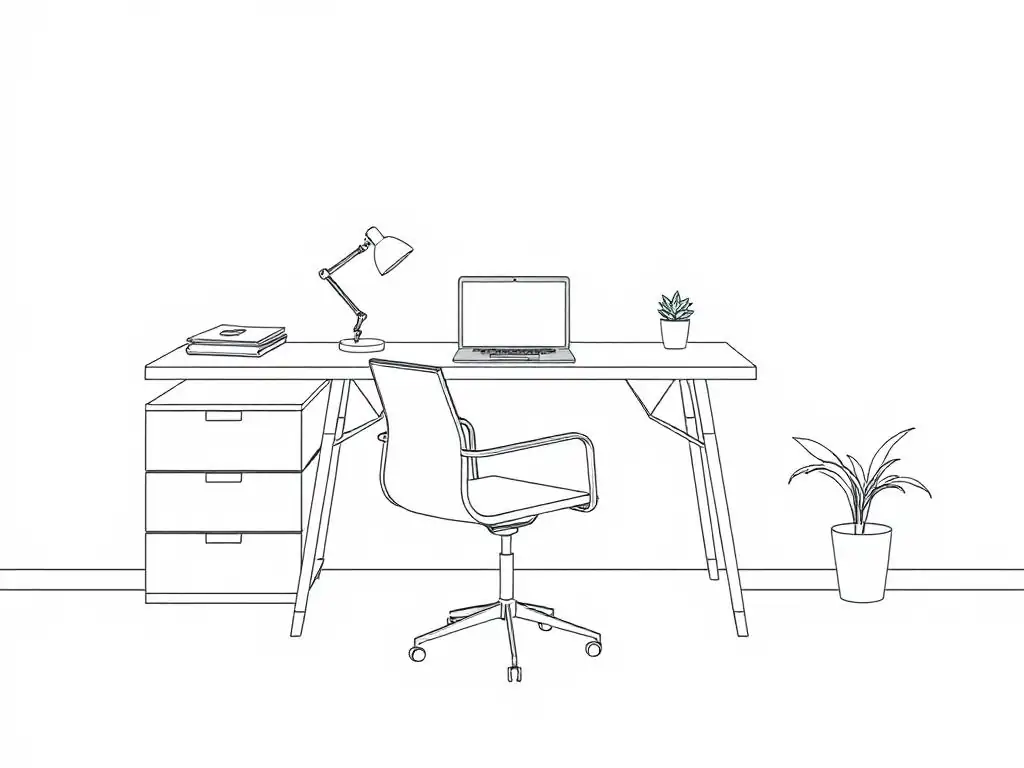
This section delves into the practical application of furniture arrangement for maximizing focus and productivity in your home office. We'll explore the key elements – desk selection, chair choice, and their strategic placement – to create a workspace optimized for deep work and minimizing distractions. Remember, the best furniture layout for focus is highly personalized, so adapt these suggestions to your individual needs and preferences.
Step 1: Choosing the Right Desk for Optimal Focus and Productivity
The desk is the centerpiece of your workspace. Its size, material, and even whether it's standing or traditional can significantly impact your focus and overall productivity.
Standing Desks vs. Traditional Desks: A Comparative Analysis
The debate between standing and traditional desks often centers around health benefits. Standing desks are frequently touted for promoting better posture and reducing sedentary behavior. Studies suggest that incorporating periods of standing throughout the workday can lead to improved energy levels and reduced risk of certain health issues. However, prolonged standing can also cause fatigue and discomfort.
Traditional desks, on the other hand, offer a more comfortable seated experience, particularly for those who spend long hours working. The key is finding a balance. Consider a sit-stand desk which allows you to switch between sitting and standing positions throughout the day, catering to your energy levels and comfort needs. This flexibility offers the best of both worlds for optimal focus.
Desk Size and Organization: Maximizing Space for Focus and Efficiency
Desk size is crucial. Too small, and you'll feel cramped and cluttered; too large, and you might feel lost in the space. Aim for a desk that comfortably accommodates your essential work materials, leaving ample space for movement and minimizing clutter. Consider the following:
| Desk Size Category | Recommended Use Case | Potential Focus Impact |
|---|---|---|
| Small (under 48") | Laptop users, minimal paperwork | Can feel cramped, leading to frustration and distraction |
| Medium (48"-60") | Standard office work, moderate paperwork | Generally suitable, but organization is key |
| Large (over 60") | Multiple monitors, extensive paperwork, crafting | Offers ample space but might encourage clutter if not organized properly |
Efficient organization is paramount. Utilize drawers, shelves, and organizers to keep your workspace tidy. A clean, uncluttered desk promotes a clear and focused mind. Consider implementing a "one-in, one-out" rule for items on your desk to prevent accumulation.
Desk Material and its Impact on Focus and Mood: Wood vs. Glass vs. Metal
The material of your desk can surprisingly influence your mood and focus.
- Wood: Often associated with warmth and a natural feel, wooden desks can create a calming and inviting atmosphere, potentially fostering better concentration. However, scratches and dents can become distracting over time.
- Glass: Glass desks offer a sleek, modern aesthetic and are easy to clean. However, their reflective surface can be distracting, particularly in brightly lit rooms. They also tend to show fingerprints and smudges easily.
- Metal: Metal desks are durable and sturdy, but can feel cold and uninviting. They can also be noisy if you type heavily.
Consider the overall aesthetic of your home office and your personal preferences when selecting a desk material. The best choice depends on your individual needs and style.
Step 2: Strategic Chair Selection for Enhanced Comfort and Concentration
Your chair is just as important as your desk. A poorly chosen chair can lead to discomfort, poor posture, and ultimately, reduced focus.
Ergonomic Chairs: Investing in Your Comfort and Productivity
Investing in an ergonomic chair is an investment in your health and productivity. Ergonomic chairs are designed to support your body's natural curves, promoting proper posture and reducing strain on your back, neck, and shoulders. Features like adjustable lumbar support, armrests, and headrests are crucial for optimal comfort and sustained focus.
Adjustability and Posture: Finding the Perfect Fit for Your Body and Work Style
Adjustability is key. Look for a chair with adjustable height, seat depth, backrest angle, and armrests. This allows you to customize the chair to perfectly fit your body and work style. Proper posture is essential for maintaining focus and preventing fatigue. Ensure your feet are flat on the floor, your back is supported, and your elbows are at a 90-degree angle.
Chair Materials and Their Impact on Focus: Mesh vs. Leather vs. Fabric
Chair materials also play a role in comfort and focus.
- Mesh: Breathable and comfortable, mesh chairs are ideal for warmer climates and prevent excessive sweating.
- Leather: Leather chairs offer a luxurious feel and are durable, but can be less breathable and more expensive.
- Fabric: Fabric chairs offer a balance between comfort, breathability, and affordability, with a wide variety of textures and colors available.
The best material depends on your climate, budget, and personal preferences. Prioritize comfort and breathability to minimize distractions caused by discomfort. Remember, a comfortable and supportive chair is a significant contributor to a productive and focused work environment.
Step 3: Optimal Placement of Your Computer and Peripherals for Enhanced Focus
Finding the perfect position for your computer and peripherals is crucial for maximizing focus and minimizing discomfort. A poorly arranged setup can lead to eye strain, neck pain, and general fatigue, all of which significantly detract from productivity. Consider these key aspects for an optimized workspace:
Monitor Placement to Reduce Eye Strain and Improve Focus
The placement of your monitor is paramount. Ideally, the top of your monitor should be roughly at eye level. This prevents you from constantly tilting your head up or down, reducing neck strain and improving posture. The distance should be approximately an arm's length away to minimize eye strain. Avoid placing your monitor directly in front of a window, as glare can be highly distracting and detrimental to focus.
Consider using an anti-glare screen protector if natural light is unavoidable. Experiment with different heights and distances to find what works best for you, prioritizing comfort and minimizing eye strain. Remember, a comfortable setup is a productive setup. Regular breaks and the 20-20-20 rule (every 20 minutes, look at something 20 feet away for 20 seconds) are also essential for maintaining eye health and focus.
Keyboard and Mouse Placement for Ergonomic Comfort and Efficiency
Ergonomics plays a vital role in maintaining focus and preventing repetitive strain injuries. Your keyboard and mouse should be positioned directly in front of you, allowing your elbows to rest comfortably at a 90-degree angle. Avoid hunching or reaching for your peripherals, as this can lead to discomfort and reduced focus. Consider using an ergonomic keyboard and mouse designed to support natural hand and wrist positions.
Wrist rests can also provide additional support and comfort. Regularly assess your posture and adjust your setup as needed to maintain optimal ergonomic comfort. Investing in ergonomic equipment can significantly improve your long-term comfort and productivity.
Cable Management Solutions for a Tidy and Organized Workspace
A cluttered workspace is a breeding ground for distraction. Tangled cables not only look unsightly but can also pose a tripping hazard and generally contribute to a feeling of disorganization. Implementing effective cable management solutions is vital for maintaining a clean and focused environment. Use cable ties, clips, or sleeves to neatly bundle and organize your cables.
Consider using a cable management tray or box to keep them hidden and out of sight. A tidy workspace promotes a clear mind, directly impacting your ability to focus on tasks. Investing in a few simple cable management tools can drastically improve the overall aesthetics and functionality of your workspace.
Step 4: Incorporating Ambient Lighting and Natural Light for Improved Focus
Lighting significantly impacts mood, energy levels, and focus. Optimizing your workspace lighting is a crucial step in creating a productive and comfortable environment.
The Role of Lighting in Productivity: Natural vs. Artificial Light Sources
Natural light is generally preferred for its positive impact on mood and alertness. Studies have shown that exposure to natural light can improve sleep quality, reduce stress, and increase productivity. However, direct sunlight can be harsh and cause glare, so it's important to find a balance. Artificial lighting should complement natural light, providing sufficient illumination without creating harsh shadows or glare. Different types of artificial lighting have varying effects on focus and mood. For example, warm-toned lighting can be relaxing but may not be ideal for focused work, while cool-toned lighting can be more stimulating and energizing.
Lighting Solutions to Enhance Focus and Reduce Eye Strain
To optimize your lighting, consider a combination of natural and artificial light sources. Position your desk near a window to maximize natural light, but use curtains or blinds to control glare and brightness. Supplement with task lighting, such as a desk lamp, to provide focused illumination on your work area. Avoid harsh overhead lighting, which can create shadows and strain your eyes.
Choose energy-efficient LED bulbs with adjustable brightness and color temperature to customize your lighting to suit your needs and preferences. Experiment with different lighting combinations to find what works best for you, prioritizing comfort and minimizing eye strain. A well-lit workspace is essential for maintaining focus and preventing fatigue.
Optimizing Your Furniture Layout for Different Work Styles: Best Furniture Layout for Focus
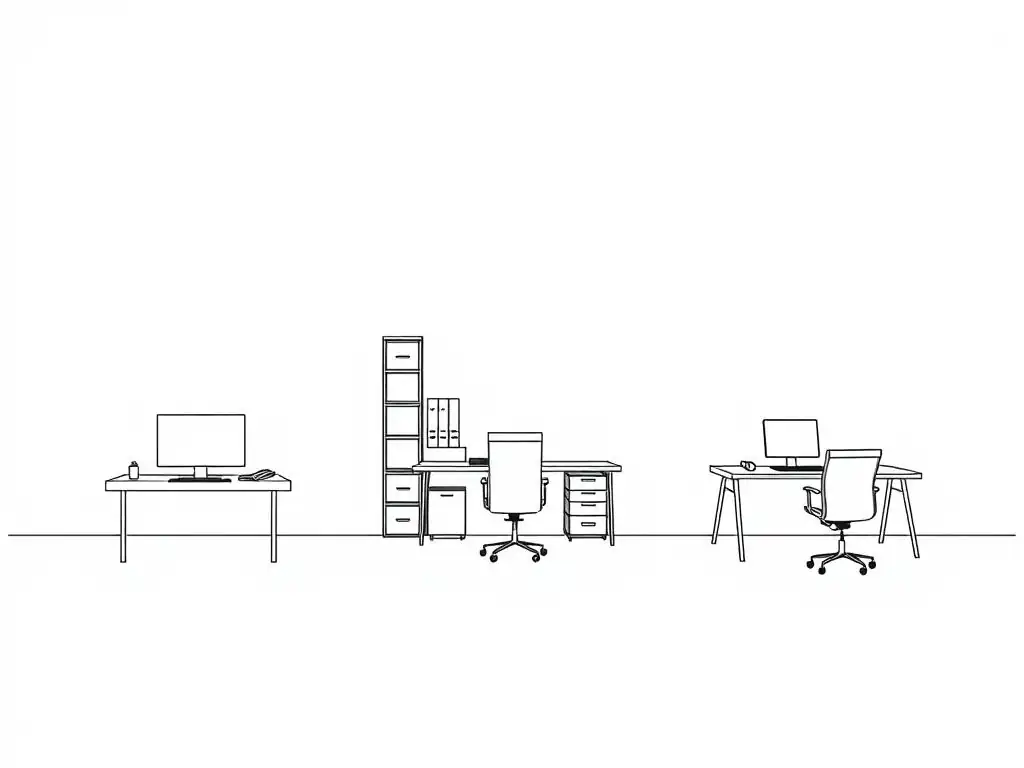
This section explores how furniture arrangement directly impacts focus and productivity, offering tailored solutions for various work styles. The optimal "best furniture layout for focus" isn't a one-size-fits-all solution; it depends heavily on your individual needs and working habits. We'll delve into specific arrangements to maximize concentration and minimize distractions. Understanding these nuances will allow you to craft a workspace perfectly suited to your unique workflow, boosting your overall efficiency and well-being.
Furniture Arrangement for the Focused Individual Worker
For individuals who thrive in solitary, focused work environments, the key is to minimize visual and auditory distractions. This means strategically positioning your furniture to create a sense of enclosure and privacy.
Consider these elements for a highly focused workspace:
- Desk Placement: Position your desk away from windows with distracting views or high-traffic areas. A corner desk can provide a natural sense of enclosure. Facing a wall can also minimize visual distractions.
- Chair Selection: Invest in an ergonomic chair that supports proper posture and encourages comfort. Discomfort is a major distraction!
- Lighting: Natural light is ideal, but ensure it's not directly in your eyes. Supplement with a task lamp to avoid eye strain.
- Storage: Keep frequently used items within easy reach, but organize less-used items out of sight to maintain a clutter-free workspace. This reduces visual clutter which is a significant factor in maintaining concentration.
- Technology Placement: Position your computer monitor at eye level to minimize neck strain and distractions. Keep your phone out of sight, perhaps in a drawer or on a separate charging station away from your immediate work area. Studies show that even the visual presence of a smartphone can negatively impact focus.
- Plants: Strategically placed plants can act as natural air purifiers and even improve mood and concentration. However, avoid placing them too close to your workspace to prevent potential allergens or obstacles.
Furniture Arrangement for Collaborative Workspaces
Collaborative workspaces require a different approach to furniture arrangement, prioritizing communication and easy interaction. The "best furniture layout for focus" in this context involves balancing individual focus with team collaboration.
Here's how to optimize a collaborative workspace:
- Central Table: A large, central table encourages interaction and facilitates brainstorming sessions. The table's size should accommodate all team members comfortably.
- Comfortable Seating: Provide a variety of seating options, such as armchairs and stools, to cater to different preferences and working styles.
- Whiteboard or Projection Screen: A dedicated area for brainstorming and presentations is essential. This might involve a large whiteboard or a projection screen with ample space for note-taking.
- Individual Workspaces: Even within a collaborative space, provide smaller, dedicated work areas for individuals who need periods of focused work. This allows for a balance between teamwork and individual concentration.
- Storage Solutions: Shared storage solutions, like filing cabinets or shelves, should be easily accessible to everyone. Clearly label storage areas to avoid confusion and maintain order.
Furniture Arrangement for Multi-tasking Environments
Multi-tasking environments demand a flexible furniture arrangement that can adapt to changing needs. The "best furniture layout for focus" in this scenario involves creating zones for different tasks, facilitating a smooth transition between activities.
Here are some tips for optimizing a multi-tasking workspace:
- Zoned Workspace: Divide your workspace into distinct zones for different tasks, such as a writing area, a computer area, and a phone-call area. This helps to mentally compartmentalize tasks and minimize distractions.
- Mobile Furniture: Utilize mobile furniture, like rolling carts or adjustable desks, to easily reconfigure your workspace as needed.
- Vertical Space: Make use of vertical space with shelving units and wall-mounted organizers to maximize storage and keep surfaces clear. This reduces visual clutter, a key component of efficient multi-tasking.
- Technology Integration: Integrate technology that supports multi-tasking, such as multiple monitors or a docking station, to streamline workflow.
- Declutter Regularly: Regular decluttering is crucial in multi-tasking environments to prevent chaos and maintain a sense of control. A cluttered space equals a cluttered mind, significantly hindering productivity and focus. Consider a daily or weekly decluttering routine.
Remember, the most effective furniture arrangement is one that aligns with your individual work style and preferences. Experiment with different layouts to find what works best for you and enhances your focus and productivity. The journey to finding the best layout is a personal one.
Maintaining Your Optimized Workspace for Sustained Focus: Best Furniture Layout for Focus
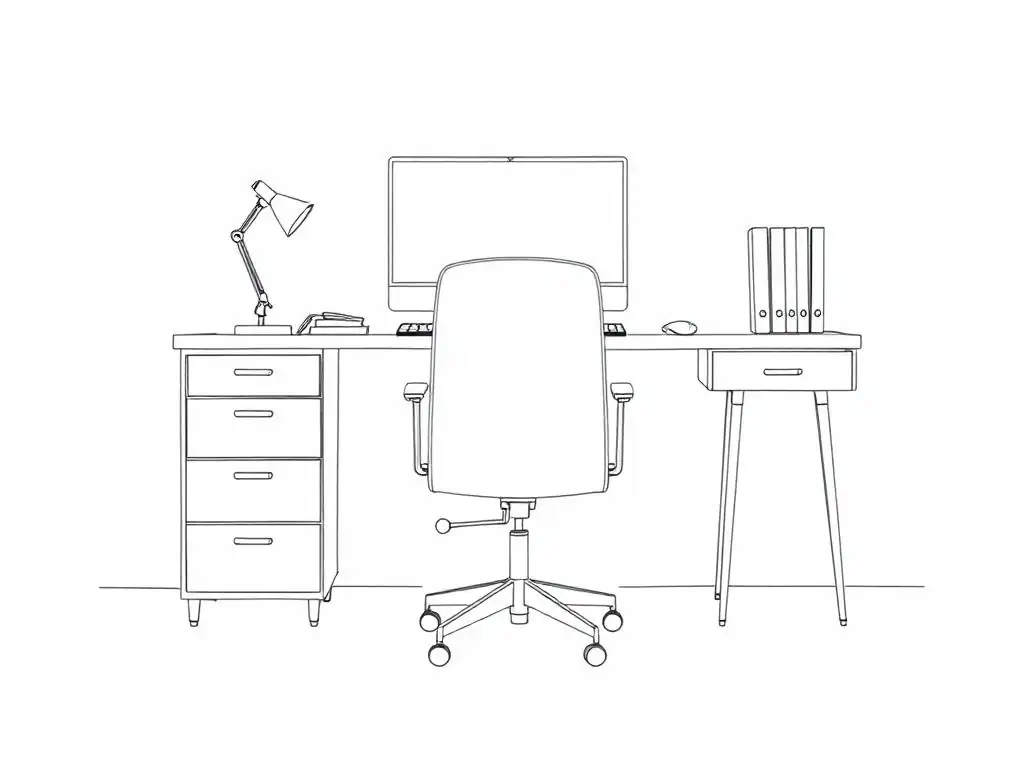
Once you've implemented the ideal furniture layout for focus, maintaining that productive environment is key. A cluttered or disorganized workspace directly impacts your ability to concentrate, hindering your workflow and ultimately reducing your productivity. This section focuses on practical strategies to ensure your workspace remains a haven of focus, optimizing your "best furniture layout for focus" for long-term effectiveness.
Regular Cleaning and Organization Tips for a Productive Workspace
Regular cleaning isn't just about aesthetics; it's a crucial component of maintaining a productive workspace. A clean desk is a clear mind, as the saying goes. But what constitutes "regular" and what specific cleaning tasks should you prioritize?
Think of cleaning in two phases: daily and weekly. Daily, focus on quick tidying. Clear your desk of any unnecessary items at the end of each workday. This could involve filing papers, putting away stationery, and emptying trash cans. A simple 5-10 minute tidy-up can make a significant difference in your mental clarity the next morning.
Weekly cleaning should be more thorough. This involves dusting surfaces, wiping down your keyboard and mouse, vacuuming or sweeping the floor, and organizing any larger items. Consider using a timer to break down this task into manageable chunks, making the process less daunting. For example, dedicate 15 minutes to organizing your filing system, another 15 to cleaning your monitor, and so on.
Here's a sample weekly cleaning schedule you can adapt:
| Day | Task | Time Allotted |
|---|---|---|
| Monday | Desk tidy-up & trash disposal | 10 minutes |
| Wednesday | Dusting, keyboard/mouse cleaning | 15 minutes |
| Friday | Vacuum/sweep, file organization, monitor cleaning | 25 minutes |
Remember, consistency is key. By incorporating these simple cleaning routines into your weekly schedule, you’ll significantly improve your workspace's functionality and help maintain the benefits of your "best furniture layout for focus". The feeling of a clean, organized space directly contributes to a calmer, more focused mind.
Investing in Storage Solutions to Minimize Clutter
Clutter is the enemy of focus. Even with the best furniture layout for focus, excessive items can distract and disrupt your concentration. Investing in smart storage solutions is therefore crucial. This isn't about simply buying more containers; it's about strategically organizing your workspace to minimize visual clutter and maximize accessibility.
Consider these options:
- Vertical Storage: Utilize vertical space with shelves, drawers, and file organizers. This helps maximize storage capacity without taking up valuable desk space.
- Desk Organizers: Desk organizers provide designated spaces for pens, pencils, sticky notes, and other frequently used items, keeping them within easy reach but preventing them from becoming a visual mess.
- Cable Management: Untangled cables create a cleaner and more professional look. Use cable ties, clips, or sleeves to keep your cords organized and out of sight.
- Hidden Storage: If possible, incorporate hidden storage solutions, such as drawers under your desk or cabinets above, to keep less frequently used items out of sight.
Remember to regularly audit your storage solutions. If something hasn't been used in months, it's probably time to donate or discard it. This prevents clutter from accumulating and helps maintain the effectiveness of your optimized workspace. This is a crucial step towards achieving and maintaining that "best furniture layout for focus".
Creating a Relaxing and Calming Workspace Atmosphere to Enhance Focus
The aesthetics of your workspace profoundly affect your ability to concentrate. A calming and relaxing atmosphere fosters focus, while a chaotic or visually stimulating environment can lead to distraction. Even with the perfect furniture arrangement for focus, the surrounding ambiance plays a significant role in your overall productivity.
Consider these elements:
- Lighting: Natural light is ideal, but if that's not feasible, ensure you have adequate artificial lighting that’s soft and diffused. Avoid harsh overhead lights that can strain your eyes and create a stressful environment.
- Color Palette: Opt for a calming color scheme. Neutral colors like blues, greens, and grays are generally considered conducive to focus. Avoid overly bright or jarring colors.
- Plants: Adding plants to your workspace can improve air quality and create a more natural and relaxing atmosphere. They can also help reduce stress and improve mood. 🪴
- Ambient Sounds: Consider using ambient soundscapes or white noise to minimize distracting noises from outside your workspace. There are many free apps and online resources that offer a variety of calming sounds.
By carefully curating your workspace's ambiance, you can create a significantly more conducive environment for focused work. This is the final piece of the puzzle in maintaining the benefits of your "best furniture layout for focus" and ensuring long-term productivity. Remember, a well-designed and carefully maintained workspace is an investment in your mental well-being and overall success.
Frequently Asked Questions
What is the most important factor to consider when arranging furniture for focus?
The most important factor is minimizing distractions. This means strategically placing your desk away from windows and high-traffic areas, and ensuring a clear, uncluttered workspace. Prioritize a comfortable and ergonomic setup.
How can I arrange my furniture to improve concentration?
Create a dedicated work zone free from clutter and distractions. Position your desk to avoid facing doors or windows, and ensure good lighting. Consider adding elements that promote calm and relaxation, such as plants.
What type of furniture is best for a focused workspace?
Choose furniture that supports good posture and ergonomics. This includes a comfortable chair with good lumbar support, a desk of an appropriate height, and potentially a standing desk converter for variety. A minimalist aesthetic can also help reduce visual clutter.
Does the color of my furniture impact my focus?
While not a primary factor, calming colors like blues and greens can help create a more peaceful and productive environment. Avoid overly stimulating or distracting colors. The overall lighting of the space is more impactful than furniture color.
How can I adapt my furniture arrangement if I have a small space?
Maximize vertical space with shelves and drawers. Use multifunctional furniture like ottomans with storage. Prioritize essential items only, minimizing clutter. A well-organized small space can be just as effective as a large one.
Final Reflection: Designing Your Focus Sanctuary
The way we arrange our furniture isn't just about aesthetics; it's a powerful tool for shaping our productivity and mental well-being. In a world increasingly demanding our attention, creating a space optimized for focus is not a luxury, but a necessity. This article explored how strategic furniture placement can dramatically impact our ability to concentrate, highlighting the importance of minimizing distractions and maximizing comfort.
The impact of our environment on our mental state is profound, a truth often overlooked in our fast-paced lives. We've explored the science behind optimal furniture arrangements, but the true power lies in the personal connection we forge with our workspace. It's about creating a sanctuary, a place where we feel safe, comfortable, and empowered to tackle our tasks. The arrangement of space reflects the arrangement of the mind.
– This simple observation speaks volumes about the interconnectedness of our physical and mental landscapes. By consciously designing our surroundings, we actively participate in shaping our inner world.
Now, consider your own space. What adjustments can you make to enhance your focus? Perhaps it's simply rearranging your desk, adding a plant, or investing in a more ergonomic chair. The journey to a more focused life begins with a single step – a conscious decision to create an environment that supports your goals. Take the time to design your focus sanctuary; you deserve a space that nurtures your mind and empowers you to achieve your full potential.
Unlock Your Focus: Design Your Ideal Workspace Now!
Thank you for exploring how furniture arrangement can dramatically improve focus! You now have the tools to transform your workspace from a source of distraction into a productivity hub. Ready to get started?
- Redesign your workspace today! Begin by rearranging a single piece of furniture—even a small change can significantly impact your productivity. Consider the flow of your work and how you interact with your surroundings.
- Share your transformation on social media! Inspire others to optimize their workspaces and join our community of focused individuals. Use #UltimateFocusDesign.
- Create a simple mood board to visualize your ideal workspace. This will help maintain your motivation throughout the process.
What small change will you implement today to boost your focus and productivity?