Beyond the Basics: Advanced Tips for Maximizing Your Bill Payment Automation
🤔 Unlock ultimate financial freedom! Go beyond basic autopay. This article reveals advanced strategies to automate bill payments efficiently, saving you time…
Read article
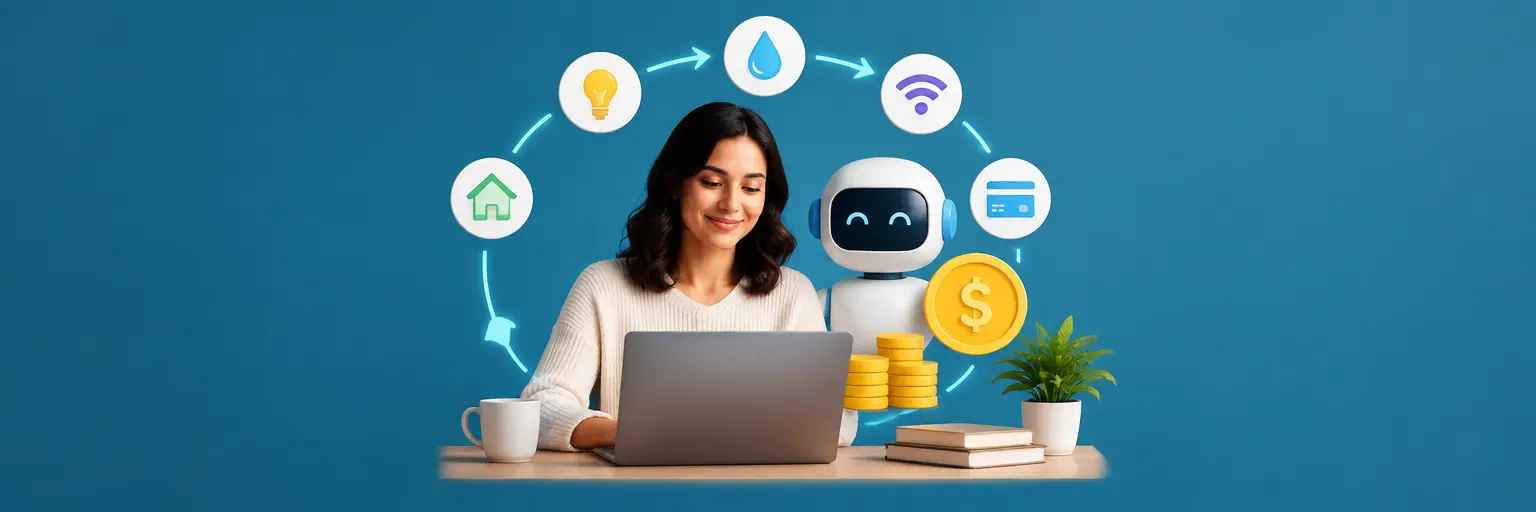
Streamline your financial life with bill payment automation—the ultimate productivity hack for busy professionals seeking efficiency and peace of mind. By setting up automatic payments for recurring expenses like utilities, subscriptions, and loans, you eliminate late fees, reduce mental clutter, and reclaim valuable time each month. This smart approach to financial wellness leverages technology to build a flawless payment system that works 24/7, ensuring your credit score stays healthy while you focus on bigger priorities. Discover how to configure auto-pay alerts, sync bank accounts securely, and choose between credit cards or direct debits to maximize rewards and control cash flow—all without lifting a finger. Perfect for anyone tired of manual reminders and spreadsheet tracking, automation turns a tedious chore into a set-and-forget strategy that boosts both savings and serenity. Start optimizing your daily routine today with practical, low-effort steps that deliver lasting financial benefits.
🤔 Unlock ultimate financial freedom! Go beyond basic autopay. This article reveals advanced strategies to automate bill payments efficiently, saving you time…
Read article
😊 Stop wasting precious hours on manual bill payments! Automate bill payments save time and money, freeing you to focus on what…
Read article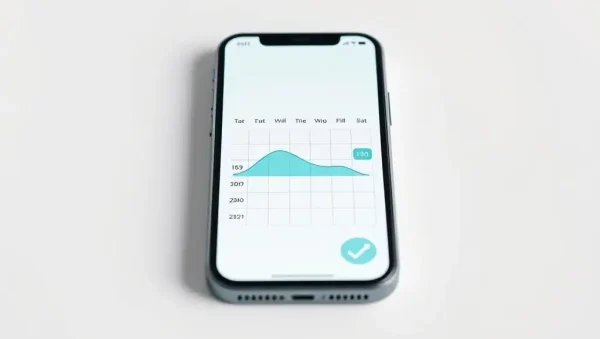
😊 Stop wasting time and avoid late fees! This guide shows you how to automate bill payments efficiently, saving you time and…
Read articleWelcome to the ultimate guide on bill payment automation—a cornerstone of modern financial wellness. By leveraging technology to handle recurring payments, you eliminate late fees, reduce mental clutter, and reclaim hours each month. This subcategory focuses on actionable, step-by-step strategies to set up, manage, and optimize automated bill payments, all while maintaining security and control. Whether you’re a busy professional, a parent juggling schedules, or a freelancer with variable income, mastering automation is a high-impact life hack for long-term productivity and peace of mind. Let’s dive into the systems that pay your bills while you sleep.
Automating bill payments begins with selecting the right method—bank bill pay, credit card autopay, or third-party apps. Start by listing every fixed expense (rent, utilities, subscriptions, insurance) and categorize them by due date. For each, enable autopay directly through the service provider, linking a dedicated checking account or a rewards credit card. Always set the payment to “minimum” or “statement balance” to avoid overdrafts. Key tip: Use one central calendar to track confirmation emails, and schedule a monthly 15-minute review to ensure no new bills slipped through the cracks.
Modern banking platforms allow you to schedule payments up to a year in advance, but it’s safer to automate only fixed-amount bills. Variable bills, like credit cards or electricity, should be set to pay the statement balance automatically. This prevents interest accrual while maintaining flexibility. For maximum efficiency, align all due dates to the 1st and 15th via your providers’ billing portals. Pro hack: Enable email or push notifications for each payment confirmation—this creates a digital paper trail without adding manual work.
Not all automation tools are equal. Your bank’s bill pay feature is reliable and free, but it may lack granular controls. Third-party apps like Prism, Mint, or YNAB aggregate all bills in one dashboard, offering reminders and auto-sync. For power users, credit card autopay through cards like Chase or Amex adds rewards, but requires diligent monitoring of balances. Compare: Bank bill pay = simplicity; third-party apps = visibility; credit card autopay = cashback. Choose one primary tool to avoid duplicated payments, and always link a separate “bills-only” account to minimize fraud risk.
Security is paramount. Use two-factor authentication on every financial app, and avoid saving card details on merchant sites. Instead, route payments through your bank’s secure portal. For subscriptions, consider privacy-based virtual card numbers from services like Privacy.com, which let you create unique card numbers for each merchant—this prevents unexpected auto-renewals and blocks overcharging. Optimization hack: Review your app’s categorization weekly to catch errors, and set “soft alerts” for any payment above a threshold. The goal is a frictionless system that still gives you full control.
The biggest risk in bill automation is timing misalignment—payments hitting before your paycheck. Fix this by adjusting due dates to cluster payments 2–3 days after your income arrives. Most providers allow you to change the due date online. If your income is irregular, use a buffer: keep one month’s expenses in your bills account as a safety net. Rule of thumb: Automate only 80% of your fixed bills; leave crucial ones (like mortgage) semi-automated with a manual confirmation. Also, schedule payments for business days only—weekend processing can cause delays and penalties.
To further reduce overdraft risk, enable “low-balance alerts” on your checking account, and link a backup funding source for automatic transfers. For variable bills, set a monthly spending limit on your credit card autopay, ensuring you never exceed your budget. Life hack: Use a dedicated calendar with color-coded due dates—green for automated, yellow for manual, red for high-priority. Review this calendar every Sunday for 5 minutes to catch any anomalies. This proactive approach turns automation from a passive tool into an active financial management system.
Automation doesn’t mean surrendering security. First, never store passwords or card details in your browser; use a trusted password manager with built-in encryption. Second, enable transaction alerts for every debit and credit. Third, set up a separate email alias for financial notifications, so a compromised primary email won’t expose payment info. Critical protection: Regularly audit your linked accounts—remove any that are unused or suspicious. For credit card autopay, limit to cards that offer zero-liability fraud protection, and never auto-pay from a debit card linked to your main savings.
Hackers often target automated systems because they’re predictable. To counter this, vary payment amounts slightly (if possible), and schedule manual reviews every quarter. Use a virtual private network (VPN) when accessing financial apps on public Wi-Fi. Additionally, set up “pause” features on autopay for subscriptions you rarely use—cancel them immediately rather than letting small charges accumulate. Pro tip: Sign up for identity monitoring through your bank or a service like LifeLock; automated payments leave a trail that alerts you to unauthorized changes, but only if you’re monitoring. Always verify withdrawal dates against your own records.
Automating bill payments isn’t just about saving time—it’s a mental health win. When bills are on autopilot, you eliminate decision fatigue and the anxiety of missed deadlines. This frees up cognitive bandwidth for higher-value tasks, like investing or career growth. Behavioral science: Automation leverages the “default effect”—you’re more likely to pay on time if the system does it for you. Over months, this builds a habit of consistent cash flow management, without willpower. For couples, automation reduces conflict over who pays what, as all transactions are transparent and centralized.
Moreover, automation supports financial goal setting. By linking bill payments to a separate savings account, you can automatically transfer surplus funds to investments or an emergency fund. This creates a “pay yourself first” system that compounds wealth. Efficiency boost: Schedule a monthly 30-minute “financial health check” to review your automated flows, adjust limits, and celebrate small wins like zero late fees. Over time, you’ll notice lower stress levels and improved credit scores—both direct outcomes of consistent, on-time payments. The ultimate life hack is outsourcing the mundane to technology, so you can focus on what truly matters.
Yes, with proper safeguards. Use dedicated bills-only accounts, enable two-factor authentication, set transaction alerts, and regularly audit linked merchants. Keep your main savings separate to limit exposure. For high-risk payments, like mortgage, semi-automate with a manual review. Most fraud occurs due to weak passwords or shared credentials, so a password manager and unique emails for financial logins dramatically reduce risk.
Most banks retry failed payments automatically within 2–3 days, but you may incur a late fee. To prevent this, keep a buffer balance in your bills account, and enable low-balance alerts. If a payment fails, you’ll typically receive an email notification—act within 24 hours to pay manually or adjust the schedule. Regularly review your transaction history to catch systemic issues early.
Absolutely. Link bills to a rewards credit card that offers cashback or points on utility and subscription payments. Ensure the card is paid in full automatically to avoid interest. Popular cards include Chase Freedom Unlimited and Citi Double Cash. Some apps like Bill.com also offer small cashback on paid invoices. Always verify that the merchant accepts credit cards without fees.
Set up “statement balance autopay” on your credit card, which pays the full amount due each month, avoiding interest. For utilities, most providers allow autopay of the usage-based amount—enable “smart billing” if available. Alternatively, use a bank’s “auto-pay” that deducts the exact balance on the due date. Monitor these with alerts, but the system is safe.
Log into the merchant’s portal and disable autopay, then cancel any bank-level scheduled payments. Alternatively, use your bank’s “stop payment” request, though it may incur a fee. For credit card autopay, turn it off in the card’s settings. Always confirm the cancellation via email and check your next statement. It’s wise to keep records of cancellations for disputes.