
Tech Essentials: MustHave Gadgets for a Productive Home Office

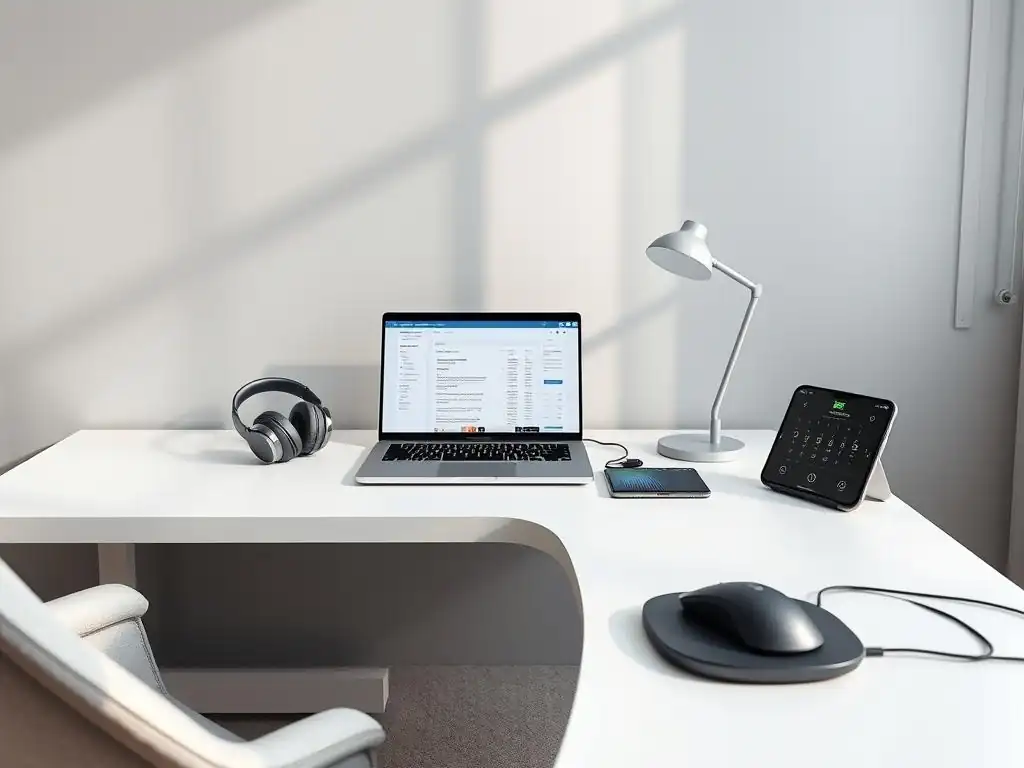
Ready to transform your home office from chaotic to command central? At UltimateLifeHacks, we're dedicated to helping you conquer your to-do list and reclaim your time. Discover the secrets to peak productivity with our curated selection of life hacks and smart strategies. But first, let's dive into the must-have tech that'll supercharge your workflow: our expert guide on the Best Home Office Tech Gadgets awaits – prepare to be amazed by what you can achieve!
- Top-Rated Home Office Tech Gadgets for Increased Productivity
- Essential Software and Apps for Streamlined Workflow
- Smart Home Integration for a Seamless Home Office Experience
- High-Quality Webcams and Microphones for Crystal-Clear Communication
- Power Management and Backup Solutions for Uninterrupted Workflow
- Maximize Your Home Office Tech Investment: Choosing the Right Gadgets
-
Frequently Asked Questions
- What tech gadgets are essential for a productive home office?
- How can I improve my home office setup with tech gadgets?
- What are some budget-friendly tech gadgets for a home office?
- Which tech gadgets are best for video conferencing in a home office?
- How can I ensure my home office tech gadgets improve, rather than hinder, my productivity?
- Final Reflection: The Evolving Home Office: Technology and Productivity
- Unlock Your Productivity Powerhouse: Level Up Your Home Office!
Top-Rated Home Office Tech Gadgets for Increased Productivity
Setting up a productive home office requires more than just a desk and a chair. The right technology can significantly boost your efficiency, reduce stress, and ultimately, help you achieve your professional goals. This article explores the essential tech gadgets that can transform your home workspace from a chaotic mess into a streamlined productivity powerhouse. We'll delve into ergonomic solutions, focus-enhancing tools, and other must-have items to optimize your home office for maximum output.
Choosing the best home office tech gadgets is crucial for creating a comfortable and efficient work environment, directly impacting your productivity and overall well-being. We'll be focusing on the best options available to help you make informed decisions when building your ideal setup, focusing specifically on what makes each item a top contender for the title of "Best home office tech gadgets". Let's dive into the details!
Ergonomic Desk Setup: Investing in Your Comfort and Well-being
Investing in an ergonomic setup is paramount for long-term comfort and productivity. Neglecting ergonomics can lead to discomfort, pain, and decreased efficiency. Prioritizing your physical well-being translates directly into better focus and higher output. Let's explore key components of a truly ergonomic workspace.
Best Ergonomic Chairs for Long Hours
Choosing the right chair is arguably the most important decision in creating an ergonomic home office. Look for chairs with adjustable lumbar support, armrests, and seat height. Consider features like breathable mesh fabric to prevent overheating and adjustable tilt mechanisms to find your optimal posture. Proper ergonomic chair selection is vital for reducing back pain and promoting better posture during extended work sessions. The right chair can make a world of difference in your comfort and overall productivity.
Standing Desk Converters
Standing desks, or standing desk converters, are gaining popularity for their ability to promote movement and improve posture throughout the workday. Alternating between sitting and standing can reduce the negative effects of prolonged sitting and boost energy levels. Many converters are easily adjustable, allowing you to seamlessly switch between sitting and standing positions. The benefits of incorporating a standing desk converter into your home office setup are significant, contributing to improved health and productivity.
Adjustable Monitor Arms
An adjustable monitor arm allows you to position your screen at the perfect height and distance, reducing neck strain and eye fatigue. This simple addition can greatly improve your posture and overall comfort. Proper monitor placement is a crucial aspect of ergonomics and significantly impacts long-term health and productivity. Consider the features and adjustability offered by different monitor arms to find the best fit for your needs and workstation.
Boosting Focus with Noise-Cancelling Headphones: Silence the Distractions
Distractions are the enemy of productivity. Noise-cancelling headphones can create a sanctuary of silence, allowing you to focus intensely on your work, regardless of the surrounding environment. This is particularly beneficial for those working from home with family members, pets, or noisy neighbors. Investing in high-quality noise-cancelling headphones is an investment in your concentration and ability to complete tasks efficiently.
Top Picks: Noise Cancellation Showdown
The market offers a wide range of noise-cancelling headphones, each with its own strengths and weaknesses. Consider factors such as sound quality, comfort, battery life, and price when making your selection. Look for headphones with effective noise cancellation and comfortable earcups for extended use. A thorough comparison of top models will help you find the perfect pair to suit your specific needs and budget.
Wireless Freedom
Wireless headphones offer the added benefit of freedom of movement without the constraints of wires. This is especially helpful if you need to move around your home office while working or taking calls. The convenience and flexibility of wireless technology significantly enhance the overall home office experience and contribute to a more comfortable work environment. Consider Bluetooth connectivity and range when choosing wireless noise-cancelling headphones.
Essential Software and Apps for Streamlined Workflow
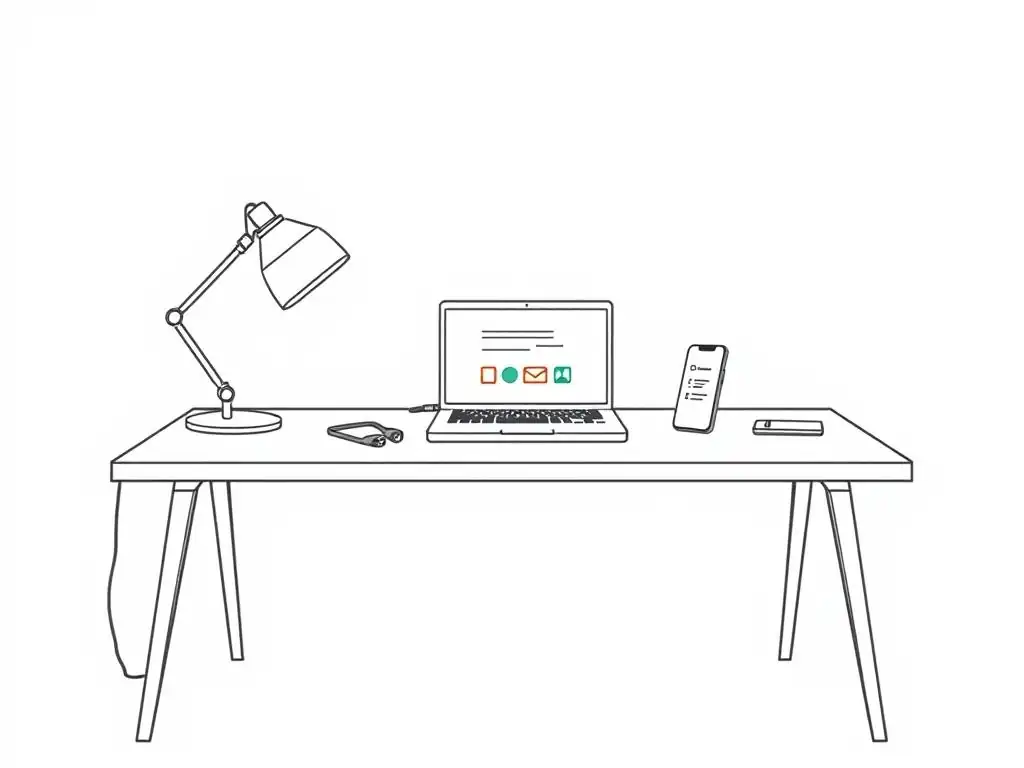
This section delves into the digital tools crucial for optimizing your home office productivity. Choosing the right software can significantly impact your efficiency, transforming your workflow from chaotic to streamlined. We'll explore key categories of applications, focusing on their practical applications within a home office setting. Remember, the "best" software depends on individual needs and preferences, so consider these suggestions as starting points for your own research and experimentation. Finding the perfect tech stack for your home office is a journey of discovery and refinement.
Project Management Software: Mastering Your To-Do List
Effective project management software is the cornerstone of a productive home office. These tools help you organize tasks, set deadlines, track progress, and collaborate with others seamlessly. The sheer number of options can be overwhelming, but focusing on key features will help you narrow down your choices. Consider factors like ease of use, integration with other apps, and the specific features that align with your workflow. For example, do you need Gantt charts for visualizing complex projects, or is a simple to-do list sufficient?
Many project management tools offer free plans or trials, allowing you to test them before committing to a paid subscription. This approach lets you assess their fit with your personal productivity style before investing resources. Don't be afraid to experiment! Trying different software can reveal unexpected benefits and help you identify the best fit for your specific needs and preferences.
Collaboration Tools
Modern project management software goes beyond individual task management. Many platforms excel in facilitating collaboration, enabling seamless teamwork on projects. Features like shared task lists, real-time updates, and integrated communication tools streamline collaboration, even when team members are geographically dispersed. This is particularly vital in a home office environment where remote collaboration is often essential.
Look for tools that support file sharing, commenting, and version control to minimize communication bottlenecks and ensure everyone stays on the same page. The ability to assign tasks and monitor progress in real-time is a significant productivity booster for collaborative projects. Consider the size and complexity of your typical projects when choosing a tool with suitable collaboration features.
Note-Taking Apps: Digital Organization for Maximum Efficiency
In the digital age, efficient note-taking is paramount. Digital note-taking apps provide a powerful alternative to traditional pen and paper, offering features like searchability, organization, and cross-device synchronization. This allows you to access your notes from any device, anytime, ensuring information is readily available when you need it. The ability to easily search your notes saves valuable time compared to sifting through physical notebooks. Moreover, many apps offer features for tagging, categorizing, and linking notes, creating a highly organized digital knowledge base.
The best note-taking app for you depends on your individual preferences and workflow. Some prioritize simplicity and ease of use, while others offer advanced features like audio recording, handwriting recognition, and web clipping. Consider how you currently take notes and what features would enhance your workflow. Do you prefer typed notes, handwritten notes, or a combination? Do you need to integrate your notes with other apps or services?
Evernote vs. OneNote: A Comparative Analysis for Home Office Use
Evernote and OneNote are two popular note-taking applications frequently compared for their strengths and weaknesses. Both offer robust features, but cater to different user preferences. Evernote, known for its flexibility and powerful search capabilities, excels at managing vast amounts of information.
Its web clipper extension allows seamless capturing of web pages and articles, making it ideal for research and knowledge gathering. On the other hand, OneNote, with its hierarchical structure and integration with the Microsoft ecosystem, is favored by users who appreciate a more organized and structured approach to note-taking. Its integration with other Microsoft products, such as Outlook and Teams, enhances workflow for those already deeply embedded in the Microsoft world.
| Feature | Evernote | OneNote |
|---|---|---|
| Organization | Tagging, notebooks, stacks | Notebooks, sections, pages |
| Search | Powerful, robust search capabilities | Good search, but less sophisticated than Evernote |
| Collaboration | Limited, primarily through shared notebooks | Robust, built-in collaboration features |
| Integration | Wide range of integrations | Strong integration within Microsoft ecosystem |
| Pricing | Free and paid plans available | Free and paid plans available |
Ultimately, the choice between Evernote and OneNote (or another note-taking app) depends on your individual needs and preferences. Consider factors such as your existing tech stack, preferred organizational style, and the level of collaboration required. Many users find value in using both, leveraging their unique strengths for different tasks. Experimentation and exploration are key to finding the perfect fit for your home office.
Smart Home Integration for a Seamless Home Office Experience
Integrating smart home technology into your home office can significantly boost productivity and create a more comfortable and efficient workspace. By automating various aspects of your environment, you can minimize distractions and optimize your focus, ultimately leading to better results. This section explores key smart home features that transform a typical home office into a highly productive and personalized sanctuary. We'll delve into specific examples and highlight the practical benefits of each. The "best home office tech gadgets" often incorporate these smart features, making your work life easier.
Smart Lighting: Optimizing Your Workspace
Smart lighting systems offer unparalleled control over your home office's ambiance, directly impacting your productivity and well-being. Instead of relying on static overhead lighting, you can adjust brightness, color temperature, and even schedule automated changes throughout the day. This level of customization is crucial for maintaining optimal focus and preventing eye strain.
Ambient Lighting for Focus
Studies show that specific lighting conditions can significantly influence concentration and alertness. For example, cooler light temperatures (around 5000K) are generally preferred during the day for enhanced focus and task completion. Conversely, warmer temperatures (around 2700K) can be beneficial in the evening to promote relaxation and reduce eye strain after a long workday. Smart bulbs allow you to seamlessly transition between these settings with the touch of a button or through automated scheduling.
Imagine starting your workday with a bright, cool light to instantly invigorate your mind, then gradually shifting to a warmer, softer glow as the day winds down. This subtle yet impactful change can dramatically improve your overall work experience. This is a top feature in many of the best home office tech gadgets on the market.
Smart Assistants: Hands-Free Control
Smart assistants like Amazon Alexa or Google Assistant are game-changers for home office productivity. They offer hands-free control over various tasks, freeing up your hands and mind to focus on more important matters. Integrating these assistants into your workspace provides a range of benefits that contribute to a more efficient and less stressful work environment.
Voice Control for Productivity
Imagine dictating emails, setting reminders, making calls, or controlling your smart lighting – all without lifting a finger. This hands-free functionality is particularly useful during busy periods, allowing you to maintain your flow and avoid interruptions. Voice control extends beyond basic commands; you can also use smart assistants to manage your calendar, play focus-enhancing music, and even control smart home appliances like your coffee maker, ensuring your morning routine is perfectly optimized.
The ability to effortlessly manage various tasks with your voice significantly reduces mental load and contributes to a more streamlined workflow. This is one of the key reasons why smart assistants are considered among the best home office tech gadgets for enhancing productivity. The time saved adds up, contributing to a more efficient and less stressful workday.
High-Quality Webcams and Microphones for Crystal-Clear Communication
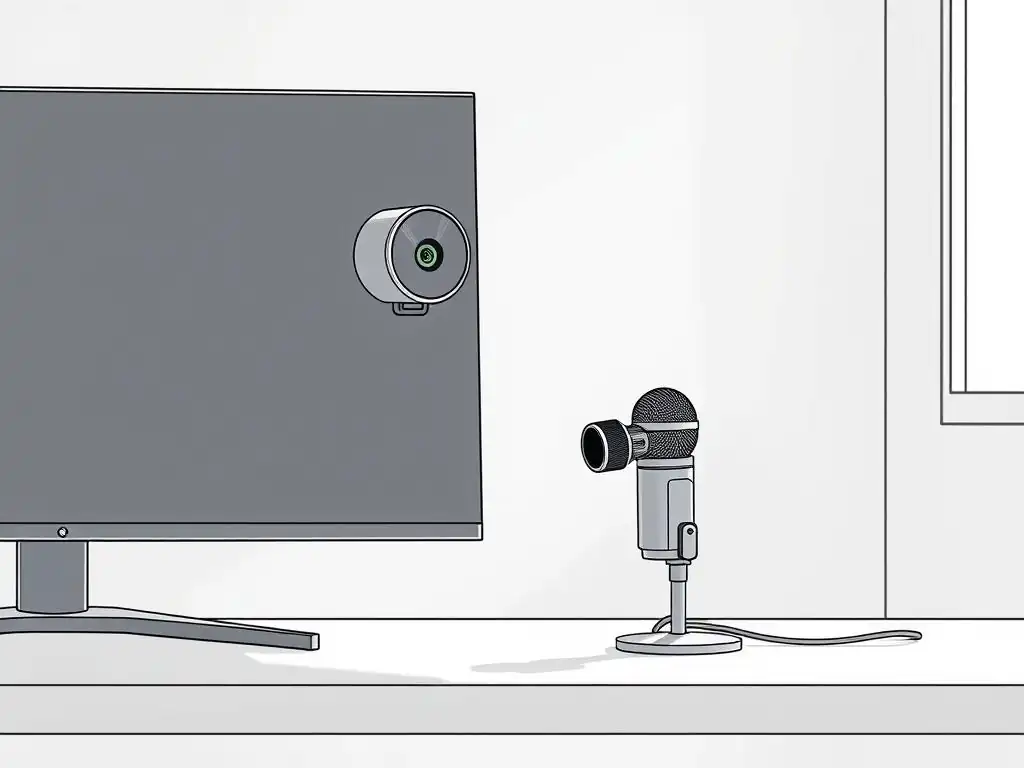
Crystal-clear communication is paramount in a productive home office. Whether you're collaborating with colleagues, attending virtual meetings, or connecting with clients, the quality of your audio and video directly impacts your professional image and the effectiveness of your interactions. Investing in high-quality webcams and microphones is a significant step towards enhancing your virtual presence and boosting overall productivity. This section explores the best options to elevate your communication game.
Best Webcams for Video Conferencing
Choosing the right webcam can significantly improve the quality of your video calls. Factors to consider include resolution, frame rate, autofocus capabilities, and low-light performance. Top-tier webcams offer superior image quality, making you appear more professional and ensuring your presentations are easily viewed.
For instance, a webcam with 1080p resolution at 60 frames per second (fps) provides a significantly smoother and more detailed video experience compared to a 720p webcam. This is crucial for presentations involving visual aids or detailed discussions. Additionally, features like autofocus and good low-light performance ensure you always look your best, regardless of the lighting conditions in your home office.
Consider these key features when selecting a webcam:
- Resolution: Aim for at least 1080p (Full HD) for sharp, clear video. 4K is ideal but comes with a higher price tag.
- Frame Rate: A higher frame rate (e.g., 60fps) results in smoother video, reducing the "jerky" effect often seen in lower frame rate cameras.
- Autofocus: Essential for maintaining sharp focus throughout your calls, even if you move around slightly.
- Low-Light Performance: Important for ensuring good video quality even in dimly lit rooms.
- Field of View: A wider field of view allows you to capture more of your surroundings, which can be beneficial for demonstrations or group calls.
Here's a simple table summarizing the key differences between budget-friendly and premium webcams:
| Feature | Budget Webcam | Premium Webcam |
|---|---|---|
| Resolution | 720p or lower | 1080p or higher |
| Frame Rate | 30fps | 60fps or higher |
| Autofocus | Often basic or absent | Advanced, fast, and accurate |
| Low-Light Perf. | Poor | Excellent |
| Microphone Quality | Typically integrated, low quality | Often better integrated quality or separate mic recommended |
Remember, investing in a good webcam is an investment in your professional image and the clarity of your communication. A high-quality webcam can significantly improve the effectiveness of your virtual meetings and interactions. The difference between a blurry, pixelated image and a crisp, clear one is substantial.
Microphone Upgrade
A high-quality microphone is just as crucial as a good webcam. While many webcams include built-in microphones, these often lack the clarity and noise cancellation needed for professional-level communication. Background noise, like typing or household sounds, can significantly disrupt calls and make it difficult for others to understand you. Upgrading to a dedicated microphone, especially a USB condenser microphone, dramatically improves audio quality, ensuring your voice is clear and easily heard, even in noisy environments.
Consider these factors when choosing a microphone:
- Type: Condenser microphones are generally preferred for their superior audio quality. USB microphones offer plug-and-play convenience.
- Polar Pattern: A cardioid pattern is ideal for home offices, focusing on sound from the front and minimizing background noise.
- Noise Cancellation: Look for microphones with effective noise cancellation features to minimize distractions.
- Sensitivity: A microphone with adjustable sensitivity allows you to fine-tune the audio input to your specific environment.
Upgrading your microphone is a simple yet impactful way to improve your communication. Clear audio ensures your voice is heard, eliminates misunderstandings, and enhances your professional image. Investing in a good microphone is an investment in productive and effective communication. The difference between a muffled, unclear voice and a clear, crisp one is substantial. It can be the difference between a successful virtual meeting and a frustrating one. 🎤
Power Management and Backup Solutions for Uninterrupted Workflow
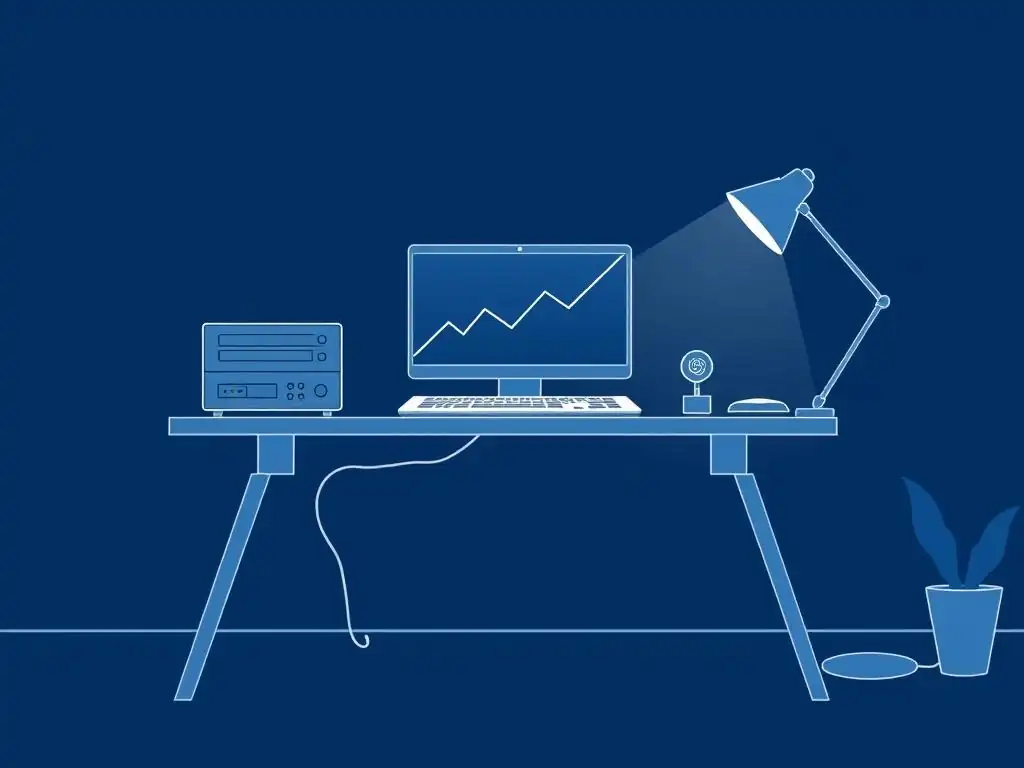
Maintaining a consistent and productive workflow in your home office hinges on reliable power. Power outages, surges, and dips can disrupt your progress, leading to lost work and frustration. Investing in robust power management and backup solutions is crucial for ensuring uninterrupted productivity and protecting your valuable data. This section explores essential tools to safeguard your home office setup from power-related disruptions, ultimately optimizing your "Best home office tech gadgets" arsenal.
Uninterruptible Power Supplies (UPS): Protecting Your Data
An Uninterruptible Power Supply (UPS) is a must-have for any serious home office. UPS systems provide backup power during outages, giving you time to save your work and shut down your computer safely. They also protect against power surges and dips that can damage sensitive electronics. Choosing the right UPS depends on your power needs. Consider the wattage requirements of your devices – your computer, monitor, external hard drives, and other peripherals. A higher wattage rating provides longer backup time.
For example, a typical desktop setup might require a UPS with a 1000VA rating or higher to provide sufficient runtime during an outage. Look for UPS systems with features like automatic voltage regulation (AVR) to protect against voltage fluctuations, and battery replacement indicators to ensure optimal performance. Don't forget about the importance of regular battery testing and replacement to maintain the UPS's effectiveness. Neglecting this can render your backup system useless when you need it most.
Consider the size and placement of the UPS within your workspace – a compact model is ideal for smaller desks. Prioritize features like USB connectivity for monitoring battery levels and software integration for seamless shutdown procedures. Investing in a quality UPS is an investment in protecting your data and maintaining your workflow. It's one of the most critical, yet often overlooked, "best home office tech gadgets."
Portable Power Banks: Ensuring Continuous Operation
While a UPS protects against power outages at your desk, portable power banks offer flexibility for mobile work or situations where a UPS isn't practical. These compact devices can charge your laptop, phone, and other smaller devices, providing power on the go or during brief power interruptions. Choosing a power bank depends on your needs. Consider the capacity (mAh), measured in milliampere-hours, which indicates the amount of charge it can hold. A higher mAh rating translates to longer charging times for your devices.
For instance, a 20,000mAh power bank can often fully charge a laptop once, or a smartphone multiple times. Look for power banks with multiple USB ports to charge several devices simultaneously and fast-charging capabilities to minimize downtime. Features like LED indicators to show remaining battery life, robust build quality, and safety certifications are also important factors to consider when selecting a portable power bank.
They represent a convenient and versatile addition to your collection of "best home office tech gadgets," ensuring you remain productive even when away from your main power source. Remember to always fully charge your power bank before relying on it during a critical moment.
Maximize Your Home Office Tech Investment: Choosing the Right Gadgets
Choosing the right tech gadgets for your home office is crucial for maximizing productivity and minimizing frustration. This involves careful consideration of your specific needs, budget, and long-term goals. Don't just buy the latest shiny gadget; instead, focus on acquiring tools that genuinely enhance your workflow and contribute to a more efficient and enjoyable work environment.
Think strategically about how each piece of technology will integrate into your existing setup and improve your overall productivity. A well-thought-out tech strategy can significantly boost your efficiency and overall job satisfaction. Remember, the "best" gadgets are the ones that best suit your individual needs and preferences.
Budget-Friendly Home Office Tech: Essential Gadgets Without Breaking the Bank
Creating a productive home office doesn't require emptying your bank account. Many affordable gadgets can significantly improve your workflow. Prioritize functionality over flashy features. For example, a reliable, ergonomic wireless keyboard and mouse combo can drastically improve comfort and reduce strain during long work sessions. These are often available at surprisingly low prices, especially if you opt for well-reviewed brands known for their durability.
Investing in a good quality headset with a noise-canceling microphone is also essential for clear communication during video calls, which are increasingly common in today's work environment. Don't overlook the power of a well-organized workspace; inexpensive storage solutions like file organizers and drawer dividers can improve efficiency and reduce wasted time searching for documents. Finally, a simple, yet effective, document scanner can digitize important paperwork, saving space and improving accessibility. Consider these budget-friendly options for building a productive and comfortable home office:
- Ergonomic Keyboard and Mouse: Prioritize comfort and reduce repetitive strain injuries.
- Noise-Canceling Headset: Improve communication clarity during video calls.
- Affordable External Hard Drive: Back up your important data to prevent loss.
- Document Scanner: Digitize paper documents for easy access and storage.
- Desk Organizer: Keep your workspace clutter-free for improved focus.
While budget-friendly options are great for starting out, investing in premium tech offers significant long-term benefits. High-quality equipment often boasts superior performance, durability, and features that can dramatically improve your productivity and job satisfaction. For example, a high-resolution monitor can reduce eye strain and improve focus, leading to a more productive workday.
A powerful laptop or desktop computer with ample RAM and processing power ensures smooth multitasking and quicker application load times, saving you valuable time and frustration. Investing in premium software, such as professional-grade editing suites or project management tools, can streamline your workflow and help you deliver higher-quality work. Furthermore, a premium ergonomic chair can significantly improve posture and comfort during extended work sessions, preventing long-term health issues.
While the initial investment might seem significant, the long-term benefits in terms of increased productivity, reduced downtime, and improved well-being far outweigh the cost. Consider these premium options for a truly enhanced home office experience:
- High-Resolution Monitor: Reduce eye strain and improve visual clarity.
- Powerful Laptop or Desktop Computer: Ensure smooth multitasking and quick load times.
- Premium Ergonomic Chair: Improve posture and comfort during extended work sessions.
- High-Quality Printer/Scanner Combo: Ensure reliable and high-quality output for all your printing and scanning needs.
- Professional-Grade Software: Streamline your workflow and improve the quality of your work.
Remember, the best "Best home office tech gadgets" are those that best fit your individual needs and budget. Carefully consider your workflow and prioritize the tools that will have the biggest positive impact on your productivity and overall well-being. Investing wisely in your home office technology is an investment in your success.
Frequently Asked Questions
What tech gadgets are essential for a productive home office?
A productive home office needs reliable Wi-Fi, a comfortable ergonomic chair, and a high-quality monitor for comfortable extended use. Consider also a fast laptop or desktop computer and a good noise-canceling headset.
How can I improve my home office setup with tech gadgets?
Investing in smart home devices like smart lighting and a smart speaker can enhance productivity and comfort. Ergonomic accessories like a vertical mouse and keyboard can also improve your well-being and reduce strain. Upgrade your internet speed for seamless workflow.
What are some budget-friendly tech gadgets for a home office?
You can find affordable webcams, USB microphones, and external hard drives to boost your home office setup without breaking the bank. Look for sales and deals on reputable online stores. Prioritize essential gadgets before investing in more advanced features.
Which tech gadgets are best for video conferencing in a home office?
A high-quality webcam with good resolution and a noise-canceling microphone are crucial for professional video conferencing. Consider a good lighting setup to improve video quality. A stable internet connection is also paramount.
How can I ensure my home office tech gadgets improve, rather than hinder, my productivity?
Organize your workspace to efficiently use your gadgets. Learn to use your software effectively. Minimize distractions by using apps that block distracting websites or notifications. Prioritize regular maintenance of your devices.
Final Reflection: The Evolving Home Office: Technology and Productivity
The seamless integration of technology into our home lives has fundamentally reshaped the modern workspace, and the quest for productivity is driving innovation at an unprecedented pace. The gadgets discussed in this article represent not just a collection of shiny new tools, but a reflection of this ongoing evolution, a testament to our constant striving for efficiency and a better work-life balance. These are not merely gadgets; they are the building blocks of a more productive and fulfilling professional life.
The impact of accessible technology on the home office is profound, transforming how we work, collaborate, and even define "work" itself. The lines between professional and personal life are increasingly blurred, and the right tools can help us navigate this complexity with grace and efficiency. The key is not to prioritize what's on your schedule, but to schedule your priorities.
– Stephen Covey. This quote speaks to the core of what these tech essentials aim to achieve: helping you prioritize and effectively manage your time and tasks within the ever-changing landscape of the modern home office.
Consider the implications of this technological shift. How can you leverage the power of these tools to not only boost your productivity but also enhance your well-being? I encourage you to reflect on your current workspace and identify areas where technology can streamline your workflow and reduce stress. Experiment with different tools, find what works best for you, and create a home office environment that empowers you to achieve your goals and live a more balanced life. The future of work is being written now, and with the right technology, you can write your own successful chapter.
Unlock Your Productivity Powerhouse: Level Up Your Home Office!
Thanks for exploring the world of productive home offices with us! We hope you discovered some inspiring ideas to boost your efficiency. Ready to transform your workspace?
- Prioritize your top choice: Select the gadget from the article that excites you most and order it today. Imagine the difference it will make!
- Share your favorite discovery: Tell us (and others!) which productivity tool you're most excited to try in the comments below. Let's build a thriving community of productivity enthusiasts!
- Experiment and personalize: Don't be afraid to test different setups and configurations. What works best for one person might not work for another – find your perfect workflow.
What's the one upgrade you're most excited to implement in your home office to maximize your efficiency?