
Boost Your Performance: Productivity Hacks for Editors to Enhance Content


Feeling overwhelmed by your editing workload? UltimateLifeHacks is your secret weapon to reclaim control and boost your performance. Discover Editor productivity hacks that will transform your daily routine, saving you precious time and significantly enhancing the quality of your work. Ready to unlock your editing superpowers? Let's dive into the strategies that will revolutionize how you approach content creation.
- Mastering Editor Productivity Hacks: Boosting Performance and Efficiency
- Enhancing Content Quality Through Efficient Editing Strategies
- Avoiding Common Editor Pitfalls: Productivity Killers to Avoid
- Editor Productivity Hacks: Tools and Resources for Enhanced Performance
-
Frequently Asked Questions
- How can I improve my editing speed without sacrificing accuracy?
- What are some productivity hacks for dealing with writer's block while editing?
- What tools or software can boost my editing productivity?
- How can I better manage my time when editing multiple projects simultaneously?
- Are there any specific techniques to improve my focus while editing?
- Final Reflection: The Enduring Power of Focused Editing
- Unlock Your Editing Superpowers: Take Action Now!
Mastering Editor Productivity Hacks: Boosting Performance and Efficiency
Editors, the unsung heroes of the content world, play a pivotal role in shaping narratives, ensuring clarity, and refining the written word. Their work, while crucial, can often be demanding, requiring meticulous attention to detail and efficient time management. This article delves into practical productivity hacks specifically designed to help editors enhance their performance, streamline their workflows, and ultimately boost their efficiency. We'll explore techniques ranging from mastering keyboard shortcuts to leveraging advanced technology, all aimed at maximizing output while minimizing stress and maximizing the quality of your editing.
This guide focuses on actionable strategies to improve your workflow, helping you achieve a better work-life balance while producing top-notch content. By implementing these editor productivity hacks, you can significantly improve your overall performance and achieve a sense of accomplishment in your daily tasks. Let's dive into the strategies that will transform your editing process and propel your career forward.
Streamlining Your Workflow: Essential Editor Productivity Tips
Time Management Techniques for Editors: Prioritizing Tasks and Deadlines
Effective time management is the cornerstone of editor productivity. Implementing strategies like the Pomodoro Technique (working in focused 25-minute intervals with short breaks) can significantly improve concentration and output. Prioritizing tasks using methods such as the Eisenhower Matrix (urgent/important) helps focus on high-impact activities first. Setting realistic deadlines and breaking down large projects into smaller, manageable tasks prevents overwhelm and promotes a sense of progress.
Regularly reviewing your to-do list and adjusting priorities based on changing circumstances is crucial for maintaining momentum. Remember to schedule buffer time to account for unexpected delays or complications. Consistent application of these techniques will lead to improved time management and a more efficient workflow. This structured approach helps to avoid burnout and maintain a healthy work-life balance.
Utilizing Technology for Enhanced Editing Efficiency: Software and Tools
Leveraging the right technology is paramount for boosting editor productivity. Grammar and style checkers like Grammarly or ProWritingAid can significantly reduce errors and save time on revisions. Specialized editing software offers features like track changes, comment tools, and collaborative editing capabilities, streamlining the feedback process and improving communication with authors or clients. Cloud-based storage and project management tools facilitate seamless collaboration and ensure easy access to documents from anywhere.
Exploring and mastering the features of these tools can drastically improve efficiency and accuracy. Consider using dictation software for faster transcription of notes or initial drafts, saving valuable time. The right tools, effectively utilized, can fundamentally change the speed and quality of your work.
Advanced Editing Techniques for Increased Speed and Accuracy
Mastering Keyboard Shortcuts: Accelerating Your Editing Process
Keyboard shortcuts are a game-changer for editors. Learning and consistently using shortcuts for common editing tasks like copy-pasting, finding and replacing text, and navigating documents significantly accelerates the editing process. Familiarize yourself with the shortcuts specific to your chosen software and practice regularly to build muscle memory.
This seemingly small change can save countless hours over time, allowing you to focus more on the content itself rather than the mechanics of editing. The time saved can then be used for more complex tasks, allowing for a more thorough and higher-quality edit. Investing time in learning shortcuts will yield significant returns in increased efficiency.
Leveraging Grammar and Style Checkers: Minimizing Errors and Revisions
Grammar and style checkers are invaluable tools for editors, helping to catch errors and inconsistencies that might otherwise slip through. While these tools shouldn't replace a thorough human review, they serve as a powerful first line of defense against common grammatical mistakes, stylistic inconsistencies, and potential plagiarism. Using these tools proactively can significantly reduce the number of revisions needed, freeing up time for more in-depth editing and polishing.
Remember to always proofread carefully even after using these tools, as they are not foolproof. However, they offer a significant advantage in minimizing errors and improving overall accuracy. The result is a more polished final product delivered more efficiently.
Enhancing Content Quality Through Efficient Editing Strategies

This section delves into practical strategies for editors to significantly boost their performance and enhance the quality of the content they produce. We'll explore techniques that go beyond simple proofreading, focusing on refining the content itself for maximum impact and reader engagement. The goal is to transform good content into exceptional content, thereby maximizing the value delivered and improving the overall efficiency of the editing process. This ultimately contributes to a significant increase in editor productivity and the overall quality of the final product. Efficient editing practices directly translate into improved "Editor productivity hacks boost performance."
Content Refinement Techniques: Improving Clarity, Conciseness, and Flow
Effective editing isn't just about correcting grammar; it's about shaping the narrative. Clarity, conciseness, and flow are the cornerstones of compelling content. Let's examine specific techniques to improve each:
- Clarity: Ambiguity is the enemy of clear communication. Editors should actively look for sentences or paragraphs that could be misinterpreted and rewrite them for improved understanding. For example, instead of writing, "The meeting was postponed due to unforeseen circumstances," a clearer version might be, "The meeting was postponed due to the presenter's illness." This small change dramatically improves clarity.
- Conciseness: Wordiness dilutes impact. Editors should eliminate unnecessary words, phrases, and sentences without sacrificing meaning. This involves identifying and removing jargon, clichés, and redundant expressions. Consider this example: "In the event that it rains, we will postpone the outdoor event." A more concise version: "If it rains, we'll postpone the event."
- Flow: A well-written piece flows seamlessly from one idea to the next. Editors should ensure logical transitions between paragraphs and sentences, using transitional words and phrases to guide the reader smoothly through the content. Poor flow disrupts the reader's experience and reduces comprehension. Pay close attention to paragraph length; shorter paragraphs generally improve readability and flow.
Content Optimization for SEO: Improving Search Engine Rankings
Optimizing content for search engines is crucial for maximizing its reach and impact. This involves a blend of technical and editorial expertise to ensure the content is both engaging for readers and easily discoverable by search engines. This directly contributes to improved "Editor productivity hacks boost performance" by ensuring the editor's work is readily found and appreciated by a wider audience.
Keyword Research and Implementation: Optimizing Content for Search Engines
Effective keyword research is the foundation of SEO optimization. Editors should identify relevant keywords and phrases that accurately reflect the content's topic. This involves using keyword research tools to identify high-volume, low-competition keywords. These keywords should then be naturally integrated into the content, including titles, headings, and body text, avoiding keyword stuffing which can negatively impact rankings. A strategic approach ensures the content ranks higher in search results.
On-Page SEO Techniques: Improving Website Visibility
Beyond keyword integration, several on-page SEO techniques further enhance website visibility. These include optimizing meta descriptions to accurately reflect the content and encourage clicks, using header tags (H1, H2, H3, etc.) to structure the content logically and improve readability, and ensuring fast loading speeds. Regularly reviewing and updating these elements is crucial for maintaining high search engine rankings and maximizing the impact of the edited content. This ensures that the editor's work reaches its intended audience efficiently and effectively. This is a critical aspect of boosting "Editor productivity hacks boost performance".
---
Note: This section provides a detailed overview of enhancing content quality and optimizing it for SEO. Further research into specific keyword research tools and on-page SEO techniques is recommended for a more comprehensive understanding. Remember, consistent application of these strategies will significantly contribute to improved editor productivity and superior content quality.
Avoiding Common Editor Pitfalls: Productivity Killers to Avoid
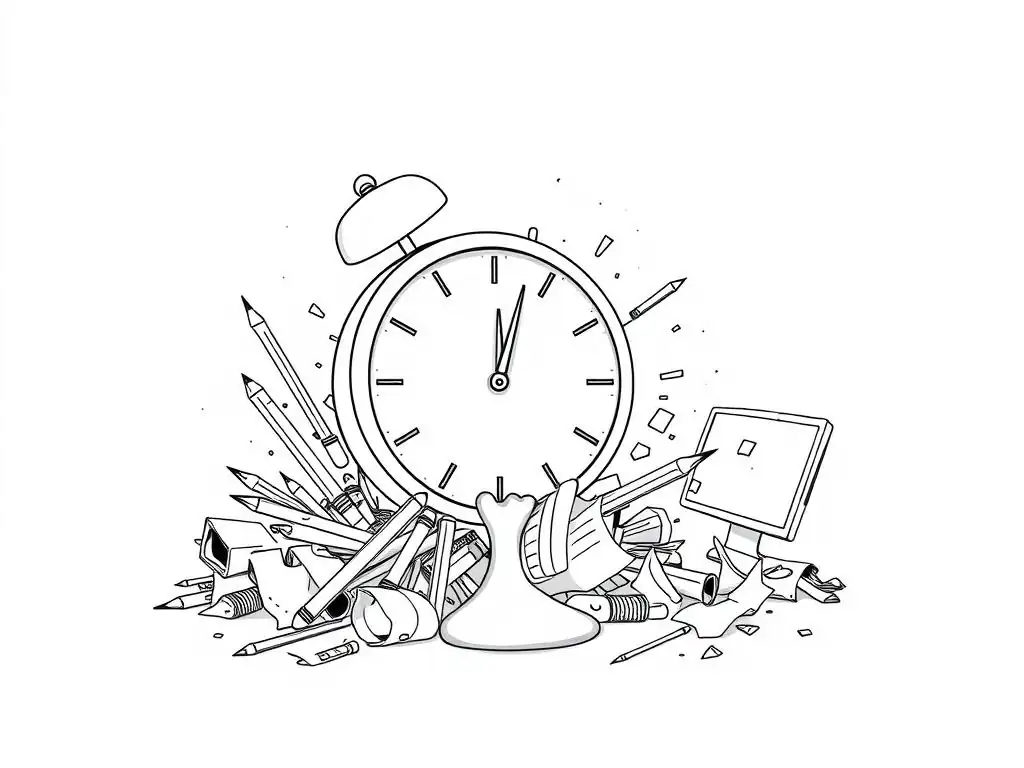
Editors, juggling multiple projects, demanding deadlines, and intricate details, often fall prey to productivity pitfalls. Understanding and avoiding these traps is crucial for boosting performance and maintaining a healthy work-life balance. This section delves into common issues and provides practical solutions to enhance your editorial efficiency. Mastering these strategies will significantly improve your workflow and contribute directly to increased output and improved content quality. This directly addresses the core issue of "Editor productivity hacks boost performance."
Procrastination and Time Wasting: Strategies for Overcoming These Challenges
Procrastination is a silent killer of productivity. For editors, it can lead to rushed work, missed deadlines, and increased stress. The allure of less demanding tasks, or even the simple act of checking email repeatedly, can derail even the most meticulously planned workday. Combating this requires a multi-pronged approach.
Firstly, break down large tasks into smaller, manageable chunks. Instead of facing the daunting prospect of editing a 50-page manuscript, focus on editing a single chapter at a time. This creates a sense of accomplishment with each completed step, motivating you to continue.
Secondly, implement the Pomodoro Technique. This involves working in focused bursts (e.g., 25 minutes) followed by short breaks (e.g., 5 minutes). This structured approach helps maintain concentration and prevents burnout. Studies show that consistent short bursts of intense work are often more productive than long stretches of unfocused effort.
Finally, reward yourself for completing tasks. This positive reinforcement strengthens the habit of consistent work and reduces the appeal of procrastination. The reward doesn't need to be extravagant; a short walk, a cup of tea, or listening to a favorite song can be highly effective. This simple act ties pleasure to productivity, making it a more attractive option than procrastination.
Distractions and Interruptions: Creating a Focused Work Environment
Distractions are pervasive in today's digital world. Constant notifications, incoming emails, and the temptation to browse social media can significantly hinder an editor's concentration. Creating a focused work environment is therefore paramount.
Consider using website blockers to temporarily disable access to distracting websites during work hours. Many free and paid options are available, allowing you to customize your blocked sites and even schedule blocking periods. This proactive approach eliminates the temptation to succumb to distractions.
Furthermore, communicate your availability clearly. Let colleagues know when you need uninterrupted time to focus on critical editing tasks. This simple act of setting boundaries can significantly reduce interruptions.
Physical environment also plays a role. A quiet, organized workspace free from clutter can promote focus and reduce mental fatigue. Consider using noise-canceling headphones or ambient noise to minimize auditory distractions. A well-organized desk minimizes visual distractions and improves the overall workflow.
Burnout Prevention for Editors: Maintaining a Healthy Work-Life Balance
The demanding nature of editing can lead to burnout if not properly managed. Long hours, tight deadlines, and the pressure to deliver high-quality work can take a toll on both mental and physical well-being. Preventing burnout requires proactive strategies to maintain a healthy work-life balance.
Prioritize regular breaks throughout the day. Step away from your computer, stretch, walk around, or simply close your eyes and take a few deep breaths. These short breaks help to refresh your mind and prevent mental fatigue. Even short breaks can lead to significantly improved focus and sustained productivity.
Schedule regular time off. This could be a weekend getaway, a longer vacation, or simply an evening dedicated to relaxation and hobbies. Disconnecting from work allows you to recharge and return with renewed energy and focus. This is crucial for long-term sustainability and prevents burnout.
Finally, engage in activities outside of work that you enjoy. This could be anything from exercising and spending time in nature to pursuing hobbies and spending time with loved ones. These activities provide a much-needed break from the pressures of work and contribute to overall well-being.
Effective Delegation and Teamwork: Optimizing Workflow Through Collaboration
For many editors, particularly those in managerial roles, effective delegation and teamwork are essential for optimizing workflow and boosting overall productivity. Instead of trying to handle every task personally, learn to trust and empower your team members.
Clearly define roles and responsibilities. Ensure that each team member understands their contribution to the overall project and has the necessary resources and support to succeed. This clarity prevents duplication of effort and ensures efficient task completion.
Regular team meetings can facilitate communication and collaboration. These meetings provide opportunities to discuss progress, address challenges, and ensure everyone is on the same page. This collaborative approach fosters a sense of shared responsibility and strengthens team cohesion. Moreover, effective communication prevents misunderstandings and improves the overall quality of the final product. These strategies directly contribute to improved "Editor productivity hacks boost performance".
Editor Productivity Hacks: Tools and Resources for Enhanced Performance
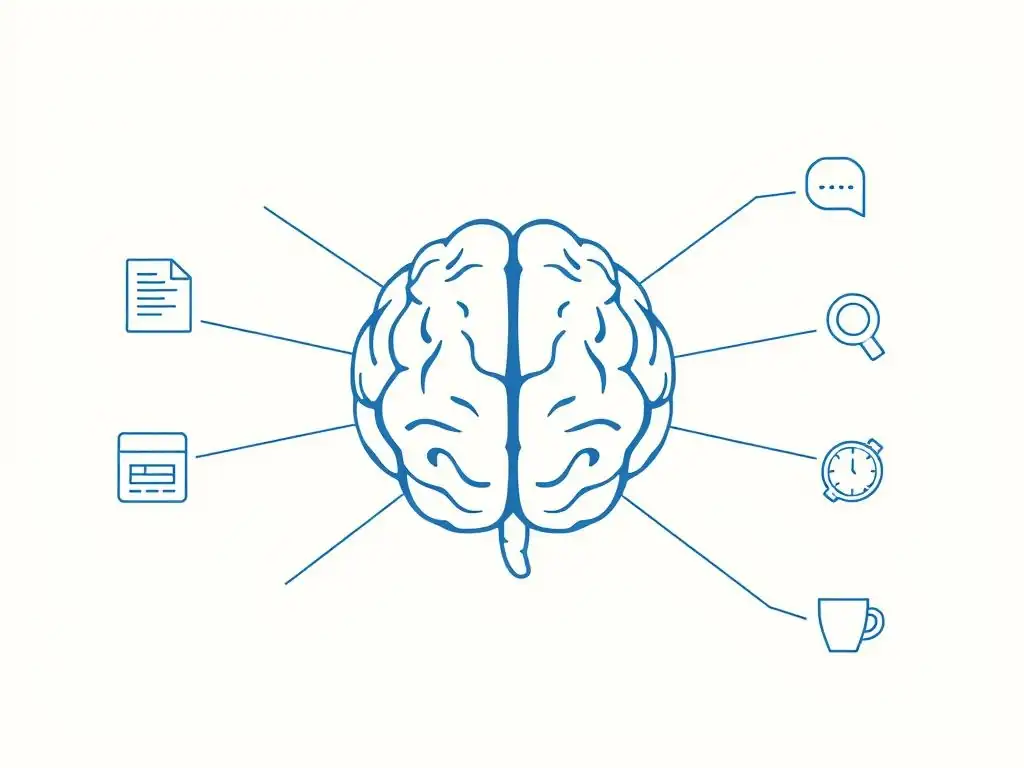
This section delves into the specific tools and resources that can significantly boost an editor's productivity and overall performance. We'll explore both software applications and online resources designed to streamline workflows, enhance skills, and foster a supportive community. Mastering these resources is key to achieving peak efficiency in your editing career. This section focuses on practical, immediately implementable strategies to improve your "Editor productivity hacks boost performance."
Recommended Software and Applications: Boosting Efficiency Through Technology
The right software can dramatically improve an editor's workflow. Choosing the right tools depends on individual needs and preferences, but some stand out for their efficiency-boosting features. Let's explore a few categories of essential software.
Productivity Apps for Editors: Streamlining Tasks and Workflow Management
- Project Management Tools: Applications like Asana, Trello, and Monday.com are invaluable for managing multiple projects simultaneously. They allow for task assignment, deadline setting, progress tracking, and team collaboration, crucial for editors juggling various assignments. Effective project management directly translates to improved time management and reduced stress.
- Grammar and Style Checkers: Beyond basic spell checkers, sophisticated grammar and style checkers like Grammarly and ProWritingAid offer advanced features such as tone detection, plagiarism checks, and style suggestions, ensuring consistent quality and reducing the time spent on manual proofreading. These tools are essential for maintaining high editorial standards.
- Note-Taking and Research Applications: Editors often need to juggle research, notes, and feedback. Tools like Evernote, OneNote, or Notion provide organized spaces to store information, making research and reference materials easily accessible. This reduces time wasted searching for information.
- Cloud Storage and Collaboration Platforms: Cloud-based storage solutions, such as Google Drive, Dropbox, and OneDrive, are essential for seamless collaboration and access to documents from anywhere. Real-time collaboration features allow multiple editors to work on the same document simultaneously, improving efficiency and communication.
| Software Category | Example Applications | Key Benefits |
|---|---|---|
| Project Management | Asana, Trello, Monday.com | Streamlined workflow, improved collaboration, efficient task management |
| Grammar & Style Checkers | Grammarly, ProWritingAid, LanguageTool | Enhanced accuracy, consistent style, reduced proofreading time |
| Note-Taking & Research | Evernote, OneNote, Notion, Bear | Organized information, easy access to research materials, improved recall |
| Cloud Storage & Collaboration | Google Drive, Dropbox, OneDrive, Microsoft Teams | Seamless collaboration, accessibility from anywhere, version control |
Online Resources and Training: Continuous Learning and Skill Enhancement
Continuous learning is vital for editors to stay updated on industry best practices, new technologies, and evolving writing styles. Numerous online resources offer valuable training and development opportunities.
Several platforms offer online courses and workshops focused on specific editing skills, such as copyediting, proofreading, and style guides. These courses often provide practical exercises and feedback, helping editors refine their techniques and improve their overall performance. Investing in these resources demonstrates a commitment to professional development and enhances an editor's value. This is especially important considering the constant evolution of the digital landscape and the need for editors to adapt their skills to new technologies and platforms. Regularly engaging with these resources contributes significantly to improving "Editor productivity hacks boost performance."
Community and Networking: Collaborating with Other Editors for Support and Inspiration
Connecting with other editors through online communities and professional organizations provides invaluable support, inspiration, and opportunities for collaboration.
Participating in online forums, attending webinars, and joining professional editing associations offers opportunities to learn from experienced professionals, share knowledge, and gain insights into industry trends. Networking with peers can also lead to new opportunities and collaborations, expanding professional horizons and fostering a supportive community. This sense of community can significantly reduce feelings of isolation and burnout, common challenges in the often solitary work of editing. The exchange of tips and strategies within these networks directly contributes to improved efficiency and performance, further enhancing "Editor productivity hacks boost performance."
Frequently Asked Questions
How can I improve my editing speed without sacrificing accuracy?
Focus on efficient workflows. Prioritize proofreading strategies like reviewing in chunks and using a fresh set of eyes. Master keyboard shortcuts to navigate and edit faster.
What are some productivity hacks for dealing with writer's block while editing?
Try freewriting to overcome initial hurdles, break down large tasks into smaller, manageable sections, and step away for a short break to clear your head. Changing your environment can also help.
What tools or software can boost my editing productivity?
Explore Grammarly for grammar and style checks, ProWritingAid for in-depth analysis, and dedicated writing software like Scrivener or Ulysses for organization and workflow management. Cloud-based storage is also key.
How can I better manage my time when editing multiple projects simultaneously?
Use a project management tool (Trello, Asana), prioritize tasks using methods like the Eisenhower Matrix, and set realistic deadlines for each project. Time blocking can also be very effective.
Are there any specific techniques to improve my focus while editing?
Minimize distractions by turning off notifications and using website blockers. Practice mindfulness techniques to stay present and focused. Consider using the Pomodoro Technique to work in focused bursts with short breaks.
Final Reflection: The Enduring Power of Focused Editing
The pursuit of efficient editing isn't just about meeting deadlines; it's about crafting impactful content that resonates. In a world saturated with information, the ability to distill complex ideas into clear, concise narratives is more crucial than ever. This article explored practical strategies to enhance editor productivity, but the underlying message transcends mere time management; it's about elevating the craft of editing itself.
The impact of efficient editing extends far beyond individual productivity; it shapes the very landscape of communication. We are constantly bombarded with information, and the ability to discern quality, accuracy, and clarity is paramount. As editors, we hold a unique position of influence, shaping narratives and influencing how information is received and understood. The difference between the almost right word & the right word is really a large matter. 'Tis the difference between the lightning bug and the lightning.
- Mark Twain. This quote highlights the precision and impact that careful editing can achieve, a power we should all strive to wield responsibly.
Consider the tools and techniques discussed within this article – from mindful workflow organization to leveraging technology – not as mere hacks, but as instruments to empower your creative process. You, the editor, are the architect of clarity. Take the time to reflect on your own editing habits, identify areas for improvement, and consciously integrate these strategies into your workflow. Embrace the challenge of continuous refinement, and watch as your productivity soars, and more importantly, as the quality of your work reaches new heights.
Unlock Your Editing Superpowers: Take Action Now!
Thank you for exploring these productivity hacks! We hope you've discovered new strategies to streamline your editing process and boost your efficiency. Now, it's time to put them into practice.
- Implement your three favorite hacks today. Start small and focus on integrating the strategies that resonated most with you. Don't try to overhaul your entire workflow at once!
- Share this article with a fellow editor who might find these tips helpful. Let's build a collaborative editing community!
- Try a distraction-free hour tomorrow. Dedicate a specific time to focused work, completely free from interruptions. You'll be surprised how much more you can accomplish!
Ready to enhance your editing skills? Which hack are you most excited to try first, and why?