
Productivity for Videographers: TimeSaving Tips for Creative Production

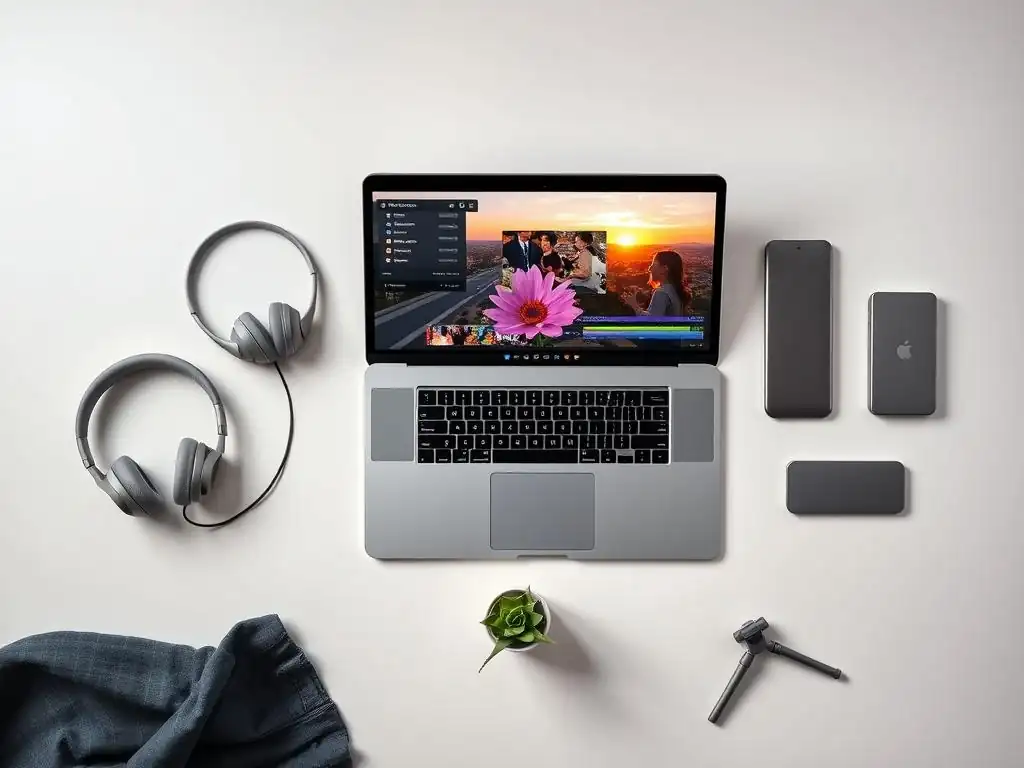
Welcome to UltimateLifeHacks, your destination for practical tips and tricks to conquer your daily grind! Are you a videographer drowning in a sea of edits and deadlines? Discover how to reclaim your time and boost your creative output with our insightful article on Videographer timesaving productivity tips. We’ll unveil powerful strategies to streamline your workflow and unlock a whole new level of efficiency. Ready to transform your productivity? Let's dive in!
- Streamlining Your Videographer Workflow: Essential Time Management Strategies
- Tech Tools for Videographer Productivity: Software and Hardware Solutions
- Optimizing Your Videographer Pre-Production Process
- Post-Production Efficiency for Videographers: Faster Editing and Delivery
- Avoiding Common Time Wasters for Videographers
- Boosting Creativity and Preventing Burnout: Self-Care for Videographers
- Frequently Asked Questions
- Final Reflection: Mastering Time, Mastering Your Vision
- Unlock Your Video Editing Superpowers!
Streamlining Your Videographer Workflow: Essential Time Management Strategies
Videographers, juggling creativity with tight deadlines, often find themselves overwhelmed. The pressure to deliver high-quality video content quickly can lead to burnout and missed opportunities. This article dives deep into practical, time-saving productivity tips specifically designed for videographers, helping you reclaim your time and boost your efficiency. We'll explore effective strategies to prioritize tasks, optimize your schedule, and streamline your workflow, allowing you to focus on what truly matters: creating compelling visuals and telling impactful stories.
Mastering these techniques will not only improve your productivity but also reduce stress and enhance the overall quality of your work. This guide is your roadmap to becoming a more efficient and successful videographer, maximizing your output while minimizing wasted time. Learn how to implement these "Videographer timesaving productivity tips" and transform your creative process.
Prioritizing Tasks: Mastering Your Videographer To-Do List
Effective time management starts with a well-organized to-do list. However, simply listing tasks isn't enough; you need a system to prioritize them effectively. For videographers, this often means differentiating between urgent and important tasks. Consider using methods like the Eisenhower Matrix (urgent/important), assigning priority levels (high, medium, low), or employing a Kanban board to visualize workflow.
Here's a practical example: Imagine you have a shoot scheduled next week, an editing project due tomorrow, and a client meeting to prepare for. Using the Eisenhower Matrix, the editing project would be high-urgency/high-importance, demanding immediate attention. The shoot preparation would be high-importance/low-urgency, requiring planning and organization in advance. The client meeting preparation could be medium-importance/low-urgency, allowing for scheduling later in the week.
By prioritizing tasks this way, you ensure that the most crucial elements get completed first, preventing last-minute rushes and potential errors. Remember to break down large projects into smaller, manageable tasks to avoid feeling overwhelmed. This approach allows for better progress tracking and a stronger sense of accomplishment throughout the day.
Effective Time Blocking for Videographers: Scheduling Your Day for Maximum Output
Time blocking involves scheduling specific time slots for particular tasks in your day. This technique is incredibly valuable for videographers, as it helps to allocate dedicated time for focused work, minimizing interruptions and maximizing concentration. Instead of loosely planning your day, you assign specific time blocks for shooting, editing, client communication, and even for breaks.
For instance, you might schedule 9:00 AM to 12:00 PM for on-location shooting, 1:00 PM to 4:00 PM for editing, and 4:30 PM to 5:00 PM for responding to emails and client inquiries. This structured approach ensures that you dedicate uninterrupted time to your most demanding tasks, preventing context switching and maintaining a high level of concentration. Remember to be realistic when creating your schedule. Over-scheduling can lead to burnout and decreased productivity.
Include buffer time between tasks to account for unexpected delays or interruptions. Regularly review and adjust your schedule based on your progress and changing priorities. The key is consistency and adaptation.
Batching Similar Tasks: Boosting Videographer Efficiency Through Focused Work
Batching involves grouping similar tasks together and completing them in one go. For videographers, this could mean editing several short video clips consecutively, shooting all the B-roll footage in one location, or answering all client emails at a designated time. This approach minimizes mental context switching, allowing you to enter a state of flow and work more efficiently.
Consider this scenario: instead of switching between editing, color grading, and sound mixing throughout the day, batch similar editing tasks together. Focus on editing all your clips first, then move on to color grading, followed by sound mixing. This focused approach reduces the mental overhead of constantly shifting between different tasks, increasing your overall efficiency and reducing errors. Experiment with different batching strategies to find what works best for your workflow.
The goal is to identify repetitive tasks and streamline them for maximum efficiency and minimal cognitive load. The result? A significant boost in your daily output and a more satisfying work experience.
Tech Tools for Videographer Productivity: Software and Hardware Solutions
This section focuses on leveraging technology to boost your videographer productivity. We'll explore specific software and hardware solutions designed to streamline your workflow, from pre-production planning to final delivery. Mastering these tools is crucial for any videographer aiming to maximize their time and creative output. Effective use of these tools will directly impact your bottom line, allowing you to take on more projects or dedicate more time to creative aspects. This translates directly into improved efficiency and higher profitability for your videography business.
Video Editing Software Optimization: Speeding Up Post-Production
Post-production can be a significant time sink for videographers. However, optimizing your video editing software can dramatically reduce this bottleneck. Understanding keyboard shortcuts is paramount. For example, learning the shortcuts for cutting, adding transitions, and color correction in your preferred software (Adobe Premiere Pro, DaVinci Resolve, Final Cut Pro) can shave hours off your editing time over the course of a project. Beyond shortcuts, consider utilizing features like proxy editing (rendering lower-resolution versions for faster editing) and utilizing project templates to standardize your workflow.
Furthermore, efficient organization within your software is key. Create a clear folder structure for your projects, keeping assets organized by type (footage, audio, graphics). This simple step significantly reduces time wasted searching for specific files. Investing time in learning advanced features, such as nested timelines and utilizing markers effectively, can also significantly improve your speed and efficiency. This translates to more time for creative refinement and fewer hours spent on mundane tasks. Remember, even a small time saving per edit multiplies across numerous projects, leading to substantial gains in productivity.
Cloud Storage Solutions for Videographers: Streamlining File Management and Collaboration
Large video files demand efficient storage and management. Cloud storage solutions offer a powerful way to streamline this process. Services like Dropbox, Google Drive, and Backblaze offer robust storage options, allowing for easy access to your projects from anywhere with an internet connection. This is especially valuable for collaborative projects, where multiple team members need simultaneous access to footage and assets. Consider using cloud-based collaboration tools integrated with your storage solution, facilitating seamless feedback and version control.
Beyond simple file storage, cloud services can offer additional benefits. Some platforms offer built-in version history, ensuring you can always revert to previous versions of your work. This is a critical safety net against accidental data loss, a common concern for videographers dealing with large, precious files.
The ability to share large files with clients quickly and efficiently, without the need for physical media or slow email transfers, is another significant advantage. Carefully compare pricing and features of different cloud storage providers to find the best fit for your needs and budget. Prioritizing security features is also important given the sensitive nature of your video projects.
Automation Tools for Videographers: Automating Repetitive Tasks
Many tasks in videography are repetitive. Utilizing automation tools can free up significant time for more creative pursuits. For example, consider using software for batch processing tasks such as file conversion, resizing, or watermarking. This can significantly reduce the manual effort required when dealing with large numbers of files. Many video editing suites have built-in batch processing capabilities, but dedicated tools can offer greater flexibility and control.
Furthermore, consider using scripting or macros to automate repetitive editing tasks. While this may require a steeper learning curve initially, the long-term benefits are substantial. Automating tasks like adding color grading presets, applying specific effects, or generating social media thumbnails can dramatically improve efficiency.
Exploring plugins and extensions for your editing software can also uncover further automation opportunities. By strategically automating these routine tasks, you can reclaim a considerable amount of time, allowing you to focus on the aspects of videography that truly require your creative input and expertise. This increased efficiency directly translates to a more sustainable and profitable video production business.
Optimizing Your Videographer Pre-Production Process
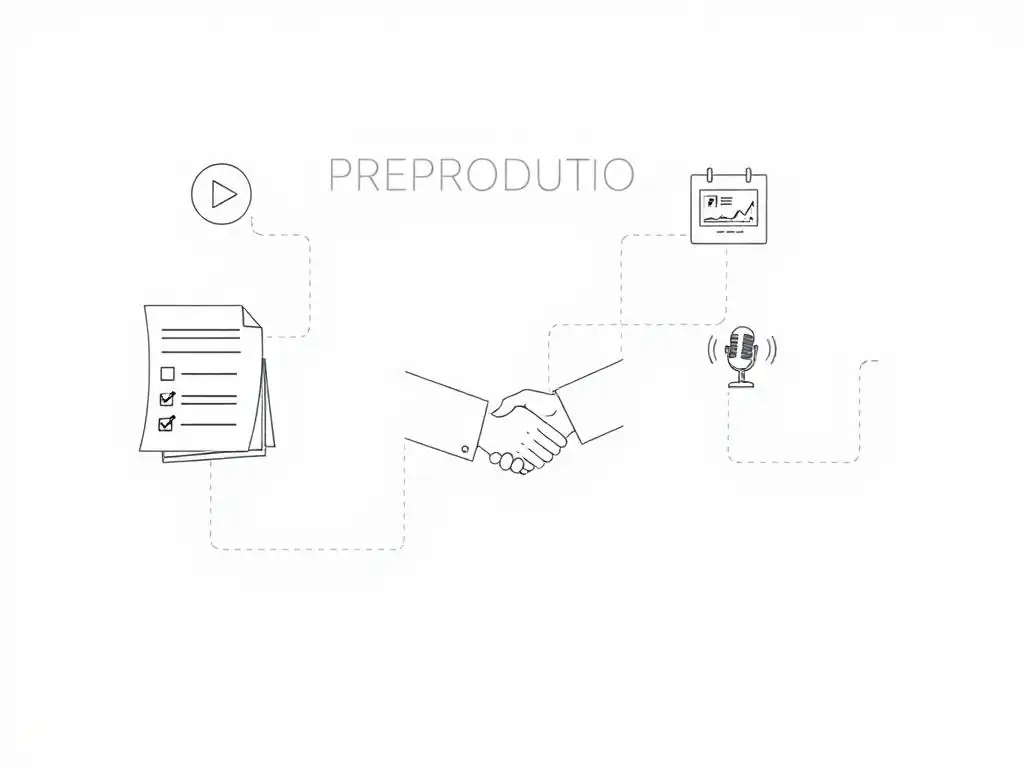
Effective pre-production is the cornerstone of efficient videography. By meticulously planning and organizing before you even pick up your camera, you can significantly reduce filming time, minimize errors, and ultimately deliver projects faster and more cost-effectively. This translates directly to increased productivity and a healthier work-life balance – crucial aspects for any successful videographer. Let's delve into some key strategies to streamline your pre-production workflow and maximize your time.
Detailed Shot Lists and Storyboards: Planning for Efficient Filming
A detailed shot list and storyboard are not just "nice-to-haves"; they are essential tools for efficient filming. A comprehensive shot list should include not only the shot type (wide, medium, close-up, etc.) but also specific camera angles, lens choices, and desired movement (e.g., pan, tilt, zoom).
This level of detail ensures that you know exactly what you need to capture and in what order, minimizing on-set indecision and wasted time searching for the perfect angle. Furthermore, a visual storyboard, even a simple sketch, allows you to visualize the flow of the video and identify potential logistical challenges before they arise on set.
For instance, consider a promotional video for a new restaurant. A detailed shot list might include:
- Shot 1: Wide shot of the restaurant exterior at sunset (establishing shot). Lens: 24mm.
- Shot 2: Medium shot of customers enjoying meals on the patio. Lens: 35mm. Camera movement: slow pan.
- Shot 3: Close-up of a chef preparing a signature dish. Lens: 85mm.
This level of specificity prevents wasted time on set, allowing for a smooth and efficient shoot. The storyboard would complement this, visualizing the scene's composition and lighting. This detailed approach is a cornerstone of effective videographer timesaving productivity tips.
Pre-Production Checklists: Minimizing On-Set Delays and Errors
Pre-production checklists are your best friend in preventing costly on-set delays and errors. A well-structured checklist should cover every aspect of your production, from equipment checks (batteries, memory cards, cables) to talent coordination (confirming schedules, briefing actors) and location scouting (verifying permits, assessing lighting conditions). By systematically checking off each item, you can ensure that nothing crucial is overlooked, minimizing the risk of unforeseen problems halting your progress.
Consider creating separate checklists for different aspects of your pre-production:
- Equipment Checklist: This should list every piece of equipment needed, including backups. Check each item before leaving for the shoot. ✅ Battery 1 charged? ✅ Battery 2 charged? ✅ Memory cards formatted?
- Talent Checklist: This involves confirming the availability of actors, models, or interviewees, and briefing them on their roles and schedules. Did you confirm their availability? Did they receive the script?
- Location Checklist: This confirms permits, parking, access, and any other logistical details related to the shooting location. Is the location accessible? Are permits obtained?
This meticulous approach helps ensure a smooth and efficient workflow, saving valuable time and resources. The use of digital checklists can further improve efficiency by allowing for easy updating and sharing with team members.
Client Communication Strategies: Setting Clear Expectations and Deadlines
Clear and proactive communication with clients is paramount to managing expectations and avoiding unnecessary revisions or delays. Before commencing any project, establish a clear brief outlining the scope of work, deliverables, timelines, and budget. Regular updates throughout the pre-production and production phases keep the client informed and allows for addressing potential issues early on. This proactive communication helps to avoid misunderstandings and ensures that the final product aligns perfectly with the client’s vision.
Employing these strategies prevents costly rework, which is a massive time-saver. Consider using project management software to track progress and share updates with the client. This transparent approach fosters trust and ensures a smoother workflow, ultimately contributing to a more efficient and productive process. Remember, clear communication is a key element in implementing effective videographer timesaving productivity tips.
Post-Production Efficiency for Videographers: Faster Editing and Delivery
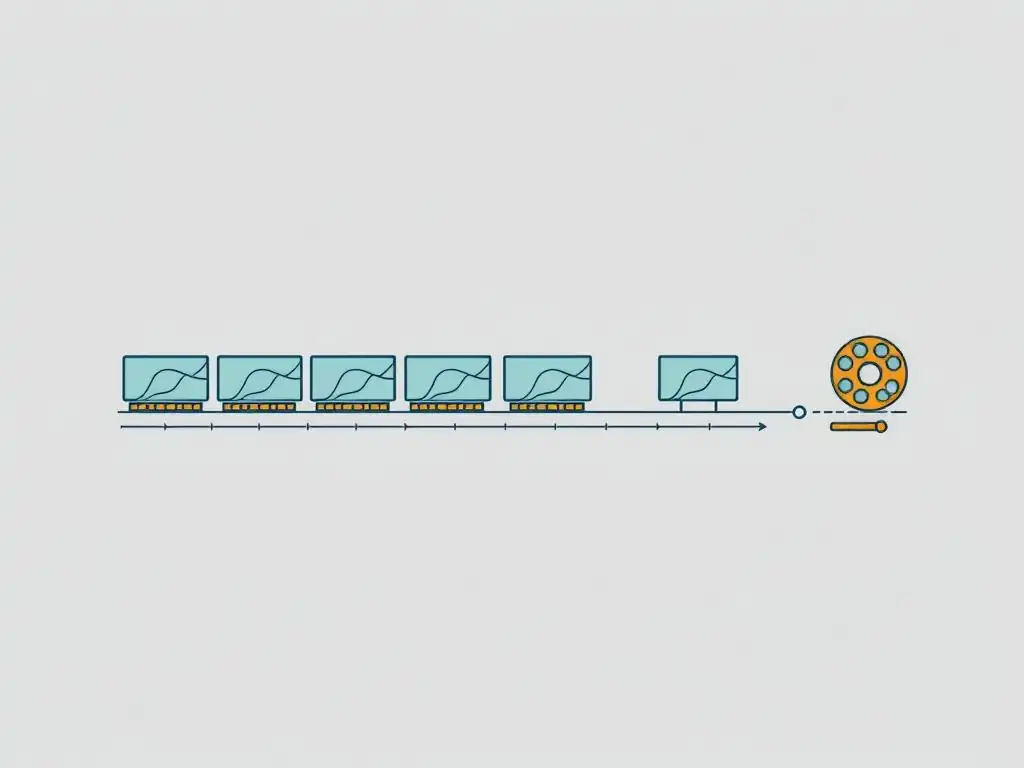
Post-production is where many videographers find themselves bogged down, sacrificing precious time and potentially impacting project deadlines. However, implementing strategic workflows and leveraging the right tools can significantly boost your post-production efficiency. This section focuses on practical videographer timesaving productivity tips to streamline your editing and delivery processes. Let's explore some key strategies.
Efficient Video Editing Techniques: Tips for Faster Post-Production
Mastering efficient video editing techniques is paramount for boosting productivity. This involves more than just knowing your software; it's about optimizing your approach. Consider these points:
- Keyboard Shortcuts are Your Friend: Learn and utilize every keyboard shortcut your editing software offers. This drastically reduces the time spent clicking through menus. For example, mastering shortcuts for trimming clips, adding transitions, and applying effects will save you countless minutes over a project. Think of the time saved – it adds up!
- Organize Your Media: A well-organized project folder is crucial. Use a clear and consistent naming convention for your footage, audio files, and graphics. This simple step prevents hours of searching for the right clip later. Employ subfolders for different scenes or shots to maintain order.
- Batch Processing: Many editing software packages support batch processing for tasks like renaming files, converting codecs, or applying basic color corrections. Leverage these features to automate repetitive actions and save significant time. For instance, you could batch-process all your raw footage to a manageable editing codec before you even start cutting.
- Use Proxies: Editing high-resolution footage can be incredibly slow. Utilize proxy editing—creating smaller, lower-resolution versions of your footage for editing and then switching back to the originals for final rendering. This dramatically speeds up your workflow without compromising final quality.
Color Grading and Correction Shortcuts: Streamlining Your Workflow
Color grading and correction are vital for professional-looking videos, but they can be time-consuming. These tips can help you achieve stunning visuals without sacrificing your precious time:
- Lookup Tables (LUTs): LUTs are pre-designed color profiles that can instantly transform your footage's look. Experiment with various LUTs to find styles that fit your project's aesthetic, speeding up the grading process considerably. This is a great videographer timesaving productivity tip for maintaining consistency across multiple projects.
- Presets and Templates: Create and save your frequently used color correction presets and grading templates. This allows you to quickly apply consistent looks across different clips or projects. Think of it as building your own visual library.
- Selective Color Correction: Instead of globally adjusting colors, focus on specific areas or elements that need correction. This targeted approach is more efficient and prevents unnecessary adjustments that might negatively impact the overall look.
- Utilize Color Wheels Efficiently: Familiarize yourself with the ins and outs of your color grading tools. Understanding the impact of each adjustment (hue, saturation, luminance) will allow you to make precise changes quickly and intuitively.
Accelerating Your Video Rendering Process: Optimizing Settings and Hardware
Rendering can be the most time-consuming part of the post-production process. Here's how to optimize your settings and hardware for faster rendering times:
| Setting | Optimization Tip | Impact |
|---|---|---|
| Resolution | Render at the required resolution, avoid unnecessary upscaling | Significantly reduces rendering time |
| Codec | Choose a codec optimized for your target platform (e.g., H.264, H.265) | Affects file size and rendering speed |
| Bitrate | Adjust bitrate according to your needs; higher bitrate = larger file size and longer render times | Balances quality and rendering speed |
| Frame Rate | Match your project's frame rate; avoid unnecessary conversions | Improves rendering efficiency |
| Hardware | Invest in a computer with a powerful CPU, GPU, and ample RAM | Dramatically improves rendering performance |
Optimizing these settings, coupled with investing in suitable hardware, will greatly reduce your rendering time. Remember, a faster rendering process translates directly into more time for creative work and faster project turnaround. This is a critical videographer timesaving productivity tip for meeting deadlines and maximizing profitability.
Avoiding Common Time Wasters for Videographers
Videographers, like many creative professionals, often fall prey to time-wasting activities that significantly impact productivity. Understanding and mitigating these pitfalls is crucial for maximizing efficiency and delivering projects on time. This section focuses on identifying and addressing common time sinks, providing practical solutions for a more streamlined workflow. Optimizing your workflow as a videographer requires careful planning and execution. This means actively combating procrastination, managing client communication, and strategically delegating or outsourcing tasks. Let's dive into the details.
Procrastination Prevention Strategies for Videographers
Procrastination is a common enemy of productivity, especially in creative fields demanding intense focus and inspiration. For videographers, delaying tasks can lead to missed deadlines, increased stress, and ultimately, compromised project quality. Effective procrastination prevention involves proactive strategies and a shift in mindset.
One powerful technique is the Pomodoro Technique. This involves working in focused bursts of 25 minutes, followed by a 5-minute break. This structured approach helps maintain concentration and prevents burnout. Many videographers find this incredibly useful for editing, color grading, or even pre-production planning.
Another effective strategy is time blocking. Schedule specific time slots for particular tasks in your calendar. Treat these appointments as seriously as you would a client meeting. This helps create a sense of urgency and accountability, making it easier to stay on track. For example, dedicate 2 hours on Tuesday morning to filming B-roll footage, and 3 hours on Wednesday afternoon to editing.
Finally, breaking down large tasks into smaller, more manageable sub-tasks can significantly reduce the feeling of overwhelm that often fuels procrastination. Instead of focusing on the daunting task of “editing the entire wedding video,” break it down into smaller, more achievable goals like “editing the ceremony footage,” “editing the speeches,” and “creating the highlight reel.” This approach makes the overall project less intimidating and more manageable.
Managing Client Communication Effectively: Avoiding Unnecessary Delays
Effective communication with clients is paramount for any videographer. Misunderstandings, unclear expectations, and inefficient communication can lead to significant delays and frustration for both parties. Proactive communication strategies are essential for preventing these issues and maintaining a smooth workflow.
Clear and concise communication is key. Before commencing a project, ensure you have a comprehensive brief outlining all aspects of the project, including deliverables, timelines, and budget. Utilize project management tools that facilitate clear communication and track progress. This could involve regular email updates, video calls, or even using collaborative platforms for feedback. This proactive approach minimizes the back-and-forth communication often associated with delays.
Establish clear communication channels and response times. Let clients know when they can expect a response and stick to it. This builds trust and transparency, reducing anxiety and unnecessary follow-ups. For example, you might inform clients that you'll respond to emails within 24 hours during weekdays.
Regular check-ins throughout the project are crucial for maintaining momentum and addressing any potential issues early on. Schedule short calls or send progress updates to keep clients informed and involved. This proactive approach minimizes the risk of discovering problems only at the very end of the project, thus preventing significant delays.
Delegation and Outsourcing: Freeing Up Your Time for Creative Tasks
Many videographers struggle to balance administrative tasks with creative work. This often leads to burnout and hampers overall productivity. Delegating or outsourcing non-core tasks allows you to focus on your strengths – the creative aspects of videography – while freeing up valuable time.
Consider outsourcing tasks like transcription, data entry, social media management, or even basic video editing. Freelance platforms offer access to skilled professionals who can handle these tasks efficiently and cost-effectively. This allows you to concentrate on tasks requiring your unique skills and expertise, like filming, directing, or post-production refinement.
Delegation within your team, if you have one, is equally important. Assign specific roles and responsibilities to team members, ensuring everyone understands their contribution to the overall project. This not only improves efficiency but also fosters a sense of ownership and accountability within the team. For example, one team member can handle client communication while another focuses on the technical aspects of filming.
By strategically delegating or outsourcing tasks, videographers can reclaim significant time, reduce stress, and ultimately enhance their creative output and overall productivity. This frees you to focus on the core aspects of your work: capturing compelling visuals and crafting engaging narratives.
Boosting Creativity and Preventing Burnout: Self-Care for Videographers

Videographers often face intense pressure to deliver high-quality work within tight deadlines. This demanding environment can lead to burnout if self-care isn't prioritized. Implementing effective self-care strategies is crucial for maintaining both mental and physical well-being, ultimately boosting creativity and productivity. Ignoring this aspect can significantly impact the quality of your work and your overall enjoyment of the profession. Think of it as preventative maintenance for your most valuable asset: yourself.
Maintaining a Healthy Work-Life Balance: Avoiding Videographer Burnout
Burnout in the videography profession manifests in various ways: exhaustion, cynicism, and a reduced sense of professional efficacy. Maintaining a healthy work-life balance is paramount to mitigating these risks. This doesn't necessarily mean a rigid 9-to-5 schedule; rather, it's about conscious boundary setting.
For example, establishing specific work hours and adhering to them as much as possible, even on weekends, is beneficial. This helps create a mental separation between work and personal time. Furthermore, incorporating regular breaks throughout the workday is essential. Even short, 5-10 minute breaks every hour can significantly reduce stress and improve focus. These breaks could involve simple activities like stretching, a quick walk, or listening to calming music.
Regular exercise outside of work hours is also crucial. Physical activity helps reduce stress hormones and improves mood, indirectly impacting creative output. Remember, a well-rested and balanced videographer is a productive videographer. Prioritize sleep, nutrition, and regular physical activity – your creative output will thank you.
Creative Inspiration Strategies: Fueling Your Videography Projects
Creative blocks are a common hurdle for videographers. Combatting these requires proactive strategies to fuel your inspiration. One effective method is to actively seek out new experiences. Attend industry events, workshops, or even simply explore different environments to gather fresh perspectives. This can involve visiting art galleries, museums, or simply taking a walk in nature. The goal is to expose yourself to diverse stimuli that can spark new ideas.
Another effective strategy is to cultivate a habit of consistent learning. Stay updated on the latest trends and techniques in videography through online courses, tutorials, and industry publications. This continuous learning process not only enhances your technical skills but also expands your creative horizons. Consider keeping a dedicated "inspiration notebook" or digital document to jot down ideas, concepts, and visual references that catch your eye.
This serves as a readily available resource when facing creative stagnation. Finally, don't underestimate the power of collaboration. Networking with other videographers and creatives can lead to unexpected collaborations and fresh perspectives that can reignite your creative spark. Remember, inspiration isn't a passive event; it's something you actively cultivate.
Staying Organized: A Tidy Workspace for a Productive Mind
A cluttered workspace often mirrors a cluttered mind. Maintaining an organized workspace is crucial for maximizing productivity as a videographer. This involves several key aspects. First, ensure efficient storage solutions for your equipment. Properly labeled containers and shelves for cables, accessories, and memory cards prevent valuable time being wasted searching for items. Second, digital organization is equally important. Implement a clear file management system for your projects, footage, and assets. Using a consistent naming convention and folder structure greatly simplifies locating specific files.
Consider utilizing project management software to track deadlines, tasks, and client communication. This software can help streamline your workflow and prevent missed deadlines. Regularly decluttering your physical and digital workspace is also essential. Set aside time each week to purge unnecessary files and organize your physical space.
A clean and organized environment fosters a sense of calm and focus, promoting better concentration and creativity. This attention to detail will not only improve your workflow but also project a professional image to clients. Remember, a well-organized workspace directly contributes to a more efficient and productive workflow, saving you valuable time and reducing stress.
Frequently Asked Questions
How can I save time on video editing?
Use efficient editing software with keyboard shortcuts. Learn to batch process similar tasks and utilize templates for consistent branding. Prioritize your edits, focusing on the most impactful parts first.
What are some time-saving techniques for video shooting?
Plan your shots meticulously beforehand to minimize reshoots. Use a shot list and storyboard to visualize the process. Optimize your lighting and audio setup to reduce post-production work.
How can I improve my workflow as a videographer?
Implement a structured project management system. Use cloud storage for easy collaboration and access. Automate repetitive tasks where possible, such as uploading videos or creating thumbnails.
What are some essential tools for boosting videographer productivity?
Invest in reliable and fast hardware, including storage and editing computers. Utilize productivity apps for task management, scheduling, and communication. Explore AI-powered tools to assist with transcription or video enhancement.
How can I avoid creative burnout as a videographer?
Prioritize self-care and maintain a healthy work-life balance. Break down large projects into smaller, manageable tasks. Celebrate milestones and acknowledge your achievements to stay motivated.
Final Reflection: Mastering Time, Mastering Your Vision
The relentless demands of videography often leave creators feeling overwhelmed, a constant battle between artistic vision and the clock. But by embracing strategic productivity techniques, videographers can reclaim their time and elevate their creative output, ultimately leading to more fulfilling and successful careers. This isn't just about efficiency; it's about unlocking the potential for greater artistic expression.
The impact of efficient workflows extends far beyond individual projects. It shapes the entire landscape of video production, influencing the types of stories told and the speed at which they reach audiences. Time is the most valuable asset you have, and the most easily wasted.
This quote rings especially true for videographers, who often juggle multiple roles and responsibilities. By prioritizing smart strategies, we not only improve our own work-life balance but contribute to a more sustainable and creative industry as a whole. The ability to produce high-quality work efficiently allows for more experimentation, innovation, and ultimately, a richer tapestry of visual storytelling.
Now, consider your own workflow. What small changes could you implement today to streamline your process? Perhaps it's adopting a new project management tool, streamlining your editing software, or simply dedicating specific time blocks to focused tasks. Don't underestimate the power of small, consistent improvements. Embrace the journey of refining your approach, and watch as your productivity blossoms, freeing you to focus on what truly matters: crafting compelling narratives and sharing your unique vision with the world.
Unlock Your Video Editing Superpowers!
Thanks for exploring these productivity tips! We hope you feel inspired to streamline your workflow. Now, let's put that knowledge into action.
- **Implement a time-saving technique today. ** Start small—choose one tip and dedicate 15 minutes to integrating it into your workflow. You'll be amazed at how much time you reclaim!
- **Share your biggest editing challenge in the comments below. ** Let's build a supportive community and help each other overcome creative obstacles. You might be surprised by the solutions others have found!
- Consider experimenting with a new organizational system for your video footage. A well-structured project saves countless hours of searching later.
Ready to supercharge your video editing? What's your top priority for boosting productivity this week?