
The Art of Task Delegation: How Task Management Apps Can Help You Achieve More


Feeling overwhelmed by your to-do list? At UltimateLifeHacks, we believe in unlocking your potential through practical strategies. Discover how to reclaim your time and boost productivity with our insightful tips and tricks. Learn the secrets to effortlessly managing your workload by mastering the art of delegating tasks using apps, a game-changer revealed in our latest Tech & Digital Hacks article. Ready to experience a more efficient and fulfilling life? Let's dive in!
- Understanding the Power of Task Delegation for Increased Productivity
- Choosing the Right Task Management App for Delegation
- Mastering Task Delegation Using Task Management Apps: A Step-by-Step Guide
- Advanced Techniques for Delegating Tasks with Apps
- Overcoming Common Challenges in Task Delegation
-
Frequently Asked Questions
- What are the benefits of delegating tasks using apps?
- Which types of tasks are best suited for delegation through apps?
- How do I choose the right task management app for delegation?
- What are some potential challenges when delegating tasks using apps?
- How can I ensure accountability when delegating tasks through apps?
- Final Reflection: Mastering the Art of Delegation in the Digital Age
- Unleash Your Productivity: Master Task Delegation Today!
Understanding the Power of Task Delegation for Increased Productivity
In today's fast-paced world, juggling multiple responsibilities can feel overwhelming. Many individuals strive for peak productivity, but often find themselves bogged down in a mountain of tasks. The secret to unlocking true efficiency and achieving more isn't necessarily working harder, but working smarter. This involves mastering the art of task delegation – strategically assigning responsibilities to others.
This article explores how leveraging task management apps can significantly enhance your delegation process, leading to increased productivity, reduced stress, and ultimately, a more fulfilling life. We will delve into the benefits of effective task delegation, techniques for identifying suitable tasks, and strategies for ensuring successful delegation using the power of technology. Learning to effectively delegate tasks using apps is a crucial skill for anyone aiming to optimize their time and achieve their goals. This guide will equip you with the knowledge and practical steps to transform your productivity.
The Benefits of Effective Task Delegation: Time Savings and Improved Focus
Effective task delegation offers a multitude of benefits that extend far beyond simply freeing up your schedule. By strategically offloading tasks, you reclaim valuable time that can be redirected towards higher-priority activities requiring your unique skills and expertise. This leads to a significant increase in overall productivity. Furthermore, delegation reduces stress and burnout.
When you're not constantly juggling every single task, you can maintain better focus and avoid feeling overwhelmed. This improved focus translates into higher-quality work on the tasks that truly demand your attention. Consider this: Instead of spending hours on data entry, you could delegate this task and focus on strategic planning, leading to more impactful results for your business or personal projects.
The time saved is not just about efficiency; it's about creating space for more meaningful work and improved well-being. The impact is amplified when considering the potential for improved team morale and development through effective delegation. Employees feel valued and empowered when entrusted with responsibilities, boosting their engagement and skill development.
Identifying Tasks Suitable for Delegation: Prioritizing and Offloading
Not all tasks are created equal. Before diving into delegation, a crucial step is identifying which tasks are suitable for assignment. This involves a careful prioritization process. Start by creating a comprehensive list of all your current tasks.
Then, analyze each task based on factors such as complexity, urgency, required skillset, and your personal expertise. Tasks that are routine, repetitive, or require less specialized knowledge are prime candidates for delegation. For example, scheduling appointments, managing emails (filtering spam, etc. ), data entry, or simple research tasks are often well-suited for delegation.
However, tasks requiring critical thinking, strategic decision-making, or deep expertise should generally remain your responsibility. This strategic approach ensures that you focus on high-impact tasks while optimizing the utilization of your team or external resources. Remember, effective delegation isn't about dumping your workload; it's about strategically assigning tasks to maximize efficiency and effectiveness. Prioritizing and offloading tasks intelligently is key to successful delegation.
Delegating Tasks Effectively: Clear Communication and Expectation Setting
Successful task delegation hinges on clear communication and well-defined expectations. Ambiguity is the enemy of efficiency. When delegating a task, provide comprehensive instructions, including specific goals, deadlines, and desired outcomes. Use a task management app to ensure everyone is on the same page. These apps often allow for detailed task descriptions, attachment of relevant documents, and progress tracking.
Moreover, establish clear communication channels for updates and questions. Regular check-ins help maintain transparency and address any potential roadblocks promptly. Remember to provide the necessary resources and support to the individual or team responsible for the delegated task. This may involve providing access to relevant information, software, or training materials.
Finally, acknowledge and appreciate the contributions of those who have taken on delegated tasks. Recognition fosters a positive work environment and encourages future collaboration. Effective communication and well-defined expectations are fundamental to a smooth and productive delegation process. Using a task management app facilitates this process, providing a central hub for information and communication.
Choosing the Right Task Management App for Delegation
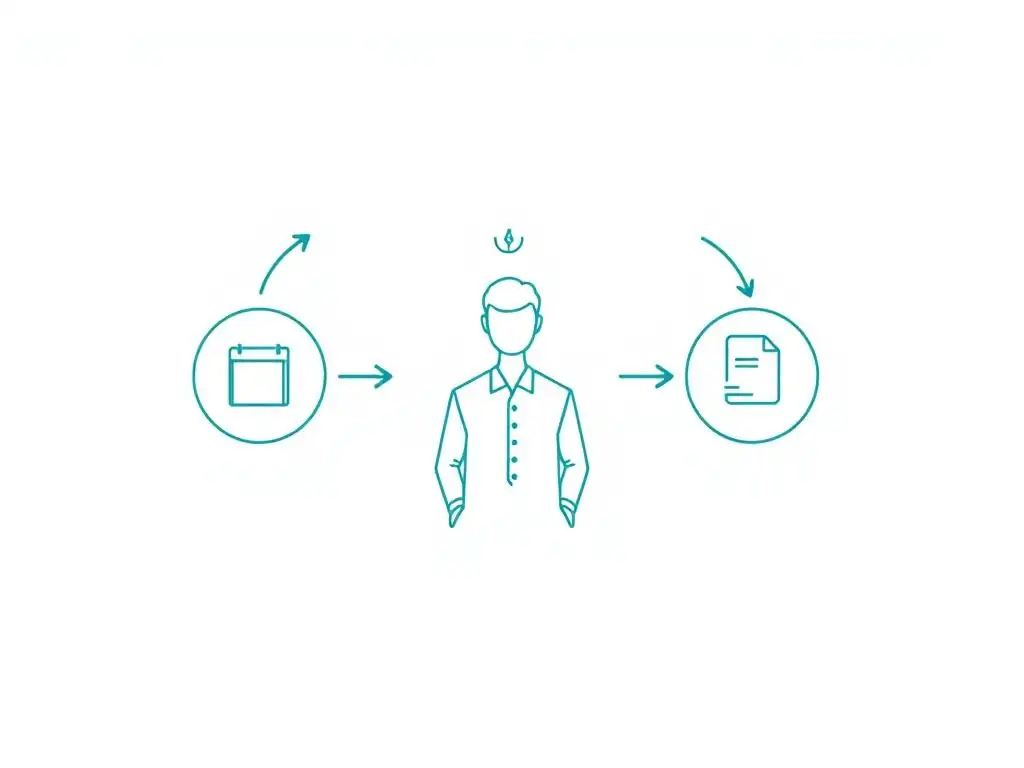
Selecting the appropriate task management application is crucial for successful task delegation. The market offers a plethora of options, each with unique features and capabilities. Choosing wisely can significantly boost your productivity and streamline workflows, while a poor choice can lead to confusion and inefficiency. This section focuses on identifying key features to look for when selecting an app specifically designed to facilitate effective task delegation. Understanding these features will allow you to make an informed decision and optimize your team's performance. The ability to effectively delegate tasks using apps is a key skill in modern productivity.
Essential Features for Effective Task Delegation in Apps
Several key features are essential for effective task delegation within a task management app. These features go beyond simple task creation and assignment; they facilitate clear communication, accountability, and efficient progress tracking. Let's examine some of the most critical features:
- Assigning tasks with deadlines and priorities: The app must allow for clear assignment of tasks to specific individuals or teams, coupled with the ability to set realistic deadlines and assign priority levels (e.g., high, medium, low). This ensures everyone understands their responsibilities and the urgency of each task. Ambiguity is the enemy of efficiency.
- Detailed task descriptions and attachments: The ability to provide comprehensive task descriptions, including step-by-step instructions or relevant documents (via attachments), is paramount. Clear communication minimizes the need for back-and-forth clarification, saving valuable time.
- Progress tracking and reporting: Real-time progress tracking allows managers to monitor task completion rates and identify potential bottlenecks. Comprehensive reporting features provide valuable insights into team performance and individual contributions. This data is invaluable for improving future delegation strategies.
- Communication and collaboration tools: Integrated communication tools, such as in-app messaging or comments sections, facilitate seamless collaboration between delegators and delegates. This allows for quick clarification of tasks and efficient problem-solving.
- Flexible permission settings: The app should allow for granular control over task visibility and editing permissions. This ensures that sensitive information is protected while still enabling appropriate collaboration.
Top Task Management Apps for Streamlined Delegation: A Comparison
Several popular task management apps excel at facilitating delegation. However, their strengths and weaknesses vary, making a direct comparison crucial for informed decision-making. Below is a comparison of three popular options, focusing on their delegation capabilities:
| Feature | App A | App B | App C |
|---|---|---|---|
| Task Assignment | Excellent, with granular control | Good, but lacks advanced features | Excellent, intuitive interface |
| Deadline Setting | Excellent, with reminders | Good, basic reminders only | Excellent, customizable reminders |
| Progress Tracking | Excellent, real-time dashboards | Good, but requires manual updates | Excellent, automated progress updates |
| Communication | Good, in-app comments | Fair, relies on external communication | Excellent, integrated chat and video |
| Cost | Paid, various subscription tiers | Free, limited features; paid upgrades | Paid, competitive pricing |
This table provides a simplified comparison. A more in-depth analysis would include features like file sharing capabilities, integration with other apps, and mobile accessibility. Remember that the "best" app will depend heavily on your specific needs and team dynamics.
Choosing an App Based on Your Needs and Team Size: Factors to Consider
Selecting the right task management app depends on several factors, including your team size, budget, and the complexity of your projects. Let's examine some key considerations:
- Team size: For small teams, a simpler app with fewer features might suffice. Larger teams, however, require robust features for efficient collaboration and communication. Scalability is key.
- Project complexity: Simple projects might only need basic task assignment and tracking. Complex projects, on the other hand, require advanced features such as subtasks, dependencies, and Gantt charts.
- Budget: Task management apps range from free options with limited features to expensive enterprise-level solutions. Choosing an app that aligns with your budget is essential.
- Integration with existing tools: Consider whether the app integrates with other tools you already use, such as email clients or calendar applications. Seamless integration streamlines workflows and minimizes disruption.
- User-friendliness: The app should be intuitive and easy to use for all team members, regardless of their technical expertise. A steep learning curve can hinder adoption and reduce efficiency.
Careful consideration of these factors will significantly improve your chances of selecting a task management app that successfully supports your delegation strategies and enhances your overall productivity. Remember, effective delegate tasks using apps is not just about the technology; it's about choosing the right tool for the job.
Mastering Task Delegation Using Task Management Apps: A Step-by-Step Guide
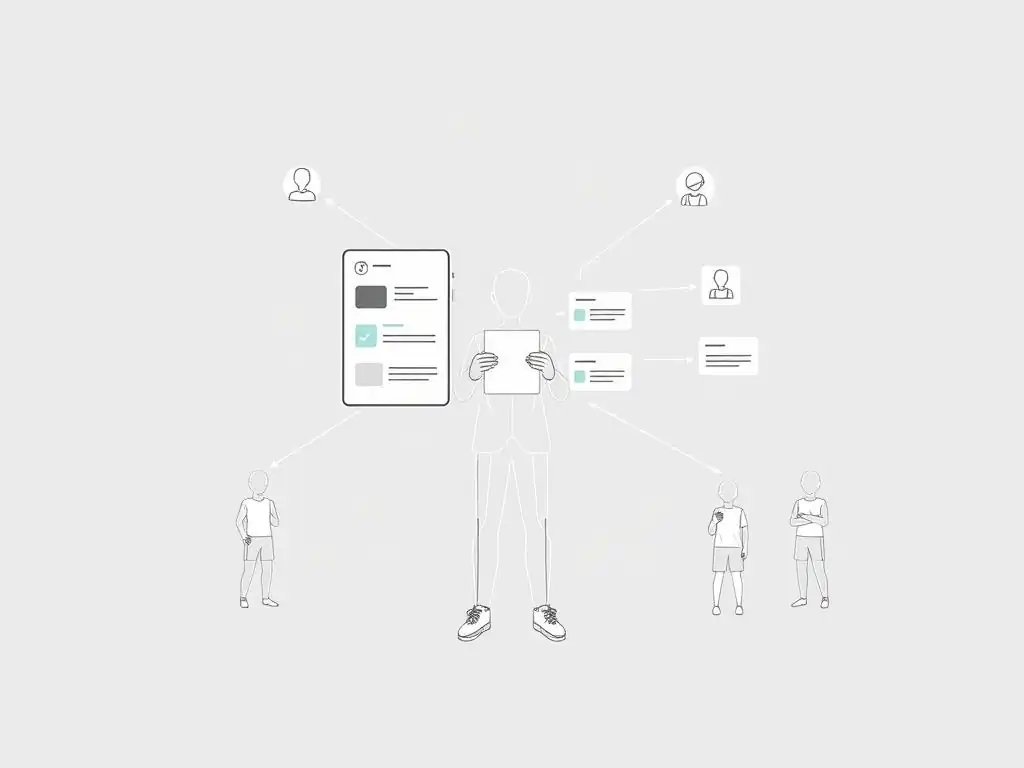
This section details how to effectively delegate tasks using task management apps, maximizing efficiency and productivity. We'll explore a practical, step-by-step approach to leveraging these digital tools for better task management and improved delegation strategies. Remember, successful task delegation using apps isn't just about assigning work; it's about fostering collaboration and accountability.
Step 1: Defining Tasks and Assigning Responsibilities within the App
Before you even think about delegating, ensure your tasks are clearly defined. Vague instructions lead to confusion and wasted time. The power of a task management app lies in its ability to break down large projects into smaller, manageable tasks. This granular approach is crucial for effective delegation.
For example, instead of assigning "Finish the report," break it down into:
- Research and gather data (estimated time: 2 hours)
- Write the introduction and conclusion (estimated time: 1.5 hours)
- Create the data visualizations (estimated time: 2 hours)
- Proofread and edit the final report (estimated time: 1 hour)
Each of these sub-tasks can then be assigned to different individuals or team members within your chosen app. Many apps allow for detailed descriptions, attachments, and even checklists within each task, ensuring everyone is on the same page. This level of detail significantly improves clarity and minimizes the need for constant communication, saving you time and improving delegation efficiency. Using labels and tagging systems within the app further enhances organization and allows for easy filtering and searching of tasks based on assignee, status, or priority.
Step 2: Setting Clear Deadlines and Expectations Using In-App Features
Setting realistic deadlines and clear expectations is paramount for successful task delegation. Task management apps provide excellent tools for this. Most apps allow you to set due dates, reminders, and even recurring tasks. This ensures accountability and prevents tasks from slipping through the cracks.
Beyond deadlines, leverage the app's features to set expectations. This might involve:
- Adding detailed instructions: Include specific requirements, preferred formats, and any relevant resources directly within the task description.
- Utilizing comments and annotations: Use the in-app communication features to clarify any ambiguities or address immediate questions. This keeps all communication centralized, improving transparency and accessibility.
- Setting priority levels: Designate task priority (high, medium, low) to help your team prioritize their workload effectively. This is a crucial aspect of effective task delegation and project management.
- Defining acceptance criteria: Clearly outline what constitutes a completed task to avoid misunderstandings and ensure quality control.
Consider the following table illustrating the effective use of app features:
| Task | Assignee | Due Date | Priority | Acceptance Criteria |
|---|---|---|---|---|
| Write Marketing Email | Sarah Jones | 2024-10-27 | High | 100 words, includes call to action, proofread |
| Design Website Banner | John Smith | 2024-10-26 | High | High-resolution image, meets brand guidelines |
| Schedule Social Media | Emily Brown | 2024-10-25 | Medium | Posts scheduled across all platforms, approved |
The consistent use of these features within the app promotes a proactive and organized approach to task delegation, leading to improved outcomes and enhanced team productivity.
Step 3: Monitoring Progress and Providing Feedback Through the App
Effective task delegation isn't a "set it and forget it" process. Regular monitoring and timely feedback are essential. Fortunately, task management apps offer built-in tools to streamline this process.
Most apps provide progress tracking features, often visually represented through progress bars or Kanban boards. These allow you to quickly assess the status of each delegated task and identify any potential roadblocks. This real-time visibility allows for proactive intervention, preventing delays and ensuring projects stay on schedule.
Furthermore, the in-app communication features facilitate easy feedback delivery. You can provide constructive criticism, offer support, or simply acknowledge progress, all within the context of the specific task. This centralized communication streamlines the feedback process, avoiding email chains or scattered messages. This direct feedback loop is crucial for fostering continuous improvement and strengthening team collaboration. Regular check-ins, facilitated by the app's features, create a more engaged and productive team. Remember, timely and specific feedback is key to successful delegation and boosts team morale.
Step 4: Utilizing Collaboration Tools for Seamless Teamwork
Effective task delegation isn't just about assigning work; it's about fostering seamless collaboration. Many task management apps integrate robust collaboration tools that significantly enhance teamwork and communication. These features are crucial for ensuring everyone is on the same page, reducing misunderstandings, and promoting a smooth workflow. The ability to collaborate effectively directly impacts the success of delegated tasks and overall project efficiency.
One key aspect of utilizing collaboration tools is leveraging shared task lists and project boards. Instead of individual to-do lists, consider creating shared spaces where team members can see assigned tasks, deadlines, and progress updates in real-time. This transparency minimizes duplicated effort and ensures everyone is aware of their responsibilities and potential dependencies. For example, if one team member's task depends on the completion of another, the shared view instantly highlights this, enabling proactive communication and problem-solving. This proactive approach minimizes delays and improves overall project delivery.
Furthermore, effective communication features within the app are paramount. Features like integrated chat, comments sections within tasks, and file-sharing capabilities streamline communication and reduce reliance on external platforms like email. This centralized communication streamlines the process, making it easy to track discussions related to specific tasks. Imagine a scenario where a team member encounters a roadblock on a delegated task. Using the app's integrated chat, they can quickly seek clarification or assistance from the task assigner, resolving the issue swiftly and avoiding project delays. This centralized approach promotes clarity, accountability, and timely resolution of issues.
Finally, the ability to assign tasks with specific due dates and set reminders within the app is essential for maintaining project momentum. This feature ensures that delegated tasks are completed on time, preventing bottlenecks and delays. Think about a marketing campaign – each team member has specific responsibilities with tight deadlines.
The task management app, with its integrated reminders and due dates, ensures that each element of the campaign is delivered on schedule, leading to a successful launch. Proper task management, therefore, is not merely about delegation but about ensuring timely execution through effective collaboration tools. The successful delegation of tasks using apps hinges on the intelligent and effective use of these collaborative features.
Advanced Techniques for Delegating Tasks with Apps
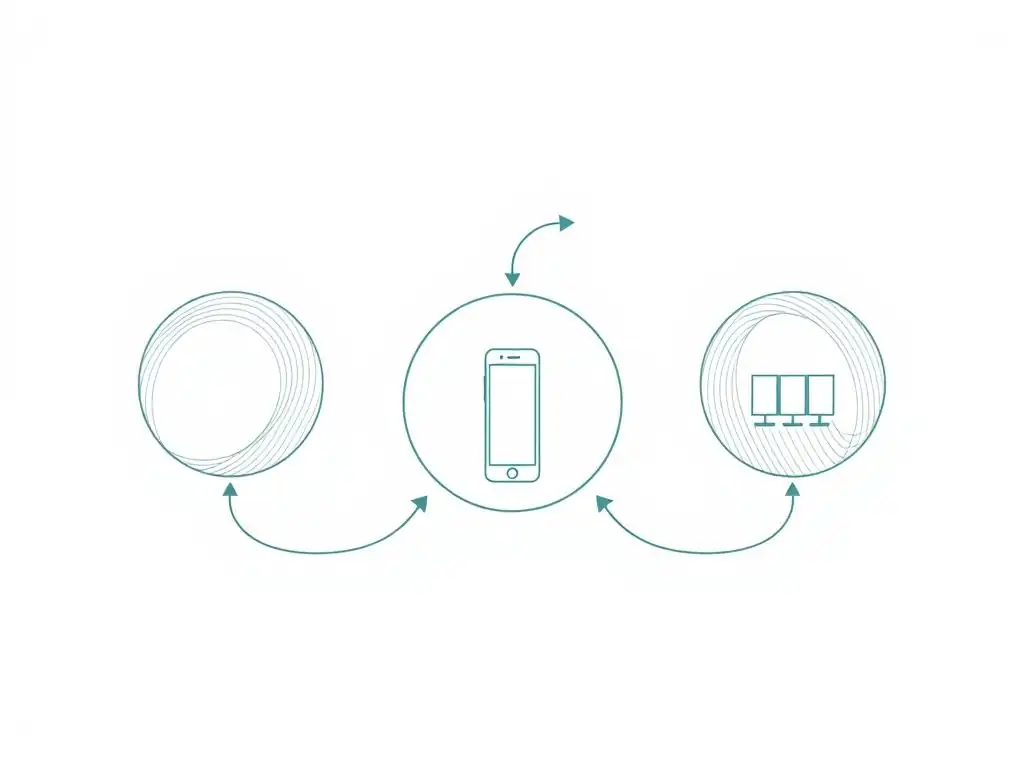
This section explores sophisticated strategies for leveraging task management apps beyond basic task assignment. We'll delve into automation, reporting features, and cultivating a team culture conducive to effective delegation. Mastering these techniques will significantly boost your productivity and streamline workflows. Remember, effective delegation isn't just about assigning tasks; it's about optimizing the entire process. The goal is to "Delegate tasks using apps" in a way that maximizes efficiency and minimizes wasted time and effort.
Leveraging Automation for Efficient Task Assignment and Follow-up
Efficient task delegation isn't just about assigning tasks manually; it's about automating repetitive processes. Many task management apps offer automation features that can significantly reduce the time spent on administrative tasks. For example, you can automate the assignment of routine tasks based on predefined criteria. Imagine setting up a rule where all incoming customer support tickets automatically get assigned to the next available agent based on their workload. This frees up your time to focus on more strategic initiatives.
Another powerful automation feature is automated follow-up reminders. Instead of manually checking on the progress of delegated tasks, the app can send automatic reminders to both the assignee and you, ensuring tasks remain on schedule. This reduces the risk of missed deadlines and keeps everyone accountable.
Consider setting up different reminder schedules for different task priorities – a high-priority task might trigger reminders every few hours, while a low-priority task might only require a weekly reminder. This level of customization is key to optimizing your workflow. Proper utilization of these automated features is crucial to truly mastering the art of "Delegate tasks using apps".
Utilizing Reporting Features for Performance Tracking and Improvement
Task management apps don't just help you delegate; they also provide valuable insights into team performance. Robust reporting features allow you to track key metrics such as task completion rates, average task completion times, and individual team member productivity. This data is invaluable for identifying bottlenecks, areas for improvement, and potential training needs.
For instance, if you notice a consistently high number of overdue tasks assigned to a specific team member, it might indicate a need for additional training or support. Alternatively, if the average completion time for a particular type of task is significantly higher than expected, it might suggest a need for process optimization or a re-evaluation of task assignments. Analyzing these reports allows for data-driven decision-making, leading to a more efficient and productive team. Regularly reviewing these reports is essential for continuous improvement in your delegation strategy, ultimately improving your ability to "Delegate tasks using apps" effectively.
Building a Culture of Delegation Within Your Team
Successfully delegating tasks isn't solely dependent on the app; it's also about fostering a team culture that embraces delegation. This involves clear communication, trust, and empowerment. Team members need to understand the importance of delegation, not just as a way to lighten your workload, but as a means of developing their skills and taking ownership of their work.
Consider implementing regular team meetings to discuss delegation strategies, address concerns, and provide feedback. This open communication fosters a sense of collaboration and shared responsibility. Furthermore, provide adequate training and resources to empower team members to handle delegated tasks effectively.
Remember, effective delegation is a two-way street; it requires both trust in your team's capabilities and a commitment to providing them with the support they need to succeed. Building this culture will significantly improve your ability to "Delegate tasks using apps" and achieve better results overall. A supportive environment, coupled with the right tools, is the key to unlocking the full potential of task delegation.
Overcoming Common Challenges in Task Delegation
Delegating tasks, even with the help of task management apps, isn't always smooth sailing. Many individuals encounter hurdles that hinder their ability to effectively utilize delegation for enhanced productivity. Successfully navigating these challenges requires a proactive and strategic approach. This section focuses on practical strategies to overcome these common obstacles, ultimately allowing you to leverage the power of delegation more fully. Mastering these techniques will significantly improve your "Delegate tasks using apps" workflow and boost your overall efficiency.
Addressing Resistance to Delegation: Strategies for Effective Communication
One of the biggest obstacles to successful task delegation is resistance from team members or individuals you're delegating to. This resistance often stems from mistrust, fear of failure, or a perceived lack of skill or resources. Overcoming this requires clear and empathetic communication.
First, frame the delegation as an opportunity for growth. Instead of simply assigning a task, explain how completing it will benefit the individual's skillset and career development. For example, instead of saying "John, do this report," try "John, this report is a great opportunity to showcase your analytical skills. I'm confident you can handle it, and I'll be here to support you every step of the way."
Second, provide comprehensive instructions and resources. Ambiguity breeds uncertainty and resistance. Ensure the task is clearly defined, with specific deadlines, expected outcomes, and all necessary resources readily available. Consider using checklists within your task management app to ensure nothing is overlooked.
Third, actively listen to concerns. Openly address any doubts or hesitations the individual may have. This shows respect and builds trust, making them more receptive to the delegated task. Perhaps they need additional training or a different approach to the task. Your task management app might have features to facilitate this communication—use them!
Finally, offer ongoing support and feedback. Don't just assign and forget. Regular check-ins, constructive feedback, and readily available assistance demonstrate your commitment to their success and reduces the likelihood of resistance in future delegations. Remember, successful delegation is a collaborative effort.
Managing Unexpected Issues and Delays Through the App's Features
Even with meticulous planning, unexpected issues and delays are inevitable. This is where the features of your task management app become crucial. Effective utilization of these features can significantly mitigate the impact of unforeseen circumstances on your overall productivity.
Many apps offer features like real-time updates, allowing you to monitor progress and identify potential problems early on. If a team member encounters a roadblock, the app's communication tools (e.g., comments, direct messaging) facilitate quick problem-solving. You can quickly re-allocate resources or adjust deadlines as needed.
Furthermore, most apps allow for flexible task prioritization. If one task experiences a delay, you can easily re-prioritize your workload to minimize disruption. The app's visual dashboards provide a clear overview, enabling you to make informed decisions swiftly. This proactive approach significantly reduces the negative impact of unexpected issues.
Consider using the app's dependency tracking feature. If Task A needs to be completed before Task B can begin, the app will alert you to potential delays in Task B if Task A falls behind schedule. This foresight allows for proactive adjustments. Proactive utilization of these features helps you maintain control even amidst unforeseen challenges.
Maintaining Accountability and Tracking Progress Effectively
Accountability is the cornerstone of successful task delegation. Without it, delegated tasks can easily fall through the cracks, negating the benefits of delegation. Your chosen task management app plays a vital role in establishing and maintaining accountability.
Utilize the app's progress tracking features. Many apps allow you to set milestones, assign due dates, and monitor task completion rates. Regularly reviewing this data provides insights into individual performance and overall project progress. This data-driven approach promotes accountability and allows for timely interventions if needed.
Implement a system of regular check-ins. Schedule brief meetings or use the app's communication tools for quick updates. This keeps everyone informed and ensures that tasks are progressing as planned. Don't let check-ins become overly burdensome; keep them concise and focused.
Consider using the app's reporting features to generate progress summaries. These reports provide a clear picture of overall team performance and identify any areas needing improvement. This data-driven approach fosters a culture of accountability and continuous improvement, ultimately enhancing your "Delegate tasks using apps" strategy. Remember, consistent monitoring and feedback are key to maintaining accountability and maximizing the effectiveness of your delegation efforts.
Frequently Asked Questions
What are the benefits of delegating tasks using apps?
Delegating tasks using apps offers several key advantages. You can improve team collaboration, increase efficiency, and free up your time to focus on higher-priority tasks. This leads to increased productivity and reduced stress.
Which types of tasks are best suited for delegation through apps?
Tasks that are repeatable, easily defined, and require less direct supervision are ideal for delegation via apps. Examples include data entry, simple research, or scheduling appointments.
How do I choose the right task management app for delegation?
Consider factors like ease of use, collaboration features, and integration with other apps you already use. Read reviews and try free trials to find the best fit for your needs and team's workflow.
What are some potential challenges when delegating tasks using apps?
Potential challenges include communication issues, lack of clarity in instructions, and difficulty tracking progress. Clear communication, well-defined tasks, and regular check-ins are crucial to overcome these hurdles.
How can I ensure accountability when delegating tasks through apps?
Utilize the app's features for progress tracking, deadlines, and notifications. Regular check-ins and clear communication channels help maintain accountability and ensure tasks are completed successfully.
Final Reflection: Mastering the Art of Delegation in the Digital Age
The ability to effectively delegate tasks is no longer a luxury, but a necessity in our increasingly fast-paced world. The sheer volume of information and demands on our time necessitates a strategic approach to productivity, and task management apps are proving to be invaluable tools in this pursuit. Mastering the art of delegation, aided by technology, unlocks potential for increased efficiency and a healthier work-life balance.
The impact of readily available task delegation tools is profound, reshaping how we approach both professional and personal projects. We're moving away from a culture of individual burden towards one of collaborative achievement. This shift allows for specialization, improved quality of work, and the fostering of stronger team dynamics. The key is not to prioritize what's on your schedule, but to schedule your priorities.
– Stephen Covey. This quote perfectly encapsulates the power of intentional delegation – focusing your energy on the tasks that truly matter, while leveraging technology to streamline the rest.
Now, consider your own life. What tasks are draining your energy and preventing you from focusing on your highest priorities? I challenge you to identify just one area where delegation could make a significant difference. Explore the various task management apps available, experiment with different strategies, and discover the transformative power of effectively offloading responsibilities. Embrace the art of delegation, and unlock your full potential to achieve more, both personally and professionally.
Unleash Your Productivity: Master Task Delegation Today!
Congratulations on taking the first step towards a more efficient and productive workflow! You've learned how task management apps can significantly improve your daily routine, freeing up valuable time and energy. Now, let's put this knowledge into practice.
Here's how to get started:
- Prioritize and delegate: Begin by identifying tasks that drain your energy or are outside your area of expertise. Strategically assign these tasks to others, focusing on matching the task to the individual's skills and availability. This simple step can dramatically improve your productivity.
- Find the right task management app: Explore different apps to discover one that seamlessly integrates with your existing workflow. Choosing the right tool is key to long-term success.
- Share your success: Let us (and your colleagues!) know about your progress and the positive impact of effective delegation. Celebrate your accomplishments!
What's the first task you plan to delegate to reclaim your time and focus on higher-priority activities?