Become a Digital Power User: Skills to Maximize Your Output
🤔 Unlock your digital potential! Master essential Digital productivity power user skills to supercharge efficiency, conquer your to-do list, and reclaim precious…
Read article
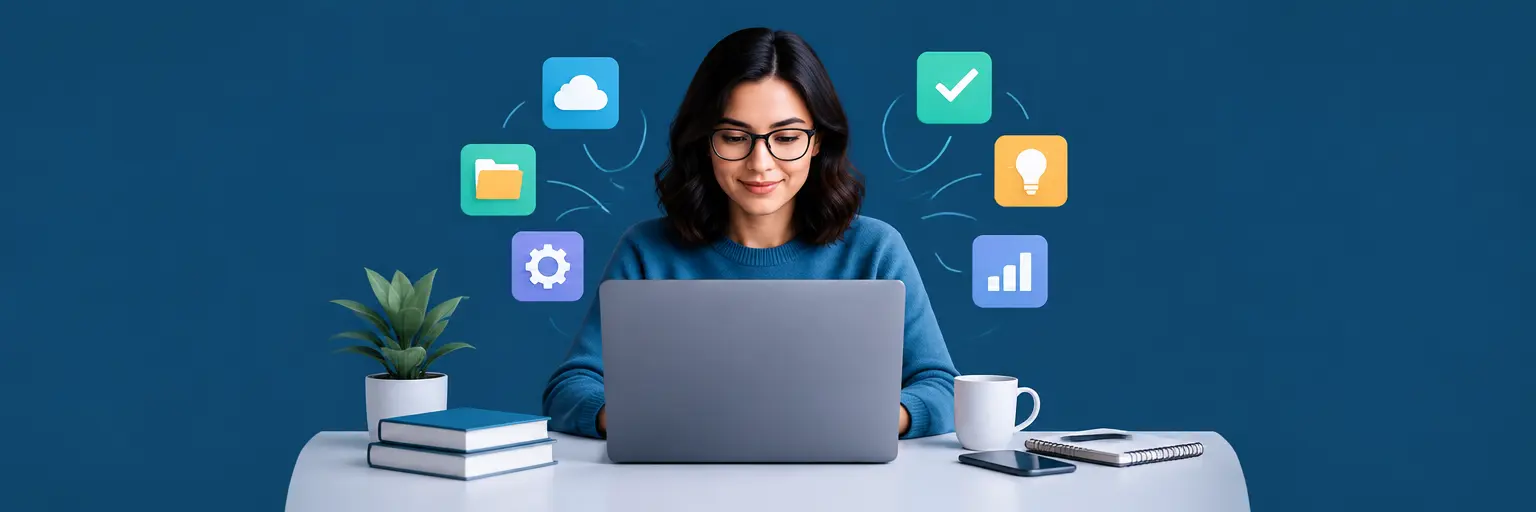
In today’s fast-paced world, mastering digital skills for efficiency is the ultimate game-changer for reclaiming your time and boosting productivity. By learning to harness the power of shortcuts, automation, and smart tool management, you can cut tedious tasks down to minutes and focus on what truly matters. From organizing your files with intuitive naming systems to leveraging keyboard shortcuts and browser extensions, these skills transform your devices into powerful allies—not distractions. Whether you’re juggling emails, managing projects, or simply trying to streamline your daily routine, digital efficiency isn’t about working harder—it’s about working smarter. Unlock the secrets to a smoother, faster workflow and watch your to-do list shrink while your output soars. Embrace the digital toolkit that saves hours every week and elevates your personal and professional life with practical, actionable techniques you can apply immediately. 🚀✨

🤔 Unlock your digital potential! Master essential Digital productivity power user skills to supercharge efficiency, conquer your to-do list, and reclaim precious…
Read article
😊Master digital tools to boost team collaboration. This article reveals practical techniques to improve team collaboration digitally, saving time and streamlining workflows…
Read article
😊 In today's fast-paced world, mastering digital tools is key. Learn digital skills faster to boost productivity, streamline tasks, and unlock time-saving…
Read articleIn today’s fast-paced world, digital efficiency isn’t just about using tools—it’s about mastering them to reclaim your time, reduce friction, and achieve more with less effort. This subcategory, Enhancing Digital Efficiency: Mastering Digital Skills for Efficiency, is your go-to resource for transforming everyday digital tasks into streamlined, automated, and high-impact workflows. Whether you’re a busy professional, a student, or a lifelong learner, the insights here are designed to help you work smarter, not harder.
Digital efficiency starts with foundational skills that many overlook: advanced search operators, keyboard shortcuts, and file management systems. Learning to use Boolean search and quick-access gestures can shave minutes off every task. For instance, mastering “Ctrl+Shift+T” to reopen closed tabs or using “site:” filters in Google can turn hours of scrolling into seconds of targeted research. These skills compound over time, giving you back countless hours each month.
Beyond basics, you’ll discover how to organize your digital workspace with folder hierarchies, cloud syncing, and tag-based retrieval. Implementing a “two-click rule”—where any file can be found within two clicks—dramatically reduces decision fatigue. Expect practical checklists and step-by-step guides that turn these concepts into daily habits, making digital navigation feel effortless and intuitive.
Automation is the holy grail of digital efficiency. Here, you’ll learn to harness Zapier, IFTTT, and native integrations to eliminate busywork. Imagine automatically saving email attachments to Drive, syncing calendar events to your task manager, or posting social media updates without lifting a finger. These workflows not only save time but also reduce human error, ensuring consistency across your digital life.
We delve into practical examples: setting up email filters that sort invoices, creating Slack reminders for recurring meetings, or using browser extensions like “Auto Text Expander” for frequently typed responses. You’ll also explore how to audit your current processes to identify automation opportunities—a skill called process mapping. By the end, you’ll have a personalized automation blueprint that frees up mental energy for creative and strategic work.
Efficiency isn’t just about speed; it’s about protecting your attention. This section focuses on digital minimalism and attention management. You’ll learn to declutter your browser, disable non-essential notifications, and use tools like Forest or Freedom to block distracting sites. The key is creating a digital environment that supports deep work, not one that fights against it.
We also cover the Getting Things Done (GTD) method adapted for digital tools, plus the Pomodoro technique integrated with apps like Todoist. Expect strategies for batching similar tasks, scheduling “focus blocks” in your calendar, and using mind mapping software to externalize your thoughts. These techniques help you stay present and reduce the cognitive overhead of switching between apps, boosting both efficiency and job satisfaction.
The digital landscape changes fast, and the ability to learn new tools quickly is a superpower. Here, you’ll find frameworks for accelerated learning, such as the “20/80 rule”—focus on the 20% of features that deliver 80% of value. You’ll also discover how to use free resources like YouTube tutorials, official documentation, and community forums to get answers in minutes, not days.
We provide a step-by-step method for evaluating new apps: define your goal, test a small feature set, and implement it in a real project. Learn to create your own “cheat sheets” and use keyboard shortcut trainers like Keybr for faster typing. This proactive approach makes you resilient to tech changes, ensuring you’re never left behind and can pivot to new platforms without anxiety.
All your digital skills are worthless if your data is lost or compromised. This subcategory emphasizes proactive security and redundant backup strategies. You’ll learn to set up auto-backups with tools like Backblaze or iCloud, use password managers with 2FA, and adopt the 3-2-1 backup rule (three copies, two media, one offsite). These habits prevent catastrophic disruptions that can derail entire projects.
We also cover secure sharing practices, phishing awareness, and how to configure browser privacy settings without harming usability. Expect a checklist for securing your digital footprint, including app permissions and software updates. By implementing these safeguards, you’ll work with confidence, knowing your efficiency systems are protected from both human error and cyber threats—turning security from a chore into a seamless part of your routine.
Keyboard shortcuts are the highest-ROI skill. They eliminate mouse dependency, saving seconds per action, which adds up to hours annually. Start with your most-used apps—browser, email, and word processor—and learn 10 shortcuts per week. Tools like ShortcutFoo can gamify your practice.
Absolutely. Platforms like Zapier and IFTTT use visual, drag-and-drop interfaces. You just connect triggers (e.g., new email) to actions (e.g., create a task). Many templates exist for common workflows, so you can mimic and customize without writing a single line of code.
Permanence is unrealistic; instead, build systems. Use website blockers during focus hours, turn off non-essential notifications at the OS level, and create a dedicated work profile on your browser. Also, schedule “distraction breaks” to satisfy urges consciously.
Combine a cloud service like Google Drive (15GB free) with an external hard drive for local copies. Use a free tool like Duplicati for scheduled encrypted backups. For photos, Amazon Photos offers unlimited full-resolution storage with Prime.
Most users see noticeable time savings within 2–3 weeks of daily practice. Automations alone can save 5–10 hours weekly once set up. The key is consistency—even 15 minutes of practice daily yields compounding efficiency gains over a month.