Say Goodbye to Overwhelm: Expert Tips for Streamlining Digital Project Workflow
😊 Conquer digital chaos! This article delivers expert advice to streamline your digital project workflow, boosting efficiency and freeing up valuable time.…
Read article
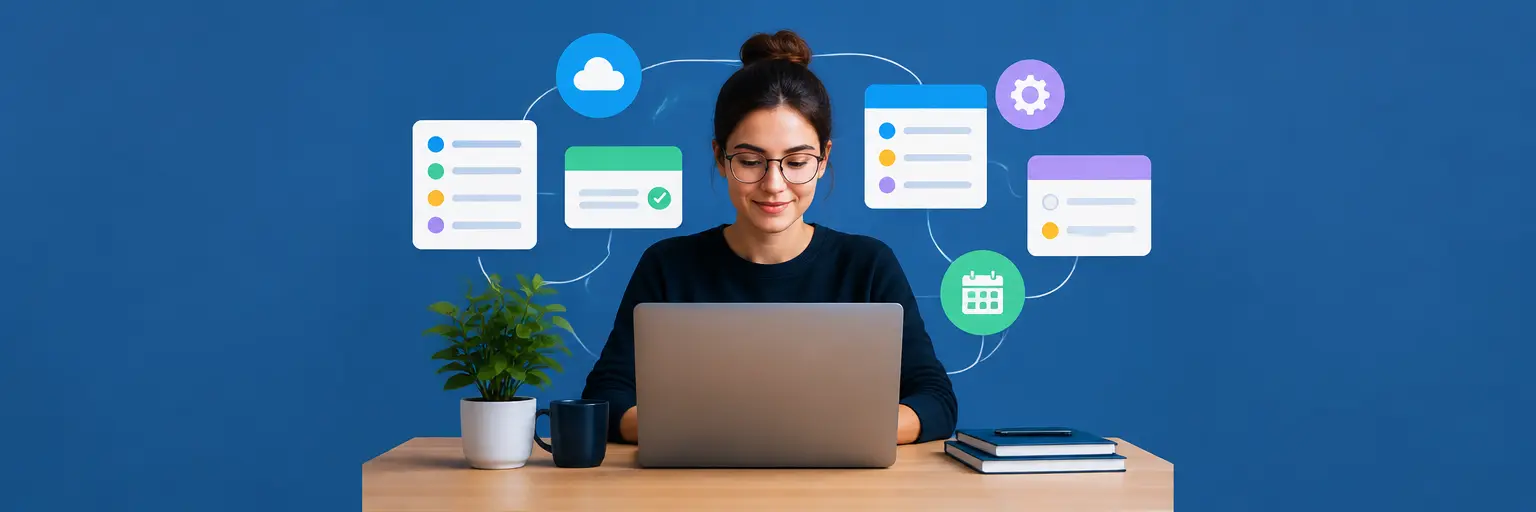
Streamline your digital projects and tasks with smart, actionable strategies that save time and boost efficiency. Whether you’re juggling multiple deadlines or simply want a calmer, more organized online workspace, mastering digital workflow management is a game-changer. Discover practical hacks to prioritize, automate, and collaborate seamlessly—turning chaos into clarity. Ready to reclaim your day? Dive into tips that help you focus on what matters, reduce stress, and get more done in less time. 🚀

😊 Conquer digital chaos! This article delivers expert advice to streamline your digital project workflow, boosting efficiency and freeing up valuable time.…
Read article
😊 Drowning in digital chaos? This article reveals proven strategies to optimize your digital project workflow, boosting efficiency and freeing up valuable…
Read article
🤔 Overwhelmed by projects? Mastering task prioritization is key. Learn practical strategies to prioritize tasks for project success, boosting efficiency and achieving…
Read articleWelcome to the ultimate guide on Improving Digital Workflow within the Digital Workflow category, brought to you by UltimateLifeHacks. Here, we focus on turning chaotic digital chaos into streamlined productivity. Whether you’re a freelancer juggling client work, a small team coordinating remote projects, or a busy professional tracking personal tasks, this subcategory delivers actionable project management hacks, task automation strategies, and efficiency-boosting tools. Our mission is to help you reclaim hours each week by mastering digital task delegation, prioritization, and workflow visualization—all through practical, no-nonsense advice. Dive in to discover how to transform your daily digital routines into a well-oiled productivity machine.
When managing digital projects, the first obstacle is knowing what to tackle first. This section reveals proven frameworks like Eisenhower Matrix, MoSCoW prioritization, and RICE scoring—but adapted for digital platforms. You’ll learn how to integrate these methods into apps like Trello, Asana, or Notion, so your to-do list automatically sorts itself by urgency and impact. We also discuss the 2-minute rule and how to automate it with filters and labels, ensuring trivial tasks don’t clog your mental bandwidth.
Expect practical walkthroughs on setting up custom views in project management tools to visualize high-priority items without manual sorting. We cover time-blocking techniques that sync with your calendar, plus how to use task dependencies to sequence work logically. By the end, you’ll know exactly how to build a “priority dashboard” that updates in real-time, reducing decision fatigue and keeping your focus on high-impact deliverables. This isn’t theory—it’s a set of copy-paste workflows you can implement today.
One of the biggest time leaks in digital workflow is manually moving tasks between stages, assigning owners, or sending status updates. Here, we dive into low-code automation using Zapier, Make (Integromat), and built-in triggers within tools like ClickUp. You’ll learn how to create “if-this-then-that” rules that automatically assign tasks when a file is uploaded, move cards to “Done” when a checklist is completed, or send Slack notifications for overdue deadlines. We also cover template automation for recurring projects—like weekly reports or client onboarding—so you never recreate the same task list twice.
Beyond simple rules, we explore AI-assisted task extraction from emails and meeting notes, turning unstructured input into structured action items. You’ll see how to integrate tools like Otter.ai with your PM software to auto-generate task lists from brainstorming sessions. We also share tips on building automated re-queue loops for stalled tasks, ensuring nothing falls through the cracks. These hacks are designed for non-coders, with step-by-step screenshots and troubleshooting advice for common API integration issues.
Digital project chaos often stems from scattered files—attachments lost in email threads, version confusion in cloud drives, and disjointed folder structures. This section provides a unified file management system that aligns with your task management tools. You’ll learn how to set up a single source of truth folder hierarchy (e.g., by project > phase > deliverable) and sync it directly with your PM tool’s file attachments. We explain how to use tagging and smart folders in Google Drive or OneDrive to automatically categorize files based on project status or client name.
We also cover the paperless workflow—scanning, naming conventions, and version control using tools like Airtable or Dropbox Paper. Expect hacks for batch-renaming files to include date and task ID for instant searchability. Additionally, we discuss cloud-to-desktop syncing to eliminate latency, and how to leverage OCR (optical character recognition) for searchable PDFs. By implementing these strategies, you’ll cut file retrieval time by 70% and reduce the risk of working on outdated versions.
Without clear metrics, digital projects can spiral out of control. This part focuses on building real-time progress dashboards using tools like Monday.com, Airtable, or even Google Sheets with advanced formulas. You’ll learn to create burndown charts, Gantt timelines, and Kanban board analytics that show task completion rates, cycle times, and workload distribution. We emphasize the importance of automated status updates—for example, automatically calculating % complete based on completed sub-tasks—so your dashboard always reflects reality.
Moreover, we cover milestone mapping for multi-week projects, showing how to break large goals into checkpoints that trigger alerts for the team. You’ll see examples of velocity metrics that help you predict delivery dates with accuracy, based on historical performance data. We also discuss how to use weekly review systems (like the “Wins, Challenges, Next Steps” format) that integrate directly with your task tool to generate status reports in one click. These visualizations not only improve your own workflow but also enhance stakeholder communication.
One of the biggest productivity killers is toggling between chat apps (Slack, Teams) and task boards. This section teaches you how to create a two-way sync between your communication channel and project management software. You’ll learn to convert a Slack message directly into a task with labels and assignees via slash commands, and to get task notifications posted back into specific channels with contextual links. We also cover email-to-task conversion using services like IFTTT, where every flagged email becomes a new task with parsing for priority and due dates.
Additionally, we explore meeting-to-action workflows—using tools like Fellow or Hugo to turn meeting action items into tasks automatically, then following up via chat when they’re due. We discuss multi-platform team hubs that keep discussions threaded to specific tasks, so context is always attached, reducing the need for status update meetings. Expect real-world examples of how small teams reduced email volume by 40% by centralizing communication around task objects. You’ll leave with a blueprint for zero-context-switch collaboration.
For free, Trello and Asana offer robust features—Trello excels with Kanban visuals, while Asana is stronger for list views and dependencies. ClickUp’s free plan is also generous, including unlimited tasks and 100MB storage. Choose based on your team’s size and whether you need time tracking or guest access. Start with one, test for a week, and switch if it feels clunky.
Start small: pick one recurring project to run in the tool and show its benefits. Provide 15-minute training sessions, create printable cheat sheets, and assign a “champion” who answers questions. Gamify adoption with badge rewards for completing tasks. Most importantly, make the tool the only place for task info—remove email and chat alternatives gradually to force usage.
Yes. Platforms like Zapier and Make are visual, drag-and-drop, and don’t require code. Start with simple “when a new column is added, send an email” rules. Many apps also have built-in automation panels (e.g., Trello Butler) that trigger on checklist completions. You’ll learn by doing; you can copy templates from community galleries to avoid building from scratch.
Ideally, your dashboard updates automatically via integrations—no manual entry needed. But if you use manual statuses, set a recurring “dashboard check” every 24 hours in your calendar. For high-velocity projects, update twice daily (morning and evening). The goal is that the dashboard reflects reality, so schedule a short review after each team stand-up or when major milestones shift.
Creating too many “open” tasks without due dates or owners. This creates overwhelm and stall. Fix it by enforcing a rule: every task must have a single owner and a concrete deadline, even a tentative one. Use the “if no deadline, delete” rule weekly. Also, avoid having more than 20 active tasks per person; break larger items into smaller steps that are easier to track.