IFTTT & Zapier: The Secret Weapons to a More Efficient You
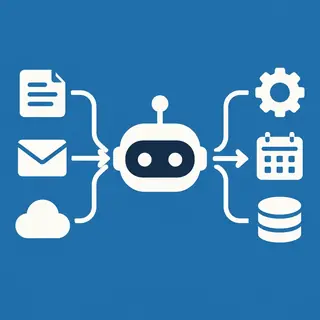
🤔 Drowning in repetitive tasks? Automate tasks IFTTT Zapier to reclaim your time! Learn how these powerful tools seamlessly integrate your apps,…
Read article
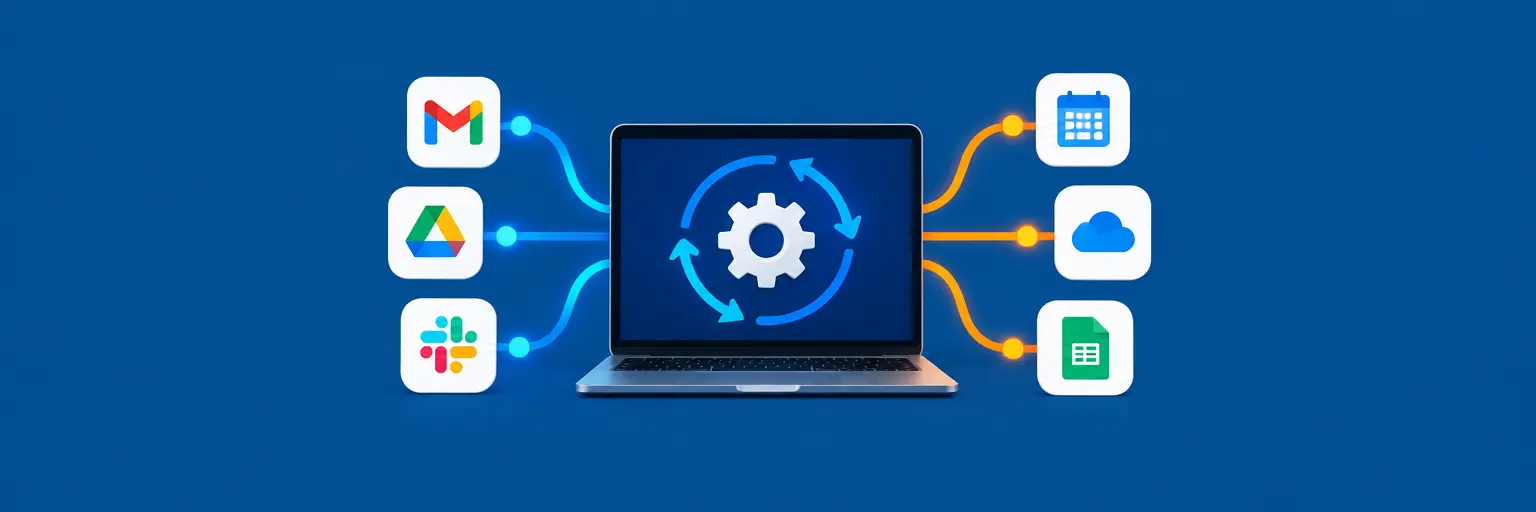
Unlock the power of effortlessness by letting IFTTT and Zapier handle your repetitive digital chores—think of them as your tireless virtual assistants that connect your favorite apps, sync data, and trigger actions automatically. Whether you’re saving hours on admin work, eliminating manual copy-pasting, or building seamless workflows that run in the background while you focus on what truly matters, these tools turn tedious routines into one-click wonders. From auto-saving email attachments to your cloud drive, posting social updates across platforms, or even syncing your calendar with project management tools, automation is the ultimate life hack for boosting productivity and reclaiming your time. Dive into smart, no-code solutions that require zero technical skills, yet deliver massive efficiency gains—perfect for busy professionals, entrepreneurs, and anyone who values working smarter, not harder. Start transforming your digital life today with practical, actionable strategies that make automation feel simple, intuitive, and utterly game-changing.
🤔 Drowning in repetitive tasks? Automate tasks IFTTT Zapier to reclaim your time! Learn how these powerful tools seamlessly integrate your apps,…
Read article
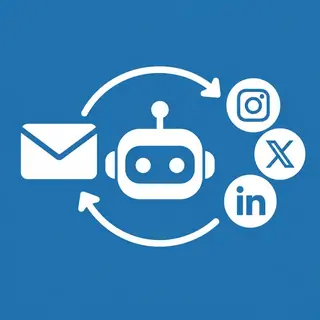
🤔 Drowning in emails? Reclaim your time with powerful automation! Learn how to effortlessly manage your inbox and achieve Inbox Zero using…
Read article
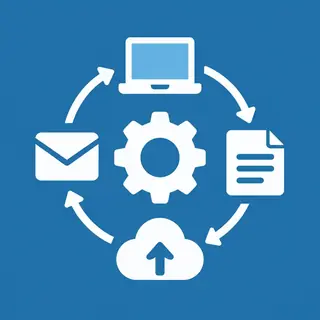
😊 Drowning in to-dos? Reclaim your time! Learn how to automate tasks with IFTTT and Zapier, integrating apps to conquer repetitive chores…
Read articleWelcome to the ultimate guide on automating digital tasks with IFTTT and Zapier, two of the most powerful workflow automation tools available today. Whether you’re a busy professional, a small business owner, or a productivity enthusiast, this subcategory is your gateway to saving hours each week by eliminating repetitive manual work. Here, you’ll discover practical, step-by-step strategies to connect your favorite apps, trigger automatic actions, and create seamless digital ecosystems that work for you—even while you sleep. Let’s dive into the world of smart automation and unlock your true efficiency potential.
IFTTT (If This Then That) is the perfect starting point for beginners looking to automate digital tasks without any coding knowledge. It uses simple conditional statements—if a trigger occurs, then an action happens. For example, you can automatically save email attachments to Google Drive, post Instagram photos to Twitter, or turn on smart lights when you arrive home. The platform excels at consumer-grade automation, with hundreds of pre-built applets you can activate in one click.
What makes IFTTT truly accessible is its intuitive interface and mobile-friendly design. You can create custom applets in minutes, using a visual editor that connects over 700 apps and devices. It’s ideal for automating social media posts, syncing calendar events, or tracking fitness data. While it lacks the advanced logic of Zapier, IFTTT is unbeatable for quick, lightweight automations that simplify daily routines—perfect for ultimate life hackers who value speed over complexity.
Zapier takes automation to the next level with its multi-step Zaps that can include filters, delays, and branching logic. Unlike IFTTT’s one-trigger-one-action model, Zapier lets you create complex sequences—like transferring leads from a form to a CRM, then sending a personalized email and updating a spreadsheet—all in one workflow. This makes it the go-to choice for businesses and power users who need reliable, data-heavy automation across 5,000+ apps.
With Zapier’s advanced features, you can manage data transformation, run custom code (via Webhooks and JavaScript), and set up error handling to ensure nothing breaks. Its testing environment allows you to simulate new Zaps before activating them, reducing risk. For professionals juggling multiple tools, Zapier becomes your digital employee, handling repetitive tasks like lead nurturing, invoicing, and reporting. The learning curve is steeper than IFTTT, but the payoff in productivity is immense.
The real magic of automation lies in integrating your entire app ecosystem seamlessly. Both IFTTT and Zapier support popular tools like Gmail, Slack, Trello, Notion, and Google Sheets, enabling you to build a unified workflow. For instance, you can automate task creation based on email flags, sync new Shopify orders to accounting software, or post team updates to Slack when a status changes. These integrations reduce manual data entry and prevent human errors.
To get the most out of integrations, start by mapping your repetitive tasks. List every action you perform daily across apps—then identify which can be triggered automatically. Use ready-made templates from both platforms to save time; both communities have thousands of shared recipes. Remember to test each integration thoroughly with sample data before going live. The goal is to create a digital nervous system where information flows freely, and you only step in for decisions that truly need human judgment.
Social media is a prime candidate for automation, freeing hours of manual posting. With IFTTT, you can auto-cross-post from your blog’s RSS feed to Twitter, Facebook, and LinkedIn. Zapier enables more sophisticated strategies, like scheduling content, posting at optimal times, and tagging teammates in comments. You can even automate content curation—collecting articles from Feedly and sending them to your Slack channel for review before publishing.
Beyond publishing, automation handles social listening and engagement basics. Set Zaps to alert you when specific keywords are mentioned, automatically reply to new followers, or log interactions in a spreadsheet. For content teams, automate the movement of drafts from a Google Form to cloud storage, then to project management. By automating these repetitive aspects, you can focus on creating high-quality content and building genuine connections, maximizing both your productivity and online presence.
For business users, automation goes beyond simple tasks—it transforms entire operational workflows. Zapier’s Paths and Formatter tools allow you to route data differently based on conditions, such as prioritizing high-value leads or applying discount codes. You can also automate report generation, pulling data from sales databases and emailing summaries to stakeholders. This reduces the bottleneck of manual reporting and ensures timely decision-making.
IFTTT, while simpler, still supports business use cases like syncing calendars, alerting staff via SMS, or updating CRM records. Start with high-impact processes—invoicing, attendee follow-up, or inventory alerts—and gradually expand. Use error notifications to monitor performance and adjust triggers as workflows evolve. The ultimate benefit is scalability: automation handles increased volume without extra staff, allowing your business to grow efficiently while maintaining quality control.
While automation is a game-changer, it’s vital to prioritize security and privacy. Both IFTTT and Zapier require access to your connected apps, so only grant permissions necessary for the task. Use separate accounts for critical data, and regularly audit your connected apps to revoke unused ones. Enable two-factor authentication on all platforms involved, and avoid sharing triggers that expose sensitive information like passwords or financial data.
Best practices include naming your Zaps/applets clearly for easy management and setting up monitoring alerts to catch failures early. Test new automations with dummy data to avoid unintended actions. For extra protection, use Zapier’s “Test Step” feature before enabling a Zap, and always keep a manual fallback plan. By adopting a cautious, methodical approach, you can enjoy the time-saving benefits of automation without compromising your digital safety.
IFTTT is simpler, supporting one trigger and one action per applet, ideal for basic personal automation. Zapier allows multi-step workflows with filters, paths, and custom code, making it more powerful for business processes. If you’re a beginner, IFTTT is easier; if you need advanced logic, choose Zapier.
No, both platforms are no-code tools. IFTTT uses visual applets, and Zapier offers a visual editor for building Zaps. For more advanced automation, Zapier allows Webhooks and custom JavaScript, but these are optional. Most users can automate without writing a single line of code.
Yes, especially with Zapier. You can chain multiple apps in a single Zap, such as grabbing a new email attachment, uploading it to Dropbox, then sending a Slack notification. IFTTT only supports one app-to-app connection per applet, but you can create multiple applets to cover different tasks.
IFTTT offers a free tier with up to three applets, and Zapier has a free plan allowing 100 tasks per month. Both have paid tiers with higher limits and advanced features like filters, multi-step Zaps, and premium app integrations. Review pricing on their websites to choose the best fit.
Test each automation with sample data before enabling it fully. Use built-in error logs and notifications to monitor failures. For Zapier, enable “Retry on Failure” and set up alerts. Regularly review your connected apps and permissions to maintain smooth, reliable performance.