Reclaim Your Day: Top Automation Tips for Digital Tasks
😊 Drowning in digital busywork? Reclaim your precious time by automating digital tasks efficiently. This article reveals top productivity hacks to streamline…
Read article
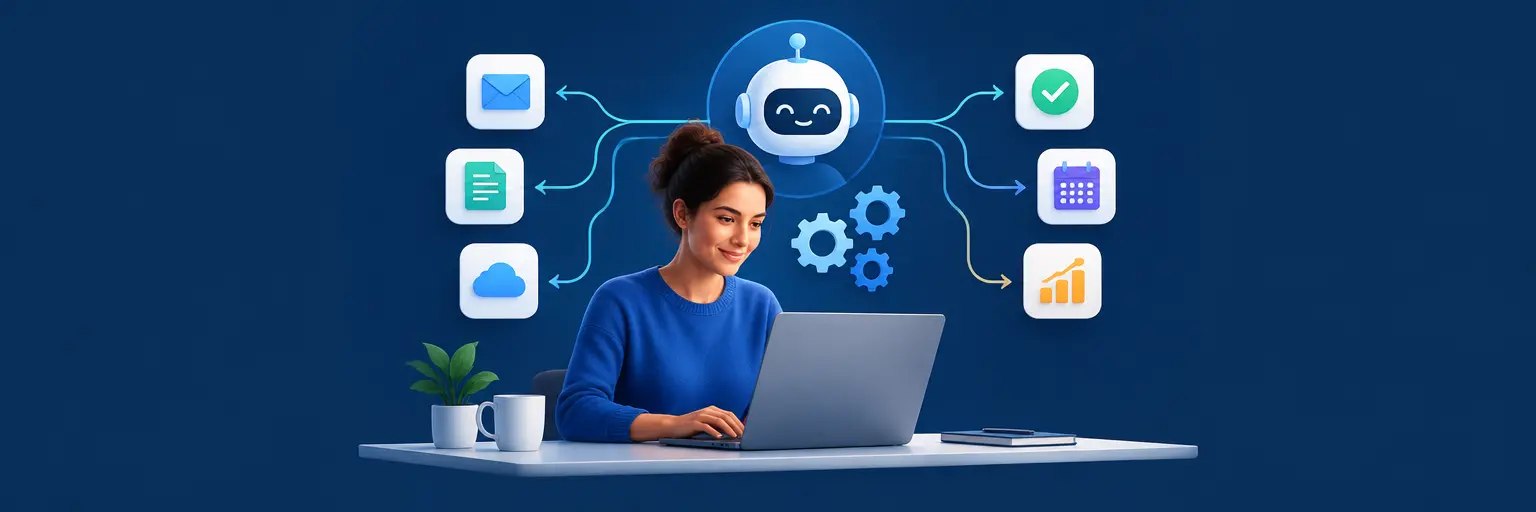
Unlock more hours in your day by automating the repetitive digital chores that quietly drain your productivity. From email sorting and file organization to social media scheduling and data entry, this guide reveals smart, beginner-friendly strategies to streamline your online workflows. Discover how to connect your favorite apps, set up trigger-based actions, and eliminate manual busywork—so you can focus on high-impact tasks that truly matter. Whether you’re a freelancer, entrepreneur, or busy professional, these time-saving automation hacks will transform your digital routine into a seamless, self-running system. Say goodbye to copy-paste drudgery and hello to effortless efficiency—one click at a time.

😊 Drowning in digital busywork? Reclaim your precious time by automating digital tasks efficiently. This article reveals top productivity hacks to streamline…
Read article
😊 Drowning in online tasks? This guide reveals how to automate online workflows efficiently, saving you precious time and boosting productivity. Discover…
Read article
😊 Reclaim your time! Learn how to automate workflows in your digital life, boosting productivity and simplifying daily tasks. This article reveals…
Read articleIn today’s fast-paced digital world, repetitive online tasks—like email sorting, file transfers, social media posting, and data entry—can silently consume hours of your week. This subcategory of Workflow Automation focuses on practical, no-code and low-code techniques to eliminate manual drudgery using tools like Zapier, IFTTT, Make, and built-in browser automations. Whether you’re a freelancer, small business owner, or productivity enthusiast, you’ll learn how to connect apps, trigger actions, and design self-running systems that let you focus on high-value work. Discover how to reclaim your time, reduce human error, and create a digital ecosystem that works while you sleep.
The backbone of automating digital tasks is the ability to make different online services “talk” to each other. Here, you’ll explore integration platforms like Zapier and Make that use simple triggers (e.g., “new email”) and actions (e.g., “create Google Sheets row”). You’ll learn how to map data fields, test workflows, and avoid common pitfalls like duplicate entries or API rate limits. This section is perfect for beginners who want to link Gmail, Slack, Trello, and Dropbox with drag-and-drop ease, no programming skills required—just logical thinking and a willingness to experiment.
Expect step-by-step examples for popular automations, such as automatically saving email attachments to cloud storage or posting new blog content to social media. You’ll also get tips on choosing between paid and free plans, managing token usage, and securing your automation keys. By mastering app connections, you can become the architect of your own digital assistant, reducing the mental load of switching between tabs and copying data manually. This foundational skill unlocks countless possibilities for further streamlining, from CRM updates to invoice generation, all executed in seconds instead of minutes.
Email remains the single largest time sink for most professionals. This section focuses on automating routine email management: filtering spam, labeling important messages, auto-replying to common queries, and moving non-urgent newsletters to a digest folder. You’ll discover how to use Gmail filters, Zapier’s email parser (for extracting order confirmations or tracking numbers), and integration with task managers like Todoist to turn emails into actionable to-dos. The goal is not just a clean inbox—it’s a system that prioritizes your attention based on rules you set once.
Expect practical recipes for handling customer support inboxes, forwarding specific attachments to your accounting software, and scheduling email digests for evening review. You’ll also learn about email automation pitfalls like accidental loops (when two automations reply to each other) and how to set guardrails. By implementing these strategies, you can reduce inbox checking from dozens of times daily to just two or three focused sessions. This not only saves time but also lowers stress and improves deep work concentration, making you noticeably more productive by 5 PM.
Manual file organization—downloading, renaming, moving between folders, and uploading—is tedious and error-prone. This section covers automations for cloud storage services like Google Drive, Dropbox, and OneDrive. You’ll learn how to auto-sort new downloads into categorized folders based on file type or sender, synchronize files between platforms, and automatically create backup copies to external storage. Additionally, you’ll explore optical character recognition (OCR) tools that convert scanned PDFs into searchable text, triggering workflows for better document retrieval.
Expect guidance on setting up folder-watch triggers (e.g., “When a file is added to ‘Invoices’ folder, rename it and move to ‘Processed’”). You’ll also see how to integrate file automation with other tasks, like sending a Slack notification when a large upload completes. For creative professionals, this means auto-archiving raw footage or design files in project-specific locations. These workflows not only save minutes per file but also prevent the chaos of misplaced documents. Over a month, you can reclaim hours previously lost to repetitive clicking, while ensuring critical files are always backed up and accessible from any device.
Consistent social media presence is vital, but manually logging into every platform is exhausting. Here, you’ll learn to centralize scheduling with tools like Buffer, Later, or built-in IFTTT applets that automatically share new blog posts, YouTube videos, or Instagram photos to Twitter, LinkedIn, and Facebook. Discover best practices for posting at optimal times, using hashtag sets, and measuring performance without checking each app separately. This automation turns your content creation into a one-stop-shop: write once, publish everywhere.
Expect detailed examples like “When I add a row to my content calendar in Airtable, create a scheduled post in all social networks.” You’ll also explore audience engagement triggers, such as auto-responding to direct messages with basic FAQs or filtering comments for spam. Crucially, you’ll learn how to avoid over-automation that feels robotic—like scheduling 50 posts in advance—and instead design a balanced mix of automated and real-time interactions. By implementing these workflows, you can maintain an active social presence while reallocating 2-3 hours weekly to content strategy or client work, effectively doubling your output without burnout.
Manual data entry is not only slow but prone to typos that skew analytics. This section tackles automating the transfer of information between web forms, spreadsheets, and databases. You’ll use tools like Google Forms + Sheets, web scrapers (e.g., ParseHub), and AI-powered parsers to extract data from receipts, invoices, or customer emails. Learn to create automated weekly sales reports that pull numbers from Shopify, QuickBooks, or Stripe and compile them into a dashboard. This ensures your decisions are based on fresh, accurate data—without you touching a spreadsheet.
Expect practical recipes for turning survey responses into structured customer records, auto-generating expense reports from email receipts, and syncing new lead data into your CRM. You’ll also get tips on using spreadsheet formulas alongside automation to handle calculations, conditional formatting, and error checks. By eliminating manual entry, you reduce the risk of human error dramatically and free up mental bandwidth for analysis. Many users report saving 5-7 hours per month on reporting tasks alone, while gaining deeper trust in their numbers—key for time-sensitive decisions like pricing changes or inventory reorders.
No. Most automation platforms like Zapier, Make, and IFTTT are no-code, using visual triggers and actions. You only need to understand your workflow’s logical steps. Basic knowledge of spreadsheet formulas helps but isn’t mandatory. Start with pre-built templates, then customize fields as you become comfortable.
Zapier’s free plan allows 100 tasks/month, IFTTT offers unlimited applets free, and Make has a low-cost free tier. Google Workspace (Forms, Sheets, Apps Script) is also free for basic automations. Combine these with built-in browser extensions like Autofill or Page Refresh to cover most needs without spending.
Regularly check your error logs (provided by Zapier and Make) to spot failed tasks due to app changes or permission issues. Use webhooks only when necessary, and always add “Stop conditions” to prevent loops. Additionally, version-control your workflows by duplicating them before major edits, and test new automations with dummy data first.
Yes, but exercise caution. Use automation platforms with end-to-end encryption and two-factor authentication. Avoid storing passwords inside workflow steps—use environment variables or secret managers. For financial data, prefer direct API connections over email-based parsing. Always review third-party permissions and revoke access when not in use.
Start by automating email file attachments to automatically save to Google Drive and send a Slack notification. This single workflow takes under 15 minutes to set up in Zapier, provides immediate visible value, and teaches the core trigger-action pattern. Once mastered, you can scale to more complex workflows with confidence.