
Is Your NoteTaking App Holding You Back? Identify and Fix Common Productivity Pitfalls

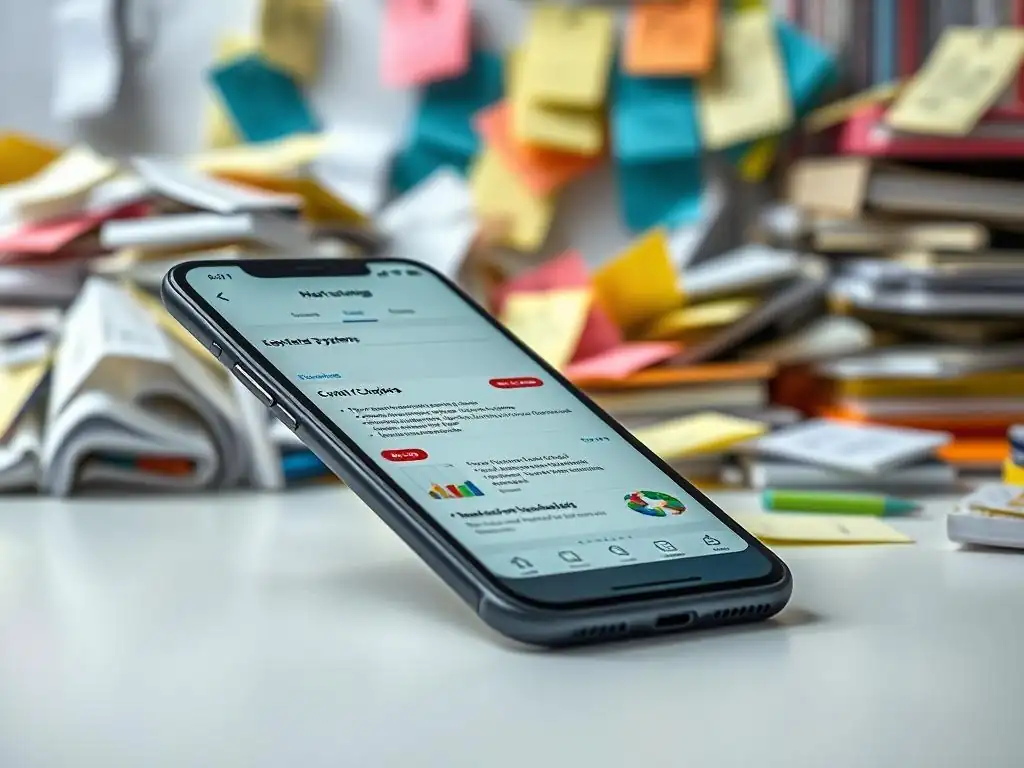
Feeling overwhelmed by endless to-dos and inefficient workflows? At UltimateLifeHacks, we're dedicated to helping you reclaim your time and boost your productivity. This month, we dive deep into a critical area: improving notetaking app productivity. Is your current system hindering your success, or could it be the key to unlocking your full potential? Discover how to transform your note-taking from a chore into a powerful productivity engine. Let's uncover the secrets to a more efficient you.
- Understanding Note-Taking App Productivity Pitfalls
- Choosing the Right Note-Taking App for Optimal Productivity
- Strategies to Improve Note-Taking App Productivity
- Advanced Techniques for Enhanced Note-Taking Productivity
- Beyond the App: Habits for Improved Note-Taking Productivity
-
Frequently Asked Questions
- How can I choose the right note-taking app to improve my productivity?
- What are some common note-taking pitfalls that hinder productivity?
- How can I improve the organization of my notes to boost productivity?
- What are some effective strategies for taking better notes during meetings or lectures?
- How can I integrate my note-taking app with other productivity tools for better workflow?
- Final Reflection: Unlocking Your Note-Taking Potential
- Unlock Your Note-Taking Superpower!
Understanding Note-Taking App Productivity Pitfalls
Choosing the right note-taking app can feel like a quest for the Holy Grail of productivity. We're bombarded with promises of seamless organization, effortless recall, and streamlined workflows. But the reality is often far less magical. This article delves into the surprisingly common ways your chosen note-taking app might actually be hindering your productivity, rather than boosting it.
We'll explore the hidden costs of inefficient note-taking, help you identify your personal bottlenecks, and pinpoint common app-related issues that are silently sabotaging your efforts to improve notetaking app productivity. By the end, you'll be equipped to diagnose and fix these problems, transforming your note-taking app from a productivity drain into a powerful engine for success. Let's get started!
Inefficient note-taking isn't just about wasted time; it has far-reaching consequences. Think about the frustration of searching endlessly for a specific piece of information, the stress of missed deadlines due to disorganized notes, or the lost opportunities stemming from forgotten ideas. These are the hidden costs that often go unnoticed until they significantly impact your overall workflow.
Consider this: the average knowledge worker spends approximately [specific data pending] hours per week searching for information. A significant portion of this time is likely spent navigating poorly organized digital notes. This translates to lost productivity, missed deadlines, and ultimately, reduced effectiveness. The cost isn't just measured in hours; it's also measured in missed opportunities and decreased overall job satisfaction.
The impact extends beyond the individual, affecting team collaboration and project timelines. Efficient note-taking, therefore, is not merely a time-saving tactic; it's a crucial component of overall professional effectiveness. The investment in mastering efficient note-taking practices offers substantial returns in terms of both time and overall productivity.
Identifying Your Personal Note-Taking Bottlenecks
Before we dive into app-specific issues, it's crucial to identify your personal bottlenecks. What aspects of your current note-taking process are slowing you down? Are you struggling with:
- Organization: Do your notes become unwieldy and difficult to navigate? Do you find yourself constantly searching for information?
- Search Functionality: Is your app's search function effective? Can you quickly find specific information within your notes?
- Tagging and Categorization: Are you using tagging and categorization effectively? Or do your tags become cluttered and meaningless?
- Cross-Platform Syncing: Do your notes sync seamlessly across your devices? Or do you experience frustrating delays or data loss?
- Note-Taking Method: Is your chosen method (linear, mind-mapping, etc.) truly optimized for your thinking style and task requirements?
Honest self-assessment is key. Take some time to reflect on your current note-taking habits. Track how long it takes to find specific information, create new notes, and review past entries. This data will provide valuable insights into your personal pain points. You might be surprised by what you uncover! Remember, identifying these bottlenecks is the first step towards optimization.
Common Note-Taking App Issues Affecting Productivity
Even with the best intentions, certain note-taking app features—or lack thereof—can hinder productivity. Common culprits include:
- Lack of robust search functionality: A poor search function renders even the most meticulously organized notes virtually useless. The ability to quickly and accurately find information is paramount.
- Poor cross-platform syncing: Inconsistent syncing across devices leads to frustration and data loss, completely negating the convenience of a digital system. Reliable syncing is non-negotiable for many users.
- Limited formatting options: Inability to format notes effectively (bolding, bullet points, headings, etc.) hinders readability and organization, making it harder to process information efficiently.
- Clunky user interface: A poorly designed interface can slow down your workflow significantly, causing unnecessary friction and wasted time. Intuitive navigation and a streamlined design are crucial.
- Lack of collaboration features: For team projects, a lack of collaborative features can create significant bottlenecks and communication problems. Effective team note-taking requires robust collaboration tools.
Addressing these common issues can significantly improve your note-taking efficiency. Choosing an app that prioritizes these features will pay dividends in increased productivity and reduced frustration. Remember, the right note-taking app should enhance your workflow, not hinder it.
Choosing the Right Note-Taking App for Optimal Productivity
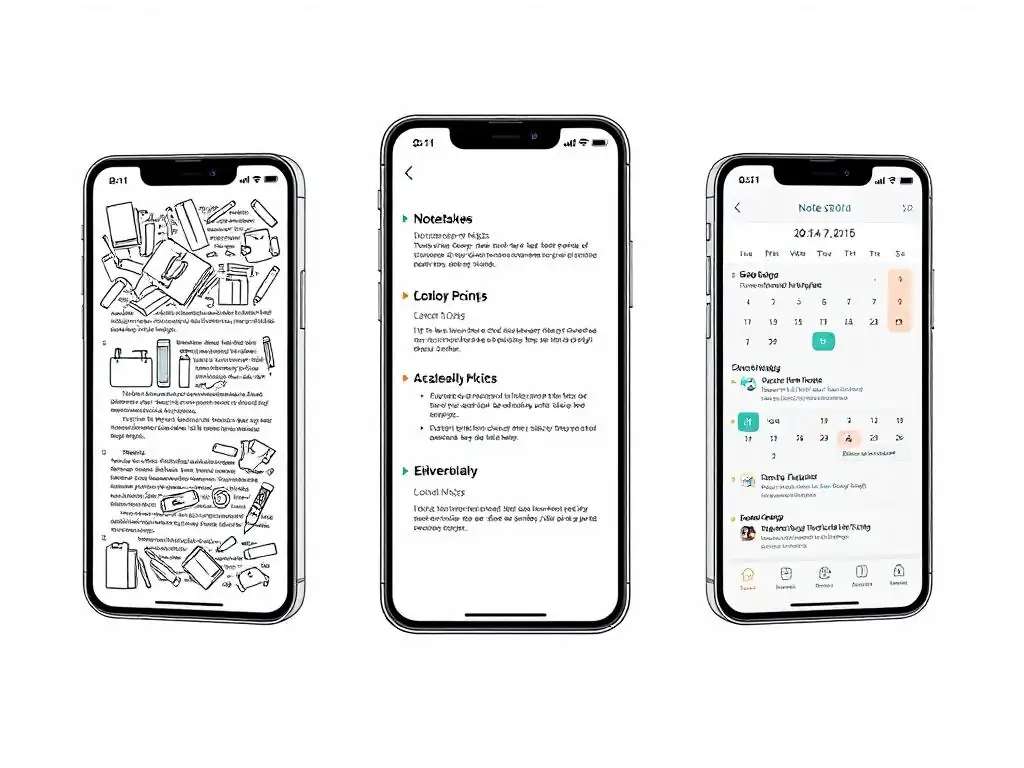
Choosing the right note-taking app is paramount for improving note-taking app productivity. The wrong app can lead to frustration, wasted time, and ultimately, hinder your productivity goals. This isn't simply about finding an app with pretty fonts; it's about aligning the app's functionality with your specific workflow and needs. Consider these key aspects before committing to a particular platform.
Evaluating Apps Based on Your Workflow and Needs
Your workflow dictates the features you should prioritize. Are you a linear note-taker, preferring a simple, text-based approach? Or do you thrive on visual organization, incorporating images, diagrams, and links? Different apps cater to different styles.
For instance, a student primarily focused on lecture notes might find a simple, text-focused app like Bear or Simplenote sufficient. The emphasis is on speed and ease of transcription. However, a project manager juggling multiple tasks and needing to collaborate might require a more robust solution like Notion or Evernote, which offer features like task management, collaboration tools, and extensive organization capabilities.
Consider these questions to assess your needs:
- How do you currently take notes? (Pen and paper, another app, etc.)
- What type of information do you typically record? (Text, images, audio, code, etc.)
- How do you organize your notes? (By project, topic, date, etc.)
- Do you need collaboration features? (Sharing notes with colleagues or classmates)
- What devices do you plan to use the app on? (Desktop, mobile, tablet)
- What's your budget? (Many excellent free options exist, but some premium features require a subscription)
Understanding your workflow and answering these questions honestly will significantly narrow down your choices and lead you to an app that truly boosts your productivity. Failing to analyze your needs can result in choosing an app that's overly complex or lacks essential features, ultimately hindering your progress.
Features to Prioritize for Improved Note-Taking Efficiency
Once you understand your workflow, focus on these key features to maximize your note-taking efficiency and improve notetaking app productivity:
| Feature | Importance | Example |
|---|---|---|
| Cross-Platform Sync | Essential for seamless access across devices. | Notion, Evernote, OneNote |
| Search Functionality | Crucial for quickly finding specific notes. | All major note-taking apps |
| Organization System | Folders, tags, notebooks – choose a system that suits your needs. | Notion's hierarchical system, Evernote's notebooks |
| Rich Text Formatting | Bold, italics, headings – improve readability and organization. | Most modern note-taking apps |
| Multimedia Support | Images, audio, video – enhance note-taking for visual learners. | Obsidian, OneNote |
| Templates | Pre-designed note structures save time and ensure consistency. | Notion, Bear |
| Offline Access | Essential for productivity when internet access is unavailable. | Most apps offer this, but check! |
| Import/Export Options | Flexibility to move your notes between apps or platforms if needed. | Various formats (TXT, PDF, HTML) |
Prioritizing these features will ensure your chosen app is a true productivity enhancer, not a hindrance. Remember, a powerful app is only as good as its user's ability to leverage its features effectively. Experiment with different features and find what best suits your individual note-taking style.
Migrating to a New App: A Smooth Transition Strategy
Switching note-taking apps can seem daunting, but a well-planned migration can minimize disruption and ensure a smooth transition. Here's a step-by-step strategy:
- Backup Your Data: Before anything else, create a comprehensive backup of your existing notes. This is crucial to avoid data loss. Most apps offer export options (often in common formats like .txt, .html, or .pdf).
- Choose Your New App: Carefully evaluate potential apps based on the criteria discussed above.
- Test the New App: Import a small sample of your notes to test the import process and ensure compatibility. This helps identify potential issues early on.
- Gradual Migration: Instead of migrating all your notes at once, consider a phased approach. Start with less crucial notes and gradually migrate more important ones as you become comfortable with the new app.
- Learn the New App's Features: Take the time to familiarize yourself with the new app's features and functionality. This will help you to utilize its capabilities effectively and improve notetaking app productivity.
- Delete Old Data (After Verification): Once you're confident that your migration is complete and you've verified the data integrity, you can delete your old notes from the previous app. But only after you're absolutely certain!
A smooth transition is key to avoiding frustration and ensuring the new app enhances, rather than detracts from, your productivity. Proper planning and a phased approach are essential for a successful migration. Remember, the goal is to improve notetaking app productivity, not to add extra stress!
Strategies to Improve Note-Taking App Productivity
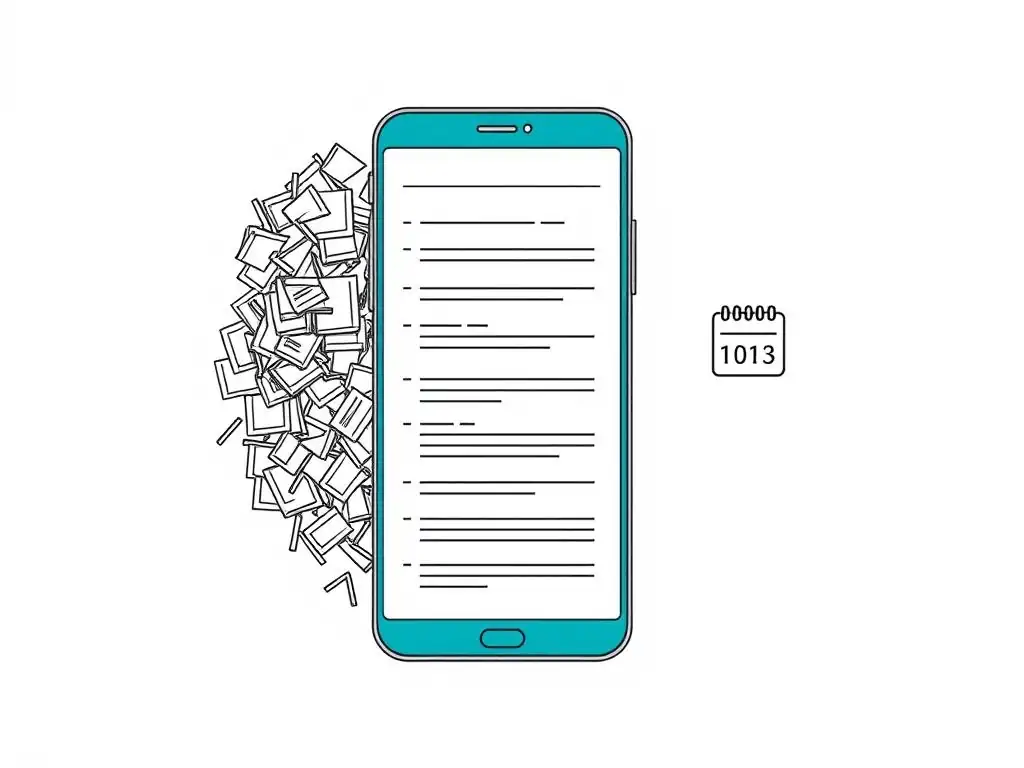
This section delves into practical strategies to significantly boost your note-taking app productivity. We'll move beyond simply choosing the right app and focus on how you use it. The key to unlocking true efficiency lies in optimizing your workflow, mastering the app's features, and leveraging organizational tools. Improving notetaking app productivity isn't about the app itself; it's about you and your interaction with it.
Optimize Your Note-Taking Workflow for Maximum Efficiency
A streamlined workflow is the cornerstone of improved note-taking productivity. It's about minimizing friction and maximizing the value of your time spent taking notes. Consider these steps:
- Pre-note Preparation: Before any meeting or lecture, briefly outline the expected topics. This pre-planning helps you focus your note-taking and avoid unnecessary scribbling. Think of it as creating a mental scaffold for your notes.
- Active Recall Techniques: Instead of passively transcribing, actively engage with the information. Try summarizing key points in your own words immediately after a section. This strengthens memory retention and ensures you understand the material.
- Consistent Formatting: Adopt a consistent note-taking style. Use headings, bullet points, and numbering to structure your notes logically. This makes reviewing and searching for specific information much easier later. Think of it as creating a well-organized digital filing cabinet.
- Regular Review and Editing: Don't let your notes gather digital dust. Schedule regular reviews (weekly or bi-weekly, depending on your needs) to condense, refine, and add context to your notes. This process reinforces learning and strengthens your understanding of the material. This step is crucial for transforming raw notes into valuable knowledge assets.
- Tagging and Categorization: Utilize tagging and categorization features within your app to easily locate specific notes later. A well-organized system saves significant time when searching for past information. Consider a hierarchical tagging system for maximum effectiveness. For example, you could use tags like
#meeting,#projectX,#clientY, and#Q3-strategy.
Mastering Keyboard Shortcuts and App Features
Many note-taking apps offer a wealth of features and keyboard shortcuts that can dramatically increase your efficiency. Learning these shortcuts can save you considerable time in the long run.
- Keyboard Shortcuts: Familiarize yourself with the keyboard shortcuts for common actions like creating new notes, adding bullet points, bolding text, and inserting links. Many apps offer a comprehensive list of shortcuts within their help documentation. Mastering these shortcuts can transform your note-taking speed.
- Search Functionality: Learn how to effectively utilize the app's search function. Experiment with different search terms and operators to refine your searches and quickly find specific information within your notes. Effective searching is a crucial skill for leveraging your note-taking app’s full potential.
- Templates and Presets: Many apps allow you to create custom templates or import pre-formatted notes. This can significantly speed up the note-taking process, especially for recurring tasks or meetings. Pre-formatted notes allow for immediate focus on content, rather than structural formatting.
- Syncing and Collaboration: Take advantage of cloud syncing to access your notes across multiple devices. If your app supports collaboration, leverage this feature to share and work on notes with others. Seamless access and collaboration are vital for team productivity.
Leveraging Templates and Pre-formatted Notes
Pre-formatted notes can revolutionize your note-taking efficiency. Instead of starting from a blank page each time, use templates to structure your notes consistently and quickly.
| Template Type | Use Case | Benefits |
|---|---|---|
| Meeting Notes | Client meetings, team brainstorming sessions | Consistent structure for action items, decisions, and key takeaways. |
| Lecture Notes | University lectures, webinars | Organized structure for efficient note-taking and review. |
| Project Brainstorm | Project planning, idea generation | Facilitates efficient capture and organization of ideas. |
| Daily Journal | Personal reflection, daily tasks | Structured format for tracking daily activities and reflections. |
By strategically utilizing templates, you'll find that your note-taking process becomes significantly faster and more organized. This leads to improved recall and easier access to information. The time saved can be redirected to more productive tasks. Experiment with different templates to find what works best for your specific needs and workflow. Remember, the goal is to create a system that supports your unique productivity style.
Implementing a Consistent Note-Taking System
Implementing a consistent note-taking system is paramount to improving your productivity. Inconsistency leads to scattered notes, difficulty in retrieval, and ultimately, wasted time. A well-defined system ensures your notes remain organized, accessible, and readily usable. This isn't about rigid adherence to a specific method; rather, it's about finding a system that suits your individual workflow and sticking to it.
Consider these key aspects of building a robust system:
- Choosing the Right Structure: Experiment with different note-taking methods. Do you prefer the linear approach of a simple list, the hierarchical structure of mind maps, or the flexibility of a Cornell Notes system? Perhaps a combination works best for you. The key is to find a structure that allows for easy categorization and retrieval of information. For example, a project-based approach, where all notes related to a specific project are kept together, can significantly improve efficiency.
- Consistent Tagging and Keywording: Develop a consistent tagging and keywording strategy. This is crucial for efficient searching and retrieval of information later on. Use clear, concise, and descriptive tags and keywords. For instance, instead of using vague tags like "meeting notes," be more specific: "Project X meeting – budget discussion," or "Client Y – feedback and next steps." Consider using a standardized system for your keywords to ensure consistency across all your notes. This will greatly enhance your ability to swiftly locate specific information when you need it.
- Regular Review and Archiving: Regularly review your notes to reinforce learning and identify any gaps in your knowledge. This also helps you maintain an organized system and prevents your note-taking app from becoming cluttered. Establish a system for archiving older notes, perhaps moving them to a separate folder or notebook once they're no longer actively needed. This prevents your active notes from becoming overwhelming.
- Device and Platform Consistency: If you use multiple devices (laptop, tablet, phone), ensure your note-taking system works seamlessly across all of them. Choose a note-taking app that offers cloud synchronization to access your notes from anywhere. This consistent access minimizes disruption and keeps you on track. Using the same app and system across devices helps to avoid confusion and data loss.
By focusing on these aspects, you can create a personalized, consistent note-taking system that significantly boosts your productivity and transforms your note-taking app from a productivity sink into a powerful tool for success. Remember, the goal is to make note-taking a seamless part of your workflow, not an extra burden. Experiment and adjust your system until you find the perfect balance. The payoff—increased efficiency and improved information management—is well worth the initial effort.
Advanced Techniques for Enhanced Note-Taking Productivity

This section delves into sophisticated strategies to elevate your note-taking app from a simple repository of information to a powerful productivity engine. We'll move beyond the basics, exploring techniques that unlock true efficiency and actionable insights. Improving notetaking app productivity requires a multi-faceted approach, encompassing organization, integration, and insightful analysis.
Effective Note Organization and Retrieval Strategies
Effective note organization is paramount for improving notetaking app productivity. A disorganized system leads to wasted time searching for information, negating the benefits of digital note-taking. Consider these strategies:
- Hierarchical Tagging: Don't rely solely on folders. Implement a robust tagging system with hierarchical capabilities. For example, instead of just tagging a note "Project X," use tags like "Project X/Planning," "Project X/Meeting Notes," "Project X/Action Items." This allows for granular searches and efficient filtering.
- Consistent Naming Conventions: Develop a clear and consistent naming convention for your files. This could be date-based (YYYYMMDD_ProjectX_Meeting), project-based (ProjectX_Meeting_20240308), or a combination. Consistency is key for rapid retrieval.
- Color-Coding and Highlighting: Leverage your note-taking app's color-coding features. Assign specific colors to different categories or priorities. Highlight key information within notes for quick scanning and identification. This visual cueing significantly improves information recall.
- Regular Note Purging: Don't let your note-taking app become a digital graveyard. Regularly review and purge outdated or irrelevant notes. This prevents clutter and maintains a focused, efficient system. Aim for a monthly review, at least.
- Smart Search Optimization: Familiarize yourself with your app's advanced search capabilities. Learn how to use Boolean operators (AND, OR, NOT) and wildcard characters (*) to refine your searches and quickly locate specific information. This is crucial for improving notetaking app productivity.
Integrating Your Note-Taking App with Other Productivity Tools
Synergizing your note-taking app with other productivity tools dramatically boosts efficiency. Consider these integration points:
- Calendar Integration: Link notes directly to calendar events. This creates a seamless workflow, ensuring you have all relevant information readily accessible when needed. For example, meeting notes can be automatically attached to the corresponding calendar entry.
- Task Management Integration: Integrate your notes with your task management system. Actionable items identified in your notes can be directly converted into tasks, ensuring nothing slips through the cracks.
- Email Integration: Many note-taking apps allow you to forward emails directly to a specific notebook or tag. This helps centralize all relevant information, eliminating the need to search through your inbox.
- Web Clipper Extensions: Utilize browser extensions that allow you to clip web pages, articles, and other online content directly into your note-taking app. This significantly streamlines research and information gathering.
Utilizing Note-Taking for Actionable Insights and Decision-Making
The true power of note-taking lies in its ability to facilitate insightful analysis and informed decision-making. Here's how to leverage your notes for actionable outcomes:
- Periodic Note Reviews: Regularly review your notes, not just to purge, but to identify patterns, trends, and recurring themes. This process can unearth valuable insights you might otherwise miss.
- Data Extraction and Analysis: If you're using your note-taking app for project tracking or business analysis, extract relevant data and use spreadsheets or other analytical tools to visualize your findings.
- Actionable Summaries: After meetings or brainstorming sessions, create concise summaries that highlight key decisions, action items, and next steps. Distribute these summaries to relevant stakeholders to ensure everyone is on the same page.
- Knowledge Management: Utilize your notes to build a personal knowledge base. Organize information thematically, and cross-reference related notes to create a rich and interconnected repository of knowledge. This improves notetaking app productivity by making information readily accessible and easily reusable.
This structured approach to note-taking transforms your app from a simple storage solution into a dynamic productivity tool. By implementing these advanced techniques, you'll significantly improve notetaking app productivity and unlock the full potential of digital note-taking.
Beyond the App: Habits for Improved Note-Taking Productivity
Choosing the right note-taking app is only half the battle. The most sophisticated software can't compensate for poor habits. To truly improve notetaking app productivity, you need to cultivate effective note-taking practices that synergize with your chosen app's features. This section focuses on developing mindful habits that unlock the full potential of your note-taking system, irrespective of the specific app you use. We'll explore techniques to enhance focus, optimize note review, and foster continuous improvement. Remember, the goal is not just to take notes, but to transform them into actionable knowledge.
Mindfulness and Focus Techniques for Enhanced Note Capture
Effective note-taking starts with mindful presence. Distractions are the enemy of productivity. Before diving into a meeting, lecture, or reading session, take a few moments to clear your mind. Practice deep breathing exercises to center yourself and improve concentration. Consider using techniques like the Pomodoro Technique – working in focused bursts with short breaks – to maintain sustained attention. This focused approach ensures that the notes you capture are comprehensive and insightful, maximizing the value extracted from your note-taking app.
Consider these additional strategies:
- Minimize distractions: Turn off notifications on your phone and computer. Find a quiet workspace free from interruptions.
- Active listening: Engage actively with the material. Ask questions, summarize key points mentally, and anticipate what will be discussed next. This proactive engagement ensures you capture the most relevant information.
- Use visual cues: Highlight key terms, use different colors for different ideas, and incorporate symbols to represent concepts. Visual cues aid recall and understanding.
Implementing these mindful practices significantly enhances the quality and utility of your notes, leading to a more productive use of your note-taking app. The improved focus translates directly into more efficient knowledge capture and retention.
Regular Review and Editing of Notes for Knowledge Retention
Taking notes is only the first step. Regular review and editing are crucial for transforming raw notes into usable knowledge. This process solidifies learning and allows you to identify gaps in your understanding. Schedule dedicated time each week or month to review your notes. Don't just passively reread; actively engage with the material. Summarize key concepts, identify connections between different notes, and add new insights gained since the initial note-taking session.
Here's how to make the most of your review process:
- Spaced Repetition: Review notes at increasing intervals (e.g., daily, weekly, monthly). This technique leverages the spacing effect, enhancing long-term retention.
- Active Recall: Test yourself on the material. Try to recall information from memory before looking at your notes. This strengthens memory consolidation.
- Note Refinement: Edit and update notes as needed. Add new information, correct errors, and reorganize content for improved clarity and accessibility. This continuous refinement maximizes the value of your note-taking system.
This consistent review and editing process transforms your note-taking app from a passive repository of information into a dynamic tool for learning and knowledge management. The result is a significant boost in improve notetaking app productivity.
Cultivating a Culture of Continuous Improvement in Your Note-Taking
The journey to mastering note-taking is ongoing. Regularly evaluate your methods and adapt your approach as needed. Experiment with different note-taking styles (e.g., Cornell, mind mapping, sketchnoting) to find what works best for you. Analyze your notes to identify areas for improvement. Are your notes too cluttered? Do you struggle to find specific information? Do you consistently miss key points?
Consider these steps for ongoing optimization:
- Track your progress: Monitor your note-taking efficiency and knowledge retention. Identify patterns and areas where you can improve.
- Seek feedback: Ask colleagues or mentors to review your notes and provide constructive criticism.
- Stay updated: Explore new note-taking apps and techniques. The technology and methodology are constantly evolving.
By embracing a culture of continuous improvement, you can refine your note-taking process over time, unlocking its full potential and significantly boosting your overall productivity. This iterative process ensures that your note-taking app becomes an increasingly powerful tool for learning, knowledge management, and overall success. Remember, the goal is to improve notetaking app productivity continuously.
Frequently Asked Questions
How can I choose the right note-taking app to improve my productivity?
Consider your workflow and needs. Do you prefer text, audio, or visual notes? Choose an app that integrates seamlessly with your other tools and devices.
What are some common note-taking pitfalls that hinder productivity?
Poor organization, lack of a consistent system, and failure to review and revise notes are major issues. Over-reliance on features without a clear purpose also hurts productivity.
How can I improve the organization of my notes to boost productivity?
Implement a clear folder structure, use tags and keywords, and consider employing a consistent note-naming convention. Regularly review and purge unnecessary notes.
What are some effective strategies for taking better notes during meetings or lectures?
Focus on key concepts and action items, use abbreviations and symbols, and actively listen to understand the core message. Review and summarize your notes shortly after.
How can I integrate my note-taking app with other productivity tools for better workflow?
Explore integrations with your calendar, task manager, and other apps. This allows for seamless transfer of information and reduces context switching, improving overall efficiency.
Final Reflection: Unlocking Your Note-Taking Potential
The way we capture information profoundly impacts our productivity and overall well-being. Choosing the right note-taking app and mastering its use isn't just about efficiency; it's about fostering clarity, creativity, and a deeper understanding of the world around us. The seemingly small act of selecting and utilizing a note-taking app effectively can have a ripple effect on how we learn, work, and even think.
The evolution of note-taking technology mirrors the evolution of our own cognitive processes. We've moved from pen and paper to digital platforms, each iteration reflecting our changing needs and desires for streamlined information management. This shift, however, isn't without its challenges. As we become increasingly reliant on technology, it's crucial to critically evaluate its impact on our workflow and mental clarity. The real voyage of discovery consists not in seeking new landscapes, but in having new eyes.
– Marcel Proust. This quote resonates deeply because true productivity isn't about accumulating more tools, but about cultivating a mindful approach to how we use them.
Consider the insights shared in this article – from choosing the right app for your needs to mastering effective organizational strategies. Now, take a moment to reflect on your own note-taking habits. Are you truly leveraging the power of your chosen app? What adjustments can you make to streamline your workflow and unlock a new level of productivity and focus? Embrace the opportunity to experiment, refine your methods, and discover the note-taking system that empowers you to achieve your goals and unlock your full potential.
Unlock Your Note-Taking Superpower!
Thank you for exploring smarter note-taking techniques! We hope you found valuable insights to boost your productivity. Now, let's put that knowledge into practice.
- Implement the "One-Minute Rule": Process each note immediately to make it actionable. Try this for a week and see the difference!
- Share your best note-taking tip in the comments below – let's build a supportive community of productive note-takers!
- Experiment with different note-taking apps and methods to find the perfect fit for your workflow. Discover what enhances both your enjoyment and productivity.
What small adjustment to your note-taking process will you make today to maximize your potential?