
Maximize Your Output: The Most Efficient Tech Gadgets for Your Home Office

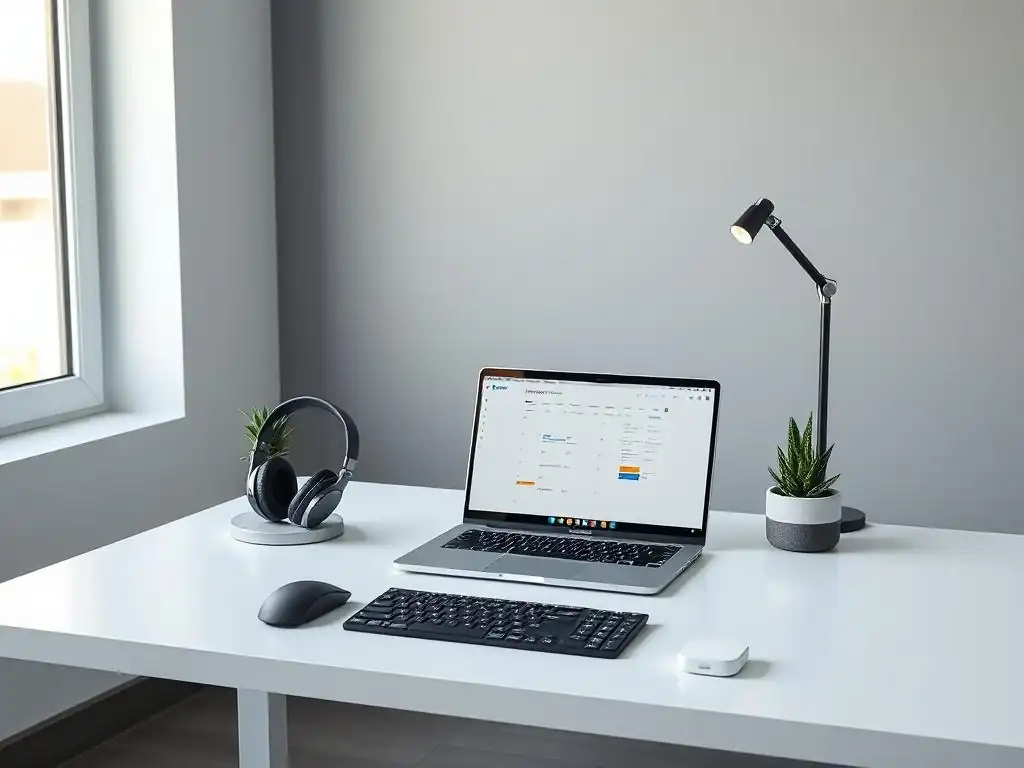
Welcome to UltimateLifeHacks, your destination for practical advice and innovative solutions to conquer daily challenges! Are you ready to transform your workspace and dramatically boost your productivity? Then dive into our latest article on the Best home office tech gadgets, hand-picked to optimize your efficiency and unlock your full potential. Discover the cutting-edge tools that will revolutionize your workflow and leave you wondering how you ever managed without them. Let's get started!
-
Best Home Office Tech Gadgets: Boosting Productivity in 2024
- Top Ergonomic Chairs for Enhanced Comfort and Focus
- Essential Monitors for Improved Workflow and Visual Clarity
- High-Performance Laptops & Desktops for Seamless Operation
- Noise-Cancelling Headphones for Undistracted Focus
- Smart Home Assistants for Streamlined Workflow
- Upgrade Your Typing Experience with Premium Keyboards
- Top-Rated Document Scanners for Digital Organization
- External Hard Drives & Cloud Storage for Data Backup and Security
- Maximizing Your Return on Investment: Choosing the Right Tech Gadgets
- Conclusion: Transform Your Home Office with the Right Technology
-
Frequently Asked Questions
- What tech gadgets are essential for a productive home office?
- How can I improve my home office setup with tech gadgets?
- What are some budget-friendly tech gadgets for a home office?
- Which tech gadgets boost productivity the most in a home office?
- Where can I find the best deals on home office tech gadgets?
- Final Reflection: The Future of Focused Productivity
- Unlock Your Productivity Powerhouse: Level Up Your Home Office Today!
Best Home Office Tech Gadgets: Boosting Productivity in 2024
Setting up a truly efficient home office requires more than just a desk and a chair. In today's fast-paced world, the right technology can be the difference between a productive workday and a frustrating one. This article explores the best tech gadgets designed to maximize your output and transform your home workspace into a productivity powerhouse.
We'll delve into essential categories, highlighting specific examples of top-performing devices that can significantly improve your comfort, workflow, and overall efficiency. Choosing the right tech isn't just about spending money; it's an investment in your time, well-being, and ultimately, your success. We'll focus on gadgets that offer tangible benefits, helping you achieve a better work-life balance and accomplish more in less time.
This guide focuses on improving your home office setup to become the best version of your productivity self, helping you rank higher on the “best home office tech gadgets” search. Let's dive into the top picks for 2024!
Top Ergonomic Chairs for Enhanced Comfort and Focus
Investing in an ergonomic chair is paramount for long-term comfort and productivity. Hours spent hunched over a desk can lead to back pain, neck stiffness, and decreased focus. A good ergonomic chair provides crucial support, promoting proper posture and reducing physical strain. This translates to increased concentration and sustained energy throughout the workday. Consider chairs with adjustable features such as lumbar support, armrests, and seat height. Look for high-quality materials that ensure durability and comfort. Some features to prioritize include:
- Adjustable Lumbar Support: Crucial for maintaining the natural curve of your spine.
- Height-Adjustable Armrests: Allows for optimal arm positioning and reduces shoulder tension.
- Breathable Fabric: Keeps you cool and comfortable, even during long work sessions.
- Headrest (Optional but beneficial): Provides neck support, especially for those who spend extended periods working at their computers.
Choosing the right chair depends on individual needs and preferences, but prioritizing these features will significantly enhance your comfort and productivity. Remember to test the chair before purchasing, if possible, to ensure a proper fit. Prioritizing ergonomic seating is a key component of optimizing your home office for peak performance.
Essential Monitors for Improved Workflow and Visual Clarity
Multiple monitors can dramatically boost your productivity, allowing for multitasking without constantly switching between windows. A larger screen also reduces eye strain and improves overall visual comfort. When choosing monitors, consider factors such as screen size, resolution, and response time. High-resolution displays offer sharper images and more screen real estate, leading to a more efficient workflow. A fast response time is especially important if you're working with graphics or video editing. Consider the following:
- Screen Size: Larger screens (27 inches or more) are ideal for multitasking and improved visual comfort.
- Resolution: Aim for at least 1920x1080 (Full HD), but 4K resolution offers superior clarity.
- Panel Type: IPS panels generally offer better color accuracy and viewing angles.
- Connectivity: Ensure the monitor has the necessary ports (HDMI, DisplayPort, USB-C) to connect to your devices.
Investing in high-quality monitors is an investment in your eye health and overall efficiency. The improved workflow and reduced eye strain far outweigh the initial cost. Consider dual monitor setups or even ultrawide monitors for a truly immersive and productive experience.
High-Performance Laptops & Desktops for Seamless Operation
The core of your home office productivity hinges on the performance of your computer. A fast, reliable machine ensures smooth multitasking, quick application loading times, and seamless operation. When choosing between a laptop and a desktop, consider your specific needs and workflow. Laptops offer portability, while desktops usually provide better performance and upgradeability. Key factors to consider include:
- Processor (CPU): A powerful processor is essential for handling demanding tasks.
- RAM: Sufficient RAM (at least 8GB, ideally 16GB or more) ensures smooth multitasking.
- Storage: A solid-state drive (SSD) offers significantly faster boot times and application loading compared to a traditional hard disk drive (HDD).
- Graphics Card (GPU): A dedicated GPU is beneficial for graphics-intensive tasks, such as video editing or gaming.
Choosing the right computer involves balancing performance, budget, and your specific needs. Research different models and compare specifications before making a decision. A powerful machine is a crucial investment in maintaining a consistently productive and frustration-free home office environment. Don't underestimate the impact a high-performing machine will have on your overall efficiency.
Noise-Cancelling Headphones for Undistracted Focus
Investing in a high-quality pair of noise-canceling headphones is arguably one of the best investments you can make for your home office. Distractions are the enemy of productivity, and the constant hum of traffic, noisy neighbors, or even family members can significantly impact your ability to concentrate. Noise-canceling headphones effectively create a personal sanctuary, allowing you to immerse yourself in your work without the interruptions of ambient noise.
The level of noise cancellation varies between models, so it's crucial to research and choose a pair that suits your specific needs and environment. Look for headphones with active noise cancellation (ANC) technology, which uses microphones to detect and counteract surrounding sounds. Consider factors like comfort, especially if you plan on wearing them for extended periods. Features like comfortable earcups, adjustable headbands, and lightweight design are crucial for prolonged use without discomfort.
Furthermore, the quality of the audio itself is important; clear audio ensures you can enjoy listening to music or podcasts during breaks without compromising on sound quality. Some higher-end models even offer customizable noise cancellation levels, allowing you to fine-tune the level of sound isolation to your preference. Prioritizing noise cancellation significantly improves focus and allows for deeper concentration, ultimately boosting your overall productivity.
Smart Home Assistants for Streamlined Workflow
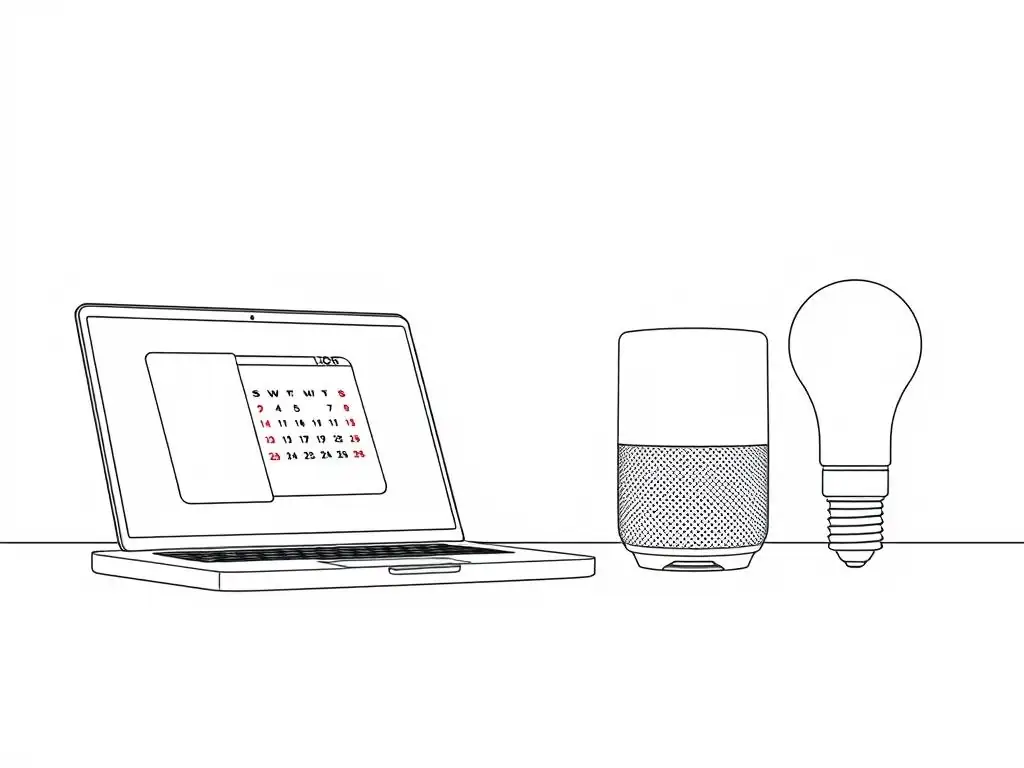
Smart home assistants, such as Amazon Alexa or Google Home, are transforming how we manage our daily tasks and workflow. Integrating these devices into your home office can streamline your routines and boost efficiency in several ways. For instance, you can use voice commands to set reminders for important meetings, deadlines, or appointments, eliminating the need to manually check your calendar. This frees up valuable mental space and prevents you from missing critical tasks.
Beyond reminders, smart assistants can control other smart home devices, creating a seamless and automated workflow. Imagine starting your workday with a simple voice command: "Alexa, turn on the lights and play my focus playlist." This simple action sets the stage for a productive day, eliminating the need for manual adjustments. Furthermore, you can use voice commands to dictate emails, notes, or even create documents, especially useful for quick tasks or when your hands are occupied.
The ability to control smart lighting, adjust room temperature, and manage other aspects of your environment through voice commands contributes to a more comfortable and efficient workspace. The key is to strategically integrate these assistants to automate routine tasks, thereby freeing up your time and cognitive resources for more complex and demanding work. This translates directly into increased productivity and a more enjoyable work experience.
A premium keyboard can dramatically improve your typing experience and boost overall productivity. Spending hours typing on an uncomfortable or inefficient keyboard can lead to fatigue, errors, and decreased speed. Upgrading to a high-quality keyboard addresses these issues, leading to a more comfortable and productive workflow. The benefits extend beyond mere comfort.
Consider mechanical keyboards, known for their responsiveness, tactile feedback, and durability. The distinct click and feel of each keystroke provide satisfying feedback, improving accuracy and reducing errors. Many mechanical keyboards offer customizable features, allowing you to adjust keycaps, switches, and even lighting to personalize your setup. This level of customization ensures a perfect fit for your typing style and preferences.
Ergonomic keyboards are another excellent option, designed to promote proper posture and reduce strain on your wrists and hands. Features like split key layouts, curved key surfaces, and adjustable height help maintain a neutral wrist position, preventing discomfort and improving typing efficiency. Investing in a premium keyboard, whether mechanical or ergonomic, is an investment in your long-term comfort and productivity. A comfortable and efficient typing experience translates directly into faster work completion and reduced fatigue, maximizing your output.
Top-Rated Document Scanners for Digital Organization
Digital organization is key to maximizing productivity, and a high-quality document scanner is an invaluable tool for achieving this. Gone are the days of overflowing filing cabinets! Choosing the right scanner depends on your specific needs and volume of documents. For occasional scanning of receipts or important letters, a compact portable scanner might suffice. These are usually lightweight and USB-powered, offering ease of use and portability.
However, if you regularly deal with large volumes of documents – think legal professionals, small business owners, or academics – a more robust flatbed or sheet-fed scanner is a better investment. Flatbed scanners are excellent for scanning books and fragile documents, offering high-resolution scans. Sheet-fed scanners, on the other hand, excel at speed, quickly processing stacks of papers. They are ideal for high-volume scanning tasks.
Consider features like automatic document feeders (ADFs) for hands-free scanning, duplex scanning (scanning both sides simultaneously), and OCR (Optical Character Recognition) software. OCR converts scanned images into editable text, making searching and editing documents significantly easier. The resolution (measured in DPI) is also crucial; higher DPI means sharper, clearer scans, especially important for preserving fine details in documents.
Investing in a scanner with good image processing capabilities will minimize the need for post-processing, saving you valuable time. Finally, think about the connectivity options—USB, Wi-Fi, or network connectivity—to ensure seamless integration with your existing setup. For example, the Epson WorkForce ES-400 offers a great balance of speed, features, and price for home office use, while the Fujitsu ScanSnap iX1600 is a premium choice for high-volume professional needs.
Choosing the right scanner dramatically improves your ability to manage and access documents quickly, contributing significantly to a more efficient workflow. The transition to a paperless office is a significant step towards a more productive and organized work environment.
External Hard Drives & Cloud Storage for Data Backup and Security
Data loss is a nightmare for any home office professional. Protecting your valuable work is paramount, and a robust backup strategy is non-negotiable. While relying on a single backup method is risky, combining external hard drives with cloud storage offers the best protection. External hard drives offer fast, local access to your data.
Consider factors like storage capacity (measured in terabytes), portability (whether you need a portable drive or a desktop one), and interface (USB 3.0 or Thunderbolt for faster transfer speeds). SSD (Solid State Drive) external hard drives are significantly faster than traditional HDD (Hard Disk Drive) drives, but they are typically more expensive. The choice depends on your budget and speed requirements. For example, a 2TB portable SSD is ideal for frequently backing up smaller files, while a 4TB or larger external HDD is suitable for large media libraries or complete system backups.
Cloud storage services, like Google Drive, Dropbox, or iCloud, offer an additional layer of security and accessibility. They store your data remotely, protecting it from physical damage or theft. These services often come with version history, allowing you to revert to earlier versions of your files if needed.
However, cloud storage is not a replacement for local backups; it's a crucial complement. Cloud storage is particularly useful for collaborating on projects and accessing files from multiple devices. The optimal strategy involves regularly backing up your important data to both an external hard drive and a cloud storage service.
This dual approach ensures redundancy and protects against various potential data loss scenarios, such as hardware failure, theft, or accidental deletion. Regularly testing your backup system is essential to ensure it works correctly and that you can restore your data if needed. This proactive approach to data security is a crucial component of a productive and stress-free home office environment.
Maximizing Your Return on Investment: Choosing the Right Tech Gadgets
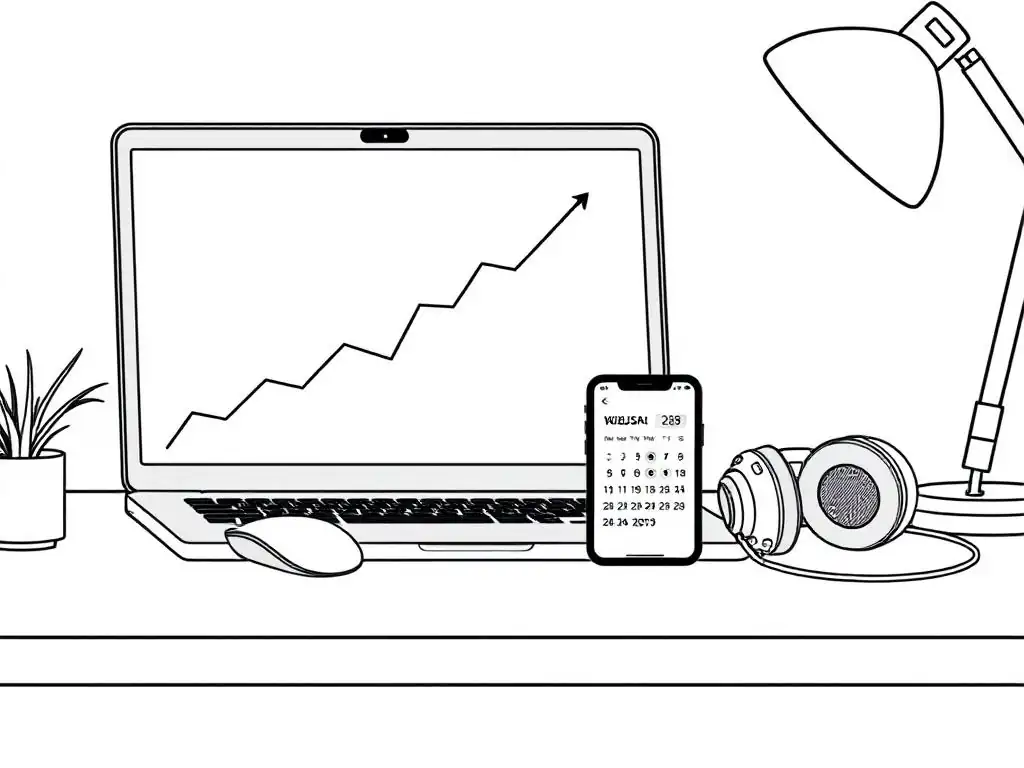
Selecting the best home office tech gadgets isn't just about spending money; it's about maximizing your return on investment (ROI). This means carefully considering your specific needs and budget before purchasing any device. A high-priced gadget might offer impressive features, but if it doesn't significantly improve your workflow or address a crucial pain point, it's a poor investment. Conversely, a budget-friendly option can be surprisingly effective if it solves a key problem efficiently. The key is strategic purchasing. Consider how each potential purchase will impact your daily productivity and long-term efficiency.
Will it save you time? Will it reduce stress? Will it improve the quality of your work? These are the questions that will guide you towards the best choices for your home office. Analyzing your current workflow and identifying bottlenecks is the first step in determining which gadgets will offer the greatest ROI.
Budget-Friendly Options: Affordable Tech for Home Office Productivity
Surprisingly, you don't need to break the bank to boost your home office productivity. Many affordable gadgets offer significant improvements in efficiency. A good quality ergonomic keyboard and mouse set, for instance, can dramatically reduce strain and improve comfort during long work sessions, leading to increased focus and reduced fatigue.
The investment is relatively small, yet the long-term benefits in terms of health and productivity are substantial. Similarly, a well-reviewed noise-canceling headset, even at a lower price point, can create a more focused work environment by minimizing distractions. Consider also a simple document scanner; digitizing paper documents can save significant time and space in the long run.
These relatively inexpensive upgrades can significantly improve your overall home office experience and boost productivity without demanding a large financial commitment. Remember, even small improvements can accumulate to make a big difference. Prioritize functionality and user reviews over flashy features when choosing budget-friendly options.
While budget options offer excellent value, premium gadgets can provide a substantial leap in productivity for those with the resources. A high-resolution monitor, for example, can dramatically improve visual comfort and reduce eye strain, especially during extended work sessions. The difference in clarity and screen real estate can significantly enhance workflow, particularly for tasks involving detailed work or multitasking.
Similarly, a powerful laptop or desktop computer with a fast processor and ample RAM can drastically reduce processing times, allowing for smoother multitasking and quicker project completion. Investing in premium software subscriptions, such as advanced project management tools or powerful design suites, can also dramatically enhance efficiency depending on your profession.
These high-end investments represent a significant upfront cost, but the long-term gains in terms of efficiency, reduced frustration, and improved output can easily justify the expense. Consider the potential time savings and increased quality of work when evaluating the ROI of premium gadgets.
Long-Term Value: Choosing Durable and Reliable Tech for Your Home Office
Durability and reliability are paramount when choosing home office tech gadgets. Investing in high-quality, well-built equipment minimizes the risk of frequent replacements and associated costs. Look for gadgets with positive reviews highlighting their robustness and longevity.
For example, a mechanical keyboard, while often more expensive initially, generally boasts a longer lifespan and superior build quality compared to membrane keyboards. Similarly, choosing a laptop or desktop from a reputable brand known for its reliable products can save you headaches and potential downtime in the long run. Consider the total cost of ownership – factoring in potential repair costs and replacement cycles – when making your purchasing decisions.
Prioritizing durability ensures that your investment pays off over the long term, avoiding the recurring expense of replacing frequently failing gadgets. A well-chosen, durable gadget is a worthwhile investment that contributes to a stable and productive work environment for years to come. Think of it as an investment in your future productivity.
Conclusion: Transform Your Home Office with the Right Technology
Investing in the right technology can significantly boost your home office productivity and overall well-being. The best home office tech gadgets aren't just about acquiring shiny new devices; it's about strategically selecting tools that seamlessly integrate into your workflow, enhancing efficiency and minimizing distractions. This means carefully considering your individual needs and work style before making any purchases.
Remember, the most efficient setup isn't necessarily the most expensive; it's the one that best suits your specific requirements. By thoughtfully incorporating the gadgets discussed—from ergonomic keyboards to noise-canceling headphones and powerful document scanners—you can create a home office environment that fosters focus, minimizes stress, and ultimately maximizes your output. Don't be afraid to experiment and find what works best for you; the journey to a perfectly optimized workspace is an iterative process.
The payoff, however, is well worth the effort. A more efficient workflow translates directly into more free time, reduced stress, and increased overall satisfaction with your work. Embrace the power of technology to elevate your home office experience and unlock your full potential.
Actionable Steps: Implementing Your Upgrades for Maximum Output
Transforming your home office into a productivity powerhouse doesn't require a massive overhaul. Start with small, manageable steps:
- Prioritize your needs: Before buying anything, honestly assess your current workflow. What are your biggest pain points? Are you struggling with organization, ergonomics, or noise distractions? Identifying these issues will guide your purchasing decisions.
- Set a budget: Determine how much you're willing to spend. Prioritize the gadgets that address your most pressing needs first. You can always add more later.
- Research and compare: Don't rush into buying. Read reviews, compare prices, and consider features before making a final decision. Websites like [Website Name Pending] offer detailed comparisons of various tech gadgets.
- Start with one or two upgrades: Don't try to change everything at once. Focus on one or two key areas for improvement, such as upgrading your monitor or investing in a comfortable chair. This allows you to assess the impact of each change before moving on.
- Experiment and adjust: Once you've implemented your upgrades, take time to adjust your workflow to maximize their benefits. This might involve reorganizing your desk or changing your work habits.
- Regularly evaluate: Periodically reassess your setup. As your needs evolve, you might find that certain gadgets are no longer as effective, or that new technology could further improve your productivity. This continuous evaluation is key to maintaining an optimized home office environment.
Consider this example: Let's say your biggest issue is eye strain from working long hours on a small laptop screen. Your actionable step would be researching and purchasing a high-quality external monitor with features like adjustable height and anti-glare technology. This single upgrade could significantly improve your comfort and productivity. Remember, small, strategic changes can make a big difference. 📈
Further Resources: [Link to relevant articles/guides on UltimateLifeHacks]
This section would ideally contain links to other relevant articles on UltimateLifeHacks, such as guides on ergonomic setup, home office organization, or reviews of specific tech gadgets mentioned in the main article. For example, articles like "Top 5 Ergonomic Chairs for Home Offices," "Declutter Your Home Office in 30 Minutes," or "The Ultimate Guide to Noise-Canceling Headphones" would be relevant additions. These links would provide readers with further resources to delve deeper into specific topics and enhance their home office setup even more. This would also improve the site's internal linking and SEO.
Frequently Asked Questions
What tech gadgets are essential for a productive home office?
A productive home office needs reliable Wi-Fi, a comfortable ergonomic chair, and a high-quality monitor for comfortable extended use. Consider also a noise-canceling headset for calls and focus.
How can I improve my home office setup with tech gadgets?
Investing in smart home devices like smart lighting and thermostats can improve your environment. A docking station can streamline your workflow, and a powerful laptop is crucial for handling demanding tasks. Ergonomic accessories are key to preventing injuries.
What are some budget-friendly tech gadgets for a home office?
While top-of-the-line equipment is great, you can achieve much with affordable webcams, USB microphones, and external hard drives. Look for sales and consider refurbished options to save money.
Which tech gadgets boost productivity the most in a home office?
Gadgets that minimize distractions and enhance focus are key. This includes noise-canceling headphones, productivity apps, and task management software. A standing desk converter can also significantly improve energy levels and focus.
Where can I find the best deals on home office tech gadgets?
Check major online retailers like Amazon and Best Buy for sales and discounts. Consider also smaller tech retailers and compare prices before purchasing. Websites like UltimateLifeHacks also offer reviews and comparisons to help you choose the best gadgets for your needs.
Final Reflection: The Future of Focused Productivity
The relentless pace of modern life demands efficiency, and the right technology can be the key to unlocking unparalleled productivity in your home office. This pursuit of streamlined workflows isn't just a trend; it's a necessity for navigating the complexities of today's world, ensuring we can both thrive professionally and maintain a healthy work-life balance. The gadgets discussed here represent more than just shiny new tools; they are investments in your time, your well-being, and your future success.
The impact of technology on our work lives is undeniable, fundamentally reshaping how we approach tasks and manage our time. The shift towards remote work, accelerated by recent global events, has only amplified the need for effective home office setups. This evolution isn't simply about convenience; it's about creating a workspace that fosters focus, creativity, and ultimately, a sense of accomplishment. The key is not to prioritize what's on your schedule, but to schedule your priorities.
– Stephen Covey. This quote perfectly encapsulates the power of strategic technology integration in achieving our goals. By carefully selecting tools that enhance our workflow, we can better align our actions with our aspirations.
Consider the gadgets discussed within this article as stepping stones on your journey to optimized productivity. Don't just passively consume this information; actively engage with it. Reflect on your current workflow, identify your biggest challenges, and choose the tools that best address those specific needs. Experiment, adapt, and refine your setup until you've crafted a home office that empowers you to achieve your full potential. The future of work is in your hands – make it a productive and fulfilling one.
Unlock Your Productivity Powerhouse: Level Up Your Home Office Today!
Thanks for exploring efficient home office technology! We hope you found some inspiring ideas to boost your productivity. Now let's put that knowledge into action.
- Prioritize your upgrade: Identify the single technology upgrade that will most significantly improve your workflow and make it a priority. This might be noise-cancelling headphones, an ergonomic keyboard, or a standing desk converter. Consider which will have the greatest positive impact on your workday.
- Share your discoveries: Spread the word! Share this article or your favorite new gadget on social media. Let's help others create their ideal home office.
- Join the conversation: What's your favorite productivity tool—technological or otherwise? Share your insights in the comments below; let's inspire each other!
Ready to transform your home office into a productivity sanctuary?