
Transform Your Living Room: The Ultimate Guide to a BudgetFriendly Home Theater Setup

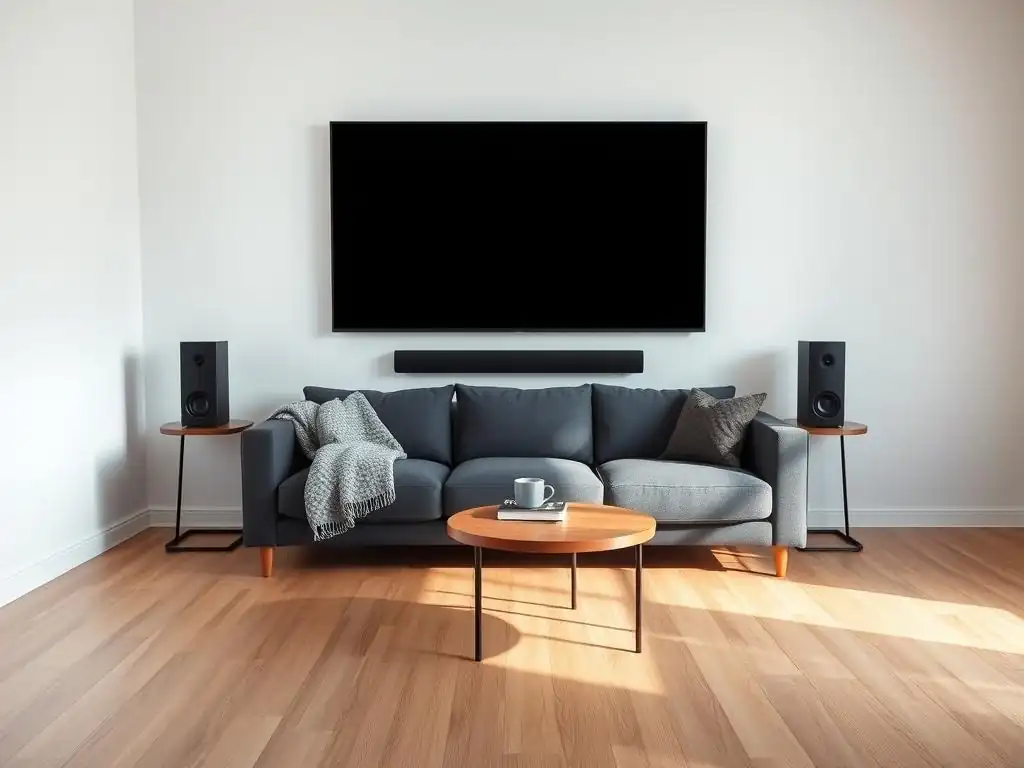
Ready to transform your living room into a cinematic paradise without breaking the bank? At UltimateLifeHacks, we're dedicated to providing practical solutions for a more efficient and enjoyable life. This guide on cheap home theater setup reveals how you can achieve stunning audio-visual experiences on a budget, unlocking the secrets to a truly immersive home entertainment system. Dive in and discover how simple upgrades can dramatically enhance your movie nights – it's easier (and cheaper!) than you think!
- Planning Your Affordable Home Theater: Setting a Realistic Budget
- Selecting the Right Equipment: Budget-Friendly Home Theater Components
- Setting Up Your Cheap Home Theater: A Step-by-Step Guide
- Maximizing Your Budget Home Theater Experience
- Maintaining Your Affordable Home Theater System
-
Frequently Asked Questions
- What is the most affordable way to build a home theater system?
- Can I build a home theater on a very tight budget (under 0)?
- What are the essential components for a cheap home theater setup?
- How can I improve the sound quality of my budget home theater?
- Where can I find affordable components for my home theater system?
- Final Reflection: Building Dreams, One Budget-Friendly Component at a Time
- Unleash Your Inner Filmmaker: Level Up Your Home Theater Today!
Planning Your Affordable Home Theater: Setting a Realistic Budget
Building your dream home theater doesn't require breaking the bank. This guide provides a practical, step-by-step approach to creating a budget-friendly home theater system that delivers exceptional entertainment without compromising on quality. We'll explore strategies for prioritizing features, allocating funds effectively, and sourcing affordable yet high-performing components. This comprehensive guide, focused on creating a cheap home theater setup, will empower you to transform your living room into a cinematic haven without exceeding your budget.
We'll cover everything from selecting the right television and sound system to optimizing your viewing space for the best possible audio-visual experience. Get ready to experience the magic of the movies without the hefty price tag! 🎉
Defining Your Needs: Essential Components for a Budget Home Theater System
Before diving into specific products, it's crucial to define your essential needs. A basic, yet effective, home theater system comprises several key components:
- A Television: The heart of your home theater. Consider screen size based on your viewing distance and room dimensions. While larger screens are desirable, a smaller, high-definition screen can provide a surprisingly immersive experience. Look for models with good color accuracy and contrast ratios. Remember, you don't need the latest and greatest model to achieve great results. Prioritize features like 4K resolution and HDR (High Dynamic Range) if your budget allows.
- A Sound System: This is where you can really make a difference on a budget. A 2.1 or 5.1 surround sound system is ideal for an immersive experience. A 2.1 system (two speakers and a subwoofer) offers great sound quality at a lower price point than a 5.1 system (five speakers and a subwoofer). Consider soundbars with integrated subwoofers as an affordable alternative to a full surround sound setup. Focus on finding a system with clear dialogue and rich bass response.
- A Streaming Device: To access a vast library of movies and TV shows, a streaming device is essential. Consider options like a streaming stick or box that offer a wide range of apps. These devices are typically inexpensive and easy to set up.
- Cables and Connectors: Don't overlook the importance of high-quality cables. HDMI cables are crucial for connecting your devices to your television. Ensure you have the necessary cables and connectors to connect all your components.
Prioritizing Features: Sound Quality vs. Picture Quality in Budget Home Theaters
When budgeting for your home theater, you'll likely need to prioritize certain features over others. A common trade-off is between picture and sound quality. While a stunning 4K display is tempting, investing in a good sound system can significantly enhance the overall viewing experience. Many find that excellent sound quality contributes more to the immersive feeling than a slight increase in picture resolution, especially on a budget.
Consider these points:
- Sound Quality First: A well-chosen sound system can transform even a modest television into a captivating cinematic experience. Surround sound, even a basic 2.1 setup, significantly improves immersion.
- Picture Quality Second: Focus on a television with sufficient resolution and good color accuracy. While 4K is desirable, a 1080p screen can still deliver a great viewing experience, especially if viewed from a reasonable distance.
- Balancing Act: The optimal solution is to find a balance between picture and sound quality that fits your budget. Research affordable options in both categories to find the best value for your money.
Allocating Funds: Smart Spending Strategies for a Low-Cost Home Theater Setup
Effective budget allocation is key to building a successful budget home theater. Here's a suggested strategy:
| Component | Suggested Budget Allocation (%) | Notes |
|---|---|---|
| Television | 40-50% | Prioritize screen size and resolution based on viewing distance and budget. |
| Sound System | 30-40% | Consider a 2.1 system as a cost-effective option; prioritize a good subwoofer. |
| Streaming Device | 5-10% | Opt for a basic streaming stick or box. |
| Cables & Connectors | 5-10% | Don't skimp on quality; high-quality HDMI cables are crucial. |
| Total | 100% |
Remember, you can find excellent deals on refurbished or gently used equipment. Shopping during sales and taking advantage of promotional offers can further reduce costs. By carefully planning and prioritizing, you can build a fantastic home theater without breaking the bank.
Selecting the Right Equipment: Budget-Friendly Home Theater Components
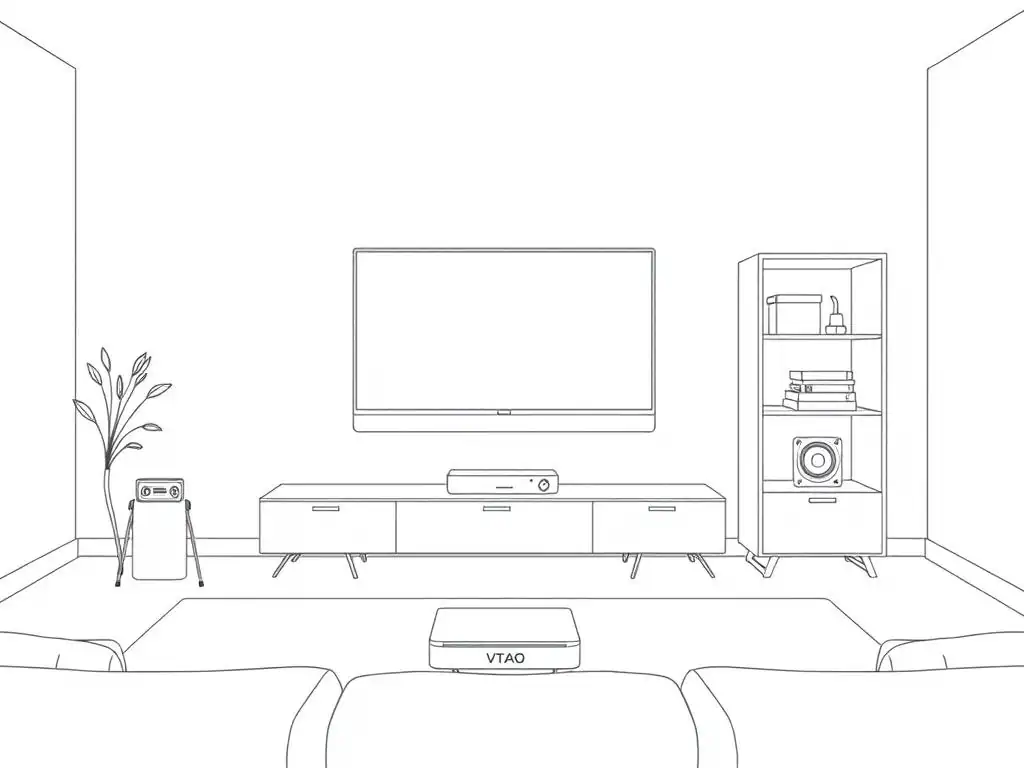
This section delves into the crucial aspect of choosing the right components for your cheap home theater setup guide, focusing on balancing quality with affordability. Remember, a successful home theater doesn't necessitate breaking the bank. Smart choices and strategic planning can deliver a surprisingly immersive cinematic experience without exceeding your budget. We'll examine key components, offering practical advice and real-world examples to help you make informed decisions.
Choosing a Projector: Best Budget Projectors for Home Theaters in 2024
Selecting a projector is the cornerstone of any budget-friendly home theater. In 2024, several excellent options offer impressive performance without the premium price tag. Look for projectors with native resolutions of at least 720p for acceptable picture quality, though 1080p provides a significantly better viewing experience if within your budget. Brightness (measured in lumens) is another critical factor. For a darker room setup, 1500-2000 lumens should suffice. Brighter rooms will require a projector with higher lumen output.
Consider features like keystone correction (to adjust the image if the projector isn't perfectly aligned) and built-in speakers (though dedicated speakers are recommended for optimal sound). Don't overlook lamp life; a longer lamp life translates to fewer replacement costs over the projector's lifespan. Researching user reviews on sites specializing in home theater equipment will provide valuable insights into real-world performance and potential issues.
For instance, some models known for their value proposition in the under-$500 range often boast features such as automatic keystone correction and decent brightness, making them ideal for a cheap home theater setup guide. However, always check detailed specifications to ensure they meet your specific needs and room conditions. Remember to factor in the cost of a screen, cables, and potentially a mounting bracket when calculating your total expenditure.
Sound System Showdown: Affordable Surround Sound Systems vs. Soundbars
The audio experience is just as crucial as the visuals in a home theater. While a full surround sound system offers the most immersive experience, it can be more expensive than a soundbar. This section compares the two options, considering their respective pros and cons within the context of a budget-friendly setup.
| Feature | Affordable Surround Sound System | Soundbar |
|---|---|---|
| Cost | Higher | Lower |
| Sound Quality | Generally superior | Can be surprisingly good, but limited |
| Immersiveness | Significantly more immersive | Less immersive, especially in larger rooms |
| Setup Complexity | More complex | Very simple, plug-and-play |
| Space Requirements | Requires more space | Compact, space-saving |
A budget-friendly 5.1 surround sound system might consist of a receiver, five speakers (front left, front right, center, rear left, rear right), and a subwoofer. However, this can quickly increase the overall cost. Soundbars, on the other hand, offer a simpler, more compact solution.
Many affordable soundbars now include features like Dolby Digital or DTS decoding, providing surprisingly good audio quality for their price. The best choice depends on your priorities: immersive sound versus simplicity and cost-effectiveness. Consider the size of your room; a soundbar may be sufficient for smaller spaces, while a surround sound system is better suited for larger rooms where the immersive experience is more critical.
Screen Selection: DIY Projector Screens vs. Affordable Pre-made Screens
Choosing the right screen is another key decision in building your cheap home theater setup. Two main options exist: DIY screens and pre-made screens. DIY screens offer significant cost savings, but require more time and effort. Pre-made screens provide convenience and often better quality, but come at a higher price.
Creating a DIY projector screen can involve stretching a white sheet or painting a wall with specialized projector paint. This can be a cost-effective solution, but the quality might not match a dedicated projector screen. The image might not be as crisp or as bright, and you might experience issues with light bleed or uneven surface texture.
Affordable pre-made screens are available in various sizes and materials. Consider the screen's gain (how well it reflects light) and viewing angle. A higher gain screen will produce a brighter image, but might have a narrower viewing angle. A lower gain screen will have a wider viewing angle, but the image might be slightly dimmer.
The choice between a DIY and a pre-made screen depends on your skills, available time, and budget. Weigh the pros and cons carefully before making your decision. Remember, even a relatively inexpensive pre-made screen will likely offer a significant improvement in image quality compared to a makeshift DIY solution.
Essential Accessories: Remote Controls, HDMI Cables, and Mounting Brackets
Setting up a cheap home theater doesn't mean sacrificing quality. Investing in a few key accessories can dramatically improve your viewing experience and simplify your setup. These small additions often get overlooked, but they are crucial for a seamless and enjoyable home theater experience, even on a budget. Let's look at some essential accessories:
Choosing the right remote control is paramount for convenience. A universal remote can control multiple devices—your TV, Blu-ray player, sound bar, and even your streaming box—with a single device. This eliminates the clutter of multiple remotes and simplifies operation significantly. Consider features like programmable macro buttons for customized shortcuts to frequently used functions, such as switching inputs or adjusting the volume.
While high-end universal remotes can be expensive, budget-friendly options are readily available and offer surprising functionality. Look for models with positive user reviews focusing on ease of programming and reliability. A well-chosen universal remote can be the difference between a frustrating and a delightful viewing experience.
High-quality HDMI cables are another crucial component often underestimated in budget setups. Don't skimp on these; cheap cables can lead to poor picture and sound quality, especially with higher resolutions like 4K. While you don't need the most expensive cables on the market, opting for a reputable brand that guarantees high bandwidth is essential for a crisp, clear image and flawless audio synchronization.
Look for cables that explicitly state support for the resolution and bandwidth requirements of your equipment (e.g., 4K@60Hz, HDR). Choosing cables that are appropriately shielded will also help reduce interference, ensuring a more stable signal. The initial investment in good HDMI cables will prevent future headaches and ensure a superior viewing experience.
Finally, mounting brackets for your TV and speakers can significantly enhance the aesthetic appeal and functionality of your home theater. Mounting your TV on the wall frees up valuable floor space and creates a cleaner, more modern look. Similarly, mounting your speakers can improve sound quality by optimizing their placement and minimizing clutter. While professional installation can be costly, many wall mounts are designed for DIY installation and come with clear instructions.
Before purchasing, ensure the mount is compatible with your TV's size and weight. For speakers, consider the mounting options offered and whether they align with your desired placement. Proper mounting not only improves the look of your home theater but also maximizes sound quality and viewing comfort. This careful selection of accessories dramatically improves the user experience without significantly impacting the overall budget of your cheap home theater setup.
Setting Up Your Cheap Home Theater: A Step-by-Step Guide
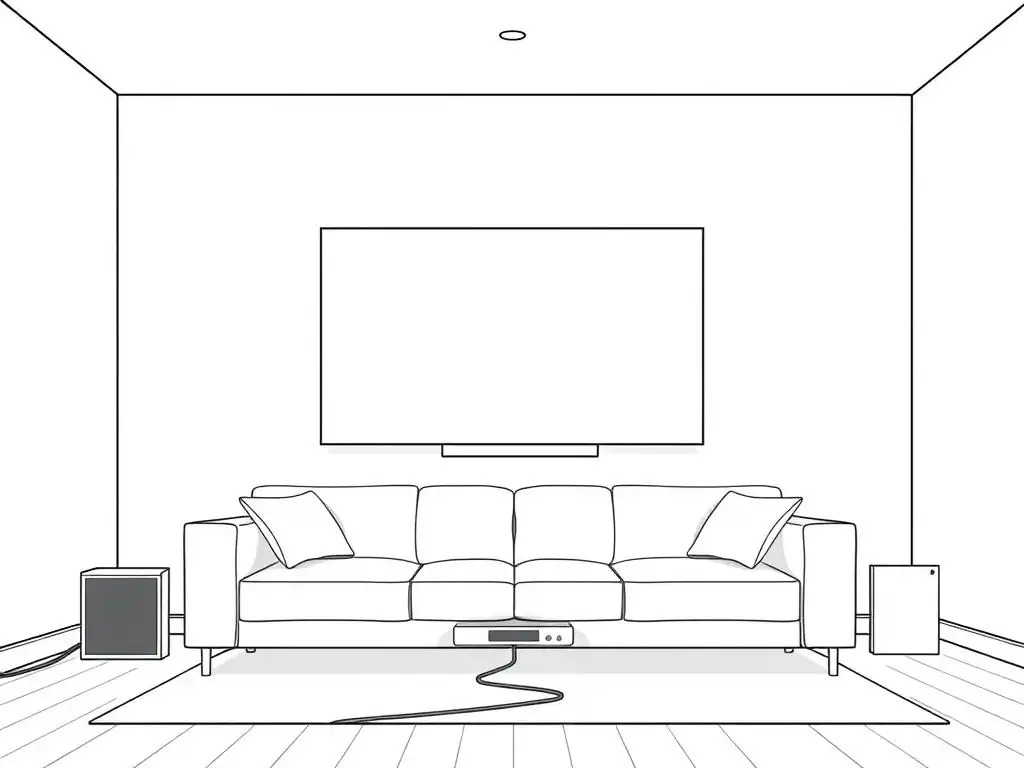
This section details the practical steps involved in creating a budget-friendly yet effective home theater system. We'll focus on maximizing your viewing experience without breaking the bank. Remember, a fantastic home theater doesn't require exorbitant spending; clever planning and resourceful choices are key. This guide emphasizes affordable solutions while maintaining high-quality results. Let's dive into the specifics.
Projector Placement and Calibration: Optimizing Picture Quality on a Budget
Projector placement is crucial for a satisfying viewing experience. Poor placement can lead to blurry images, uneven brightness, and a generally subpar picture. Optimizing this aspect is especially important on a budget, as you may not have the luxury of replacing a poorly positioned projector.
First, consider your room's dimensions. Measure the distance from your desired projection screen location to where you'll place the projector. Consult your projector's specifications to determine the ideal throw distance for the desired image size. Remember, throw distance varies significantly between projector models; some short-throw projectors are ideal for smaller rooms.
Next, focus on screen alignment. Ensure the projector is perfectly centered and level to avoid keystone distortion – a trapezoidal image resulting from an angled projection. Many projectors offer keystone correction features, but manual adjustment is often more effective and requires less processing power, leading to a sharper image.
Calibration is the final, crucial step. Even the best projector benefits from careful calibration. While professional calibration services can be expensive, you can achieve excellent results using readily available tools. Many smartphones offer apps that analyze the image, providing suggestions for brightness, contrast, and color adjustment. Experiment with these settings to find the optimal balance for your space and lighting conditions. Don't underestimate the impact of ambient light; minimizing it significantly improves picture quality.
Sound System Setup: Achieving Optimal Surround Sound on a Low Budget
Achieving immersive surround sound without emptying your wallet requires a strategic approach. Forget expensive, high-end speaker systems; building a cost-effective setup is entirely feasible.
Consider starting with a 2.1 system: two bookshelf speakers and a subwoofer. This provides a solid foundation for sound, offering clear dialogue and impactful bass. Many affordable bookshelf speakers deliver surprising sound quality, especially when paired with a well-chosen subwoofer. Prioritize speakers with good reviews focusing on clarity and balanced sound at lower frequencies.
For a more immersive experience, consider adding two rear surround speakers. These don't need to match your front speakers; many budget-friendly options deliver satisfactory results. Placement is key; aim for an equilateral triangle arrangement with the front left and right speakers and the listening position. The rear speakers should be positioned slightly above ear level and angled towards the listening position.
Don't forget the subwoofer! A subwoofer significantly enhances the impact of movies and music, adding depth and richness to the audio. Even a relatively inexpensive subwoofer can dramatically improve the overall sound quality. Remember to experiment with subwoofer placement; different locations in the room can affect bass response.
Cable Management: Neat and Tidy Wiring for a Professional Look
A cluttered cable mess detracts from the overall aesthetic appeal of your home theater. Proper cable management not only enhances the visual appeal but also improves functionality and safety. This seemingly minor detail significantly contributes to the professional look and feel of your setup.
Start by using cable ties or Velcro straps to bundle individual cables together. This helps to keep things organized and prevents tangling. Consider color-coding the cables for easy identification; this is especially useful if you're dealing with a complex setup with multiple devices.
Next, use cable raceways or cord covers to conceal the cables along walls or floors. These are readily available at home improvement stores and come in various colors and styles to match your décor. This not only improves the look of your home theater but also protects the cables from damage.
For wall-mounted projectors or screens, utilize dedicated cable management systems designed for these installations. These systems often include channels or sleeves to conceal wires neatly. This keeps the cables out of sight and ensures a clean, professional finish. Remember to always prioritize safety when managing cables, ensuring no wires are exposed or pose a tripping hazard. A well-managed cable system contributes significantly to a polished and professional home theater.
Room Acoustics: Improving Sound Quality with Budget-Friendly Solutions
Room acoustics play a crucial role in achieving a truly immersive home theater experience, even on a budget. Poor acoustics can muddy sound, making dialogue difficult to understand and reducing the impact of special effects. Fortunately, you don't need expensive acoustic panels to make a significant difference. Several affordable solutions can dramatically improve your sound quality.
One of the simplest and most effective techniques is strategic furniture placement. Large, soft furnishings like sofas, armchairs, and thick curtains act as natural sound absorbers, helping to dampen reflections and reduce echo. Experiment with different arrangements to find what works best for your room. Positioning your sofa away from walls and corners can also minimize unwanted sound reflections. Consider adding rugs or carpets; these not only improve the aesthetic appeal of your room but also absorb sound, reducing unwanted reverberation. A thick, plush rug can make a noticeable difference in sound clarity.
Another affordable approach involves DIY sound absorption. Instead of buying expensive acoustic panels, you can create your own using readily available materials. For example, repurposed blankets or heavy tapestries hung on walls can effectively absorb sound. Even filling empty picture frames with sound-absorbing materials like foam or thick fabric can create makeshift acoustic panels.
Remember to experiment with placement to find the optimal locations for these DIY solutions. The goal is to strategically dampen reflections without completely deadening the sound, maintaining a balanced and pleasant listening experience. The internet is full of tutorials and ideas for creative and cheap DIY acoustic treatments.
Finally, addressing potential sound leakage is vital for a focused listening experience. Caulk or weatherstripping around doors and windows can significantly reduce external noise intrusion, improving the overall clarity of your home theater audio. This simple step might seem insignificant, but it can contribute to a more immersive and enjoyable experience, particularly in rooms with less-than-ideal soundproofing. Remember, even small improvements in room acoustics can significantly enhance the quality of your cheap home theater setup, offering a more satisfying and enjoyable viewing experience without breaking the bank.
Maximizing Your Budget Home Theater Experience
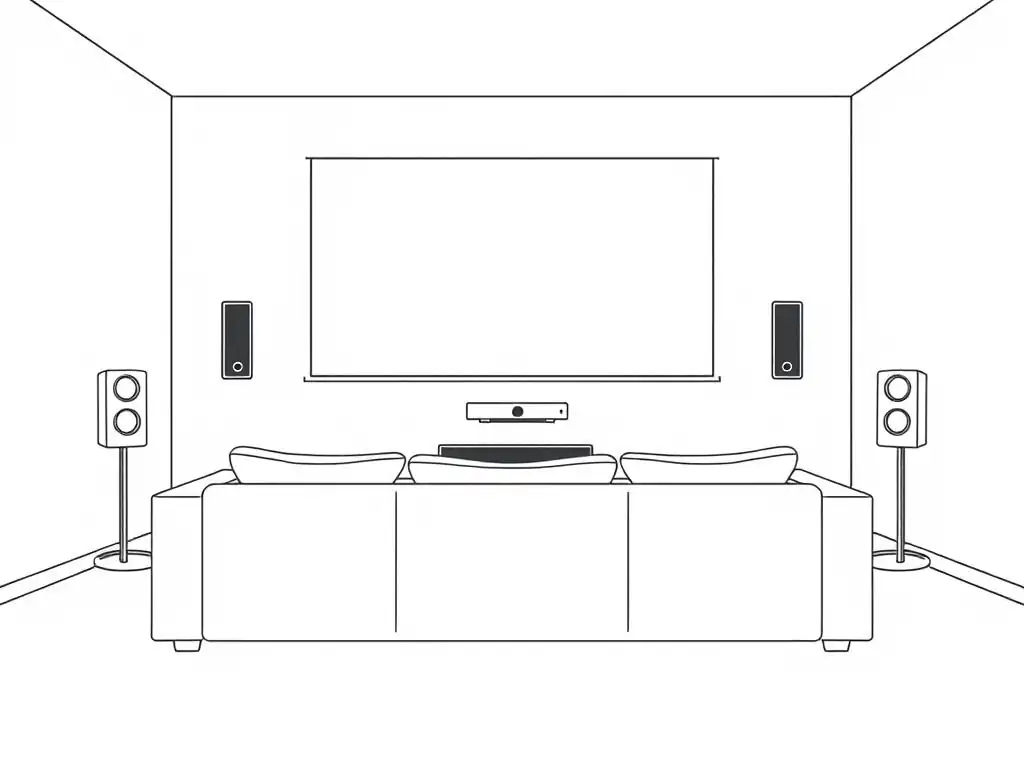
This section focuses on stretching your budget further to achieve a truly immersive home theater experience without breaking the bank. We’ll explore strategies to optimize your setup, ensuring maximum enjoyment for minimal cost. Remember, a cheap home theater setup guide doesn't mean sacrificing quality—it's about making smart choices.
Streaming Services: Accessing Affordable Entertainment
Streaming services offer a fantastic way to access a vast library of movies and TV shows without the hefty price tag of physical media. Many services provide tiered subscription options, allowing you to choose a plan that fits your budget and viewing habits. Consider these factors when selecting your streaming services:
- Content Library: Compare the movie and TV show catalogs of different platforms. Some excel in specific genres (e.g., documentaries, international films), while others offer broader selections. Consider your preferred viewing habits to choose the service that best aligns with your needs. Do you prioritize new releases, classic films, or a specific genre?
- Subscription Costs: Prices vary significantly between services. Evaluate the cost per month relative to the amount of content you anticipate watching. Some services offer free trials, allowing you to test them before committing to a paid subscription.
- Simultaneous Streams: Check how many devices can stream concurrently on a single account. This is crucial if multiple family members use the service simultaneously.
- Offline Viewing: Some services allow downloading content for offline viewing, ideal for travel or areas with unreliable internet access. This feature adds significant value, especially if you frequently travel or experience internet outages.
Consider creating a tiered approach, perhaps subscribing to one major service offering new releases and another specializing in older movies or niche genres. This strategy maximizes your entertainment options while remaining budget-conscious. Remember, many services offer free trials – take advantage of these to sample the content before committing!
Smart Home Integration: Controlling Your Home Theater with Smart Assistants
Integrating smart home technology into your cheap home theater setup can significantly enhance convenience and control. Smart assistants like Alexa or Google Assistant can elevate your viewing experience beyond simply turning your TV on and off. With voice commands, you can:
- Control volume: Adjust the volume of your sound system seamlessly without reaching for the remote. This is especially useful during movie nights, allowing you to effortlessly manage the audio levels.
- Change channels/inputs: Switch between different input sources (e.g., streaming service, gaming console) using voice commands, streamlining your entertainment selection process.
- Start/pause/rewind: Control playback on your streaming services with your voice, eliminating the need to constantly reach for the remote. This feature significantly enhances the viewing experience, allowing for hands-free control.
- Manage lighting: Dim the lights in your living room to create a more cinematic atmosphere by integrating smart lighting systems with your smart assistant. This creates a more immersive environment, enhancing the overall home theater experience.
While some smart home devices can be expensive, starting with a smart speaker and gradually integrating other compatible devices makes it an affordable, long-term project.
DIY Upgrades: Cost-Effective Improvements to Enhance Your Setup
Don't underestimate the power of DIY upgrades to elevate your home theater experience. Several simple yet effective improvements can be made without significant financial investment. Here are some examples:
- Sound Dampening: Reduce echo and improve sound quality by applying inexpensive sound-dampening materials. This could involve hanging thick curtains or strategically placing rugs to absorb sound reflections. Even repurposing old blankets can make a noticeable difference.
- Cable Management: Neatly organizing your cables not only improves the aesthetics of your setup but also prevents tripping hazards and simplifies troubleshooting. Use cable ties, zip ties, or even repurposed materials to create a clean and organized cable system.
- DIY Subwoofer Box: Constructing a simple subwoofer box can enhance the bass response of your system without the high cost of a store-bought subwoofer. While this requires some DIY skills and materials, the results can be impressive, adding depth and impact to your audio.
- Upcycled Furniture: Instead of buying expensive media stands, consider repurposing existing furniture or finding affordable options at thrift stores or flea markets. A little creativity can transform a simple piece of furniture into a stylish and functional media center.
By embracing DIY projects and creative solutions, you can significantly enhance your cheap home theater setup without exceeding your budget. Remember, the key is to prioritize functionality and aesthetics while remaining mindful of your financial limitations. The satisfaction of creating a personalized setup far outweighs the cost savings.
Troubleshooting Common Issues: Fixing Problems in Your Budget Home Theater
Setting up a cheap home theater doesn't mean sacrificing quality, but it does mean being prepared to troubleshoot a few common issues. A little preventative maintenance and a methodical approach to problem-solving can save you significant time and frustration. Let's dive into some of the most frequent problems and how to tackle them head-on.
One of the most common complaints is poor sound quality. This can stem from several sources. Firstly, incorrect speaker placement significantly impacts the audio experience. Experiment with different positions; the ideal placement depends on your room's acoustics and the type of speakers you have. Consult your speaker's manual for optimal placement suggestions.
Secondly, low-quality cables can degrade the signal, resulting in muffled or distorted sound. Investing in decent-quality HDMI cables and speaker wire is a worthwhile investment, especially for budget setups where every penny counts. Lastly, incorrect audio settings on your receiver or TV can lead to a subpar audio experience. Ensure your audio output is set correctly, and experiment with different sound modes to find the optimal setting for your room and listening preferences. Remember, sometimes the simplest solution is the best.
Another frequent issue is video problems. This could manifest as a blurry picture, pixelation, or a lack of color vibrancy. First, check your connections. Loose or poorly connected HDMI cables are a common culprit. Try reseating the cables firmly. Next, investigate the source of the video signal.
Is the problem specific to one source (like your Blu-ray player) or does it affect all sources? This helps isolate the issue—a faulty source device versus a problem with your TV or projector. If the problem persists, ensure your TV or projector's video settings are correctly adjusted. Experiment with different resolutions and aspect ratios to see if it improves picture quality. Remember to check for any software updates for your devices; outdated firmware can sometimes cause unexpected video glitches.
Finally, let's address connectivity issues. This can include problems with your remote control, lack of responsiveness from your devices, or difficulties connecting to the internet (if you have streaming devices). Firstly, check the batteries in your remotes—a simple solution often overlooked! Next, ensure all your devices are properly powered on and that there are no power supply issues. If you're having trouble with internet connectivity, check your network cables and router settings. Sometimes a simple router reboot can resolve many connectivity problems.
Finally, consider the placement of your devices. Overcrowding devices can sometimes interfere with their functionality. Ensure adequate spacing between components, and avoid placing them near sources of electromagnetic interference. Proper ventilation is also crucial to prevent overheating and malfunctions. A well-ventilated environment helps maintain optimal performance and extends the lifespan of your equipment.
Maintaining Your Affordable Home Theater System
This section focuses on the long-term care of your budget-friendly home theater, ensuring its longevity and optimal performance. Neglecting maintenance can lead to premature equipment failure and diminished audio-visual quality, undermining your initial investment. Regular upkeep is crucial for maximizing the lifespan and enjoyment of your cheap home theater setup. Following these simple steps will help you keep your system running smoothly for years to come.
Cleaning and Maintenance: Extending the Life of Your Equipment
Regular cleaning is paramount for maintaining the performance and lifespan of your home theater components. Dust accumulation can significantly impact audio quality (especially in speakers) and degrade picture clarity (particularly on screens and projector lenses). A simple cleaning routine can prevent costly repairs or replacements down the line.
Here's a practical cleaning schedule:
- Weekly: Gently dust all components using a microfiber cloth or a compressed air canister. Pay particular attention to speaker grilles, the top of your receiver, and any ventilation slots. Avoid using harsh chemicals or abrasive cleaners.
- Monthly: More thoroughly clean your screen or projector lens using a specialized cleaning solution and a soft, lint-free cloth. Follow the manufacturer's instructions carefully to avoid damaging the delicate surfaces. For projector lenses, use a lens cleaning pen for optimal results.
- Quarterly: Inspect all cables for any signs of damage or wear. Replace any frayed or damaged cables immediately to prevent short circuits or signal loss. Check all connections to ensure they are secure.
Remember, prevention is key! A little preventative maintenance goes a long way in extending the life of your cheap home theater setup, saving you money and frustration in the long run. Consider using protective covers for your equipment when not in use to minimize dust accumulation.
Software Updates: Keeping Your System Up-to-Date
Keeping your home theater's software updated is just as vital as its physical maintenance. Software updates often include bug fixes, performance enhancements, and crucial security patches. Neglecting these updates can lead to system instability, security vulnerabilities, and compatibility issues with newer devices.
- Smart TVs and Streaming Devices: Regularly check for software updates on your smart TV, streaming sticks (like Roku or Chromecast), and game consoles. Most devices will automatically notify you of available updates, but it's good practice to manually check periodically.
- AV Receivers: Many modern AV receivers offer firmware updates that improve audio processing, add new features, and enhance compatibility with different audio formats. Check your receiver's manual or the manufacturer's website for instructions on how to perform these updates.
- Home Theater PC (HTPC): If you're using an HTPC, ensure your operating system, drivers, and media software are all up-to-date. This ensures optimal performance and compatibility with your other components.
Regular software updates are an easy way to optimize your cheap home theater setup’s performance and security, boosting its overall value. Make updating software a regular part of your home theater maintenance routine.
Future Upgrades: Planning for Expansions and Improvements
Even a budget-friendly home theater setup can be improved over time. Planning for future upgrades allows you to enhance your system gradually without breaking the bank. Consider these upgrade paths:
| Upgrade Area | Potential Upgrades | Cost Implications | Timing Considerations |
|---|---|---|---|
| Speakers | Upgrade to larger or better-quality speakers | Low to Medium | After initial setup, based on budget and listening needs |
| Subwoofer | Add a subwoofer for enhanced bass response | Low to Medium | After initial setup, especially beneficial for movies |
| AV Receiver | Upgrade to a receiver with more features/power | Medium to High | When needed, consider features like 4K passthrough |
| Projector/Screen | Upgrade to a higher resolution projector/screen | Medium to High | When budget allows, for significant picture quality boost |
| Streaming Device | Upgrade to a device with better performance | Low | When the current device becomes outdated or underperforms |
Think strategically about your upgrades. Prioritize improvements that will make the biggest impact on your viewing and listening experience. By planning ahead, you can gradually transform your cheap home theater setup into a truly impressive entertainment system without significant financial strain. This phased approach ensures continuous improvement within your budget constraints.
Frequently Asked Questions
What is the most affordable way to build a home theater system?
The most budget-friendly approach involves using a used or refurbished projector instead of a new TV, combined with a soundbar or a simple 2.1 speaker system. Prioritize value over brand name to maximize your savings.
Can I build a home theater on a very tight budget (under $200)?
While a truly immersive experience might be difficult under $200, you can achieve basic home theater functionality. Focus on a used projector and inexpensive speakers. Creative DIY solutions for screen and sound dampening can help.
What are the essential components for a cheap home theater setup?
The essentials are a display device (projector or TV), a sound system (soundbar or speakers), and a media source (streaming device or Blu-ray player). Consider prioritizing the display and sound quality based on your budget.
How can I improve the sound quality of my budget home theater?
Strategic speaker placement is crucial. Experiment with different positions to find optimal sound. Adding bass traps or acoustic panels (even DIY ones) can significantly improve sound clarity and reduce echoes.
Where can I find affordable components for my home theater system?
Check online marketplaces (like eBay or Craigslist) for used equipment. Consider refurbished electronics from reputable retailers. Thrift stores can occasionally offer surprising finds, such as speakers or even projectors.
Final Reflection: Building Dreams, One Budget-Friendly Component at a Time
Creating a captivating home theater experience doesn't require a king's ransom; it requires creativity, resourcefulness, and a dash of DIY spirit. The journey to transforming your living room into a personal cinematic haven, as detailed in this guide, is a testament to the power of smart planning and strategic purchasing. This isn't just about saving money; it's about unlocking the potential of your space and enriching your leisure time.
The impact of accessible entertainment on our lives is undeniable. It's a space for connection, relaxation, and escape – a sanctuary built not just with bricks and mortar, but with shared laughter, family movie nights, and the thrill of a perfectly timed cinematic explosion. The movies are like a machine that generates empathy.
- Roger Ebert. This quote perfectly encapsulates the power of film and the importance of making this experience accessible to everyone, regardless of budget. The ability to create this experience within the confines of your own home, on your own terms, is a powerful and enriching one.
Now, it's your turn. Take the knowledge gained from this guide, and apply it to your own living space. Don't be afraid to experiment, to personalize, and to create a home theater that truly reflects your unique style and preferences. Remember, the most rewarding aspect of this project isn't the final product, but the journey of creation itself. So, grab your tools, gather your inspiration, and begin building your dream home theater – one budget-friendly step at a time.
Unleash Your Inner Filmmaker: Level Up Your Home Theater Today!
Thanks for exploring budget-friendly home theater setups! We hope you're inspired to create the cinematic experience you've always dreamed of. Ready to transform your living room into a personal movie palace?
- Design your dream setup: Sketch your ideal home theater arrangement using pen and paper or a design app. Experiment with different layouts and equipment.
- Share your vision: Post a picture of your design on social media using #UltimateLifeHacksHomeTheater and tag us! Let's inspire each other.
- Start your shopping list: Research and compare prices for essential components. Prioritize value and check online reviews before purchasing.
Ready to create a captivating escape in your living room? What's your first step in building your perfect home theater?