Design on the Go: Mobile Graphic Design Courses for Creative Freedom
🤔 Unleash your creativity anytime, anywhere! Our mobile graphic design courses offer flexible learning, boosting productivity and efficiency. Master design skills on…
Read article
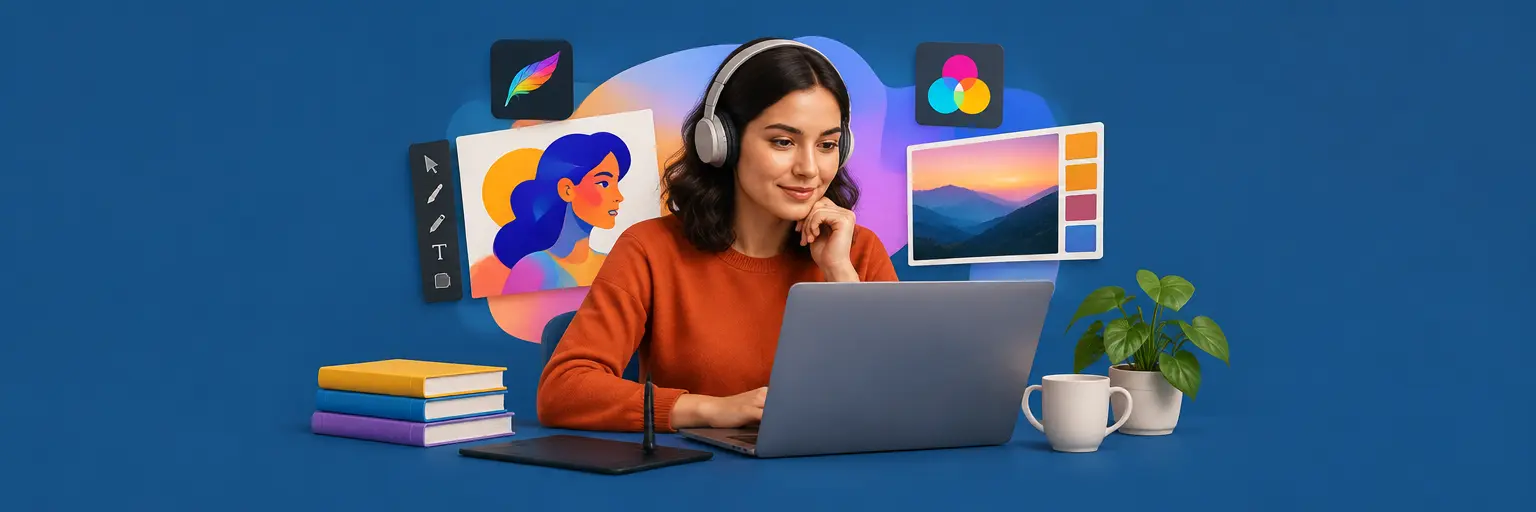
Unlock your creative potential with mastering graphic design software online—the fastest way to transform raw ideas into stunning visuals without leaving your desk. Whether you’re a budding freelancer, a busy professional, or a DIY enthusiast, these online courses for graphic design software turn complex tools like Photoshop, Illustrator, and Canva into intuitive, time-saving workflows. Skip the trial-and-error chaos and learn pro-level shortcuts, efficient asset management, and production-ready techniques that slash hours off every project. From vector art to photo retouching, you’ll gain practical, hands-on skills that boost your portfolio and your productivity—perfect for anyone craving smarter, faster creative output. Dive into self-paced tutorials, real-world projects, and expert feedback, all designed to help you design better, work quicker, and stand out in a visually driven world. Start today and turn software frustration into your secret weapon for effortless, professional-grade results. 🎨✨

🤔 Unleash your creativity anytime, anywhere! Our mobile graphic design courses offer flexible learning, boosting productivity and efficiency. Master design skills on…
Read article
🤔 Master color theory effortlessly! Unlock stunning palettes with our curated list of the best online design color courses. Learn practical color…
Read articleWelcome to UltimateLifeHacks’ dedicated corner for turning your creative ambition into marketable skill. Here, we’ve curated the most practical, time-efficient online courses for graphic design software—from Adobe Photoshop and Illustrator to Canva and Figma. Our goal is simple: help you skip the fluff, avoid endless tutorials, and learn the exact tools that boost your productivity, streamline your workflow, and unlock new career opportunities. Whether you’re a busy professional or a hobbyist, these courses fit your schedule and your budget.
Dive into the industry-standard tools for photo editing, digital illustration, and brand design. These online courses focus on hands-on projects, not just theory, so you’ll learn to manipulate layers, master pen tools, and create vector graphics that look professional. Expect short, digestible modules that you can complete during lunch breaks—perfect for productivity hacks like batch editing and smart object workflows.
Beyond basics, advanced lessons cover non-destructive editing, color grading, and automation actions that save hours on repetitive tasks. You’ll also explore real-world case studies from marketing agencies, enabling you to produce portfolio-ready pieces quickly. With lifetime access and downloadable cheat sheets, these courses are a smart investment for anyone aiming to freelance or upskill without a formal degree.
If you need polished visuals fast—for social media, presentations, or small business branding—Canva courses are your ultimate lifehack. Learn to harness pre-built templates, brand kits, and magic resize features to cut design time by 80%. These tutorials emphasize speed, teaching you keyboard shortcuts, bulk editing, and organizing assets in folders for instant reuse.
You’ll also discover advanced tricks like creating animated graphics, using AI-powered background removal, and exporting in the right formats for every platform. Ideal for non-designers who want professional-looking results without learning complex software, these courses include project-based assignments like building a full social media calendar in under an hour. Stop reinventing the wheel and start scaling your content output today.
Master Figma from scratch, focusing on collaborative design that boosts team productivity. These online courses teach you to create wireframes, interactive prototypes, and design systems that are reusable across projects. You’ll learn auto-layout, components, and shared libraries—features that reduce redesign cycles and keep everyone aligned, even in remote work settings.
Expect practical walkthroughs of real apps and websites, plus tips on user testing and handoff to developers. We’ve selected courses that emphasize efficiency hacks like plugin integrations (e.g., icon libraries, content generators) and version control. By the end, you’ll feel confident leading small UI projects, making you a versatile asset in any startup or agency environment.
Turn static designs into dynamic motion graphics using Adobe After Effects. These courses break down keyframe animations, tracking, and effects presets into simple steps. You’ll learn how to animate logos, create lower-thirds, and produce explainer videos—all without watching hours of dry tutorials. Each module includes downloadable project files, so you can follow along at your own pace.
Focus is on rapid results: use templates, expression presets, and render queue settings to speed up final outputs. We also cover how to integrate After Effects with Illustrator and Premiere Pro, creating a seamless video production pipeline. For content creators and marketers, these skills are gold—animated infographics and social ads grab attention and improve engagement rates instantly.
For illustrators and sketchers, Procreate courses unlock the full power of your iPad. Learn brush customization, layer management, and time-lapse recording to share your process. These tutorials are perfect for busy artists who want to create stunning digital paintings, custom lettering, or character designs with minimal cleanup and maximum flow.
You’ll also explore advanced techniques like clipping masks, alpha lock, and gesture controls that speed up your workflow. Many courses include prompt challenges and feedback communities, which is a pro tip for staying motivated. Whether you’re a beginner or a traditional artist transitioning to digital, these classes help you produce sellable artwork and build an online portfolio faster than ever.
Finally, learn to package your new skills into a compelling portfolio that attracts clients. This subcategory includes courses on creating a professional website, writing effective project case studies, and pricing your design services. We focus on productivity tactics like batch portfolio reviews, using social proof, and automating client communication with templates.
You’ll also find guides on negotiating contracts, setting up payment systems, and managing deadlines without burnout. These practical lessons turn your design abilities into a sustainable side income or full-time career. With downloadable checklists and mock client briefs, you’ll feel prepared to land your first gig within weeks—not months.
No, most courses are designed for complete beginners. They start with interface basics and gradually build up to advanced techniques. You’ll find clear instructions, downloadable practice files, and support forums to help you overcome any roadblocks. Just bring a computer or tablet and a willingness to learn.
Most courses are self-paced and range from 4 to 12 hours total, broken into 10-20 minute lessons. You can complete them over a weekend or spread them across a month. Many also offer lifetime access, so you can revisit modules whenever you need a refresher or want to learn a new feature.
Yes, most premium courses provide a shareable certificate that you can add to your LinkedIn profile or resume. It’s a great way to demonstrate your commitment to continuous learning. However, focus more on the portfolio projects you create—those often matter more to employers than certificates.
Absolutely. Graphic design is one of the highest-demand freelance skills. After completing a few courses, you can start offering logo design, social media graphics, or UI mockups on platforms like Fiverr or Upwork. Use the portfolio-building course to showcase your best work and attract your first clients.
Many courses offer a 7-day free trial or money-back guarantee. You can also find free mini-courses and YouTube playlists linked within the lessons. However, investing in a structured course usually saves time and provides better job-ready skills, so compare trial content carefully before deciding.