UltimateLifeHacks: Are Your Kids Safe Online? A Parent’s Guide to Cyber Protection
🤔 Shield your kids from online dangers with our comprehensive Kids' online safety guide for parents. Learn practical strategies to protect them…
Read article
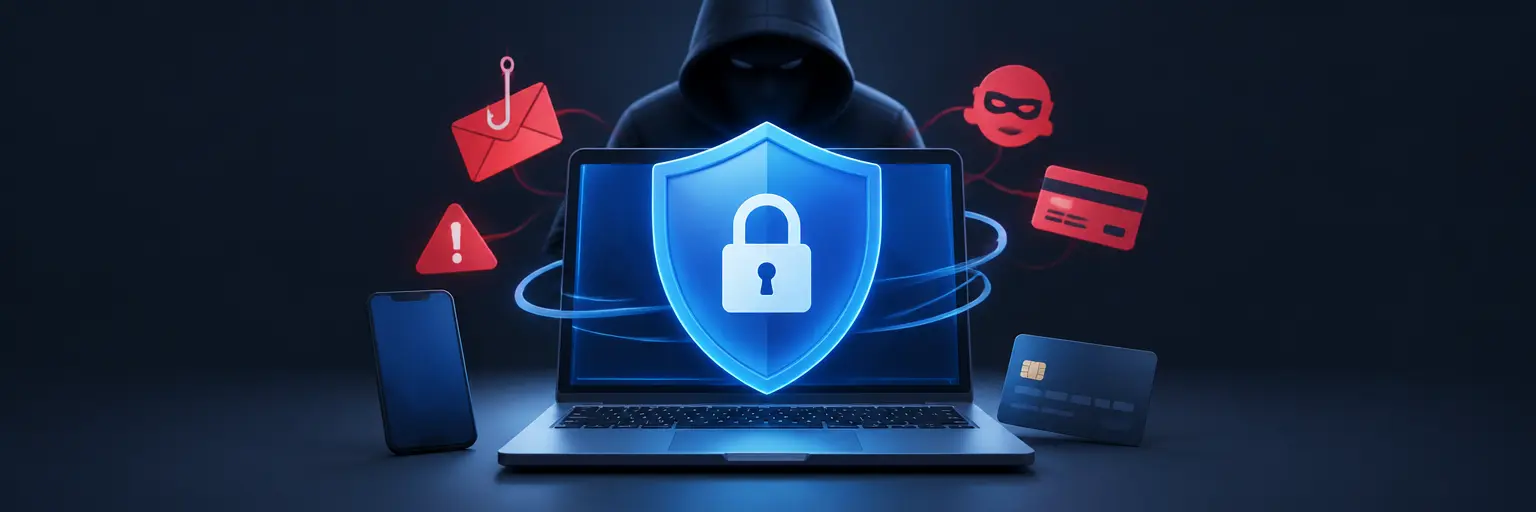
Stay one step ahead of cybercriminals with essential, easy-to-apply digital defenses. From phishing emails and fake Wi-Fi traps to social engineering tricks, this guide arms you with proven life hacks to spot red flags instantly, secure your passwords, and protect your personal data without slowing down your day. These insights help you save time, avoid costly mistakes, and keep your online life running smoothly—no tech degree required.
🤔 Shield your kids from online dangers with our comprehensive Kids' online safety guide for parents. Learn practical strategies to protect them…
Read article
😊 Reclaim your online privacy! A VPN masks your IP address, encrypting your data for secure browsing and anonymous activity. Boost your…
Read articleWelcome to the digital defense corner of UltimateLifeHacks, where we turn complex security concepts into quick, actionable life hacks. In a world where a single careless click can drain your bank account or expose your identity, mastering basic cybersecurity is as essential as brushing your teeth. This subcategory is your practical playbook for outsmarting scammers, securing your devices, and browsing with confidence—all without needing a tech degree. Let’s dive into the everyday hacks that keep your digital life safe, private, and stress-free.
Phishing remains the #1 attack vector, targeting your emotions—fear, urgency, or curiosity—to bypass your logic. The best hack here is a simple rule: verify before you trust. Learn to scrutinize sender email addresses, hover over links to see the real URL, and never download attachments from unsolicited messages. Common red flags include misspellings, generic greetings like "Dear Customer," and threats of account suspension. Treat every unexpected message as a potential trap, especially those asking for passwords, PINs, or payment details.
Social engineering goes beyond email, including fake phone calls ("your grandson is in jail") and SMS smishing. Your defense hack: always initiate contact yourself using official numbers or websites, and never share one-time codes. Remember, legitimate companies will never ask for your full password or MFA code. Adopt a "zero-trust" mindset—if a request feels off, it probably is. This simple shift in behavior blocks 99% of scams before they start.
Stop reusing passwords! The biggest hack to your accounts isn’t a hacker guessing—it’s a data breach exposing your password on other sites. Use a password manager to generate and store unique, 16-character passwords for every account. This one hack saves you hours of lockout recovery and protects your email, banking, and social media simultaneously. Enable MFA everywhere, preferring authenticator apps over SMS, as SIM-swapping is a real threat. Treat MFA as your safety net; even if a password leaks, scammers can’t get in.
For ultimate efficiency, create a "passphrase" like Correct-Horse-Battery-Staple—long, memorable, and hard to crack. Update passwords only after a breach notification, not on a fixed schedule (that’s outdated advice). The real hack is to audit your accounts monthly: remove old logins, revoke unused app permissions, and turn on login alerts. These micro-habits create a resilient security posture without daily effort, giving you peace of mind that your digital identity remains yours.
Your phone and laptop are treasure chests for cybercriminals. First hack: lock your screen with biometrics or a strong PIN, and encrypt your device storage (built into iOS and Android). Keep software updated—those pesky patches fix known vulnerabilities that bots exploit automatically. For public Wi-Fi, assume it’s monitored. Use a VPN for sensitive browsing (banking, shopping), but even then, avoid logging into critical accounts. The safest hack: tether to your phone’s hotspot or wait until you’re on trusted networks.
Disable auto-connect features that join any open network, and turn off Bluetooth when not in use to prevent "bluejacking." Enable "Find My Device" to remotely wipe if lost. For extra protection, set up a guest network on your home router and change its default admin password. These small configurations take minutes but massively reduce attack surface, especially if you travel frequently. Your device is your digital home—secure it like you’d lock your front door.
Shopping online is convenient, but card skimming and fake storefronts are rampant. Your best hack: use a virtual credit card number or a one-time card from your bank for each transaction, so your real card number never lives on a merchant’s servers. Always look for "https://" in the URL and a padlock icon, but be aware that phishing sites now use fake secure symbols. Before paying, check the seller’s reviews on independent sites and avoid wire transfers or gift card payments—these are untraceable and scream scam.
Set up transaction alerts for all cards, and use a separate email for financial accounts. If a deal looks too good to be true, it is—that 90% off luxury item is a trap. After purchase, never click links in "shipping confirmation" emails; instead, track orders directly from the retailer’s site. If you suspect fraud, contact your bank immediately; most offer zero liability if you report within 60 days. These hacks turn reckless clicking into disciplined buying, protecting your wallet and your credit score.
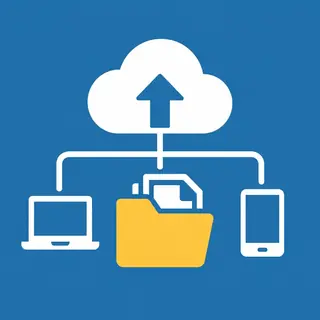
The ultimate hack is making security a habit, not a chore. Start with the "3-2-1 backup rule": keep three copies of your data, on two different media, with one offsite (cloud or external drive). This ensures ransomware or hardware failure doesn’t hold your life hostage. Schedule a weekly 10-minute "digital cleanup" to delete unused apps, clear cache, and review app permissions. Use a password manager’s built-in security dashboard to see if any credentials are compromised. Automate updates on all devices so you never miss a patch.
Educate your family—scammers often target the elderly or kids. Create a family rule: never share personal info in chat. Turn on ad blockers and anti-tracking features in your browser to reduce malicious ads. Lastly, use a "burner" email for subscriptions and a separate, private email for banking. These micro-habits compound into a fortress over time, making you a less attractive target. Remember, cybersecurity isn’t about paranoia—it’s about building friction that scammers don’t want to overcome.
Do not enter any data. Close the tab, disconnect from the internet, and run a full antivirus scan. Change passwords for any account you visited, using a different device. Enable MFA if not already active, and monitor your bank and credit reports for suspicious activity for 90 days. Report the attempt to your email provider or the FTC.
No, absolutely not. A single breach on one platform exposes all others. Use a password manager to generate unique, strong passwords for each account. If remembering them is hard, rely on the manager’s autofill feature. The time saved outweighs the risk of a total account takeover.
Encryption isn’t visible, but you can check for "WPA2" or "WPA3" in the network settings. However, even encrypted networks can be compromised. Always use a VPN for sensitive transactions. Alternatively, disable Wi-Fi and use mobile data, which is encrypted by your carrier.
Use a hybrid approach: store important documents on a external hard drive (weekly) and use a free cloud service like Google Drive or OneDrive (daily). Enable two-factor authentication on your cloud account. This satisfies the 3-2-1 rule without costs. Test restoration monthly to ensure backups work.
Yes, but check your employer’s policy first. Many companies provide enterprise password managers. If not, a personal manager works fine. Just ensure you use a strong master password and enable MFA. This protects your work identity from credential stuffing attacks after corporate breaches.