Are You Making These Common Password Mistakes? Find Out Now
🤔 Stop wasting time and boosting your risk! This common password mistakes guide reveals the surprising habits undermining your online security. Learn…
Read article
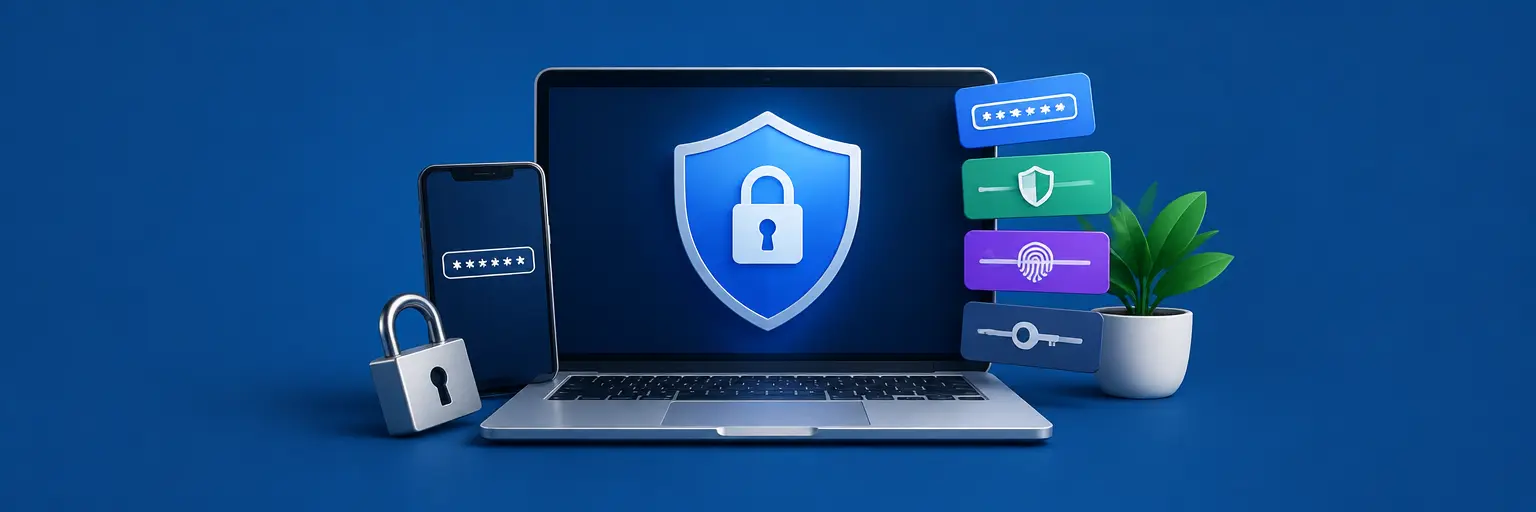
Unlock a stress-free digital life with powerful password and security management hacks that protect your accounts, boost productivity, and save you hours of recovery time. In today’s fast-paced online world, weak credentials or scattered logins are silent time-wasters—and a major risk to your personal data. This guide delivers easy-to-implement, expert-approved strategies to create unbreakable passwords, use password managers like a pro, enable two-factor authentication (2FA) in seconds, and spot phishing attempts before they cost you. Transform your daily routine by streamlining logins, securing every device, and reducing anxiety around cyber threats—all with minimal effort. Whether you’re a busy professional, a student, or a digital nomad, these smart security shortcuts turn complexity into simplicity, letting you focus on what truly matters while keeping your digital footprint safe. Say goodbye to “password123” and hello to a smarter, safer, more efficient online existence.

🤔 Stop wasting time and boosting your risk! This common password mistakes guide reveals the surprising habits undermining your online security. Learn…
Read article
🤔 Stop falling prey to cyberattacks! This article reveals secure passwords: best practices to fortify your online accounts, saving you time and…
Read articleIn today’s hyper-connected world, your digital life is only as secure as your weakest password. This subcategory under Tech & Digital Hacks on UltimateLifeHacks is your go-to resource for transforming chaotic credential chaos into a fortress of organized, accessible, and robust security. Here, we distill complex cybersecurity principles into simple, actionable life hacks that save you time and shield you from identity theft, data breaches, and account lockouts. Whether you are a busy professional juggling dozens of logins or a parent safeguarding family devices, these tips will help you master password vaults, multi-factor authentication, and digital hygiene without the technical overwhelm.
Stop reusing the same “Password123” across sites. A password manager is your digital safe deposit box, generating and storing unique, complex passwords for every account while autofilling them on demand. With a master password as your only key, you eliminate the mental load of remembering dozens of credentials—a true productivity unlock. This hack turns a chaotic browser-based password list into a centralized, encrypted hub that syncs across your devices, so you never lose access again.
Beyond simple storage, modern managers like Bitwarden or 1Password offer features like breach alerts, password health scores, and secure sharing for family or team accounts. Adopting one takes under ten minutes but saves hours annually by preventing reset loops and phishing traps. To maximize this tip, always enable biometric unlock on your phone and set a strong master passphrase using a memorable sentence—your future self will thank you during every login attempt.
Passwords alone are no longer enough; 2FA adds a dynamic second layer that blocks 99% of automated attacks. By requiring a one-time code from an authenticator app, SMS, or hardware key, you turn a stolen password into a useless token. This low-effort security hack dramatically reduces your risk, especially for email, banking, and social media accounts where a breach could cascade into identity theft. Start by enabling 2FA on your most sensitive accounts today.
For maximum efficiency, use an authenticator app like Google Authenticator or Authy instead of SMS, which is vulnerable to SIM-swapping. Many apps offer backup codes—store them in your password manager to avoid lockouts. To avoid redundancy, audit your critical accounts weekly and prioritize those with recovery access to other services. This proactive habit ensures that even if your password leaks, your digital life remains locked and organized.
Forget complex gibberish; the best passwords are long passphrases that combine unrelated words, numbers, and symbols—like “BlueCactus!Tiger42.” These are easy for you to recall but astronomically hard for hackers to crack. A simple life hack is to use a pattern: pick a base phrase, then alter it per site (e.g., add the site’s first letter). This gives you unique credentials without a manager, ideal for low-risk logins or when you’re offline.
To elevate this, use a “sentence method”: think of a favorite quote and twist it. For example, “To be or not to be” becomes “2bOrN0t2b#”. Test your password strength using tools like “How Secure Is My Password?”. Limit this to non-critical accounts; for email and finance, always rely on a manager with random generation. Regularly update your mental formulas every six months to stay ahead of dictionary attacks.
Security isn’t just about new passwords—it’s about purging old, forgotten accounts that act as attack vectors. Conduct a quarterly digital audit: list every account you’ve ever signed up for, from streaming services to old forums. Delete or deactivate unused ones, especially those linked to your email, to shrink your exposure surface. This decluttering doubles as a productivity hack, freeing mental space and reducing notification noise.
To streamline this, use free tools like “Have I Been Pwned” to check if your email appears in known breaches—if yes, change that password immediately. Also, remove old payment methods and unused browser extensions, as they can harvest data silently. Set a calendar reminder every 90 days to revisit this audit. By maintaining a lean digital footprint, you make it harder for cybercriminals to piece together your identity, all while keeping your online world neatly organized.
Sharing passwords with partners, kids, or colleagues often creates insecure sticky notes or unencrypted texts. Use your password manager’s secure sharing feature to grant temporary access without revealing the actual password. For families, set up a shared vault for Wi-Fi, streaming, and household accounts, with different access levels—kids get entertainment, parents get banking. This centralizes control and revokes access instantly when needed.
This hack also covers emergency access: designate a trusted contact who can request access to your vault only after a waiting period, safeguarding your accounts if something happens to you. To maintain organization, create folders by category (work, personal, finance) and label each entry with the associated email or username. This reduces friction in daily use and ensures that even in a crisis, your digital keys are within reach, not lost in a chaotic folder.
Run a password manager’s built-in health check, which scans for weak, reused, or compromised passwords. Then, export your browser’s saved passwords into a CSV and compare against breach databases. Prioritize changing any duplicate or weak ones for critical accounts—aim to fix the top five within a week. This quick audit takes about 15 minutes and dramatically boosts your security posture.
Yes, many reputable free tiers (like Bitwarden or Proton Pass) use the same AES-256 encryption as paid versions. The difference is usually in convenience: limited device syncing, no advanced sharing, or lack of priority support. For most individuals, a free plan is perfectly secure. Just ensure the provider uses zero-knowledge architecture, meaning they cannot see your vault contents, and regularly update the app.
Not necessarily. With 2FA active, changing passwords too often can lead to weaker choices or predictable patterns. Instead, change passwords only when there is a known breach, unusual login, or after sharing access. Focus on unique, strong passwords and consistent 2FA usage. This reduces friction and security fatigue, which often leads to poor habits like reusing passwords.
Most managers offer a recovery kit—print it and store it in a physical safe. If you lose your master password, you can reset it only if you’ve set up recovery codes or biometric fallback. Otherwise, it’s locked forever, though some companies offer account recovery with proof of identity. Always write down your master password and store it offline; never rely on memory alone.
Absolutely. Password managers securely store your card details, auto-fill forms, and generate virtual card numbers that hide your real card during online purchases. This minimizes exposure if a merchant’s database is breached. Additionally, they alert you to suspicious activity or card expiry dates, ensuring your financial data stays organized and protected without manual entry.