Cybersecurity Hacks: Fortify Your Digital Life with Smart, Simple Protections
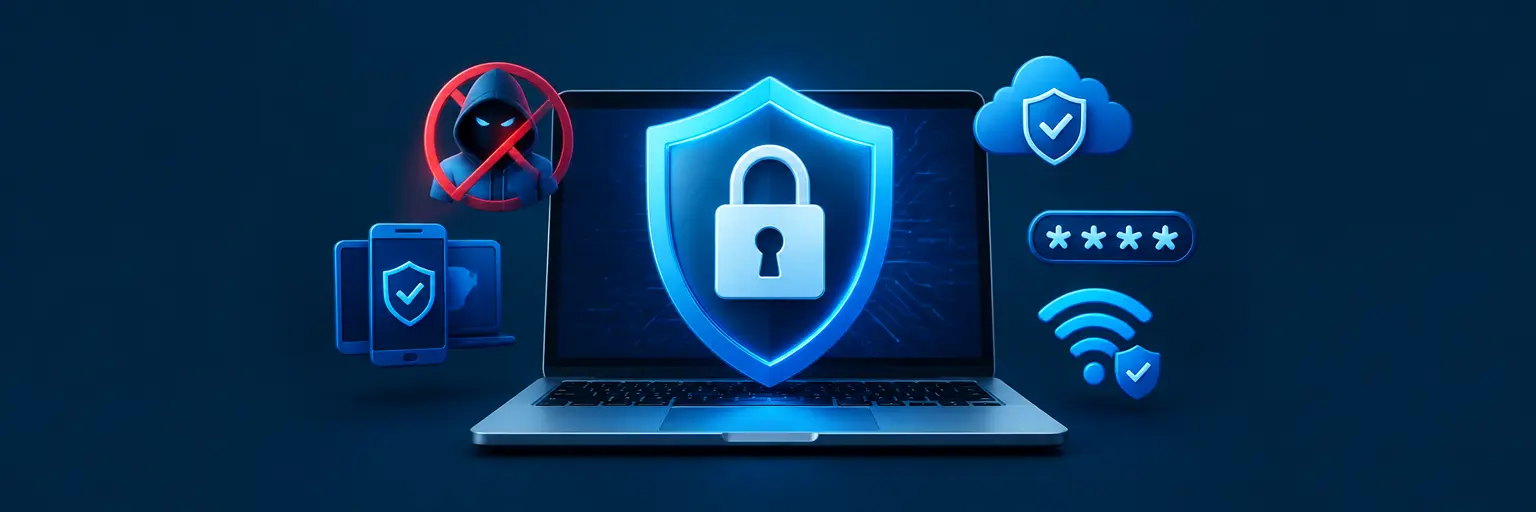
In our hyper-connected world, safeguarding your online presence is no longer optional—it’s essential. The Cybersecurity Hacks subcategory under Tech & Digital Hacks at UltimateLifeHacks delivers actionable, beginner-friendly strategies to shield your devices, accounts, and personal data from cyber threats. Unlike complex IT guides, these hacks are designed for everyday users who want maximum protection with minimal effort. From password management to phishing detection, you’ll discover practical tweaks that fit seamlessly into your routine, saving you time and preventing costly breaches. Let’s dive into the most impactful layers of digital defense.
🔐 Master Password Management Without the Headache
Weak or reused passwords are the #1 entry point for hackers. Instead of memorizing dozens of codes, use a password manager—a single tool that generates, stores, and auto-fills strong, unique passwords for every site. The hack: enable two-factor authentication (2FA) on your password manager itself, then let it handle the rest. You only need to remember one master password. This hack saves you minutes daily and eliminates the risk of credential stuffing attacks.
For even better security, adopt passphrases—long, random word combinations like “BlueCactus!River9” instead of “P@ssw0rd1”. They’re harder to crack but easier to type. Pair this with a regular password audit (most managers flag weak or reused ones), and you’ll patch vulnerabilities in under 10 minutes monthly. This subcategory transforms password hygiene from a chore into a streamlined habit, boosting your overall digital resilience.
🛡️ Spot and Avoid Phishing Scams Instantly
Phishing remains the most successful cyberattack vector, but you can outsmart it with a few quick checks. Always hover over links before clicking—the real URL will appear in your browser’s bottom corner. If it looks like “paypa1.com” or contains random numbers, delete immediately. Also, scrutinize email sender addresses: legitimate companies never use free domains like @gmail.com for official alerts. When in doubt, type the official website directly into your browser instead of using the link.
Another powerful hack: enable email filtering and mark suspicious messages as spam to train your provider. For SMS phishing (smishing), never click links in texts—even from known contacts, as their accounts may be compromised. Use a unique voice verification word for sensitive calls. These tiny habits cut your risk by over 90% and cost zero time. The subcategory gives you a mental checklist that turns you from a target into a well-defended user.
🔒 Lock Down Your Wi-Fi and Home Network
Your router is the gateway to every device you own. Start by changing the default admin username and password—defaults are publicly listed online. Then, enable WPA3 encryption (if supported) or at least WPA2. Disable WPS (Wi-Fi Protected Setup), a known vulnerability, and turn off remote admin access. For guests, set up a separate guest network with limited bandwidth, so their devices can’t reach your smart home or file-sharing folders.
More advanced hacks include updating router firmware monthly and changing your SSID to something non-identifiable (avoid your name or address). Also, enable MAC address filtering to allow only known devices. These steps take about 15 minutes but dramatically reduce unauthorized access. If you use a VPN, configure it directly on the router to encrypt all traffic automatically. This subcategory empowers you to create a fortress at home, protecting every connected gadget from casual snoops to sophisticated attackers.
📱 Secure Your Smartphone and Apps
Smartphones are mini-computers filled with sensitive data. Use a strong PIN or biometric lock—never pattern locks, which leave smudge traces. Enable “Find My Device” for Android or “Find My iPhone” to locate or erase remotely if lost. Review app permissions regularly: many apps request access to contacts, location, and camera unnecessarily. Revoke permissions for any app you don’t trust fully or use rarely. Also, delete unused apps—they often receive outdated security patches.
Another critical hack is to update your operating system and apps automatically. Developers release patches for zero-day vulnerabilities, and delaying gives hackers a window. For extra safety, use a separate browser for banking and a dedicated email for financial accounts. Turn off Bluetooth and NFC when not in use—they can be abused for relay attacks. These tips turn your phone from a liability into a controlled, secure device, all within a few minutes of setup each month.
🧠 Build a Bulletproof Backup and Recovery Plan
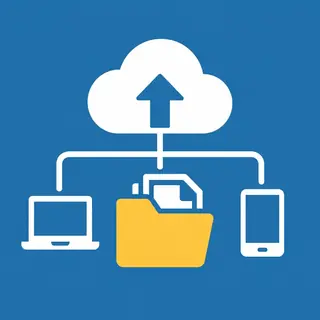
Ransomware can lock you out of your files in seconds, but a solid backup minimizes damage. Follow the 3-2-1 rule: keep 3 copies of your data, on 2 different media (one local, one cloud), with 1 copy offsite. Automate backups for your computer, phone, and cloud documents—use built-in tools like Time Machine or OneDrive. Test restoring a file quarterly to ensure backups actually work. This hack saves you from catastrophic data loss and extortion.
For extra resilience, enable versioning on cloud services so you can roll back to earlier file versions if infected. Store an encrypted external drive in a safe or a family member’s home. Also, write down your recovery codes for all important accounts and keep them offline. This subcategory turns disaster planning into a worry-free routine, giving you peace of mind and the ability to recover within minutes, not days.
Frequently Asked Questions
What is the single most effective cybersecurity hack for beginners?
Enable two-factor authentication (2FA) on every important account, especially email and banking. Use an authenticator app like Google Authenticator rather than SMS, as SIM swapping can bypass text codes. This simple step blocks 99% of automated attacks and takes just two minutes to set up.
Are free password managers safe to use?
Yes, reputable free versions like Bitwarden or Proton Pass use end-to-end encryption—only you see your data. Avoid unknown third-party apps. They often have generous limits for personal use. Trust verified brands and check their security audits online.
How often should I update my router’s firmware?
Check monthly for updates, but don’t stress over daily checks. Set a calendar reminder for the first of each month. If your router is older than five years, consider replacing it, as manufacturers stop patching old models. Most updates fix known exploit holes.
Can a VPN protect me from all cybersecurity threats?
No—a VPN encrypts your internet traffic and hides your IP, but it doesn’t stop malware, phishing, or poor password habits. Use it alongside antivirus software and safe browsing. For privacy on public Wi-Fi, it’s essential, but it’s not a silver bullet.
What should I do immediately if I think my account is compromised?
Change your password immediately, log out of all sessions, and enable 2FA if not already active. Contact the platform’s support team and check recent login history. Run a malware scan on your devices and update your backups. Move fast to minimize damage.