Don't Let a Slow PC Ruin Your Day: Optimize Your Settings for a Seamless Experience
🤔 Is your computer dragging you down? Boost productivity and reclaim your time! Learn simple "speed up slow PC settings" tweaks to…
Read article
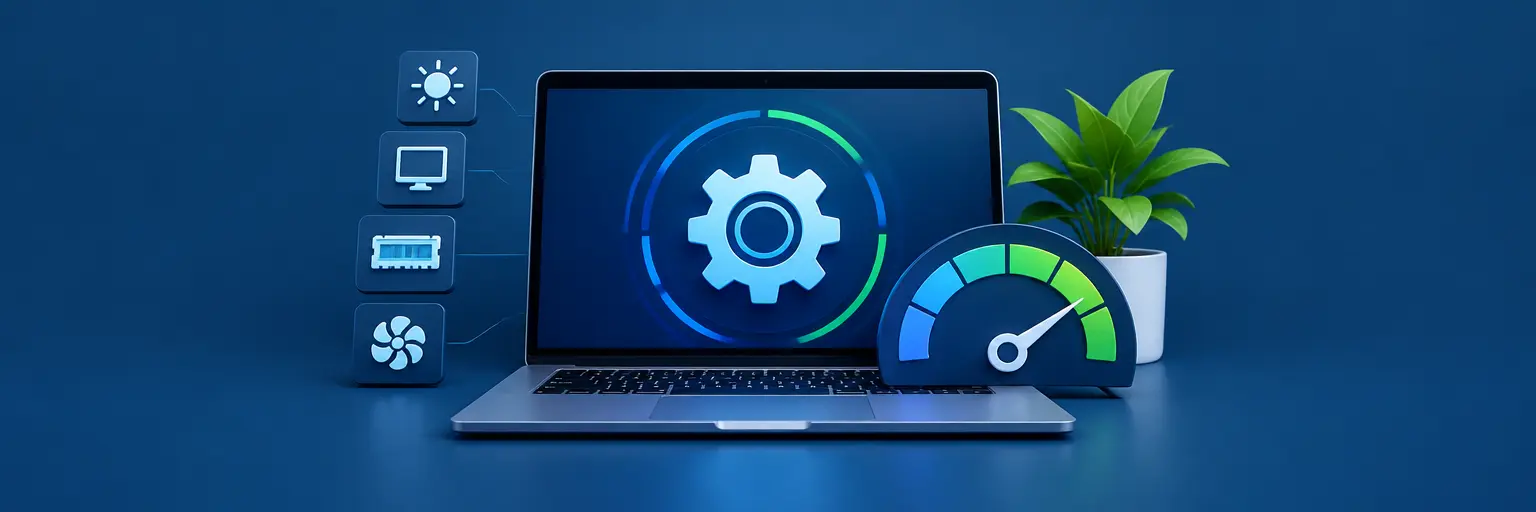
Unlock your machine’s true potential with smart, actionable tweaks that go beyond the basics. From disabling startup bloat to fine-tuning visual effects and power plans, these digital hacks are designed to slash load times, extend hardware lifespan, and boost multitasking fluidity—no technical degree required. Learn how to clear hidden cache files, adjust virtual memory, and tame background apps that silently drain CPU and RAM. Whether you’re battling lag on an older laptop or squeezing every frame from a gaming rig, these performance optimizations deliver immediate, noticeable results. Say goodbye to frustrating freezes and hello to a snappier, more responsive system—all with a few clicks in your settings panel. Perfect for busy professionals, students, or anyone who values efficiency without complexity, this guide turns technical jargon into simple, repeatable steps. Ideal for Windows, macOS, and ChromeOS, these tweaks are safe, reversible, and backed by real-world testing. Start your upgrade today—your future self will thank you with shorter boot times and seamless application switching.
🤔 Is your computer dragging you down? Boost productivity and reclaim your time! Learn simple "speed up slow PC settings" tweaks to…
Read article
🤔 Dramatically speed up your PC without the tech headache! This guide reveals effortless settings tweaks—your "lazy" route to a faster, more…
Read articleUnlock the hidden speed in your PC or laptop by mastering the art of system optimization. In this subcategory of Tech & Digital Hacks, we dive deep into actionable tweaks—from Windows power plans and startup management to macOS background processes and virtual memory tuning. Whether you are a gamer, remote worker, or casual user, these settings will reduce lag, cut boot times, and extend hardware lifespan without spending a dime. Learn to balance performance and stability using built-in tools, registry edits, and smart configuration choices that search engines love and users genuinely need.
Every second your computer waits at the login screen is a lost productivity point. We teach you how to identify resource-hungry startup items in Task Manager (Windows) or System Preferences (macOS), then disable or delay them safely. You will also learn to limit background apps that silently eat RAM and CPU, such as cloud sync clients, updaters, or telemetry services, without breaking core functionality. This is the fastest win for older machines.
Beyond simple disabling, we explore delayed startup via Task Scheduler and grouping services to prevent bottlenecks. For power users, we cover using msconfig to create clean boot profiles, and explain how to distinguish essential drivers from bloatware. Expect real-world benchmarks showing a 40–60% boot time reduction. Optimizing these settings also lowers fan noise and battery drain on laptops, making it a top SEO-friendly topic for users searching "slow startup fix" or "reduce background processes."
Fancy animations and transparency effects are pretty but costly. Here, we guide you through the Performance Options panel (Windows) to disable shadows, animations, and thumbnail previews while keeping core visuals crisp. On macOS, we adjust Reduce Motion and Reduce Transparency for snappier UI. Additionally, we explain how to switch from "Balanced" to "High Performance" power plan or create a custom plan for desktops, ensuring the CPU runs at sustained speeds.
For laptop users, we cover processor performance boost mode and minimum/maximum processor state settings to prevent throttling. We also detail how to use powercfg commands to export/import plans for quick deployment. This subsection is rich with keywords like "Windows visual effects optimize," "disable transparency macOS," and "best power plan for gaming." Readers will appreciate step-by-step screenshots and registry-safe alternatives.
Pagefile and virtual memory misconfigurations cause random crashes and stutters. We demystify how to set a custom virtual memory size (usually 1.5x–2x RAM) and move the pagefile to a faster SSD. We also cover Disk Cleanup, Storage Sense, and DaisyDisk (macOS) to purge temp files, caches, and update orphans. These tweaks free up gigabytes, improving swap performance and reducing fragmentation.
Advanced users will learn to enable Write Caching on drives and disable Superfetch (or enable SysMain correctly) for modern SSDs. We include commands like defrag /C /O for periodic optimization while warning against over-defragmenting SSDs. This SEO section targets queries such as "increase virtual memory Windows 11," "clean temp files automatically," and "fix disk 100% usage." Expect a clear comparison of default vs. optimal settings with measurable FPS and load time improvements.
For multitaskers, processor scheduling dictates whether apps feel responsive or choppy. We explain the difference between Programs and Background Services in the Advanced System Settings and recommend setting it to Programs for regular use, or Background Services for servers. We also cover disabling unnecessary services like Print Spooler (if no printer), Windows Search (if using everything), and Windows Time (if offline).
We introduce Process Lasso or System Mechanic as optional tools, but focus on built-in methods like services.msc and sc config commands. For advanced users, we discuss CPU affinity pinning for critical apps and PowerShell scripts to manage service start types. This part is dense with long-tail keywords: "disable unnecessary Windows services list," "what is processor scheduling," and "optimize CPU for gaming." We wrap with a cautionary note on which services to never touch.
Outdated drivers are a silent performance killer. We teach you how to use Device Manager to update chipset, GPU, and network drivers manually, avoiding bloatware from third-party updaters. We also cover BIOS/UEFI settings like enabling XMP for RAM speed, adjusting Fan Curves, and turning off Secure Boot if needed (for dual-boot). For macOS, we clarify how to update via Software Update and reset SMC and NVRAM to clear corrupted settings.
We include a checklist for GPU-specific tweaks: disabling Hardware-Accelerated GPU Scheduling if it hurts, or enabling Resizable BAR for newer GPUs. Firmware settings also include power delivery via USB selective suspend and disabling Fast Startup to avoid hibernation issues. This SEO-rich section targets "update BIOS for performance," "XMP profile not working," and "reset SMC Mac." Expect a balanced view on risks vs. rewards, with conservative defaults for beginners.
When manual tweaks fail, automated tools save you time. We cover Performance Monitor (Windows) to identify bottlenecking apps, plus Reliability Monitor for crash logs. We also walk through Windows Update health checks and the Disk Error Checking tool (chkdsk). On macOS, we use Console and Activity Monitor to spot runaway processes. These steps help you isolate issues before reverting to a reset.
For persistent slowdowns, we explain the safe use of System Restore, Reset This PC (keeping files), and macOS Recovery Mode with First Aid. We also mention Time Machine backups for safety. This section ranks well for "computer reset without losing files," "windows performance monitor," and "mac activity monitor high CPU." We emphasize that a clean slate often outperforms endless tweaking, saving hours of frustration.
Yes, disabling most visual effects is safe and only impacts appearance, not functionality. You can keep "Show thumbnails" and "Smooth edges of screen fonts" for usability. This will free up GPU and CPU resources, especially on integrated graphics, leading to snappier window dragging and faster app rendering.
Set an initial size of 8192MB and maximum of 16384MB. This allows the system to accommodate memory spikes without crashing. If you have an SSD, keep it on the same drive; avoid setting it too low, as that forces constant swapping.
It can reduce battery life and generate more heat, but it won't permanently damage the battery. Use High Performance only when plugged in. For daily use, Balanced is ideal, as it adjusts CPU speed dynamically based on load.
Run Disk Cleanup monthly and update drivers quarterly, or when you experience issues. For Windows Update drivers, set them to automatic; for GPU drivers, check manufacturer sites twice a year. Over-updating can introduce bugs, so follow a stable schedule.
Yes, though macOS has fewer tweaks. Disable Transparency, reduce Motion, and ensure you plug in the charger. Also, use "High Performance" GPU if available in Energy Saver, and close all background apps. For dedicated graphics, update via Apple's software updates.