Master Your Time: The Social Media Hacks You Can't Afford To Ignore
🤔 Reclaim your day! Learn essential social media time management hacks to boost productivity and conquer your to-do list. Stop scrolling, start…
Read article
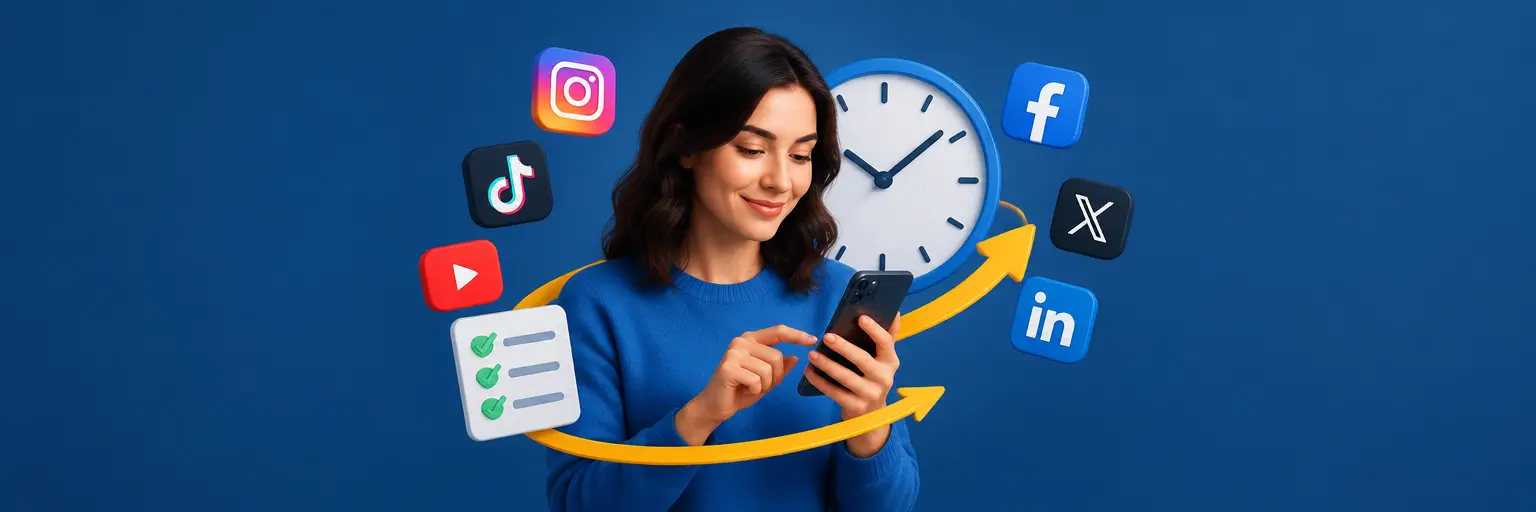
Unlock more hours in your day with time-saving social media strategies that cut through the noise and boost your productivity. From batch content creation to smart scheduling tools and automation workflows, these hacks help you manage multiple platforms without burning out. Whether you’re a creator, small business owner, or busy professional, discover how to streamline posting, engage smarter, and analyze results faster — turning social media from a time drain into a powerful efficiency engine. Perfect for anyone seeking practical digital life hacks to reclaim their schedule and maximize impact with minimal effort.

🤔 Reclaim your day! Learn essential social media time management hacks to boost productivity and conquer your to-do list. Stop scrolling, start…
Read article
🤔 Reclaim your time! This article unveils powerful social media time-saving hacks to dramatically reduce scrolling and boost daily productivity. Learn to…
Read articleSocial media can easily become a black hole for your daily schedule, eating up hours with endless scrolling, manual posting, and repetitive engagement. In this subcategory of Tech & Digital Hacks at UltimateLifeHacks, we focus on practical, actionable strategies that cut your social media management time in half—or more. From bulk content creation to automation tools and smart scheduling, these hacks are designed for busy professionals, small business owners, and productivity enthusiasts who want to stay active online without sacrificing their real-life hours. Expect no fluff, just digital efficiency.
Creating unique content for every platform is a massive time-waster. The core hack here is batch creation—set aside one focused block (like 90 minutes weekly) to produce a week’s worth of posts. Use templates for graphics, pre-written caption frameworks, and phone camera presets. Then, repurpose aggressively: turn one blog post into a Twitter thread, a LinkedIn article, and an Instagram carousel—all from the same core idea.
Adept repurposing also means using tools like Repurpose.io or Missinglettr to auto-convert videos into quotes, audio clips, and text posts. This strategy eliminates the “what do I post today?” panic and keeps your brand consistent. By mastering batch workflows, you’ll reduce decision fatigue and maintain a steady posting frequency that algorithms favor—without daily manual effort.
Scheduling posts manually on each network is archaic. Use centralized dashboards like Buffer, Later, or Publer to plan your entire month in one sitting. The hack isn’t just about posting times—it’s about audience-specific timing. Analyze your analytics to find when each platform’s users are most active, then schedule accordingly. Automate recurring posts (tips, FAQs, or behind-the-scenes) to fill gaps.
Beyond scheduling, automate engagement with smart replies. Tools like ManyChat for Instagram DM automation or Zapier to connect social media actions to your CRM or email list save hundreds of manual clicks weekly. Set up auto-responses for common questions, thank-you messages for new followers, and content sharing triggers when you publish a new blog post—all running while you sleep.
Most social media managers waste time tapping through menus. On desktop, learn platform-specific keyboard shortcuts—for example, on X (Twitter), press N for a new tweet, or . to load newer tweets. On Facebook, use P to post. On Instagram’s web version, use Tab navigation to move quickly between fields. These micro-efficiencies accumulate to minutes per day, which translates to hours per month.
Mobile hacks include using text replacement shortcuts on your phone: type “#p” to auto-expand into your standard promotional paragraph, or “@client” for a common client tag. Also, use browser extensions like uBlock Origin to hide distracting feed elements, and set up do-not-disturb schedules for social apps to prevent endless notification checks. Your phone’s built-in automation (Shortcuts on iOS, MacroDroid on Android) can even pre-write drafts or open your analytics at a set time daily.
Original content drains time; curated content fills gaps instantly. Build a swipe file—a folder (Google Drive, Notion, or Airtable) of industry articles, memes, quotes, and infographics you find interesting. Set a browser bookmark bar named “Curate” and one-click save anything relevant. Then, spend 10 minutes daily scheduling from that file, always adding a short, value-adding comment for your audience.
Hashtag research is another time sink. Create hashtag sets (e.g., #growth #marketing, #business) and save them in a notes app or directly in your scheduler. Use services like Display Purposes or Hashtagify to find low-competition tags in bulk. Instead of typing tags manually each post, copy-paste your pre-set list of 10-15 relevant tags per niche. This reduces cognitive load and ensures you never forget to add topical tags that boost discoverability.
The biggest time hack isn’t a tool—it’s your behavior. Adopt a “two-touch” rule: check social media only twice daily (e.g., 10 AM and 4 PM) for 15 minutes each. During those blocks, engage, reply, and schedule—no doomscrolling. Also, use website blockers (Freedom, StayFocusd) to block social domains outside your set windows. This restores hours weekly and reduces mental fatigue.
Batch similar tasks together: reply to comments, then answer DMs, then schedule—never mix. Set a timer for each activity (like Pomodoro for social management). More profound: use a “social media vacation” one day per week where you only auto-publish, never manually engage. This gives your brain a break and your audience a consistent presence. Over time, these habits transform social media from a distraction into an efficient business channel.
Start with batch content creation + scheduling. Spend one hour weekly creating five posts (using Canva templates) and schedule them all at once with a free tool like Buffer. That’s 40% less time spent daily, and it builds consistency—the foundation for growth.
Use a tool like Repurpose.io or Vidyo.ai to auto-generate captions, shorter clips, and quote images from one long video. Then, schedule those clips across Instagram Reels, TikTok, YouTube Shorts, and LinkedIn—all from one upload, often with auto-watermark removal.
If you rely solely on bots for replies or auto-DMs, yes—audiences can feel spam. But scheduling posts and automating repetitive replies to FAQs is fine. Balance automation with real, timely engagement during your two daily check-ins to keep a human touch.
Buffer (limited free plan), Later (for visual platforms), and Publer (free up to 10 social accounts). Also, native schedulers within Meta Business Suite (Facebook/Instagram) and LinkedIn’s native scheduler are 100% free and reliable for basic posting.
Do a deep analysis once per month (30 minutes). Look at which post types got the most saves, shares, and clicks. Then, double down on those formats and stop producing underperforming ones. Weekly quick checks (5 minutes) suffice to adjust timing, but avoid hourly obsession.