Work Smarter, Not Harder: GameChanging Tech Gadgets for Home Offices
😊 Transform your home office with the best home office tech gadgets! This article unveils game-changing tools boosting productivity and efficiency, saving…
Read article
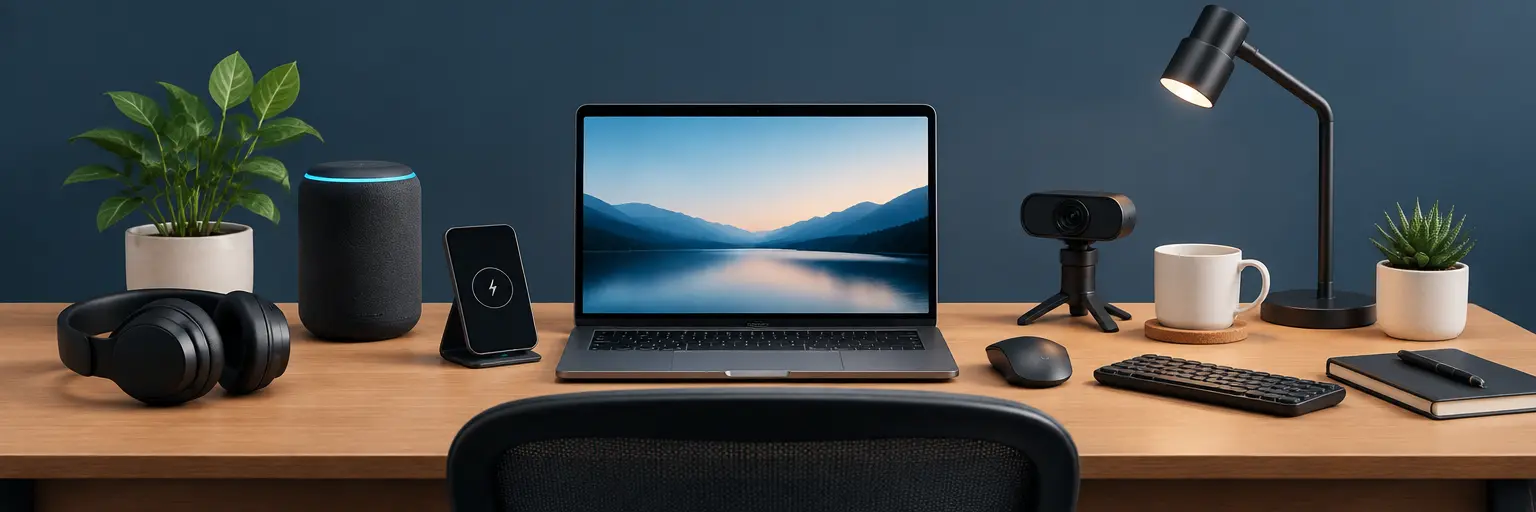
Upgrade your workspace with the best tech gadgets for home office productivity—practical tools designed to help you work smarter, not harder. From noise-cancelling headphones that block distractions to smart desk organizers that declutter your space, these must-have home office tech gadgets streamline your workflow and boost focus. Whether you’re tackling deep work, managing a cluttered desk, or juggling virtual meetings, these innovations save you precious time and elevate daily efficiency. Perfect for remote professionals, freelancers, or anyone optimizing their daily routine, each gadget is a game-changer for turning chaos into calm—and getting more done in less time.
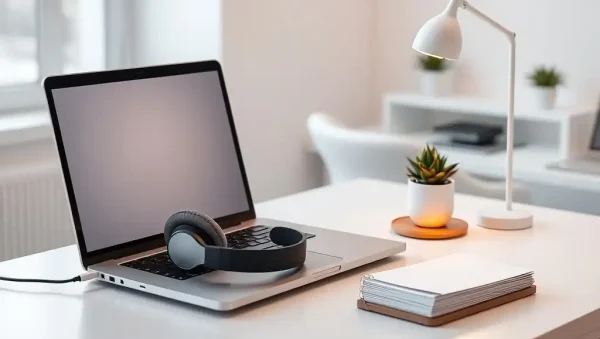
😊 Transform your home office with the best home office tech gadgets! This article unveils game-changing tools boosting productivity and efficiency, saving…
Read article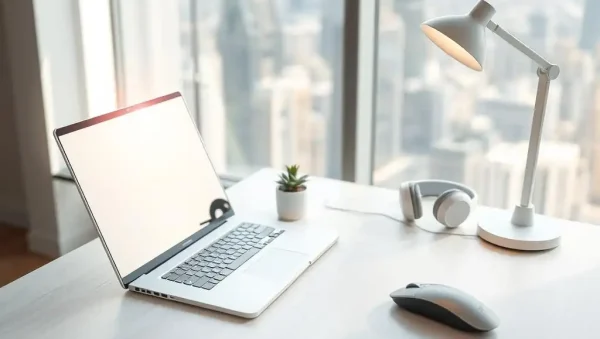
🤔 Supercharge your home office productivity with the best tech! This article reveals the top gadgets—from noise-canceling headphones to ergonomic keyboards—that maximize…
Read article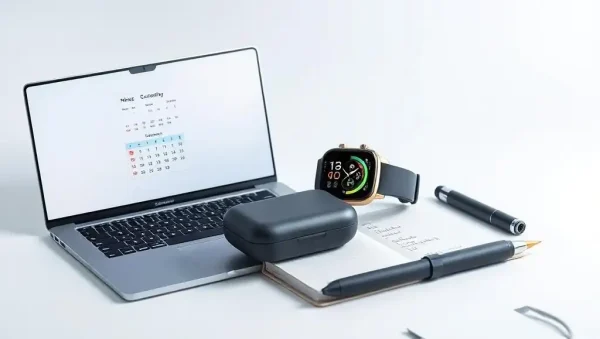
🤔 Drowning in tasks? Discover the best productivity tech gadgets transforming time management. This article reveals how smart tools conquer overwhelm, boosting…
Read articleWorking from home demands more than just a laptop and a coffee mug—it requires a smart, efficient setup that keeps you focused, organized, and energized. At UltimateLifeHacks, we’ve curated the ultimate list of must-have home office tech gadgets that transform your remote workspace into a productivity powerhouse. From noise-canceling headphones to smart lighting and ergonomic accessories, these tools are designed to save you time, reduce distractions, and streamline your daily workflow. Whether you’re a freelancer, remote employee, or side-hustler, this guide covers the essential tech upgrades that deliver real results.
The best tech gadget for home office productivity starts with audio isolation. Premium noise-canceling headphones, such as the Sony WH-1000XM5 or Bose QC45, block out background chatter, construction noise, and even your partner’s zoom calls. This creates a “quiet zone” that dramatically improves concentration, especially during deep work sessions. Pair them with a good microphone for crystal-clear virtual meetings, and you’ll notice fewer interruptions and faster task completion.
Beyond noise cancellation, modern models offer multi-device pairing, touch controls, and long battery life—essential for back-to-back calls. Look for features like adaptive sound modes that adjust to your environment, and transparent mode for when you need to hear a doorbell. Investing in high-quality headphones isn’t a luxury; it’s a productivity tool that reduces stress and elevates your professional presence. For must-have home office tech gadgets, this is the first upgrade to prioritize.
Poor lighting is a silent killer of productivity. Smart desk lamps, like the BenQ ScreenBar or Philips Hue Go, provide adjustable color temperature and brightness that mimic natural daylight. This reduces eye fatigue, headaches, and drowsiness, allowing you to work longer without burnout. Many models sync with your circadian rhythm, automatically shifting from energizing cool light in the morning to warm, relaxing tones in the evening—perfect for maintaining a healthy work-life balance.
Additionally, smart lighting can be integrated with your productivity apps. For instance, set your lamp to flash a gentle reminder when you’ve been sitting for an hour, or dim it during breaks. Some lamps even include built-in wireless charging pads, combining two must-have home office tech gadgets into one. The result: a well-lit, tech-savvy workspace that keeps your eyes sharp and your mood positive—critical for tackling long projects and daily administrative tasks.
Repetitive strain injuries are common among remote workers, but the best tech gadgets for home office productivity include ergonomic peripherals that prevent them. A split keyboard (like the Logitech ERGO K860) and a vertical mouse (like the MX Master 3S) reduce wrist pronation and muscle strain. These tools allow you to type and click for hours with less fatigue, directly boosting your output and reducing sick days. Pair them with a cushioned wrist rest for maximum comfort.
Beyond comfort, these peripherals often come with programmable buttons. You can assign macros for copy-paste, undo, or app switching, saving precious seconds on repetitive actions. Wireless versions reduce cable clutter, making your desk cleaner and easier to navigate. For home office tech gadgets, ergonomic upgrades are a long-term investment—they protect your health while accelerating your daily workflow. Don’t overlook the importance of proper typing posture; your future self will thank you.
A mess of cables kills focus and wastes time searching for chargers. Smart power strips, like the Anker PowerPort or Kasa Smart Strip, let you control multiple devices via your phone or voice assistant. You can turn off idle monitors, printers, or speakers with a single command, saving energy and reducing standby power costs. Some models even include USB-C ports and surge protection, making them a versatile hub for all your must-have home office tech gadgets.
Combine a smart strip with cable sleeves or clips to keep your desk orderly. A clean workspace reduces visual stress and makes it easier to find what you need—crucial for rapid task switching. Additionally, schedule your strip to power down non-essential devices after work hours, reinforcing boundaries between professional and personal time. This small upgrade has a big impact on your efficiency and peace of mind, turning your home office into a streamlined command center.
In the era of video meetings, your camera and mic are your first impression. Built-in laptop webcams often produce grainy images and muffled audio. Upgrading to a 4K webcam (like the Logitech Brio) and a USB condenser microphone (like the Blue Yeti) instantly raises your professionalism. Clear video and audio reduce miscommunications, so meetings end faster and decisions are made with confidence—a huge productivity win.
Many modern webcams offer auto-framing, background blur, and low-light correction, ensuring you always look sharp even in dim rooms. For audio, noise-suppressing microphones filter out keyboard clicks and background noise, allowing you to speak naturally without repeating yourself. Pair these with a simple ring light for flattering illumination. These home office tech gadgets are not just about vanity—they streamline communication, which is the backbone of efficient remote work.
Noise-canceling headphones are widely considered the most essential because they create a distraction-free environment, which is critical for focus. However, if you work in a quiet space, an ergonomic keyboard plus a high-quality webcam might be more impactful. Start with headphones if your environment is noisy, then add peripherals based on your specific pain points.
Yes, smart lamps reduce eye strain and help regulate your circadian rhythm by mimicking natural light. Proper lighting can increase alertness and reduce headaches, leading to longer, more effective work sessions. Look for models with adjustable color temperature and brightness controls, especially those that sync with your daily schedule.
Absolutely. They prevent repetitive strain injuries, which can cause costly downtime and medical bills. Even if you don’t have pain yet, ergonomic peripherals encourage better posture and reduce typing fatigue, allowing you to work longer with more comfort. Many users report a noticeable boost in typing speed and accuracy after a short adaptation period.
Yes, they cut standby power drawn by idle devices, which can lower your electricity bill. They also let you turn off multiple gadgets with one tap or voice command, eliminating the hunt for switches. Scheduling features help automate your workspace, such as powering down printers after 6 PM—saving both energy and mental clutter.
Look for a webcam with at least 1080p resolution, auto-focus, and low-light correction. For microphones, choose a condenser USB mic with a cardioid pattern to reduce background noise. Test both with your conferencing app before buying, and check for compatibility with your OS. Prioritize clear audio over video—people forgive a soft image, but not a muffled voice.