Tech Essentials: MustHave Gadgets for a Productive Home Office
😊 Boost your home office productivity with our curated list of best home office tech gadgets. Discover essential tools to streamline workflows,…
Read article
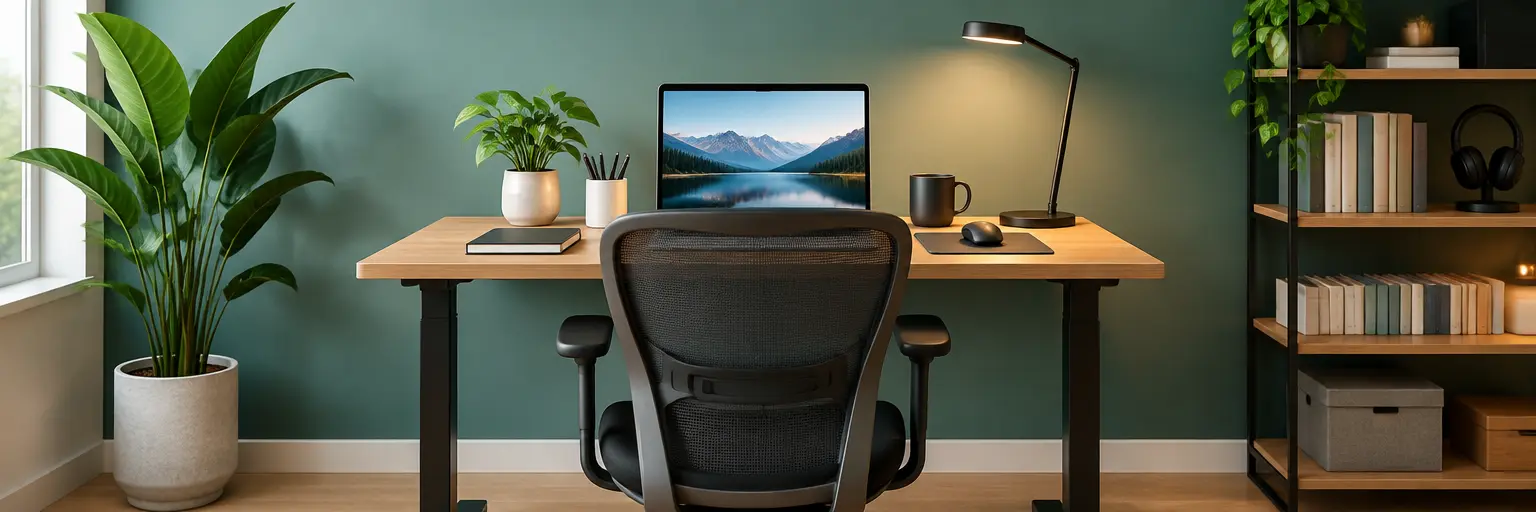
Transform your living space into a command center for focus and efficiency with practical, science-backed strategies that boost output without sacrificing comfort. From ergonomic desk setups that prevent fatigue to lighting tricks that sharpen concentration, this guide covers the essential gear, layout principles, and habit hacks that turn any corner into a high-performance workspace. Learn how to minimize distractions, optimize your chair height, position your monitor at the perfect angle, and organize cables for a clutter-free, motivation-boosting environment. Whether you’re a remote worker, freelancer, or student, these actionable tips help you reclaim your time, reduce stress, and create a home office that works as hard as you do—no renovation required.
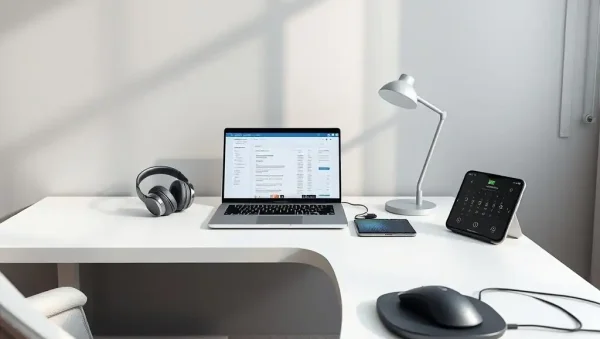
😊 Boost your home office productivity with our curated list of best home office tech gadgets. Discover essential tools to streamline workflows,…
Read article
😊 Transform your home office into a productivity powerhouse! Discover how aromatherapy for home office focus, using specific essential oils, can dramatically…
Read article
😉 Combat digital eye fatigue with our guide to the perfect reduce eye strain monitor setup. Learn how simple adjustments to your…
Read article
😊 Discover the ideal home office temperature for peak focus and productivity! This article reveals the science-backed "best home office temperature" for…
Read article
🤔 Unleash your potential with our remote work productivity tips! This article reveals practical strategies to optimize your home office, boost efficiency,…
Read article
😊 Transform your home office from distraction zone to productivity powerhouse! This article delivers expert home office productivity design tips to boost…
Read articleWelcome to the heart of remote work success. At UltimateLifeHacks, we know that a productive home office isn’t just about a desk and a chair—it’s about designing a distraction-free zone that fuels your focus, energy, and output. Whether you’re a seasoned remote worker or new to the home-based grind, this subcategory is your go-to resource for transforming any corner of your home into a high-performance command center. From ergonomic layouts to lighting psychology and clutter-busting systems, we’ll cover the practical life hacks that save you time and mental bandwidth daily. Get ready to optimize your routine with actionable, science-backed strategies that make working from home feel effortless.
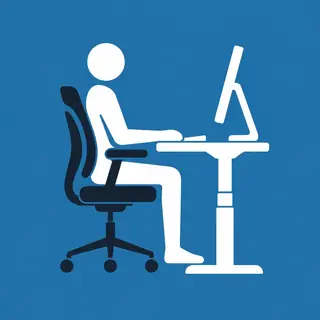
Your physical comfort is the foundation of every productive workday. This facet focuses on positioning your monitor at eye level, choosing an adjustable chair with lumbar support, and ensuring your keyboard and mouse are within a natural arm’s reach. A poorly configured desk leads to neck strain, back pain, and fatigue—all silent productivity killers. We’ll guide you through quick fixes like using a laptop stand or a rolled towel for lower-back support if you’re on a budget.
Beyond hardware, we cover micro-break strategies and the 20-20-20 rule to reduce eye strain. Implementing these changes doesn’t require a full renovation; even small tweaks like adding a footrest or repositioning your chair can boost energy levels by up to 20%. Expect actionable checklists that you can complete in under an hour. Your body will thank you, and your focus will sharpen as pain fades into the background, letting your brain dedicate all its power to deep work.
Lighting is the most underrated productivity hack. Natural daylight is ideal, but for cloudy days or night owls, we dive into layered lighting—task lights for your desk and ambient light to reduce harsh shadows. Harsh overhead lighting causes eye fatigue and headaches; instead, we recommend warm LED bulbs with adjustable brightness. Additionally, acoustics matter: a noisy hallway or street traffic disrupts concentration. We’ll share cost-effective solutions like white noise machines, foam panels, or even a heavy curtain to mute sound.
Color temperature also influences cognitive performance—cool white light boosts alertness, while warm tones signal relaxation. Learn to position your desk near a window but perpendicular to it to avoid screen glare. For noise, we discuss behavioral hacks such as scheduling deep work during quieter hours or using noise-cancelling headphones. By mastering light and sound, you create a sensory environment that whispers “focus” to your brain, reducing the effort needed to enter a flow state. Expect immediate improvements in task completion times.
Clutter is visual noise that taxes your working memory. This section introduces the “one-touch” rule and the “five-minute tidy” ritual at the end of each workday. We’ll teach you how to organize cables, papers, and digital files so that everything has a home. A clean desk isn’t just aesthetic—studies show a tidy workspace reduces cortisol levels and improves persistence on challenging tasks. Start with a simple tray system for incoming paperwork and a desktop file holder for active projects.
We also cover digital decluttering: cleaning your desktop icons, unsubscribing from spam, and organizing email folders into an “action” and “reference” system. Physical and digital clutter often coexist, so we tackle both simultaneously. You’ll learn to implement a “weekly reset”—just 15 minutes every Friday to wipe surfaces, recharge devices, and clear your browser tabs. These micro-habits compound into a serene, efficient space where you can find anything in under 30 seconds. Say goodbye to the stress of hunting for a pen or a file.
Your environment should support your natural rhythms, not fight them. We explore how to structure your home office for time-blocking—creating visual cues like a physical timer or a whiteboard with scheduled tasks. We’ll guide you on identifying your “golden hours” (when you’re most alert) and reserving those for deep work, leaving administrative tasks for lower-energy periods. Strategic scheduling eliminates decision fatigue, which can otherwise drain up to 30% of your daily productivity.
Additionally, we discuss transition rituals: a short walk, a cup of tea, or a two-minute stretch that signals “work mode” to your brain. This is especially vital for remote workers who struggle to “switch off.” We’ll provide a sample daily schedule that balances intense focus sessions with explicit breaks. By pairing your environment—like a dedicated coffee mug or a specific playlist—with your routine, you condition your mind to enter focus faster each morning. Expect to reclaim at least an extra hour of high-quality output daily.
Bringing elements of the outdoors inside is a science-backed productivity booster. We cover adding low-maintenance plants like snake plants or pothos that purify air and reduce stress. Even a small succulent on your desk can improve mood and creativity. We also discuss using natural textures—wood, bamboo, or stone—for desk accessories and a view of greenery through a window if possible. These elements lower your heart rate and increase focus, making them ideal for long hours.
Our practical tips include setting a greenery challenge: place one plant within your line of sight, and another at the door’s edge to smooth transitions. We also explore aromatherapy with essential oils like peppermint or lemon to stimulate alertness. For those without a window, we recommend high-quality “daylight” LED bulbs and nature soundscapes. These simple additions turn a sterile room into a calm sanctuary, reducing burnout and boosting job satisfaction. Your home office will feel less like a cubicle and more like a retreat where productivity thrives naturally.
Start with the essentials: a sturdy table, a comfortable chair (even a used one), and proper lighting. You can use books to raise your monitor to eye level and a rolled towel for lumbar support. Focus on decluttering first—this costs nothing. Prioritize noise reduction with a homemade DIY foam panel or even a heavy blanket over a window. These low-cost tweaks yield 80% of the benefits of expensive gear, so don’t let budget stop you from improving.
Place your desk so you can see the door without being directly in line with it—this is called the “command position” in feng shui. It gives you a sense of control and reduces surprise interruptions. If that’s impossible, use a small mirror to see behind you. This setup minimizes anxiety and helps you stay in a focused state, knowing you won’t be startled by someone entering your space.
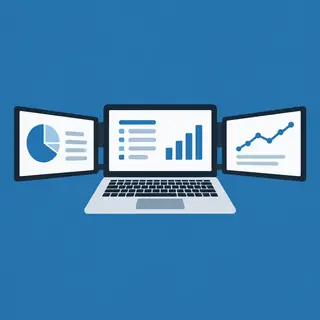
Position your primary monitor directly in front of you, with the secondary one at about a 30-degree angle to the side. Keep the top of each screen at or slightly below eye level. Increase font size and reduce blue light emission using software or built-in night modes. Ensure you blink often and use the 20-20-20 rule: every 20 minutes, look at something 20 feet away for 20 seconds. This simple habit can cut eye fatigue by half.
Yes, if you can afford it. Standing every hour for 10-15 minutes improves blood flow and energy, which boosts focus. However, the key is frequency, not just standing—alternate between seated and standing positions. If you don’t have a sit-stand desk, simply stand up and stretch or pace during calls. The movement breaks reset your attention span, making you more productive in the long run.
Create a physical boundary, even if it’s a room divider or a large rug that defines your workspace. Use a specific scented candle or playlist only when working. At the end of your workday, perform a closing ritual—close your laptop, put away documents, and lower the blinds or turn off a dedicated lamp. This signals your brain that work is over. Consistency in these small cues trains your mind to switch gears automatically.