The Smart Remote Worker's Guide to Essential Communication Software
🤔Mastering remote work communication is key to productivity. This guide unveils the best remote work communication tools to streamline your workflow, boost…
Read article
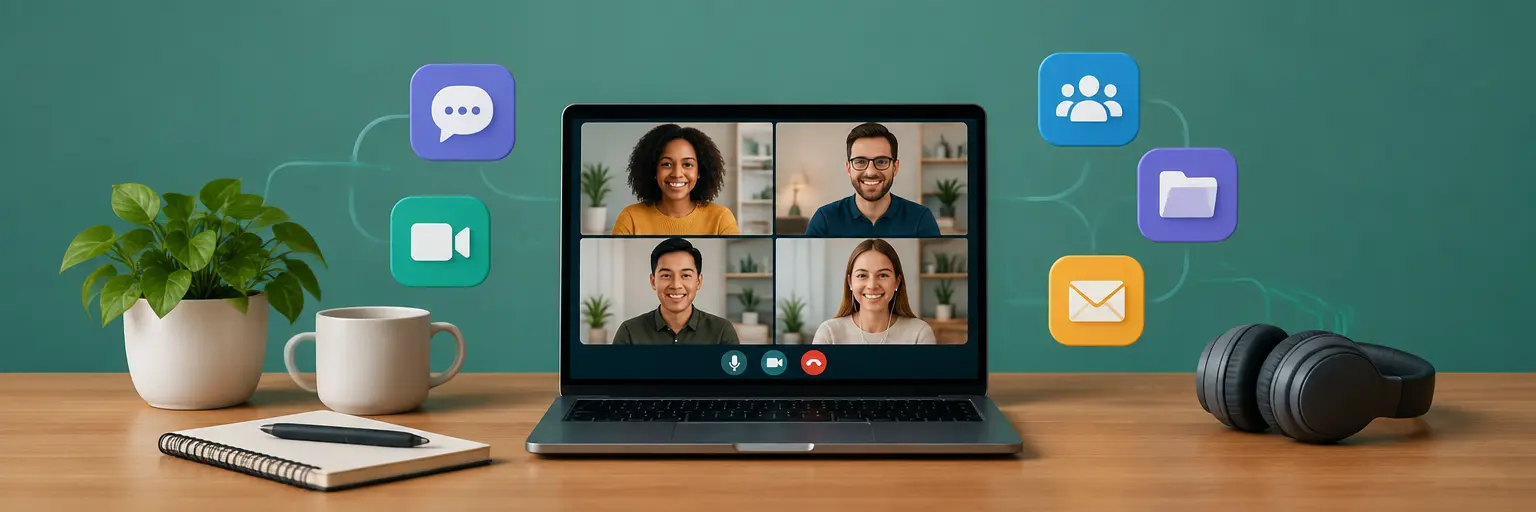
Unlock seamless collaboration with the essential communication tools that power productive remote teams. From instant messaging and video conferencing to project hubs, these platforms eliminate distance barriers, reduce email clutter, and keep everyone aligned in real time. Discover how the right software can boost team clarity, speed up decision-making, and maintain a strong company culture—no matter where your colleagues log in. Whether you’re a freelancer or managing a distributed workforce, these hacks help you streamline workflows and turn chaos into coordinated action.

🤔Mastering remote work communication is key to productivity. This guide unveils the best remote work communication tools to streamline your workflow, boost…
Read article
😊 Struggling with remote team communication? Discover the best remote team collaboration software to streamline workflows, boost productivity, and save valuable time.…
Read article
🤔 Stop relying on email! This article reveals the high-impact remote team communication software that top remote teams use to boost productivity,…
Read articleIn the modern home office, your digital toolkit is just as vital as your ergonomic chair. Communication tools for remote teams bridge the physical gap, turning scattered colleagues into a cohesive, productive unit. On UltimateLifeHacks, we cut through the noise to show you which software truly saves time and boosts efficiency. Whether you’re a freelancer, a startup founder, or a remote manager, mastering these platforms is the ultimate life hack for seamless collaboration and reduced friction in your daily workflow.
Instant messaging platforms like Slack, Microsoft Teams, and Discord are the digital water cooler for remote teams. They replace quick hallway chats and eliminate the need for disruptive phone calls. The key is to establish clear channel structures—like #project-updates or #random—to keep conversations organized and searchable. This reduces email overload and lets team members respond when they’re in flow, a huge productivity win.
For time efficiency, master keyboard shortcuts and use threads to keep side conversations from cluttering main feeds. Set statuses like “deep work” to protect focus hours. Many tools integrate with project management apps, turning a chat update into a task instantly. By choosing one primary tool and setting firm norms—like response time expectations—you’ll avoid the chaos of constant notifications and reclaim hours each week.
Zoom, Google Meet, and Microsoft Teams meetings are essential for complex discussions, brainstorming, and building trust. Video calls mimic non-verbal cues, reducing misunderstandings that plague text-only communication. To make meetings more efficient, always share an agenda beforehand and record sessions for absentees. Use features like breakout rooms for small group work and live polling to engage participants instantly.
Optimize your setup with a good webcam, lighting, and noise-canceling mic—this is a simple life hack that makes you appear professional and keeps focus on content. For recurring meetings, consider “async video” tools like Loom, where you record an update once and let others watch at their convenience. This kills the dreaded meeting fatigue and allows deep work splinters. Always close with action items to ensure every call moves projects forward.
Google Drive, Dropbox, and Notion are the unsung heroes of remote collaboration. They allow multiple users to edit docs, sheets, and presentations simultaneously, with change history and comment threads. This kills the endless back-and-forth of “final_v3.docx” emails. Store everything in a centralized, shared cloud structure with clear naming conventions, so team members always find the latest version in seconds.
For visual teams, use tools like Figma or Miro for real-time design and whiteboard collaboration. Set up permissions wisely—view, comment, or edit—to protect sensitive data. Use suggestions mode for peer review and version history to roll back mistakes. A well-organized shared drive is a life hack that reduces stress and boosts accountability, as everyone sees edits happen live and can track progress without status meetings.
Tools like Asana, Trello, and Monday.com bridge the gap between “who’s doing what” and chat updates. Integrating your communication tool with your PM platform ensures that decisions made in Slack automatically create tasks with due dates. This prevents lost action items and duplicated efforts. Use automation rules to assign tasks when specific keywords are mentioned in a channel, saving manual entry time.
Visualize workflows with Kanban boards or Gantt charts, and set up automated notifications for upcoming deadlines. The real hack is to avoid using chat as a task manager—instead, direct every “can you handle X?” into a tracked system. This creates a single source of truth, reducing anxiety and improving team clarity. Regular email digests from these tools keep everyone aligned without constant app switching.
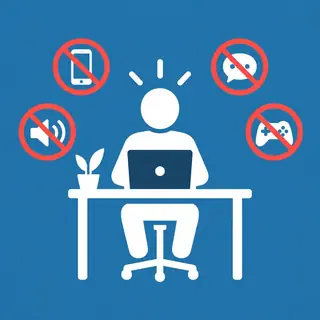
The biggest threat to remote productivity is notification overload. Communication tools, if unmanaged, turn your day into a constant interruption. Set Do Not Disturb schedules during your peak focus hours, and batch-check messages every 60-90 minutes rather than reacting instantly. Use channel muting and custom notification rules to only see high-priority mentions from specific individuals or keywords.
Create “office hours” for synchronous questions and encourage async updates for everything else. Sync your calendar status—like “Busy” during coding sessions—across tools so colleagues know when you’re unavailable. Adopt the life hack of “deep work blocks” with no app open; you’ll finish complex tasks in half the time. Remember, communication tools serve you, not the reverse—curate your digital environment for focus.
For teams under 10, Slack (free tier) with Google Meet is excellent. It offers robust channels, integrations, and search. If you need video and chat in one, Microsoft Teams is solid. Evaluate your team’s technical comfort and budget, but prioritize easy adoption over feature richness.
Implement “async first” meetings—record updates on Loom or use written statuses in a shared doc. Only schedule video calls when a decision or brainstorming is needed. Timebox every call to 25 minutes and require an agenda. Encourage participants to turn off cameras for passive sessions. This cuts daily meetings by half.
Use cloud storage like Google Drive or Dropbox with shared links, not email attachments. For files over 2GB, use WeTransfer or a dedicated server. Ensure all files are saved in a central repository with consistent naming conventions, so nobody downloads outdated versions.
Choose a “hub” tool (like Slack) and route all other notifications into it via integrations. Create clear channel names and define their purpose. Use a shared wiki (Notion or Confluence) for documentation. Limit tool sprawl—if a tool isn’t used weekly, retire it. Regular audits keep your stack lean.
Yes, constant pings and open chat windows fragment attention and increase stress. Set firm boundaries: mute non-critical channels, schedule “no-notification” blocks, and encourage detailed async writing over trivia. Train your team to write clear, complete messages to avoid follow-up questions. Balance is key—use tools to enable work, not distract from it.