Smart TV Apps You Need: Discover Hidden Gems and Essential Services
🤔 Unlock your smart TV's potential! This guide reveals the best smart TV apps 2024, hidden gems & essential services to boost…
Read article
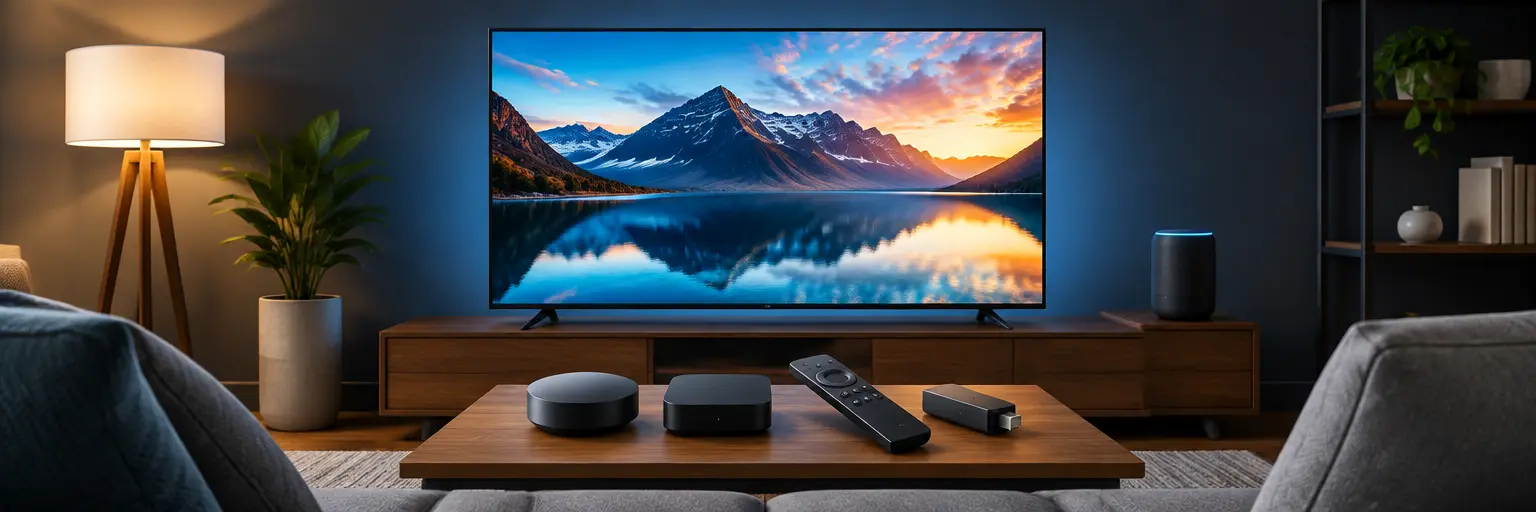
Transform your living room into a command center of convenience with the best smart TVs and streaming devices, where binge-watching meets effortless control. 🎬 From voice-activated remotes to AI-powered picture quality, these gadgets cut the clutter of cables and remotes, letting you switch between movies, music, and live sports in seconds. Whether you’re upgrading to a 4K OLED marvel or adding a pocket-sized streaming stick to an older TV, you’ll save time (no more endless searching) and boost efficiency (one interface for all your apps). Pair them with smart home hubs for hands-free commands like “play my night playlist” or “dim lights for movie night” – turning a simple screen into the brain of your entertainment ecosystem. With tips on matching resolution, HDR, and voice assistant compatibility to your space, you’ll dodge buyer’s remorse and streamline your daily routine without missing a beat. Get ready to optimize movie nights, cuts through the noise, and make every second of downtime smarter – because smart entertainment isn’t just about watching; it’s about living better, faster, and more connected. 📺✨

🤔 Unlock your smart TV's potential! This guide reveals the best smart TV apps 2024, hidden gems & essential services to boost…
Read article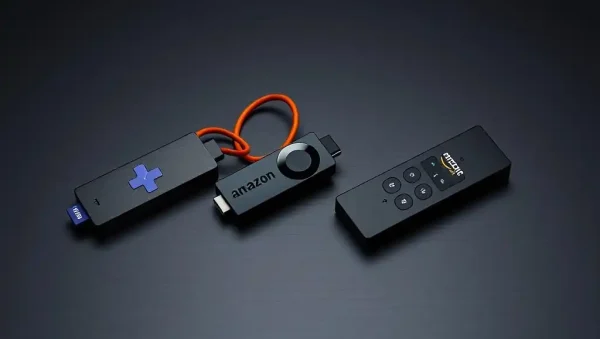
😊 Ditch expensive cable! This guide reveals the best streaming sticks and boxes, helping you find the perfect solution for a cable-free…
Read article
😊 Reclaim your time! Effortlessly control your entertainment with Smart TV voice control setup. Skip the remote, use voice commands for seamless…
Read articleWelcome to UltimateLifeHacks’ guide on Smart Home Entertainment: Best Smart TVs and Streaming Devices. This subcategory helps you cut the cord, streamline your viewing setup, and save time with hands-free controls and curated content. Whether you’re binging a series or mirroring your phone to the big screen, we focus on practical setup hacks, voice control integration, and cost-saving streaming tips to optimize your daily downtime. Here’s what you can expect to master next.
Modern smart TVs are more than screens—they’re central command centers for your whole entertainment ecosystem. Look for models with built-in voice assistants (Alexa, Google Assistant) to skip scrolling and just speak to find shows. Auto-calibration modes and fast processor speeds reduce setup time and lag, while universal search merges Netflix, Hulu, and YouTube results so you don’t bounce between apps. For productivity hackers, a smart TV with a web browser and screen mirroring lets you turn your living room into an instant conference room for video calls or a dashboard for your calendar.
Connectivity is key: choose HDMI eARC for single-cable soundbar pairing and Wi-Fi 6 for smooth 4K streaming. Our recommended picks balance value and longevity, so you’re not upgrading every two years. We’ll also cover energy-saving picture modes that cut power use while you watch—a small hack with big monthly savings. Remember, the best smart TV is one that reduces remote clutter and integrates with other smart home gadgets you already own.
Not every TV needs a full upgrade—a dedicated streaming stick or box can revive an older display in minutes. Amazon Fire Stick, Roku Streaming Stick, and Apple TV 4K each have unique strengths: Roku wins on simplicity and cross-platform search, Fire Stick excels with Alexa voice macros, and Apple TV integrates flawlessly with iPhone and AirPods. For a productivity hacker, the best device is the one that minimizes clicks—look for custom shortcuts and quick-launch buttons on the remote. We’ll compare latency, app availability, and privacy settings to help you pick without buyer’s remorse.
Consider 4K upscaling if your TV is HD but you want sharper streaming, and Dolby Vision support for HDR content. Streaming devices also unlock free ad-supported channels (like Pluto TV) that save you subscription fees. Our hacks include casting your laptop tab directly to the stick and using voice commands to shuffle playlists—all while keeping your setup minimal. A smart streaming hub can even turn off your TV and lights via routines, so your goodnight sequence is one command away.
Great picture without good audio ruins immersion. Pair your smart TV or streaming device with a soundbar that has built-in Alexa or Google Assistant to control volume, skip tracks, and check weather without reaching for a remote. Look for Dolby Atmos bars with wireless subwoofers for a theater feel, but also check dialogue enhancement modes—a lifesaver for late-night viewing. For ultimate efficiency, set up routines that lower blinds, dim lights, and start your favorite show with one phrase like “Alexa, movie night.” This turns passive watching into a fully automated smart home experience.
We’ll highlight popular bars like Sonos Beam and Vizio M-Series, focusing on HDMI ARC setup that reduces cable mess. Also, explore arc-compatible aging TVs—you can add a smart assistant via a separate echo dot or google nest to sync with your bar. Our hacks include calibrating audio with your phone’s mic and using equalizer presets for different content types (news, sports, movies). That way, you spend less time fiddling and more time enjoying.
The real magic happens when your entertainment system talks to other smart devices. Create “Good morning” routines that turn on the TV to news headlines, raise smart blinds, and adjust the thermostat. For evening relaxation, a “Wind down” scene can lower volume, switch to ambient lighting, and start a calm playlist—all triggered by a motion sensor or voice command. With IFTTT or SmartThings, you can even sync your TV to a smart plug so that turning it off also powers down connected speakers. These routines eliminate manual steps, saving you 5–10 minutes daily.
We’ll share recipe-style setups for popular ecosystems (Apple HomeKit, Google Home, Alexa). Learn how to embed entertainment commands into your existing daily hacks, like using a smart button to cycle between work and play modes. Also, avoid common pitfalls like voice conflicts between multiple assistants and device naming confusion. Our guide ensures your smart TV and streaming device work flawlessly in concert with lights, plugs, and sensors, so your home feels genuinely intelligent—not just connected.
With smart TVs and streaming devices listening for wake words, privacy is a top concern. Our hacks include disabling microphone access when not in use, placing a physical camera cover if your TV has one, and reviewing app permissions every few months. Use guest profiles for kids to restrict purchases and mature content, and enable PIN locks for one-click buys. Also, updating firmware regularly patches vulnerabilities that could be exploited via the internet. We’ll show you how to run network segmentation so your TV can’t access sensitive files on your PC or smartphone.
For streaming devices, opt for private DNS settings to block ad trackers, and turn off automatic content recognition if you don’t want apps sharing your viewing habits. Our step-by-step setup guides cover logging out of services when selling or returning a device, and resetting voice history on assistants. By following these privacy-first hacks, you’ll enjoy smart convenience without sacrificing your personal data—keeping your ultimate life hack truly secure and efficient.
Not necessarily. A streaming device can upgrade any TV with an HDMI port, giving you smart apps, voice control, and 4K support. However, if you’re buying a new TV, a smart model with built-in platforms can simplify your setup by reducing remote clutter and improving integration with other smart home gadgets.
Amazon Fire Stick offers the deepest Alexa integration, including routines and smart home control. Apple TV 4K excels with Siri and seamless iPhone connectivity. Roku has its own voice search but lacks advanced smart home commands. Choose based on your existing ecosystem—if you’re already using Alexa, Fire Stick is your best bet.
Use a wired Ethernet connection or ensure you have a strong Wi-Fi 6 network. Place the streaming device close to your router or use a mesh system. Also, lower the streaming quality in settings if your connection is unstable, and close background apps on your TV. Regularly restart your router and device for optimal performance.
Yes, most smart TVs and streaming devices have companion apps. Use Google Home, Amazon Alexa, or Apple HomeKit to control power, volume, and launching apps from your phone. Some apps also act as a virtual remote with a keyboard for easier text input—ideal for searching shows faster.
Smart TVs only listen when the wake word is enabled, but they may buffer audio for a short time. To increase privacy, disable the “Always listen” option in settings, and review your voice history to delete recordings. Consider using a dedicated external assistant device instead, which you can easily mute.