Transform Your Living Room: The Ultimate Guide to Smart Home Entertainment
😊 Upgrade your living room with our ultimate smart home entertainment setup guide! This guide provides practical, time-saving hacks to optimize your…
Read article
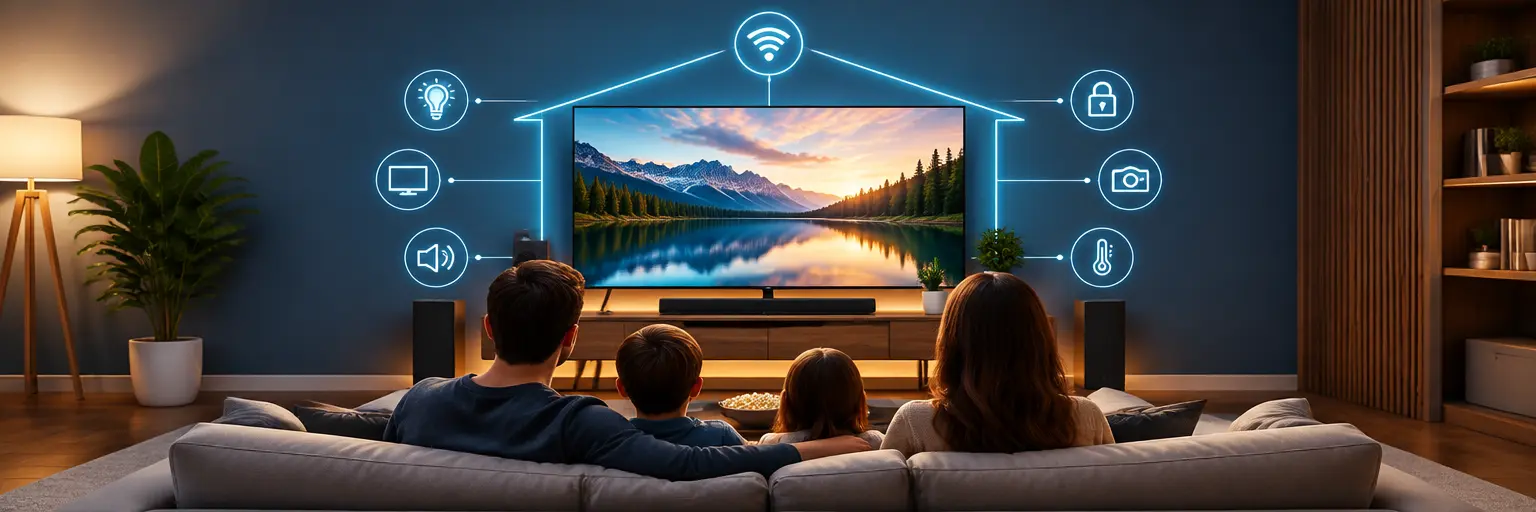
Upgrade your living space with smart home entertainment—where cutting-edge tech meets effortless convenience to transform binge-watching, music, and gaming into a seamless, hands-free experience. From voice-controlled speakers and 4K streaming devices to automated lighting that sets the perfect movie mood, these life hacks help you cut cords, reduce clutter, and reclaim precious time. Discover how to sync your TV, soundbar, and smart displays into a unified system that responds to a simple command, while saving energy and boosting daily productivity. Whether you’re hosting a party or unwinding solo, smart entertainment turns any room into a personalized theater—without the hassle of complex setups. Dive into our practical tips to optimize your routine, lower tech stress, and enjoy cinematic quality at the touch of a button. Your future-proof home starts here.
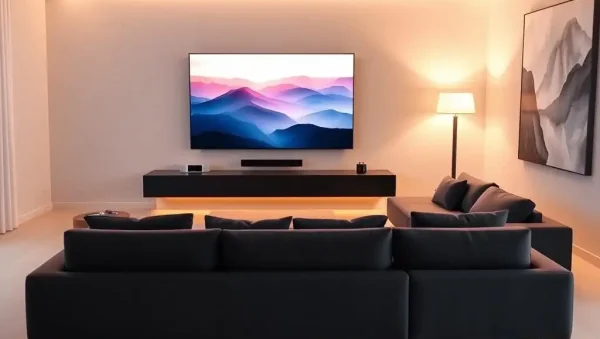
😊 Upgrade your living room with our ultimate smart home entertainment setup guide! This guide provides practical, time-saving hacks to optimize your…
Read article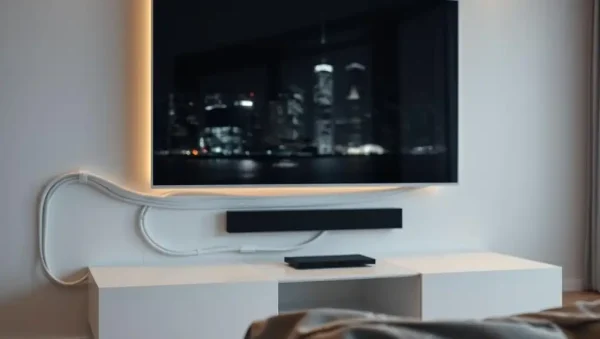
😊 Drowning in a sea of tangled TV cables? Reclaim your sanity and space with these simple, effective cable management solutions. Organize…
Read article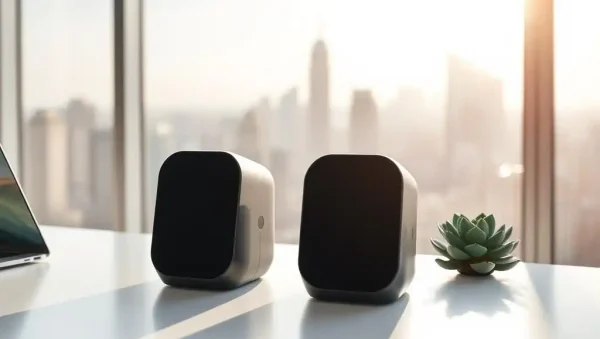
😊 Transform your workspace with the best wireless speakers for productivity. Discover how superior audio quality boosts focus and efficiency, seamlessly integrating…
Read article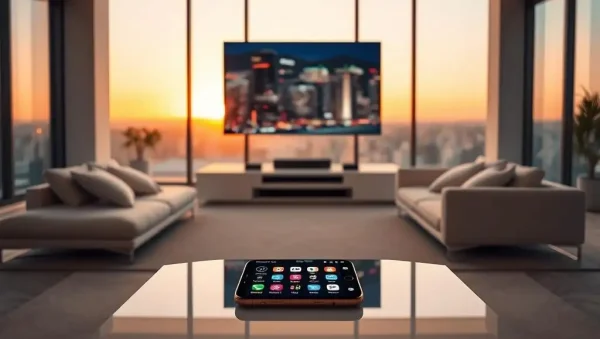
😊 Seamlessly manage your home entertainment with the best smart home apps. Streamline movie nights, control music, and adjust lighting—all from your…
Read article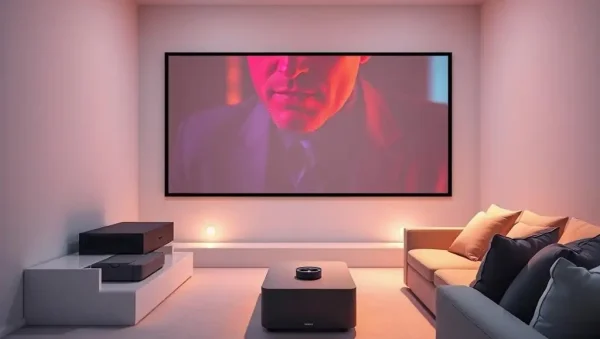
😊 Transform your living room into a cinema! This guide reveals how to choose the best home projector for movies, maximizing your…
Read article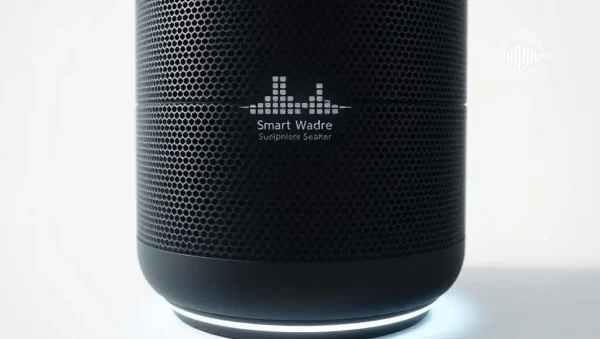
😊 Unlock pristine audio in your home! Learn how to optimize smart speaker audio for crystal-clear sound and seamless listening experiences, boosting…
Read articleWelcome to the Smart Home Entertainment subcategory of UltimateLifeHacks, where we fuse practical life hacks with the latest in connected home tech. Here, you’ll discover how to turn your living space into a seamless, high-efficiency entertainment hub—saving you time on setup, reducing clutter, and boosting your relaxation routine. From voice-controlled movie nights to automated music playlists that match your mood, this section is your blueprint for smarter, faster, and more enjoyable downtime. We focus on actionable tips, budget-friendly upgrades, and productivity-boosting integrations that fit into your busy life. No complex wiring or tech degrees needed—just simple, repeatable solutions.
Setting up a smart home theater doesn’t need to be a weekend project. Our guidance covers plug-and-play devices like streaming sticks, smart projectors, and soundbars that sync instantly with your existing Wi-Fi. You’ll learn how to use a single universal remote or voice assistant to control your TV, speakers, and lighting, cutting down on the fumbling time between apps and devices. We also share cable-management hacks and hidden-storage ideas to keep your space tidy, which directly supports your productivity goals by creating a calm, focused environment.
Expect step-by-step tutorials on automating your “movie night” routine—for example, a single command that dims smart bulbs, lowers the projector screen, and opens your preferred streaming app. We’ll also cover energy-saving tips, like using smart plugs to cut standby power, and how to calibrate audio for small rooms without professional gear. These hacks save you time on setup and troubleshooting, giving you more minutes for actual enjoyment.
Turn any room into a personal audio hub using smart speakers, displays, and multi-room audio systems. Our content focuses on voice-first routines—yelling “play my morning playlist” while you make coffee is a classic life hack that saves you five minutes of phone tapping. We’ll show you how to group speakers across rooms for synchronized audio, so you never lose the beat while moving from kitchen to home office. Also, we cover podcast automation: set a daily trigger to pause playback when you enter a meeting or when a timer expires, keeping your focus sharp.
You’ll also find productivity boosts like using voice commands to add songs to a “work” playlist, or scheduling white noise for deep work sessions. We tackle compatibility issues between Alexa, Google Assistant, and Siri, offering cross-platform tips to avoid lock-in. Plus, we share maintenance hacks—like cleaning speaker grilles and updating firmware remotely—so your audio gear lasts longer, reducing waste and replacement costs.
Smart lighting isn’t just about turning lights on with your phone; it’s about creating dynamic scenes that match your activities. In this section, we cover smart bulbs, light strips, and ambient lamps that change color and brightness based on time, weather, or your calendar. For example, set a “sunset” scene at 6 PM that gradually warms the room, signaling your brain to unwind—a powerful life hack for sleep hygiene. We also demonstrate scenes for game nights, reading, or workout sessions using pre-set buttons or voice commands.
Beyond ambiance, we integrate lighting with your routines: have lights flash gently as a reminder to take breaks, or turn off automatically when you leave the room via motion sensors. This saves electricity and reduces mental clutter. Our guides include budget-friendly options like smart plugs for existing lamps, retrofitting older fixtures, and using IFTTT (If This Then That) for custom automations. You’ll also learn how to sync lights to your TV or music for immersive movie experiences—all without breaking the bank.
Your entertainment areas—living room, home theater, or gaming corner—deserve smart security too. We explore how to integrate indoor cameras, motion sensors, and door/window detectors with your entertainment devices to create a safer, smarter home. For instance, you can automate that if a door opens during “movie mode,” your TV pauses and lights turn on—deterring potential intruders while alerting you instantly. This is a clever fusion of entertainment and security that enhances peace of mind without extra complexity.
We also cover privacy-first hacks: using camera covers, voice assistant mute buttons, and sharing rules for guests. Learn to set up temporary access codes for friends on your smart lock and automatically trigger a “party playlist” when they arrive. Additionally, we discuss syncing your security system with your smart hub so that when you leave the house, all entertainment devices power down—saving energy and reducing fire risk from standby electronics. Security and convenience go hand-in-hand here.
This section is the heart of UltimateLifeHacks—automating repetitive tasks around your entertainment devices to reclaim hours each week. Learn how to create “wake-up” routines that start your favorite news podcast, raise your blinds, and adjust thermostat simultaneously. Similarly, set a “sleep” command that turns off all screens, locks doors, and dims lights, eliminating the bedtime checklist. We’ll provide template routines for weekdays versus weekends, and show you how to use geofencing so your system knows when you’re coming home and starts your music or pre-cools the room.
We also dive into smart scheduling for kids and family: set screen-time limits for streaming apps, automatically pause content during homework hours, or require voice confirmation for late-night shows. Our hacks include syncing your smart calendar with entertainment—like having a “date night” event trigger romantic lighting and a curated playlist. By layering these small automations, you’ll notice a significant drop in decision fatigue and a boost in daily efficiency. Each tutorial includes troubleshooting tips and backup plans, so you never get stuck.
For under $50, consider smart plugs, a Google Nest Mini or Echo Dot, and a Wi-Fi-enabled LED strip. These give you voice control, basic lighting scenes, and app scheduling. For streaming, a Roku Express or Fire Stick provides smart TV features at low cost. Start small and expand later.
Yes, most smart devices connect via HDMI, Wi-Fi, or Bluetooth. For older TVs without HDMI, use an HDMI-to-RCA adapter or a Chromecast with an AUX video converter. Smart plugs and bulbs work with any lamp or fixture, so you can upgrade gradually without replacing your TV.
Some devices have local network control (e.g., smart plugs via the hub) but most rely on cloud. As a backup, keep physical remotes and manual switches handy. For reliability, choose Zigbee or Z-Wave devices that operate offline via a local hub like Hubitat or Home Assistant.
You can use IFTTT or the native app on each device, but a smart hub (like Samsung SmartThings or HomePod) simplifies. Without a hub, create a “Goodnight” scene on your smart bulbs and a timer on your smart plug for the TV. Voice assistants can chain commands using routines—no hub needed.
Use strong, unique passwords, enable two-factor authentication, and keep firmware updated. Disable remote access when not needed and use a separate Wi-Fi network for IoT devices. For cameras, place them strategically and use privacy filters. Regularly check connected devices in your router’s admin panel.