Deter BreakIns: Smart Lock Strategies for Ultimate Home Security
😊 Boost your home's security and reclaim your time with smart lock home security tips. Learn simple strategies to deter break-ins, enhancing…
Read article
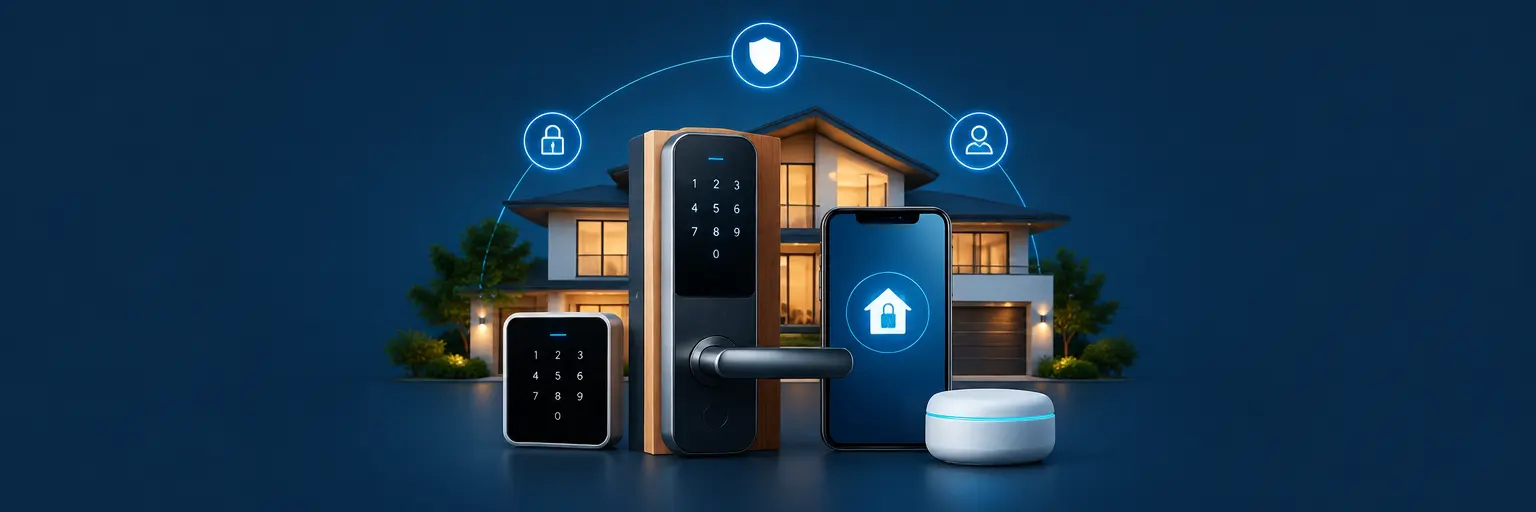
Transform your home into a fortress of convenience with smart locks and access control—no more fumbling for keys or worrying about lost spares. UltimateLifeHacks brings you the ultimate guide to upgrading your entry points with intelligent, time-saving solutions that blend seamlessly into your daily routine. From keyless entry via fingerprint, PIN codes, or smartphone apps to remote access for guests, delivery drivers, or service pros, these systems let you lock, unlock, and monitor your doors from anywhere. Automate your life by syncing locks with your smart home hub—unlock as you approach, receive instant alerts, and create temporary codes for peace of mind. Whether you’re a busy professional, a frequent traveler, or just someone who hates carrying keys, smart access control slashes wasted time and boosts security without compromising style. Integration is a breeze with most major platforms, and many models offer voice control, geofencing, and audit trails to keep tabs on who enters and when. Say goodbye to lockouts and hello to effortless, personalized entry—a true life hack for modern living.
😊 Boost your home's security and reclaim your time with smart lock home security tips. Learn simple strategies to deter break-ins, enhancing…
Read article
😊 Upgrade your home security effortlessly with smart locks. Unlock unparalleled convenience and peace of mind; smart lock home security benefits include…
Read articleWelcome to the Smart Locks and Access Control corner of UltimateLifeHacks, where we blend practical life hacks with cutting-edge home security. If you’re tired of fumbling for keys, worrying about lost duplicates, or juggling schedules for house guests, this subcategory is your blueprint. Here, we dive deep into how smart locks can streamline your daily routine, boost your home’s efficiency, and give you peace of mind—all while saving you precious minutes every day. From keyless entry to remote access, we’ll show you how to optimize your entry points like a productivity pro.
Imagine never digging through your bag for keys again. Keyless entry systems—using PIN codes, fingerprints, or smartphone apps—turn your front door into a hands-free gateway. This is the life hack you didn’t know you needed: no more lockouts, no more spare key hiding spots, and no more waiting for someone to answer. You can grant temporary access to a dog walker or repair technician from your phone, then revoke it instantly. For busy households, this means you can cut your arrival routine down to zero seconds—just tap and enter.
Beyond convenience, keyless entry enhances security by eliminating physical key theft risks. You’ll get activity logs showing who entered and when, which is perfect for tracking kids’ after-school arrivals or service visits. Pair this with auto-lock timers, and your door always secures itself after you walk in—no more second-guessing if you locked up. This subcategory will guide you through selecting the right biometric or PIN-based lock, plus troubleshooting common syncing issues, so your smart lock becomes a seamless part of your daily flow.
Remote access is the productivity multiplier for smart locks. Whether you’re at work, on vacation, or stuck in traffic, your smartphone becomes your master key. You can unlock the door for a family member, check if you left it open, or receive real-time alerts on any tampering attempt. This is a powerful life hack for frequent travelers or parents with teens—no more panic calls about forgotten keys. With geofencing, your lock can even auto-unlock as you approach, turning your arrival into a magical hands-free experience.
But remote control isn’t just about convenience; it’s about smart workflow optimization. Integrate your lock with other smart home devices—like lights and thermostats—so when you unlock, your home wakes up with you. Set schedules for cleaning staff or Airbnb guests without being physically present. This subcategory will walk you through apps, cloud security, and offline fallbacks, ensuring you stay in control even when Wi-Fi drops. You’ll learn to balance accessibility with safety, so your digital key never becomes a vulnerability.
Access control is where smart locks shine as a life management tool. Forget cutting copies or hiding keys under mats—create unique, time-limited codes for babysitters, contractors, or relatives. You control exactly when a code works, from a single afternoon to recurring weekends, and revoke it remotely the moment it’s no longer needed. This is the ultimate hack for rentals, offices, or busy family homes. You’ll also get a detailed entry log, helping you spot patterns or unexpected visitors, adding a layer of proactive security.
This facet also covers multi-user management: assign permanent codes for family, temporary ones for guests, and one-time codes for deliveries. Some advanced locks integrate with smart doorbells, letting you see who’s at the door before granting access. This subcategory explains how to structure user permissions to minimize risk—like disabling voice commands for locks or using two-factor authentication for admin rights. By mastering access control, you’ll turn your door from a weak point into a fortress that still greets friends warmly.
Worried about tech complexity? Smart locks are easier to install than most DIY furniture, often requiring just a screwdriver and 15 minutes. This subcategory provides step-by-step installation hacks for deadbolt replacements and retrofit kits that work with existing hardware. We’ll cover battery life expectations—most last 6–12 months with daily use—and how to set low-battery alerts to avoid being locked out. Plus, you’ll learn about mechanical key overrides as a failsafe, so you’re never stranded if the electronics fail.
Maintenance is where you save time long-term. Regular firmware updates and cleaning sensor surfaces prevent false triggers. We’ll share tricks like using rechargeable batteries and keeping a spare key in a secure, hidden location that won’t compromise security. You’ll also discover which lock brands offer the best app support and compatibility with voice assistants like Alexa or Google Home. This facet is about zero-friction daily use—so you can set it once and forget it, freeing up mental energy for bigger life hacks.
Your smart lock shouldn’t be a loner. Integration with ecosystems like Amazon Alexa, Google Home, Apple HomeKit, or Samsung SmartThings unlocks automation routines that save minutes every day. For example, a “Goodnight” mode can lock all doors, arm your security cameras, and dim lights with one voice command. Or, when you unlock in the morning, your coffee maker starts brewing—now that’s an efficiency hack! This subcategory explores compatibility charts and setup tips for seamless connectivity without frustrating delays or dropped commands.
Beyond convenience, integration boosts security through shared alerts—if your door lock reports forced entry, your cameras start recording automatically. You can also create custom scenarios: if you’re away for more than 24 hours, the lock can notify a trusted neighbor. We’ll cover router placement for stronger signals and Zigbee/Z-Wave alternatives for homes with poor Wi-Fi. By connecting your lock to your broader smart home, you’re not just optimizing entry—you’re building a responsive ecosystem that anticipates your needs, making your entire daily routine smoother and safer.
Yes, when configured correctly. Most modern smart locks use AES-128 encryption and rolling codes, making remote hacking difficult. Always enable two-factor authentication, update firmware regularly, and avoid using default or simple PINs. Physical security (like a strong deadbolt) still applies; smart locks are an additional layer, not a replacement for solid door hardware.
Absolutely. Most retrofit smart locks replace only the interior thumb turn, keeping your existing deadbolt and keyway. Installation typically takes 15–30 minutes with just a screwdriver. For full replacements, follow the provided template and check door alignment—most DIYers succeed without issue. If you’re unsure, video tutorials exist for every major brand.
Smart locks run on batteries, so they continue working during a power outage—no Wi-Fi needed for local keypad codes. Remote access may pause if your router is down, but physical entry via PIN, fingerprint, or mechanical key remains available. Always keep a physical key as a failsafe and monitor battery levels to avoid lockouts.
Most smart locks allow between 20 and 100 unique codes, depending on the model. You can set each code with a start time, end time, and recurring schedule. This is perfect for cleaners, pet sitters, or holiday rentals. Check your lock’s app manual—some even offer one-time codes that auto-expire after a single use.
Many smart locks are designed as retrofit kits that work with standard ANSI or Bored-in deadbolts, so you can keep your existing keyway and outside key. Full replacement models include their own deadbolt, but they still fit standard door prep. Always measure your backset (usually 2⅜ or 2¾ inches) before buying to ensure compatibility.