Effortless Focus: How These Apps Can Make Concentration Feel Natural
🤔 Reclaim your focus effortlessly! Discover the best focus apps for productivity, designed to seamlessly integrate into your daily routine and boost…
Read article
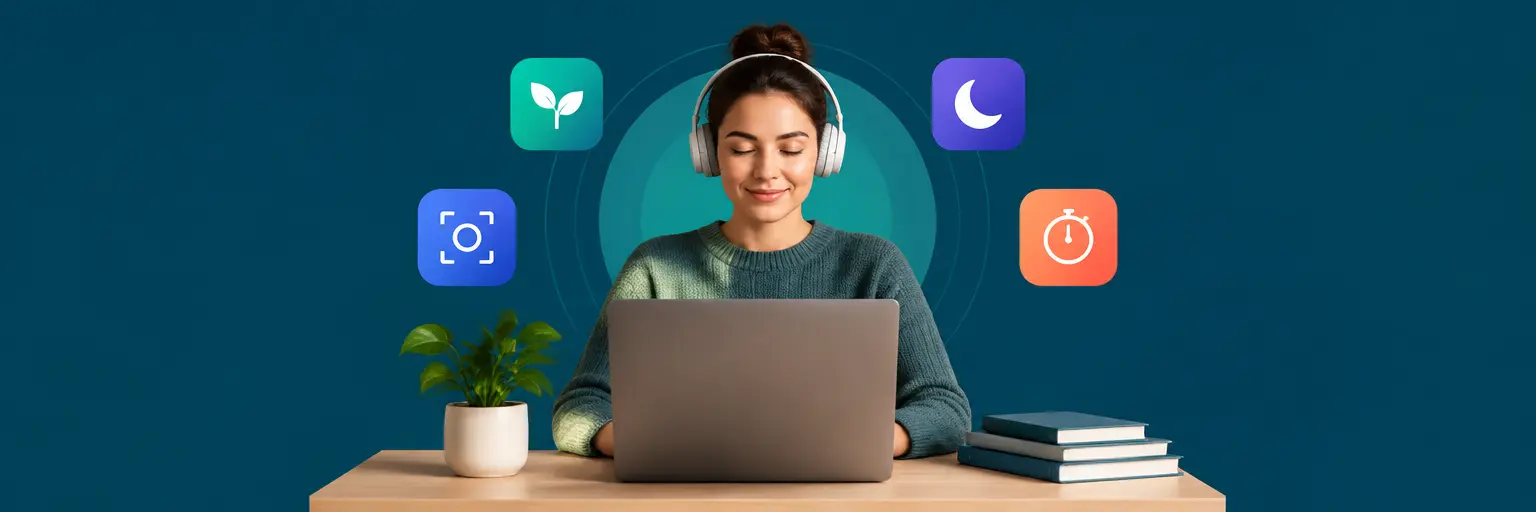
Unlock laser-sharp focus and reclaim your most valuable asset—time—with the best focus and concentration apps designed to eliminate digital distractions and supercharge your productivity. Whether you’re battling notification overload, procrastination, or task-switching chaos, these smart tools use time-blocking, the Pomodoro technique, ambient soundscapes, and gamified challenges to train your brain for deep work. From minimalist timers to AI-driven distraction blockers, discover actionable tech hacks that transform your phone from a liability into a powerhouse of efficiency. Perfect for remote workers, students, and busy professionals—learn how to optimize your daily routine and get more done in less time, without the burnout.
🤔 Reclaim your focus effortlessly! Discover the best focus apps for productivity, designed to seamlessly integrate into your daily routine and boost…
Read article
🤔 Reclaim your focus and skyrocket productivity! Discover the best focus apps to banish distractions and unlock laser-sharp concentration, maximizing your daily…
Read articleIn a world of constant notifications, pinging chats, and endless browser tabs, maintaining deep focus has become a rare superpower. That’s where focus & concentration apps step in as your digital shield. These tools are engineered to block distractions, structure your work sessions, and train your brain to enter a state of flow on demand. Whether you're a student battling social media or a remote professional juggling deadlines, mastering these apps can dramatically boost your productivity and reduce mental fatigue. This subcategory breaks down the most effective apps, their practical settings, and the science-backed techniques they use to keep you on track.
When you need to silence the noise, distraction-blocking apps are your first line of defense. Tools like Freedom, Cold Turkey, and Focus allow you to blacklist distracting websites and apps across all your devices for set periods. You can schedule recurring focus blocks, use "nuclear mode" to prevent yourself from bypassing restrictions, and sync your block lists across phone, tablet, and computer. What makes these apps powerful is their enforcement layer—they remove the choice to check Instagram or Reddit, making procrastination physically harder.
Expect to find apps that offer both pre-scheduled sessions and on-demand blocking for urgent tasks. Many include analytics dashboards showing how many times you attempted to visit a blocked site, which helps you understand your own triggers. For heavy procrastinators, some apps also feature "strict mode" that prevents uninstalling or disabling the blocker until the timer ends. This category is essential for anyone who finds willpower alone insufficient—these tools turn focus into a forced but rewarding habit.
The Pomodoro Technique—25 minutes of work followed by 5 minutes of rest—remains one of the most proven productivity hacks. Apps like Forest, Focus Keeper, and Pomodone take this simple idea and gamify it. With Forest, you plant a virtual tree that grows during your focus session; if you leave the app to check social media, your tree dies. This creates a gentle but effective emotional incentive to stay put. Other apps allow customizable work/break intervals, automatic breaks, and integration with task managers like Todoist to tie your Pomodoro sessions directly to specific projects.
Beyond the basic timer, these apps offer long-term statistics: daily focus totals, streak counts, and charts showing your most productive hours. You can also set "goal trees" or "focus coins" to unlock rewards, turning your daily grind into a fulfilling game. For teams, some Pomodoro apps support shared workspaces where colleagues can see when you’re in a focus block, reducing unnecessary interruptions. This makes them ideal for both solo work and collaborative environments that respect deep work windows.
Sometimes, the problem isn't external distractions—it's your own racing mind. Brain.fm, Endel, and Noisli generate AI-powered soundscapes that enhance concentration through neuroscience-based audio. Brain.fm uses functional music that claims to drive your brain into a focus state with patented algorithms. Endel creates real-time adaptive soundscapes based on your heart rate and time of day. Meanwhile, Noisli provides simple white noise, rain, and coffee shop sounds that mask background chatter. These apps are invaluable for open-plan offices or noisy homes.
In this subcategory, you'll learn how to layer ambient audio with binaural beats or pink noise to drown out disruptive sound frequencies. Many of these apps offer offline modes, sleep timers, and presets for different activities like deep work, coding, or reading. Some also include breathing exercises and micro-meditations to help you reset between tasks. The key is finding the right audio palette that doesn't distract you further—these apps are designed to be background companions, not foreground entertainment.
Focus apps aren't just about blocking—they're about understanding your work patterns. Tools like RescueTime run in the background and automatically track which apps and websites you use, then give you a Focus Score each day. You can set goals like "spend less than 30 minutes on social media" and receive alerts when you exceed them. More advanced apps, such as ActivityWatch, are open-source and offer full privacy while showing detailed time breakdowns. This data is gold for identifying your peak productivity windows and eliminating digital time-sinks you didn't know existed.
Expect to see habit trackers integrated within these apps—streaks, daily checklists, and weekly reports that motivate consistency. Some apps sync with wearable devices to correlate your focus sessions with heart rate variability or sleep quality. By leveraging these analytics, you can create a personalized productivity system that adapts to your energy levels. For instance, you might discover you're most focused at 9 AM, so you schedule your hardest tasks then. The goal is to turn sporadic focus into a repeatable, measurable daily routine.
The best focus apps don't exist in a vacuum—they integrate seamlessly with your existing workflow. Apps like Focus Matrix combine Pomodoro timers with task prioritization matrices, letting you assign focus sessions to urgent and important tasks. Todoist and Notion have built-in focus modes or can be paired with third-party timers via integrations like Zapier. This means you can start a focus timer directly from your project management board, automatically log completed tasks, and even trigger a "do not disturb" mode on your chat apps. When everything talks to each other, you eliminate friction between planning and doing.
Expect to find apps that support widgets on your home screen, keyboard shortcuts for quick timer starts, and API access for advanced automations. Some focus apps also integrate with calendar apps like Google Calendar, blocking out "focus time" as events so you can't book meetings during your deep work hours. Others send data to habit trackers like Habitica to gamify your progress. The more connected your tools, the more likely you are to stick with the system—this subcategory helps you build a cohesive digital environment that supports sustained attention.
Effectiveness varies by individual, but studies show that external cues like timers and blocking software reduce task-switching and improve task completion rates. The key is consistent use and pairing the app with a clear work plan. When used mindfully, these apps train your attention over time, similar to a gym routine for your brain.
A Pomodoro timer structures your work into intervals with breaks, promoting sustained effort and rest. A distraction blocker actively prevents access to distracting websites or apps during those intervals. Most modern focus apps combine both elements, but you can use them separately if you prefer more flexibility.
Yes, almost all major focus apps offer cross-platform support for iOS, Android, macOS, and Windows. Some, like Cold Turkey, are desktop-only but sync settings across devices. For mobile, Forest and Focus Keeper work offline, while cloud-sync options exist for those wanting consistent analytics everywhere.
Most are lightweight background apps with minimal resource usage. However, apps that constantly track usage (like RescueTime) may consume more battery due to continuous monitoring. You can usually disable background tracking when you don't need it, preserving battery life without losing core blocking features.
For noise cancellation, Brain.fm or Endel are excellent because they generate adaptive soundscapes that mask speech and ambient sounds. Pair that with a Pomodoro timer like Pomodone to enforce short breaks away from your desk. This combination reduces cognitive load and keeps you productive despite external chaos.