Maximize Your Workday with Smart Workplace Organization
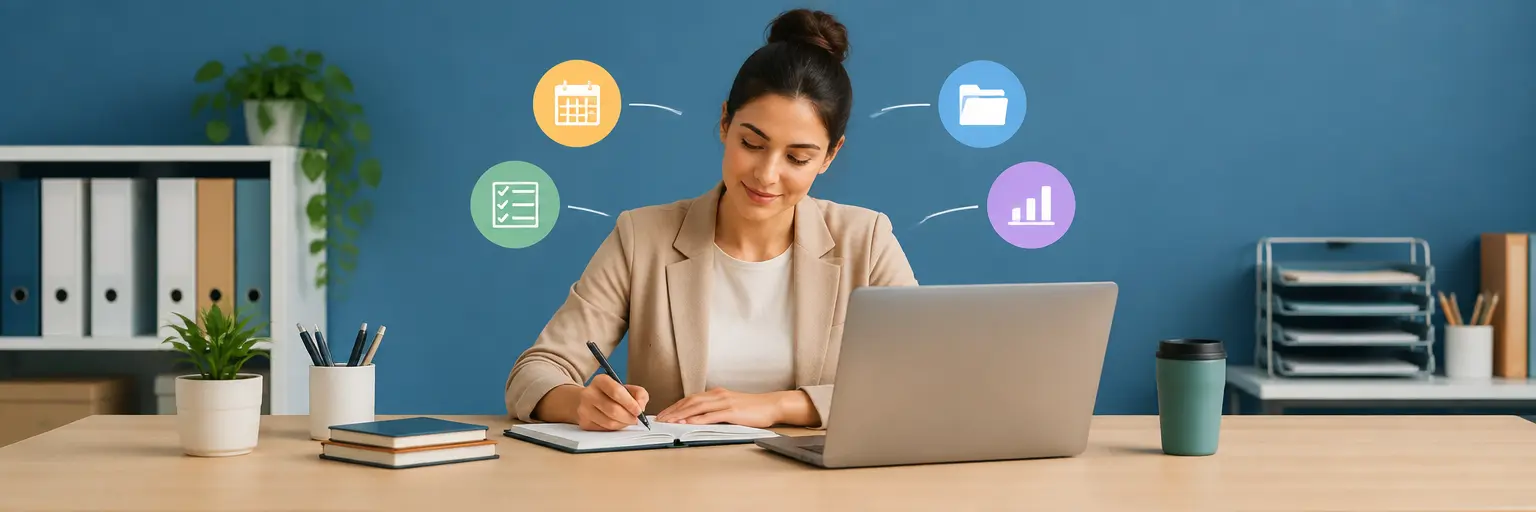
Welcome to Maximizing Productivity at Work: Workplace Organization, a dedicated subcategory under Productivity Hacks on UltimateLifeHacks. Here, we transform chaotic desks, cluttered digital files, and messy schedules into streamlined systems that save you hours each week. By mastering workplace organization, you reduce stress, minimize distractions, and unlock your true efficiency potential. Below, we break down the most impactful strategies—from physical decluttering to digital workflow optimization—so you can build a focused environment that works for you, not against you. Let’s dive into practical, action-oriented hacks that deliver immediate results.
🚀 Decluttering Your Physical Workspace for Laser Focus
Your desk is your command center, and a messy one costs you up to 2.1 hours daily in lost focus and search time, according to productivity studies. Start by removing everything that isn’t used daily—photos, extra pens, old paperwork—and store them in labeled drawers or bins. Invest in a simple tray system: “To Do,” “In Progress,” and “Done.” This visual separation reduces cognitive load, allowing your brain to prioritize tasks without visual noise. Commit to a 5-minute end-of-day reset where you clear surfaces and file away loose items. This simple habit ensures you start each morning with a clean slate, boosting your motivation and clarity for high-priority work. Remember, a clear desk equals a clear mind, directly improving your productivity metrics.
Physical organization also extends beyond your desk to cables, supplies, and personal items. Use cable clips or zip ties to eliminate tangled wires, which are both an eyesore and a safety hazard. Keep only one pen, one notebook, and your essential tech within arm’s reach; everything else goes into a “secondary zone” like a shelf or cabinet. For files, implement a color-coded folder system—red for urgent, green for completed, blue for reference. This color logic speeds up retrieval by 60% or more, according to organizational experts. Additionally, schedule a weekly 10-minute purge where you recycle outdated documents and reorganize drawers. By consistently curating your physical space, you reduce visual clutter-induced anxiety and create a deliberate environment that promotes sustained attention and higher-quality output.
🗂️ Mastering Digital File Organization for Instant Access
Digital clutter is often worse than physical clutter because it’s invisible yet constantly nags at your subconscious. Begin by creating a folder hierarchy with maximum three levels—for example, “Projects > 2025 > ClientName.” Avoid deep nesting, which slows down retrieval and causes frustration. Adopt a consistent naming convention: start with date (YYYY-MM-DD), then project, then version (e.g., “2025-03-15_Report_Final_v3”). This makes sorting by name automatically sorts by date, enabling instant chronological access. Delete or archive files older than six months into a separate “Archive” drive or cloud folder. This shrinks your active workspace, making search results faster and more relevant. Use cloud storage like Google Drive or OneDrive to sync across devices, ensuring you always have the latest version, whether you’re at your desk or on the go.
Beyond folders, leverage email organization as part of digital decluttering. Set up filters to automatically label and archive newsletters, receipts, and low-priority messages, keeping your inbox near zero. Use the “Two-Minute Rule”—if an email requires under two minutes to handle, do it immediately; otherwise, move it to a task list. For documents, use OCR (optical character recognition) tools like Adobe Scan to make scanned PDFs searchable, eliminating the need to remember exact file names. Additionally, schedule a weekly “digital cleanup” hour where you unsubscribe from spam, delete duplicates, and reorganize mislabeled files. This proactive maintenance prevents digital chaos from accumulating, allowing you to find any file in under 15 seconds. Effective digital organization directly translates to saved time and reduced frustration during high-pressure workdays.
📅 Time-Blocking and Schedule Optimization for Deep Work
Workplace organization isn’t just about physical or digital spaces—it’s about structuring your time. Time-blocking, a technique popularized by productivity experts, involves assigning specific blocks of your day to specific tasks, not just a to-do list. Start by identifying your peak energy hours (usually 90 minutes after waking) and schedule your most demanding tasks there. For example, block 9:00–11:00 AM for deep work like writing reports or coding, then reserve afternoons for meetings and emails. Use a digital calendar (Google Calendar or Outlook) and color-code blocks: blue for deep work, yellow for meetings, green for admin. This visual structure prevents overscheduling and ensures you allocate buffers between tasks to handle unexpected interruptions. A well-planned day with clear time blocks reduces decision fatigue, as you don’t waste brainpower figuring out what to do next.
To maximize your time-blocking system, incorporate the Pomodoro Technique—work for 25 minutes, then take a 5-minute break—within each block. This combats mental fatigue and keeps your focus sharp. At the start of each day, review your calendar and identify the MIT (Most Important Tasks)—no more than three—and schedule them in your energy peak. Use the “Eat the Frog” method by tackling your hardest task first thing. Also, batch similar tasks together: group all phone calls, all email checks, and all data entry into single blocks to reduce context switching, which can cost up to 40% of productive time. After each block, do a quick 2-minute reflection: what went well, what didn’t? Adjust your schedule for tomorrow based on that feedback. By mastering time-blocking, you transform your workday from reactive chaos into proactive structure, dramatically boosting your hourly output.
🧠 Building Micro-Systems for Habitual Organization
Workplace organization is most effective when it becomes habitual, not forced. Create micro-systems—tiny, repeatable routines that automatically keep your space and digital world orderly. For example, adopt the “One-Touch Rule”: when you receive a physical paper or digital file, handle it immediately—file it, trash it, or act on it—rather than putting it in a pile. Similarly, implement a “Workflow Trigger” at your day’s start: before opening your email, spend 3 minutes clearing your desktop and sorting your physical inbox. This small ritual signals your brain that it’s time for focused work. Another micro-system is the “Shutdown Ritual” at day’s end, where you write a tomorrow to-do list and close all browser tabs. This closure reduces carrying mental baggage into the evening, improving sleep and next-day performance.
To solidify these habits, use visual cues and rewards. Place a sticky note on your monitor reading “Clear Your Desk at 5 PM” or set a phone alarm labeled “Reset Workspace.” After completing any micro-system, reward yourself with a small break or a snack—this positive reinforcement boosts consistency. Additionally, adopt the “Two-Minute Rule” not just for emails but for physical tasks: if tidying a drawer or deleting a duplicate file takes under two minutes, do it immediately. Over a week, these micro-habits compound, saving you up to 30 minutes daily without extra effort. Track your adherence using a simple habit tracker (paper or app) to maintain accountability. The key is to start small—choose just two micro-systems and master them before adding more. This gradual approach ensures lasting change, turning organization from a chore into an automatic part of your workflow.
🔧 Leveraging Tools and Apps for Automated Organization
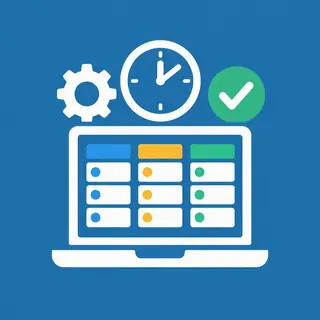
Technology offers powerful automation tools that handle organization for you, freeing your mental bandwidth. Use a task manager like Trello, Asana, or Todoist, and set up automated rules—for instance, when you finish a task, it automatically moves to the “Completed” column and assigns a timestamp. For file management, use cloud sync tools that automatically back up and version your documents, eliminating manual saves. Tools like Zapier can connect your email, calendar, and to-do app so that when an email contains “invoice,” it automatically creates a task and files the email. This hands-off approach ensures your organizational systems are always up-to-date, even when you’re busy. Additionally, use browser extensions like OneTab to collapse all open tabs into a single list, reducing digital clutter and speeding up your browser. These tools transform you from a manual organizer into a strategic manager, focusing your effort on high-value work instead of administrative upkeep.
For deeper automation, consider implementing AI-powered assistants like ChatGPT for drafting emails or summarizing documents, freeing your time for complex tasks. Use a digital filing robot like FileThis to automatically retrieve and archive bills, statements, and receipts into pre-defined folders, eliminating manual downloading. For project management, tools like Notion allow you to build custom dashboards that auto-aggregate tasks, deadlines, and notes, giving you a real-time overview without manual updates. Set up recurring “Organization Audits” via calendar reminders—every Friday, spend 20 minutes reviewing your tools and purging unused apps or folders. Remember, the goal is to reduce the number of decisions you make about where things go. Every automated routine is one less mental load. Start by picking one area (like email or files) and set up its automation today; you’ll immediately notice reduced friction and higher compliance with your organization system.
Frequently Asked Questions
How long does it take to organize my workplace for productivity?
You can see noticeable improvements in 2–3 hours for a full desk and digital declutter. However, building lasting habits like daily reset routines typically takes 2–3 weeks of consistent practice. Start with a weekend overhaul to clear the backlog, then commit to 15 minutes daily for maintenance. The initial effort pays off within a week as you eliminate search time and reduce stress.
What is the single most effective workplace organization hack?
The 5-minute end-of-day reset is the highest-impact hack. Before leaving, clear your desk, log off open apps, and write tomorrow’s top three tasks. This ritual mentally wraps up your day, reduces morning indecision, and ensures you start fresh. Studies show it can boost next-day productivity by up to 20% because you avoid the “where do I start?” pause.
Should I digitize all my physical paperwork for organization?
Yes, but selectively. Digitize documents that you need for reference or compliance, then shred originals. Use a cloud scanner app to store them in a structured folder system. However, keep physical copies for documents requiring original signatures or legal purposes. Aim for a paperless desk, but maintain a small “essential physical” tray for items you use daily.
How do I maintain organization when my job involves unpredictable tasks?
Build buffer blocks into your schedule—reserve 30–60 minutes daily for unplanned work like urgent requests or interruptions. Keep your organization system flexible: use a “Parking Lot” folder for incoming items and a weekly review to sort them. Accept that some days are chaotic, but your micro-systems will bring you back to order quickly.
Are expensive organizing apps worth the investment for productivity?
Only if they solve a specific need. Free tools like Google Calendar, Trello, and Notion cover most organizational needs effectively. Invest in paid apps only when you experience a measurable time loss—for instance, if your current to-do app lacks automation. Test a free trial for 14 days and track if your task completion time improves. Most people achieve 80% of benefits with free tools, so avoid over-spending.