Secure Your Sanctuary: A StepbyStep Guide to Smart Home Security Installation
😊 Transform your house into a fortress with our comprehensive smart home security installation guide. This step-by-step guide simplifies setup, boosting your…
Read article
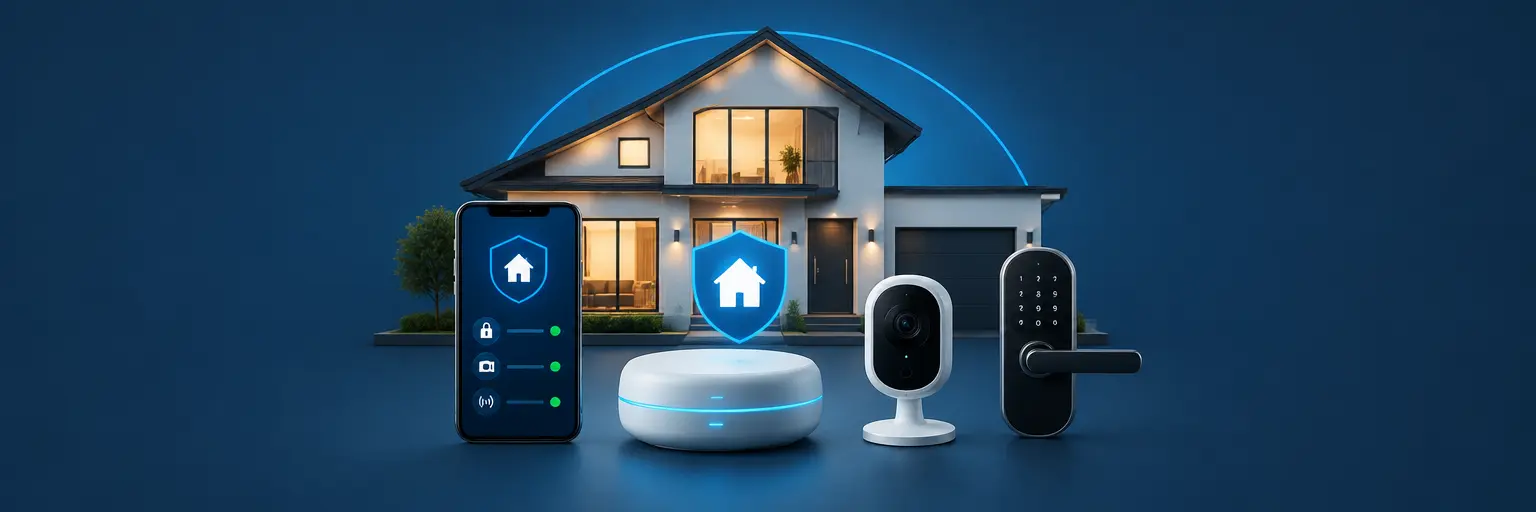
Transform your home into a fortress with effortless intelligence—discover how to set up and optimize smart security systems that work *for* you, not against you. From syncing motion sensors and smart locks to fine-tuning night vision and instant alerts, these hacks cut setup time in half while maximizing peace of mind. Whether you’re a tech novice or a seasoned pro, you’ll learn to automate routines, eliminate blind spots, and reduce false alarms—all through straightforward, actionable steps. Save time, boost efficiency, and sleep soundly knowing your smart security is finally tuned to perfection.
😊 Transform your house into a fortress with our comprehensive smart home security installation guide. This step-by-step guide simplifies setup, boosting your…
Read article
🤔 Avoid costly smart home security mistakes! Learn to identify common vulnerabilities in your system and implement simple fixes to boost your…
Read articleWelcome to the ultimate guide for turning your house into a fortress with intelligent automation. At UltimateLifeHacks, we believe security shouldn’t be complicated—it should save you time and peace of mind. This subcategory walks you through every step, from unboxing your first smart camera to fine-tuning motion sensors for zero false alarms. You’ll discover productivity hacks like geofencing, voice control, and unified app management that slash daily friction while boosting protection. Whether you’re a tech novice or a seasoned tinkerer, these actionable strategies will help you optimize your smart security ecosystem efficiently, safely, and cost-effectively.
Selecting the correct hardware is the foundation of an efficient smart home. Instead of buying random gadgets, focus on a compatible ecosystem—think Zigbee, Z-Wave, or Wi-Fi 6—to reduce latency and avoid app clutter. Look for hubs that support Matter, as this future-proofs your setup and simplifies cross-brand integration. For beginners, bundle deals with a base station, door/window sensors, and a camera offer the best value. Advanced users should prioritize PoE cameras for reliability, battery sensors with long life, and sirens with 100+ dB output. Key takeaway: A modular system saves money and energy, allowing you to expand without replacing everything.
Optimization begins with placement and configuration. Place the hub central to all sensors to strengthen signal strength, and avoid metal enclosures or concrete walls. Use the manufacturer’s app to create rooms, assign names (e.g., “Front Door” not “Sensor 2”), and set custom alert zones to reduce nuisance notifications. For productivity, enable “home” and “away” modes that automatically arm or disarm based on your phone’s location. This eliminates manual toggling, a classic time-waster. Finally, update firmware monthly to patch vulnerabilities and unlock new features—this is a 5-minute habit with huge long-term security upside.
Camera placement is both an art and a science. Aim for eye-level height (7–9 feet) to capture clear faces, and angle them slightly downward to reduce glare and blind spots. Cover every entry point—front door, back door, ground-floor windows—but also add a wide-angle camera for the driveway to catch license plates. Use outdoor models with IP65+ ratings to survive rain and heat. Pro tip: For indoor cams, place them at corners facing entryways, not directly at living spaces, to respect privacy while still keeping an eye on activity. Always test the field of view in daylight and night mode before finalizing screws.
Optimization involves tuning motion sensitivity and recording schedules. Most apps let you set activity zones—for example, ignore the street but monitor your porch. This cuts false alerts from passing cars, saving your phone’s battery and your attention. Use person detection (AI-based) to only push notifications for humans, not pets or trees. For storage, enable continuous recording on a microSD or NVR, plus cloud backup for critical events. Schedule recording timers: during work hours, use high-res 1080p; at night, switch to 720p with IR to save bandwidth. This smart resource management boosts reliability without lag.
Smart locks are a productivity game-changer—no more fumbling for keys. Install a keypad or biometric lock on the main door, and connect it to your hub for remote locking from anywhere. Set up temporary access codes for cleaners or guests, then expire them automatically. For optimization, program “unlock on arrival” using geofencing: as you approach home, the door unlocks, and lights turn on—a seamless welcome. But security-wise, always enable auto-lock after 60 seconds to prevent forgetting. Pair entry sensors on every accessible window and door to trigger alarms, and use contact sensors on garage doors to catch left-open incidents.
Time-based automation makes security passive. Create routines like “Goodnight”: all locks engage, sensors arm, cameras go to night mode, and indoor lights dim at 11 PM. For mornings, a “Sunrise” routine disarms and unlocks when you wake. Crucially, test battery levels monthly—low battery on a lock or sensor is a silent vulnerability. Use smart plugs for backup power on hubs, and consider a local alarm siren that works even if Wi-Fi fails. These small optimizations ensure your system performs flawlessly during emergencies, giving you true hands-free control and reducing manual check-ins throughout your day.
Voice assistants (Alexa, Google, Siri) turn security into a command, not a chore. Say “Arm the system” or “Show front door” while cooking, without touching a screen. Create custom phrases like “Security check” that run multiple actions: lock doors, verify camera feeds, and ping your phone with a summary. For the ultimate hack, build IFTTT or SmartThings routines—e.g., if front door opens after sunset, turn on porch light and record 30 seconds. This proactive automation deters intruders and keeps you informed automatically. Efficiency win: Use scheduled announcements—play a chime on speakers when a door opens—so you know activity without checking your phone.
Optimization extends to reducing digital noise. Consolidate all security notifications into one notification center, and mute non-critical ones during work hours. Use “quiet hours” for motion alerts at night, only allowing doorbell rings. For multi-user homes, set up guest profiles with limited access—no ability to delete recordings or change system settings. This saves time on troubleshooting and keeps operations smooth. Finally, leverage scene shortcuts on your phone’s home screen: one tap to “Arm Away” or “Disarm” without opening five apps. This micro-optimization adds seconds back to every interaction, compounding to significant daily savings.
Lagging security is a risk. Schedule a quarterly maintenance checklist: wipe camera lenses, check sensor cleanliness, and verify all devices are online within the app. Replace batteries before they hit 20%—enlist a rechargeable battery pack for cameras to cut costs. Update firmware automatically where available, and review security logs weekly for any bizarre activity. Privacy hack: Change default passwords, enable two-factor authentication, and disable remote access like UPnP if not needed. For cameras, set privacy modes that physically cover the lens when you’re home. This protects your data while remaining optimized.
Optimization also means future-proofing. Monitor your network’s bandwidth—smart cams can steal speed from your work calls. Use QoS (Quality of Service) settings on your router to prioritize security traffic. Consider adding a cybersecurity mesh VPN for remote monitoring, or disabled cloud access and use VPN instead. Upgrade your hub’s storage to a 24/7 local NVR for endless footage without subscription fees. These incremental tweaks elevate reliability and reduce ongoing costs. Remember, the best system isn’t the priciest—it’s the one you maintain and test regularly, ensuring a seamless, safe, and speedy smart home experience every day.
Yes, but partially. Many hubs and cameras support local recording and alarm siren via battery or LAN, even if Wi-Fi drops. However, remote viewing, push alerts, and voice control require internet. For critical setups, always have a backup cellular module or keep a battery-powered siren locally armed for offline protection.
Use activity zones to exclude high-traffic areas like streets, and enable person detection AI. Also, adjust sensitivity to medium (avoid high) and set a cooldown time (e.g., 30 seconds) between alerts. Regularly clean camera lenses and ensure no spider webs or moving branches are in view—these are top causes of false triggers.
Absolutely. Through hubs like SmartThings, HomeKit, or Alexa, you can link cameras to smart lights (turn on when motion detected), locks to thermostats (unlock and adjust temp), and sensors to speakers for sound alerts. Use Matter for cross-brand compatibility, and test routines to ensure seamless trigger-response chains.
Firmware updates should occur automatically or monthly to patch security holes. For passwords, change them every six months, especially if you’ve shared access codes. Use a password manager to create unique, long strings. Enable two-factor authentication on the main app and any cloud accounts—this adds essential security without adding time.
Not always. Most hardware brands offer local storage (microSD/NVR) and basic app features for free. Subscriptions add cloud recording history, advanced AI (person/face recognition), and 24/7 professional monitoring. If you’re DIY-inclined, skip subscriptions and use local storage plus active automation. Only pay if you need deep video history or remote monitoring without managing your own storage.