The Productivity App for Communication: Stay Connected
😊 Drowning in emails and messages? Discover the best productivity communication app to streamline your workflow and boost team collaboration. Reclaim your…
Read article
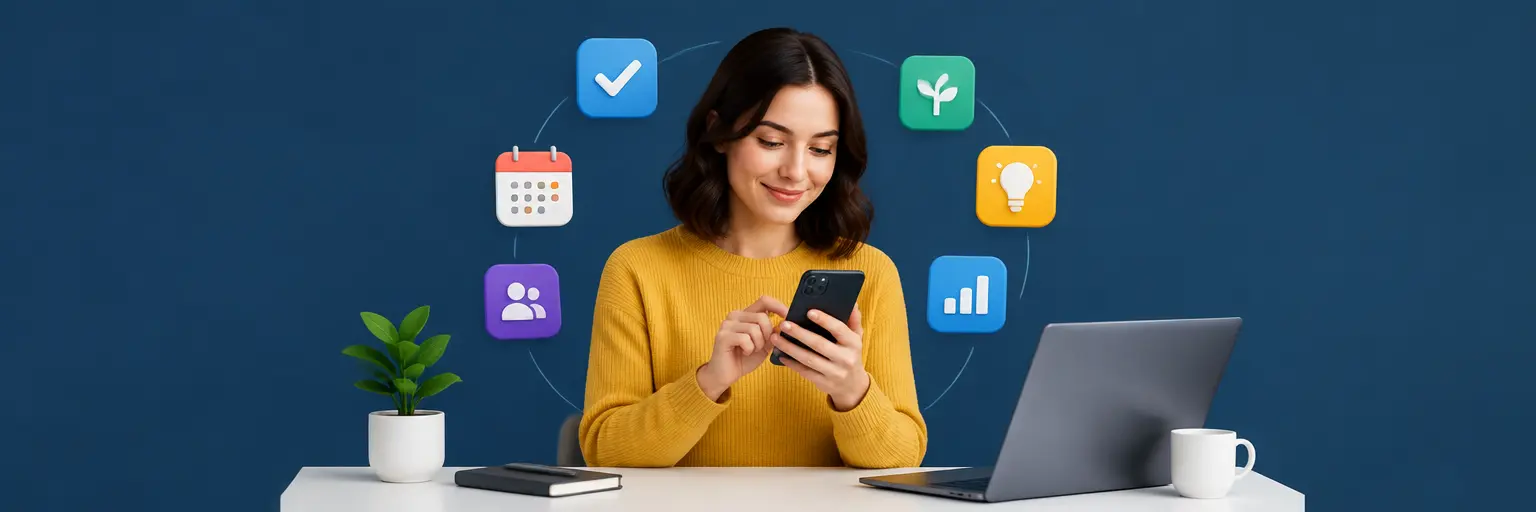
Unlock your full potential by mastering the digital tools you already own. From calendar mastery and note-taking shortcuts to task automation and focus-boosting features, learning to wield productivity apps effectively can slash your daily screen time and double your output. Stop juggling tabs and forgetful to-do lists—discover the hidden settings, keyboard shortcuts, and workflow integrations that turn any app into a personal efficiency engine. Transform scattered effort into seamless momentum with actionable, app-agnostic strategies designed for busy modern lives.
😊 Drowning in emails and messages? Discover the best productivity communication app to streamline your workflow and boost team collaboration. Reclaim your…
Read article
🤔 Drowning in tasks? Discover the best productivity apps for work and beyond! This article unveils top-tier time-saving tools to streamline your…
Read article
🤔 Feeling overwhelmed by productivity apps? Discover how to boost productivity without apps, leveraging simple, effective techniques to reclaim your time and…
Read article
😊 Drowning in emails? Discover the best email productivity app to conquer your inbox chaos. Streamline your workflow, boost efficiency, and reclaim…
Read article
😊 Streamline teamwork and boost productivity with our best file-sharing app. Effortless collaboration, secure sharing, and intuitive design save you valuable time…
Read article
🤔 Drowning in research? Our fast research productivity app streamlines information gathering, saving you valuable time. Boost your efficiency and conquer your…
Read article
🤔 Juggling a side hustle? Maximize your time and boost your income with the best productivity app for side hustlers. Streamline tasks,…
Read articleWelcome to the Using Productivity Apps subcategory, part of UltimateLifeHacks’s Tech & Digital Hacks hub. Here, we dive deep into the digital tools that can transform your chaotic to-do list into a streamlined workflow. Whether you’re a busy professional, a student juggling deadlines, or a parent managing a household, this section is your go-to resource for mastering time management, task organization, and focus enhancement through the best apps available. Discover actionable insights, app comparisons, and hidden features designed to save you hours each week.
Task management apps are the backbone of digital productivity. In this section, we review and compare leading platforms like Todoist, Asana, and TickTick, focusing on their unique strengths—from natural language input to AI-powered scheduling. You’ll learn how to set up a trusted system that captures every task, prioritizes by urgency, and syncs seamlessly across all your devices. We break down real-life use cases, such as managing a content calendar or planning a family vacation, so you can choose the right tool without trial and error.
Expect step-by-step visual guides on creating filters, tags, and recurring tasks that automate the mundane. We also share advanced tips like integrating your task manager with email and calendar apps to create a single source of truth for your day. By the end, you’ll be able to reduce mental clutter and reclaim at least two hours weekly, all with a free or low-cost subscription. This section isn’t just about lists—it’s about building a reliable workflow that adapts to your changing priorities.
Time tracking is more than counting minutes—it’s about understanding where your energy goes. We explore apps like Toggl, RescueTime, and Forest, which turn focus into a game. You’ll discover how to run Pomodoro sessions that boost deep work, analyze your daily digital habits, and block distracting websites during peak productivity hours. Our guides include setup instructions for automatic tracking, so you never have to manually log another task.
Beyond basic tracking, we highlight the psychology behind these tools—why visual timers and gamified rewards keep you motivated. For freelancers, we show how to use time logs to invoice clients accurately; for students, how to balance study blocks with breaks. You’ll also learn about cross-device sync and offline modes, ensuring your focus tools work anywhere. With these apps, you’ll not only work harder but smarter, turning idle time into creative output.
Your calendar is the control center of your day. In this segment, we dive into Google Calendar, Calendly, and Fantastical, focusing on smart scheduling features like time zone detection, event templates, and natural language creation. You’ll learn how to block time for deep work, set up appointment slots for clients, and sync multiple calendars (work, personal, family) without overlap. We also cover the art of time blocking—a technique to allocate every hour intentionally.
Expect tutorials on integrating your to-do list with calendar events to auto-create tasks from emails. We also review AI assistants that schedule meetings for you, saving back-and-forth emails. For teams, we discuss shared calendar permissions and availability sharing to streamline collaboration. By mastering these apps, you’ll avoid double-booking, reduce last-minute rushes, and gain a clear visual roadmap for your week—making every appointment and deadline feel manageable.
Constant interruptions kill productivity. This section tackles the notification overload with apps like SaneBox, Unroll.me, and Focus assist features. You’ll learn to batch emails, prioritize only actionable messages, and automatically mute non-urgent alerts. We cover the Inbox Zero philosophy, showing how to use filters, templates, and snooze functions to turn your email into a task queue rather than a source of anxiety.
We also explore focus mode tools that temporarily silence social media, messaging, and browser tabs. For mobile users, we recommend custom app notification dashboards that consolidate all alerts into one glanceable panel. With these apps, you can create a digital minimalist environment, cutting down on context switching. The result? Sharper concentration, lower stress, and the ability to respond to what truly matters—when it matters.
Productivity apps aren’t just for tasks—they can rewire your habits. Here, we profile Habitica, Streaks, and Loop Habit Tracker, which turn habit formation into a rewarding game. You’ll learn how to track daily habits like drinking water, exercising, or reading, and use streak counters to build momentum. We explain the science of habit stacking and how these apps send nudges to keep you consistent without feeling pushy.
Beyond simple check-ins, we cover advanced features like customizable reminders, weekly progress reports, and social accountability groups. For routine planning, we show how to link habit apps with your calendar to create automatic blocks for “deep work” or “workout.” This section helps you break bad patterns and replace them with productive ones, transforming your default behavior. Over time, these small wins compound into massive life improvements, all guided by digital nudges that fit your lifestyle.
For beginners, Todoist’s free tier is excellent—it offers task management, labels, and project organization without cost. Alternatively, Microsoft To Do syncs well with Outlook and is also free. Start with one app, master it, then explore others. Focus on building a consistent task capture habit before adding advanced features.
Use your device’s Focus Mode or Do Not Disturb settings to schedule quiet hours. Within apps, disable non-critical alerts in their notification settings. Tools like SaneBox automatically filter low-priority emails. Also, set a daily “notification check” time to review messages in bulk, reducing constant interruptions.
Yes, many top apps offer offline mode. Todoist, Google Keep, and Any.do allow you to capture tasks and take notes without internet, syncing later once connected. For time tracking, Toggl and Clockify both support offline entry. Ensure you enable offline access in settings and sync frequently to avoid data loss.
Keep it minimal—typically three core apps: one for tasks, one for calendar, and one for time tracking or notes. Overlapping features cause confusion. Pick apps that integrate with each other, like Todoist + Google Calendar + Toggl, to streamline your workflow without redundancy.
Paid versions often add automation, integrations, and advanced analytics. If your work involves complex projects or client billing, features like Asana’s timelines or RescueTime’s reporting may justify the cost. However, many free tiers cover basic needs. Try free trials and upgrade only when you hit a clear limitation.